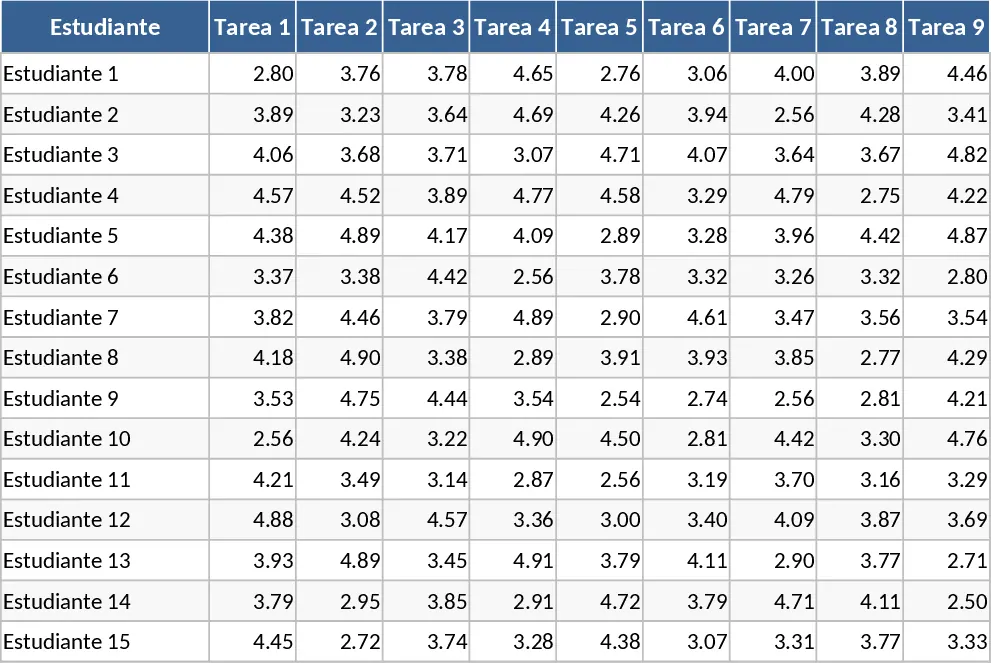
Student Grade Tracker and Pass/Fail Status Template
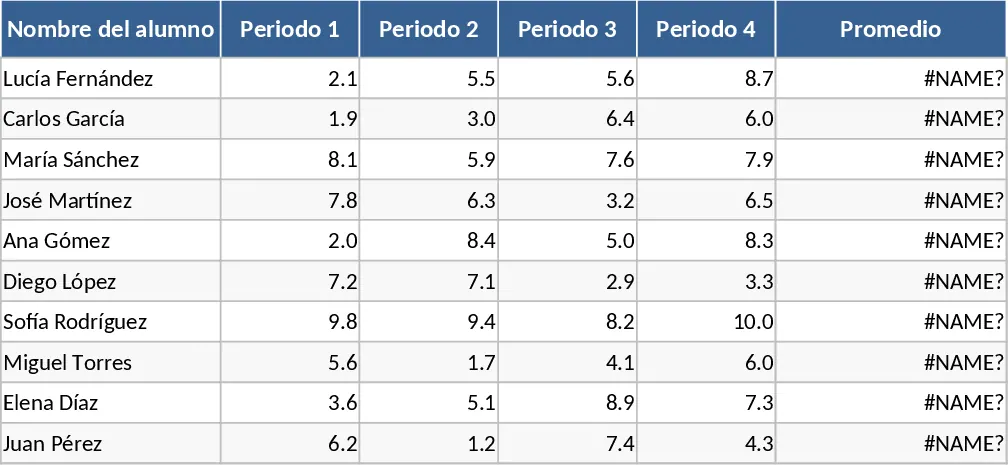
This Student Grade Tracker is a streamlined tool designed for educators, tutors, and academic administrators to manage student records with precision and ease. The template features a clean, tabular structure where you can record student names and their corresponding scores across four distinct grading periods. At its core, the template utilizes automated Excel functions to provide real-time insights into academic performance, eliminating the need for manual calculators or complex spreadsheets. Each row is dedicated to an individual student, containing fields for their name, four specific period grades, a calculated average, and a final status result.
In a busy educational environment, keeping track of multiple assessments can be overwhelming. This template solves that challenge by centralizing data and providing instant feedback. The primary benefit is the automated calculation of the final average and the conditional logic that determines a student's status. By setting a clear benchmark—in this case, a 6.0 passing grade—the template provides an objective view of who has met the requirements and who might need additional support. This helps in maintaining transparency with students and parents alike, as the data is presented in a clear, professional format that is easy to share or print.
The template is perfectly suited for K-12 teachers, college instructors, or even students who want to track their own progress throughout the semester. It is especially useful during grading seasons when quick turnarounds are required for report cards or parent-teacher conferences. Beyond just numbers, it serves as a historical record of a student's journey through the academic year, highlighting trends in their performance over the four periods. The spreadsheet is designed with user-friendly headers and clear formatting to ensure that even those with basic Excel skills can navigate it effectively. Each row represents a single student's journey, making it easy to scan horizontally to see their growth or decline over time.
How to use:
- Start by listing your students in the Name column to establish your class list for the semester or year.
- As each grading period concludes, enter the numerical scores into the Period 1 through Period 4 columns for each student.
- The Average column will automatically update using the built-in formula, giving you a precise mean score for each individual without any manual math.
- Review the Status column, which uses a logical function to display APROBADO for scores 6.0 and above, or REPROBADO for those below, allowing for immediate identification of passing or failing students.
By using this template, you can expect to save hours of manual calculation time and significantly reduce the risk of errors in final grade reporting. It brings a level of professional organization to your classroom management, allowing you to focus more on teaching and less on administrative data entry. Expected benefits include a much lighter administrative workload and improved accuracy in academic record-keeping.
Similar Templates Recommendation
Student Grade Tracker Template
Effortlessly track student performance, manage subject grades, and calculate GPA averages to monitor academic progress throughout the school year.
Weekly Student Participation and Weighted Grade Tracker Template
Track student performance with weighted grades for participation, homework, and exams across 11 weeks with automated color-coded alerts.
Weighted Academic Gradebook and Performance Tracker Template
Manage student grades across three periods with automated weighted calculations for tasks, exams, and class activities on a 1-5 scale.