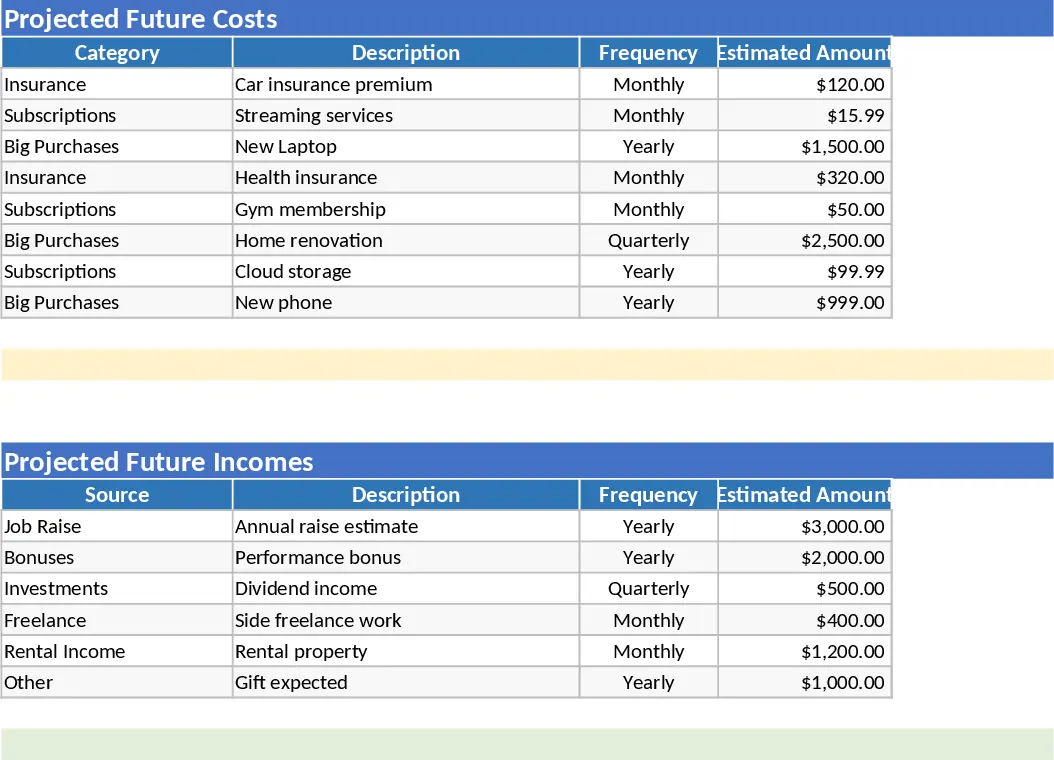
Small Business Cash Flow Tracker with Dashboard Template
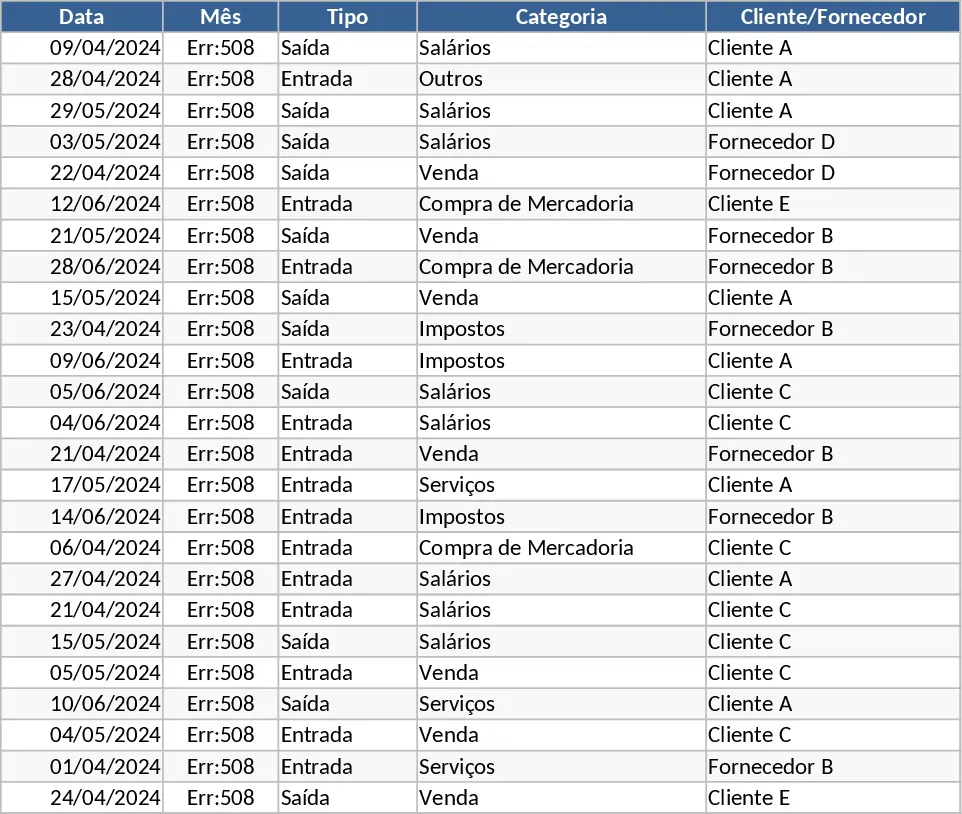
Managing the financial pulse of a small business requires more than just a list of numbers; it requires a clear view of where money is coming from and where it is going. This Small Business Cash Flow Tracker provides a structured three-part system to organize your finances. The core of the template is the Cash Transactions sheet, where you log every movement with specific details like payment methods, tax amounts, and invoice references. With built-in dropdowns for transaction types and categories, data entry remains consistent and error-free, while the month column updates automatically based on your dates to save you repetitive typing.
The template transforms raw data into actionable insights through the Monthly Summary and Cash Flow Dashboard. The summary sheet automatically calculates your total inflows and outflows, providing a clear picture of your net cash flow and cumulative ending balance for each month. This is essential for identifying seasonal trends or potential liquidity gaps before they become problems. For a more visual approach, the dashboard offers dynamic charts that highlight your net flow trends, spending by category, and your most valuable clients or highest-cost vendors, allowing for quick strategic adjustments.
This tool is ideal for small business owners, freelancers, and startup founders who need a professional yet straightforward way to maintain their books without complex accounting software. It helps you stay on top of tax obligations, monitor vendor payments, and ensure your business remains profitable over time. By centralizing your financial data, you eliminate the stress of manual calculations and gain a reliable record for tax season or investor reviews.
To get started, simply navigate to the Cash Transactions tab and begin entering your daily business activities. Select the appropriate category and type from the dropdown menus and enter the transaction amount. Once your data is entered, head over to the Monthly Summary tab to see your calculated totals and running balance. Finally, check the Cash Flow Dashboard to view visual representations of your financial performance, which will update automatically as you add new data.
Expected benefits: Reduced manual calculation errors and significantly less time spent on monthly financial reporting.
Similar Templates Recommendation
Small Business Cash Flow Tracker with Savings Goals Template
Monitor your small business liquidity with a 3-sheet system featuring automated transaction logging, monthly summaries, and a visual dashboard.
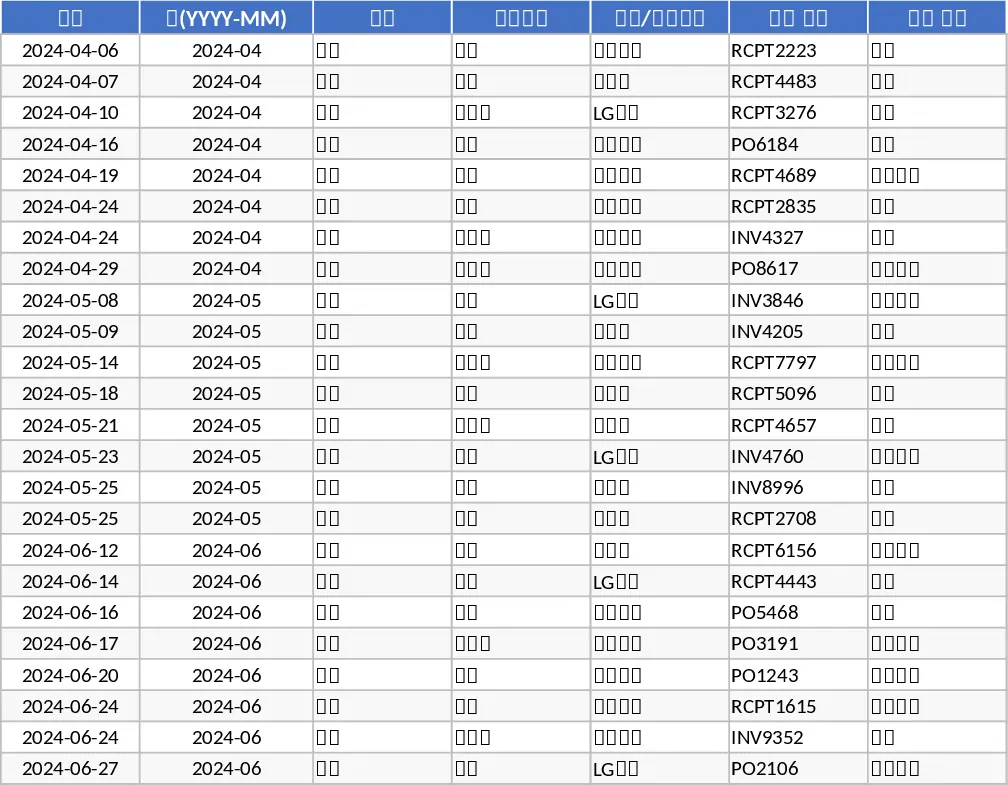
Personal Monthly Budget and Expense Tracker with Transaction Log and Cash Flow Template
Take control of your personal finances by tracking daily expenses against monthly budget goals with automated summaries and visual dashboards.
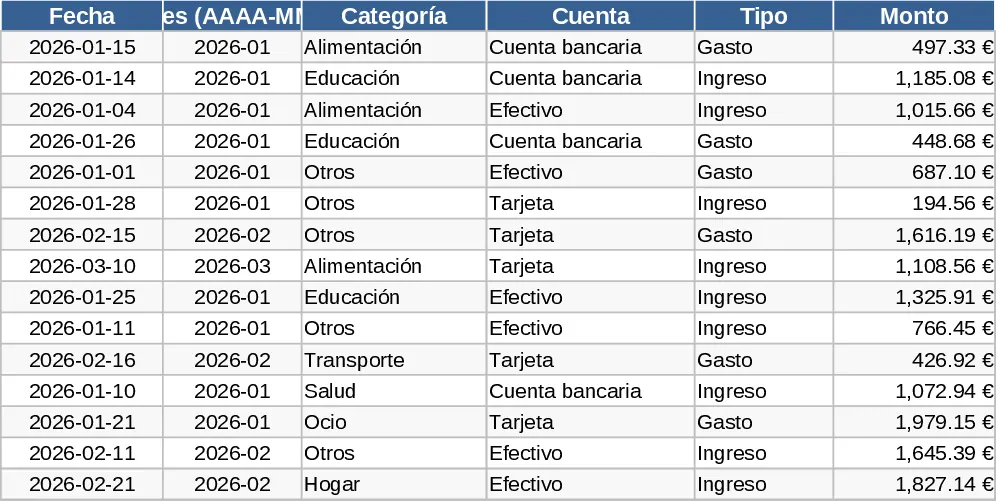
Comprehensive Multi-Tab Personal Budget and Expense Tracker Template
Take control of your money with this automated multi-tab workbook featuring transaction logs, category breakdowns, and a visual dashboard.