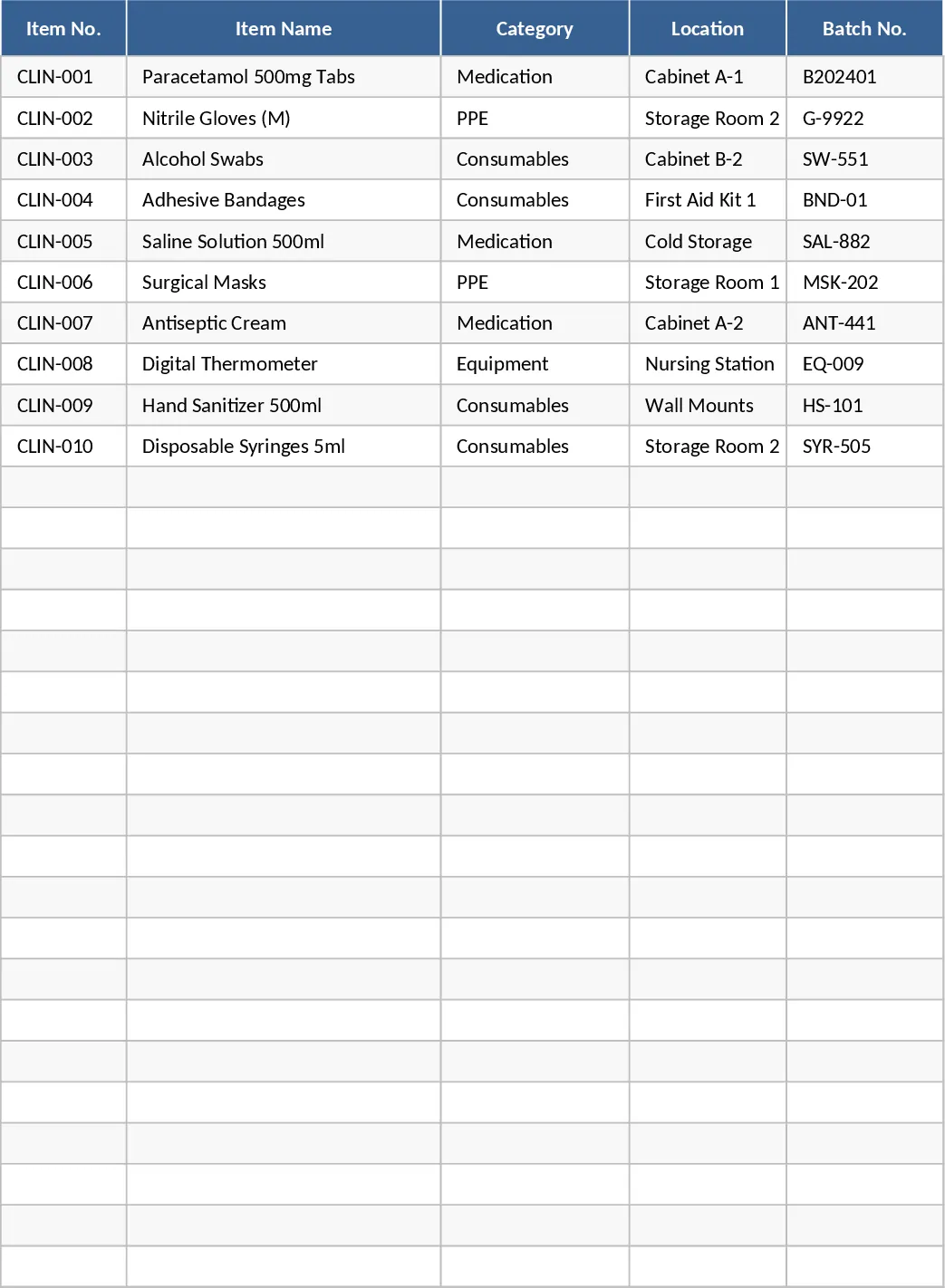
Expiration Tracker with Automated Status Template
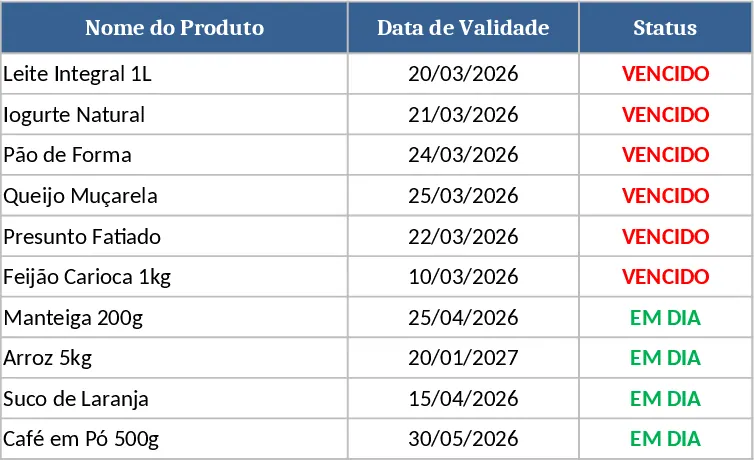
This spreadsheet template is built with three simple columns: Name, Expiration Date, and Status. The first column holds the item name, the second records the date when the item expires, and the third is a formula‑driven field that updates automatically. When the date in column 2 is past the current day, the status shows "Expired"; otherwise it displays "In Day". The sheet includes a hidden helper column that calculates the day difference, and conditional formatting highlights expired rows in red for quick visual cues. A summary section at the top aggregates counts of items that are still valid versus those that have expired, giving you an instant health check of your inventory or contracts.
The template solves the common headache of manually checking dates and updating statuses. By automating the status logic, you eliminate human error, reduce the time spent scanning lists, and ensure you never miss a critical deadline. It’s especially handy for small businesses, office managers, or anyone who needs to keep track of perishable goods, licenses, warranties, or subscription renewals. The instant visual alerts help you prioritize actions, such as ordering replacements or renewing services, before they lapse.
Anyone who manages a list of time‑sensitive items can benefit: warehouse supervisors monitoring stock, HR staff tracking employee certifications, IT teams overseeing software licenses, or households keeping tabs on food and medicine expiry. The template works in any Excel‑compatible environment and requires no programming skills—just enter your data and let the formulas do the rest.
How to use
- Open the file and enter each item’s name in column A.
- Fill the corresponding expiration date in column B using the standard date format (MM/DD/YYYY).
- The Status column (C) updates automatically; you can also adjust the conditional formatting colors if desired.
- Review the summary at the top to see totals of "In Day" and "Expired" items, and filter the list to focus on items that need attention.
Expected benefits: you’ll spend far less time hunting for overdue items, reduce the risk of costly lapses, and keep your records consistently up‑to‑date with minimal effort.*