Clinical Inventory Stock Monitoring Template
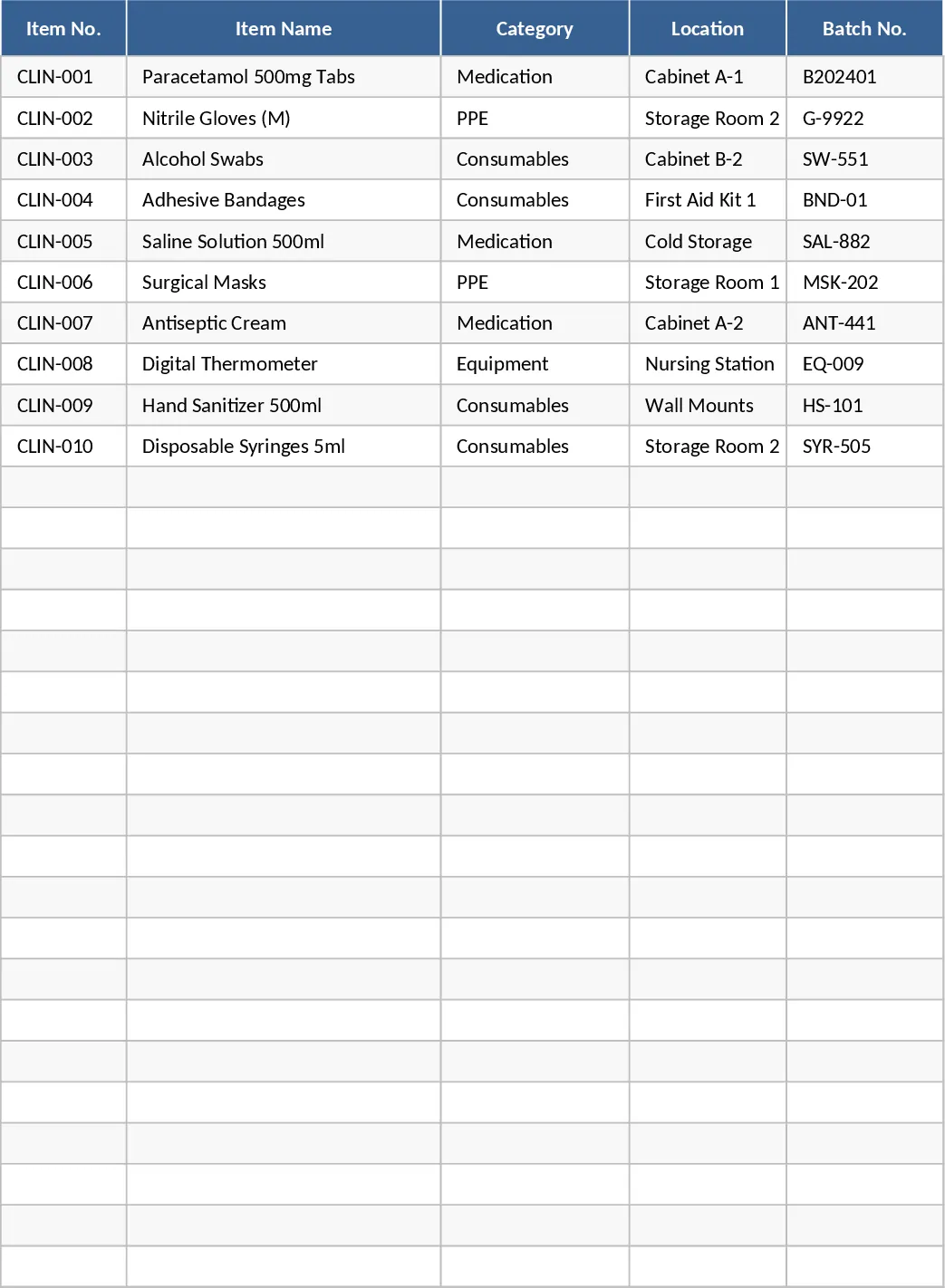
The Clinical Inventory Stock Level Monitoring Spreadsheet is organized into five intuitive sheets: Dashboard, Inventory List, Reorder Settings, Transaction Log, and Reports. In the Inventory List you enter each item’s ID, name, category (chosen from a dropdown), unit of measure, current quantity, supplier, and expiration date. The Reorder Settings sheet lets you define minimum and maximum stock thresholds for every product, while the Transaction Log records every receipt and usage event with date, quantity, and responsible staff. The Dashboard pulls these inputs together to show real‑time stock status, low‑stock warnings, upcoming expirations, and a ready‑to‑print reorder list. The Reports sheet can generate weekly or monthly usage summaries and trend charts for budgeting and forecasting.
This template solves the common headache of manual stock checks in clinics and hospitals. By centralizing all inventory data, it prevents stock‑outs, reduces waste from expired items, and streamlines the procurement process. Users can instantly see which supplies need replenishment, how much to order, and when to expect deliveries, freeing up staff time for patient care rather than paperwork.
The spreadsheet is ideal for clinic managers, pharmacists, procurement officers, and any healthcare administrator responsible for supply chain continuity. Whether you run a small outpatient office or a larger medical facility, the tool adapts to any inventory size and helps maintain compliance with safety and regulatory standards.
How to use
- Open the Inventory List sheet and fill in each product’s details, selecting categories and suppliers from the provided dropdowns.
- Switch to Reorder Settings to set the minimum and maximum quantities that trigger alerts for each item.
- Record every incoming shipment and usage event in the Transaction Log; the sheet automatically updates the current stock.
- View the Dashboard for instant visual cues: low‑stock items appear in red, upcoming expirations are highlighted, and a printable reorder list is generated.
Expected benefits: reduces the time spent on manual counts, minimizes the risk of stock‑outs and expired waste, and provides a clear, data‑driven view of inventory health.
Similar Templates Recommendation
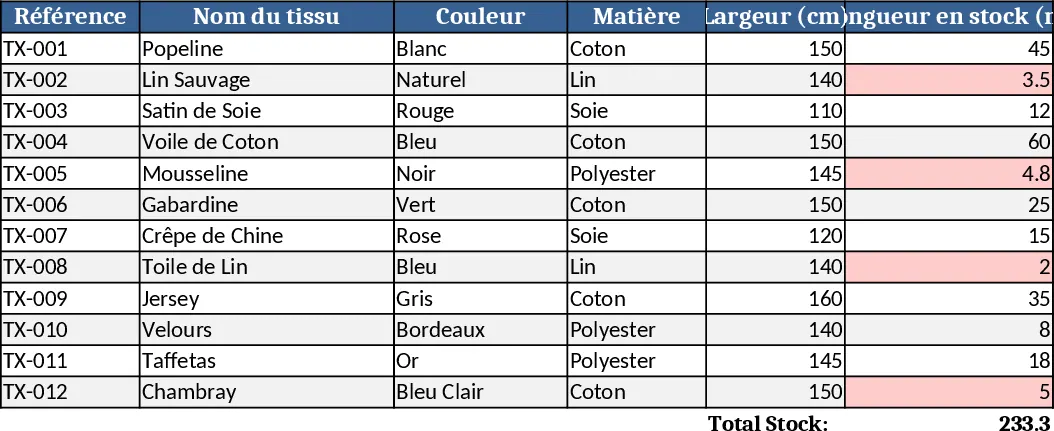
Fabric Shop Inventory Management with Dashboard Template
Track fabric stock, colors, patterns, suppliers and sales in one Excel workbook to keep your boutique organized and avoid stockouts.
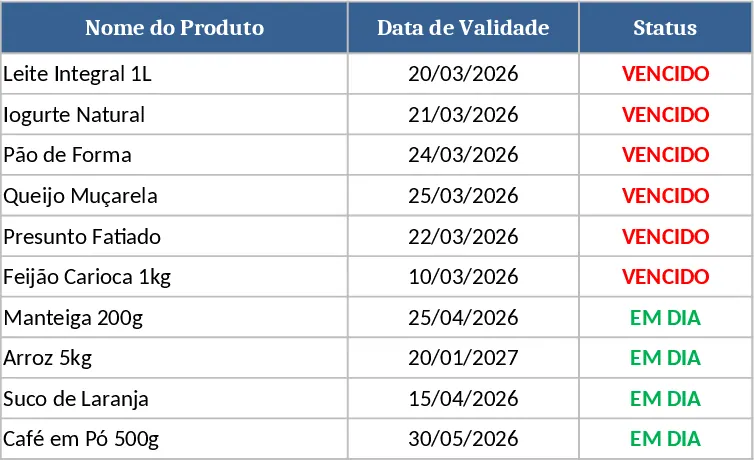
Expiration Tracker with Automated Status Template
Track items' expiration dates with an automatic status column that shows 'Expired' or 'In Day' based on today’s date.
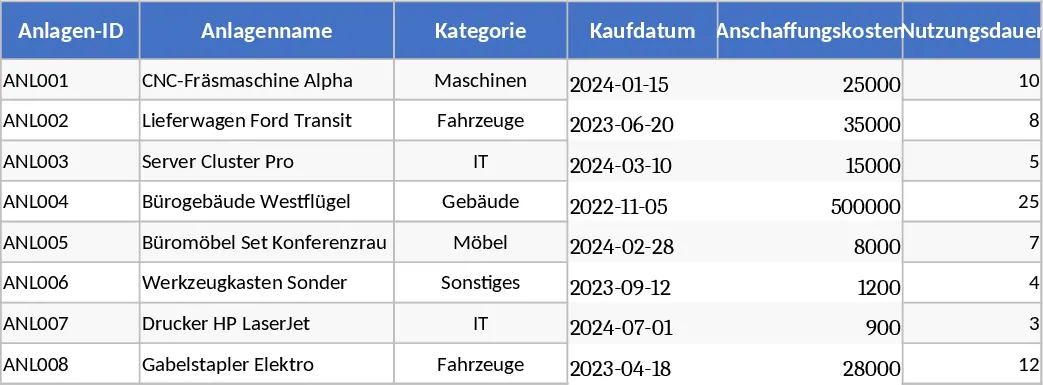
Comprehensive Asset Register & Depreciation Schedule Template
Track assets, calculate yearly depreciation, monitor maintenance schedules and warranty alerts in one organized workbook.