Comprehensive Asset Register & Depreciation Schedule Template
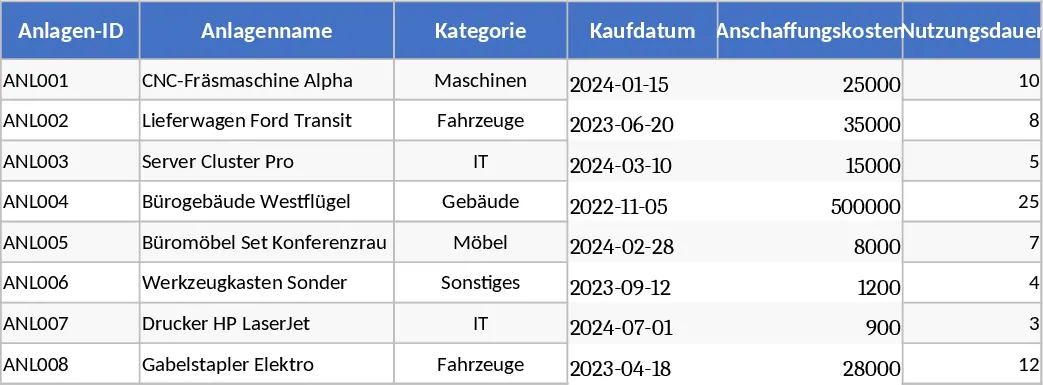
This Excel template provides a complete asset register with three interconnected sheets – Anlagen, Abschreibungsplan, and Wartung & Warnungen. The first sheet lists each asset with a unique ID, name, category (chosen from a dropdown), purchase date, acquisition cost, useful life, depreciation method (linear), residual value, location, owner/department, supplier, warranty end date, and free‑form notes. The second sheet automatically generates a yearly depreciation schedule for every asset, showing annual depreciation, cumulative depreciation, and the book value after each year, using the linear formula (Cost‑Residual ÷ Useful Life). The third sheet records maintenance events, linking each entry to an asset via a dropdown, and captures maintenance date, type, cost, next due date, and notes. Conditional formatting highlights assets whose warranty expires within 30 days and maintenance tasks that are overdue (next due date earlier than TODAY()). Sample data includes eight example assets and twelve maintenance records to illustrate the workflow.
Designed for finance teams, accountants, and asset managers, this workbook solves the common headache of juggling separate spreadsheets for depreciation and upkeep. By consolidating asset details, financial depreciation calculations, and maintenance tracking in a single file, users eliminate manual cross‑referencing, reduce errors, and gain instant visibility into the true book value of their equipment. The built‑in alerts help prevent costly downtime and ensure warranty claims are not missed, supporting better budgeting and compliance.
Anyone responsible for fixed‑asset accounting, facilities management, or department‑level equipment oversight will find this template valuable. Whether you are preparing year‑end financial statements, planning capital expenditures, or scheduling routine service, the workbook keeps all relevant data at your fingertips. It also serves as a communication tool between finance, operations, and procurement, because each asset’s owner and location are clearly recorded.
How to use
- Open the Anlagen sheet and enter your assets, selecting categories and depreciation methods from the provided dropdowns. The template will automatically populate the linked depreciation and maintenance sheets.
- Review the Abschreibungsplan sheet – the yearly depreciation, cumulative totals, and book values update instantly based on the data you entered.
- Record each service event in the Wartung & Warnungen sheet, choosing the asset ID from the dropdown and filling in the maintenance details. The sheet will flag any upcoming warranty expirations or overdue maintenance.
- Use the summary views to export reports, filter by department or location, and share insights with stakeholders.
Expected benefits: streamlined asset accounting, faster depreciation reporting, proactive maintenance planning, and reduced risk of missed warranties, all saving you time and effort each month.
Similar Templates Recommendation
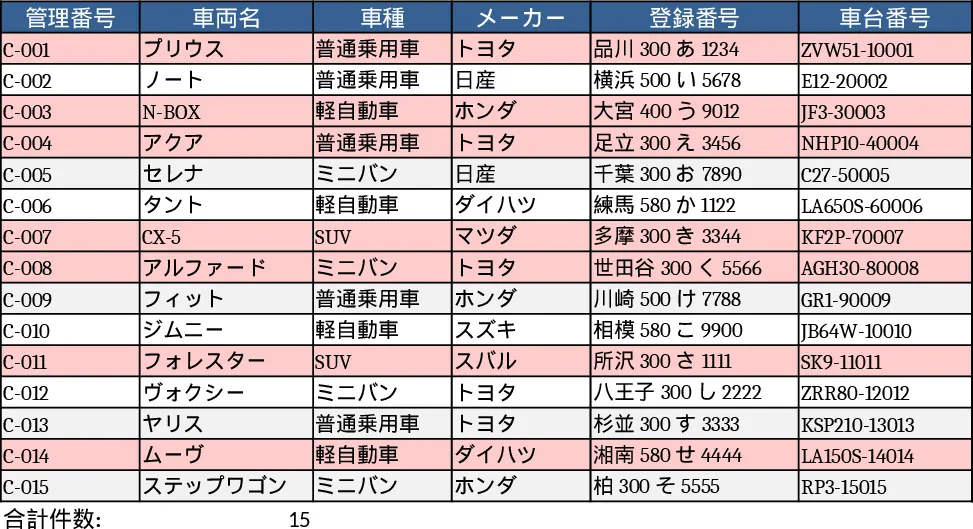
Vehicle Management List PDF Extraction Template
Extract vehicle data from PDFs and automatically populate an up‑to‑date vehicle management spreadsheet.
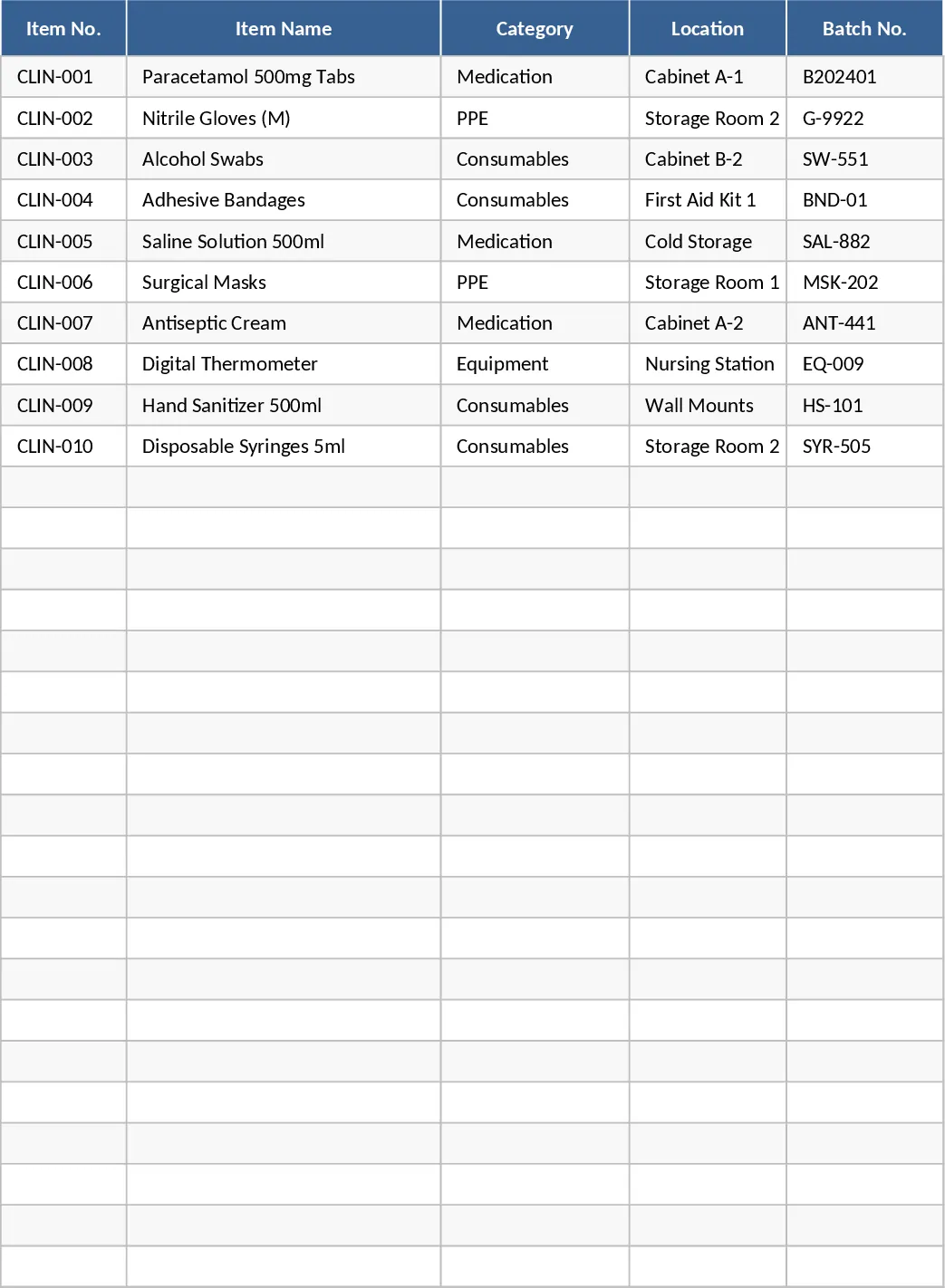
Clinical Inventory Stock Monitoring Template
Track and monitor clinical inventory levels, set reorder points, and generate alerts to ensure supplies are always stocked.