Monthly Business KPI Dashboard with Performance Metrics Template
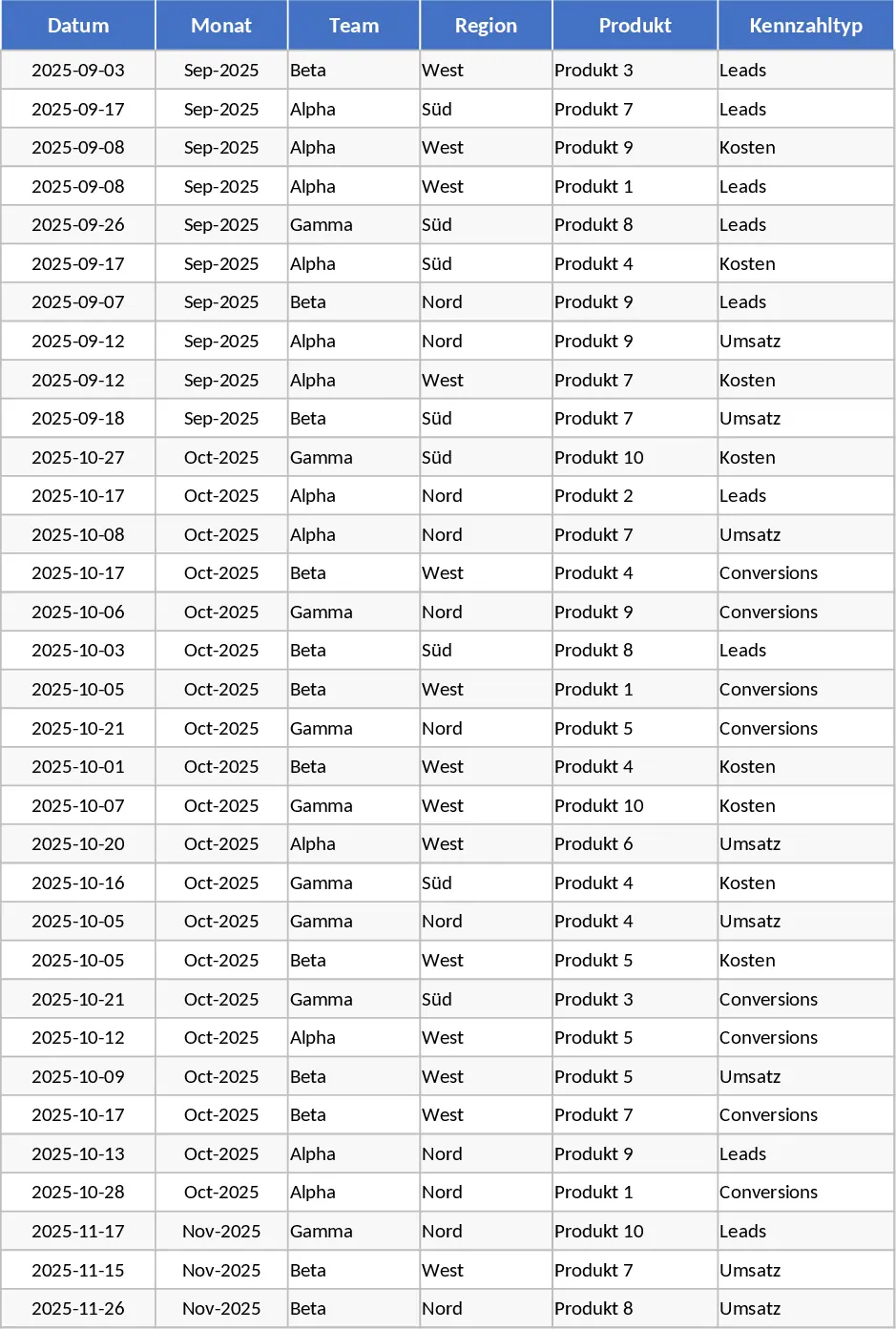
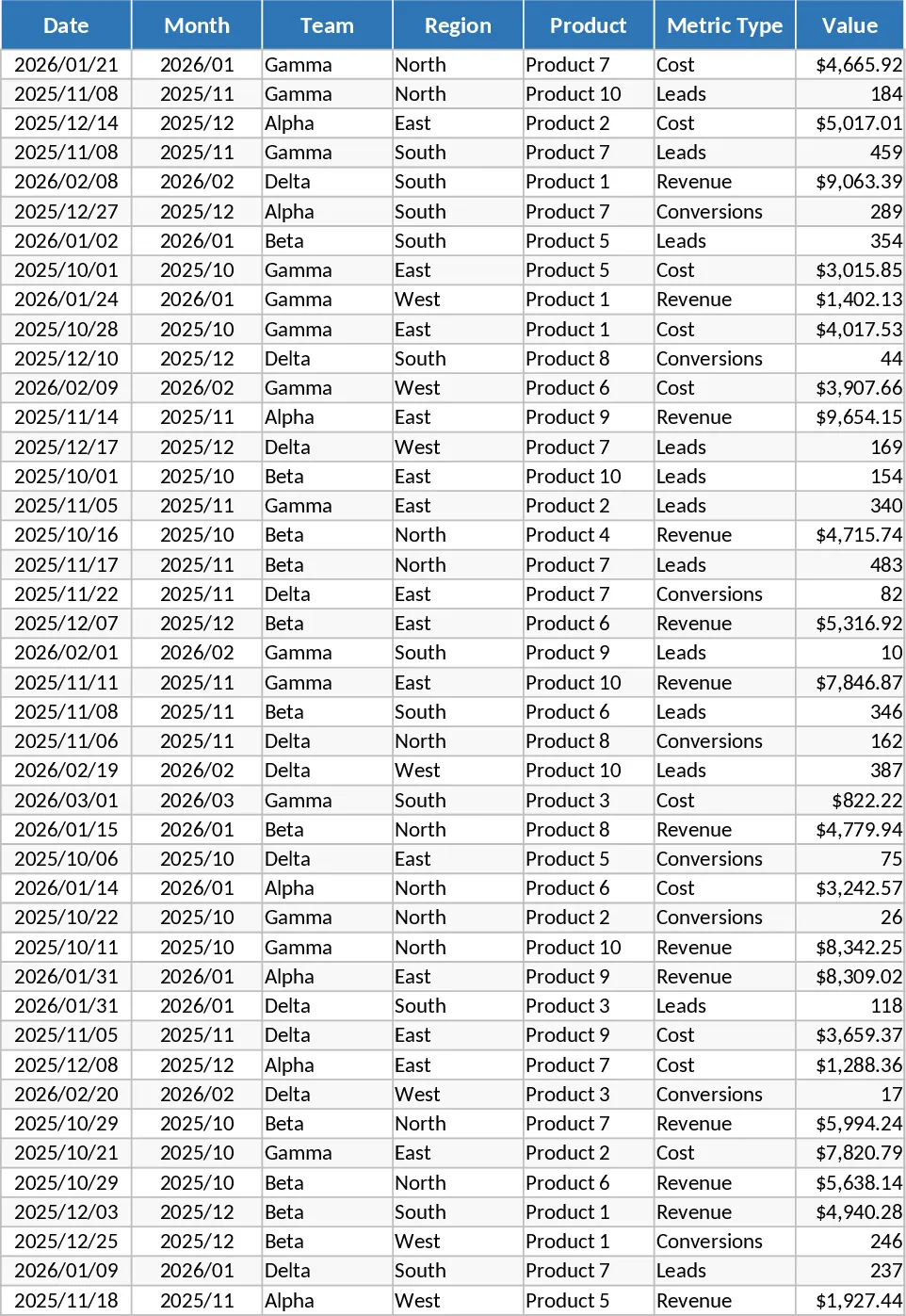
This advanced monthly KPI dashboard is designed to transform fragmented business data into a cohesive visual narrative. By centralizing your core metrics into a structured four-sheet system, it eliminates the need for manual chart creation and complex formula management. The template is built around a robust Raw Data sheet that captures essential dimensions such as date, team, region, and product, alongside specific values for revenue, costs, leads, and conversions. This granular approach allows for deep-dive analysis while maintaining a high-level overview of organizational health.
At the heart of the template is the Dashboard sheet, which provides an executive-level summary of your performance. It features dynamic line charts for revenue trends, bar charts for regional comparisons, and a sophisticated combo chart that pits costs against revenue to highlight profitability. For marketing and sales teams, the lead and conversion rate trend analysis offers immediate feedback on campaign effectiveness, while the top 10 products list identifies your primary growth drivers. The inclusion of a KPI Definitions sheet ensures that every stakeholder understands the logic behind the numbers, fostering transparency and consistency across departments.
This tool is particularly beneficial for business analysts, department managers, and small business owners who need to present data-driven insights during monthly reviews. Instead of spending hours formatting cells, you can focus on interpreting the results. The Pivot Summary sheet acts as the engine of the template, automatically aggregating data so that you can use interactive slicers to filter the entire dashboard by specific months or regions with a single click.
How to use this template:
- Enter your monthly business figures into the Raw Data sheet, ensuring each entry includes the correct team, region, and metric type.
- Navigate to the Pivot Summary sheet and refresh the data connections to update the underlying calculations.
- Open the Dashboard sheet to view the updated visualizations and use the built-in slicers to filter for specific timeframes or product categories.
By adopting this structured reporting method, you can expect to significantly reduce the time spent on manual data entry and report generation. The automated nature of the dashboard ensures that your charts are always accurate and ready for presentation, allowing you to spend more time on strategic decision-making and less on spreadsheet maintenance.
Similar Templates Recommendation
Monthly Business KPI Dashboard with Category Breakdown and Charts Template
Track monthly business performance across revenue, costs, and conversions with interactive charts and automated pivot summaries for data-driven decisions.
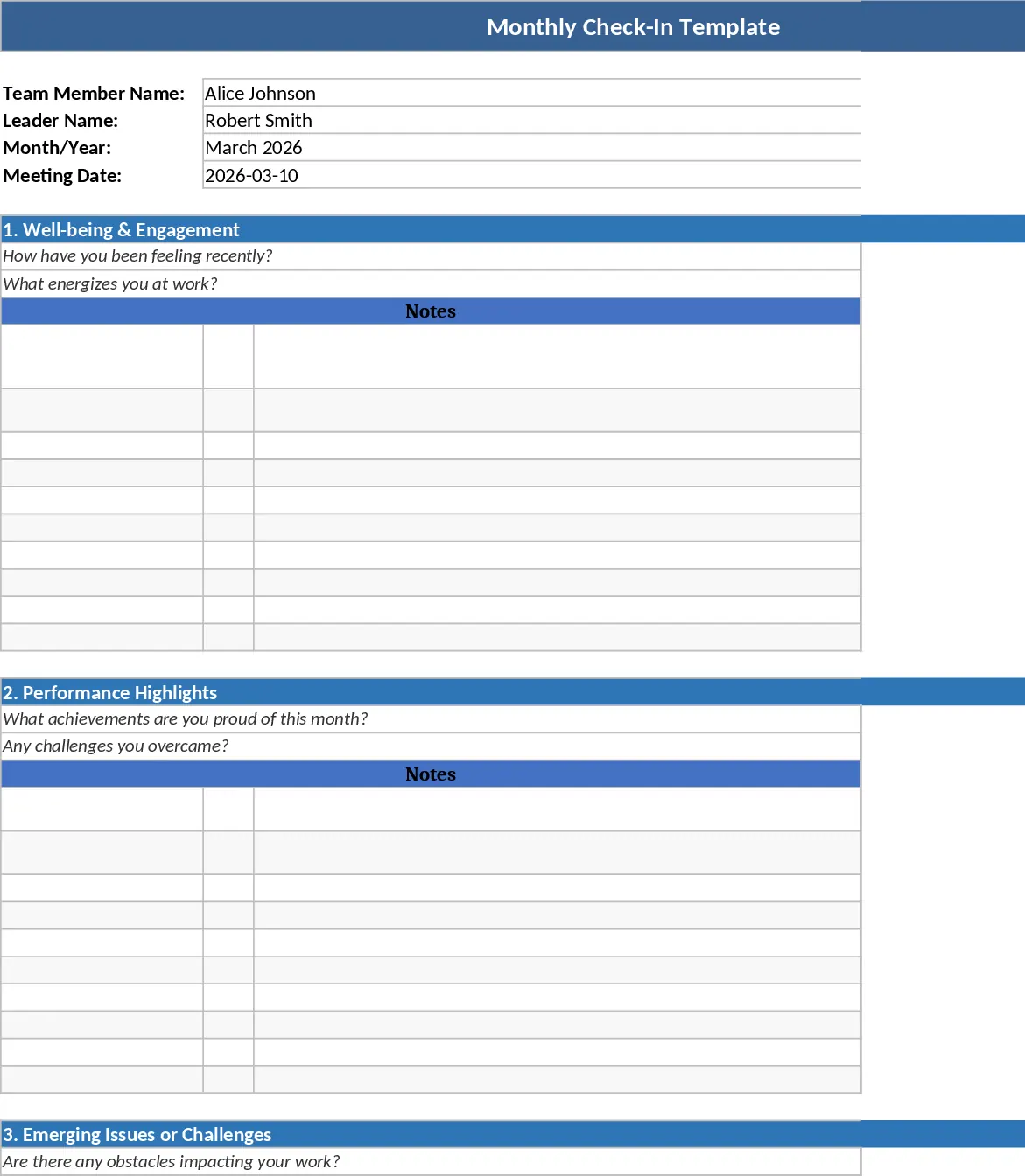
Advanced Monthly Business KPI Dashboard with Performance Metrics Template
Track monthly business performance across revenue, costs, and conversions with an automated dashboard featuring interactive charts and insights.
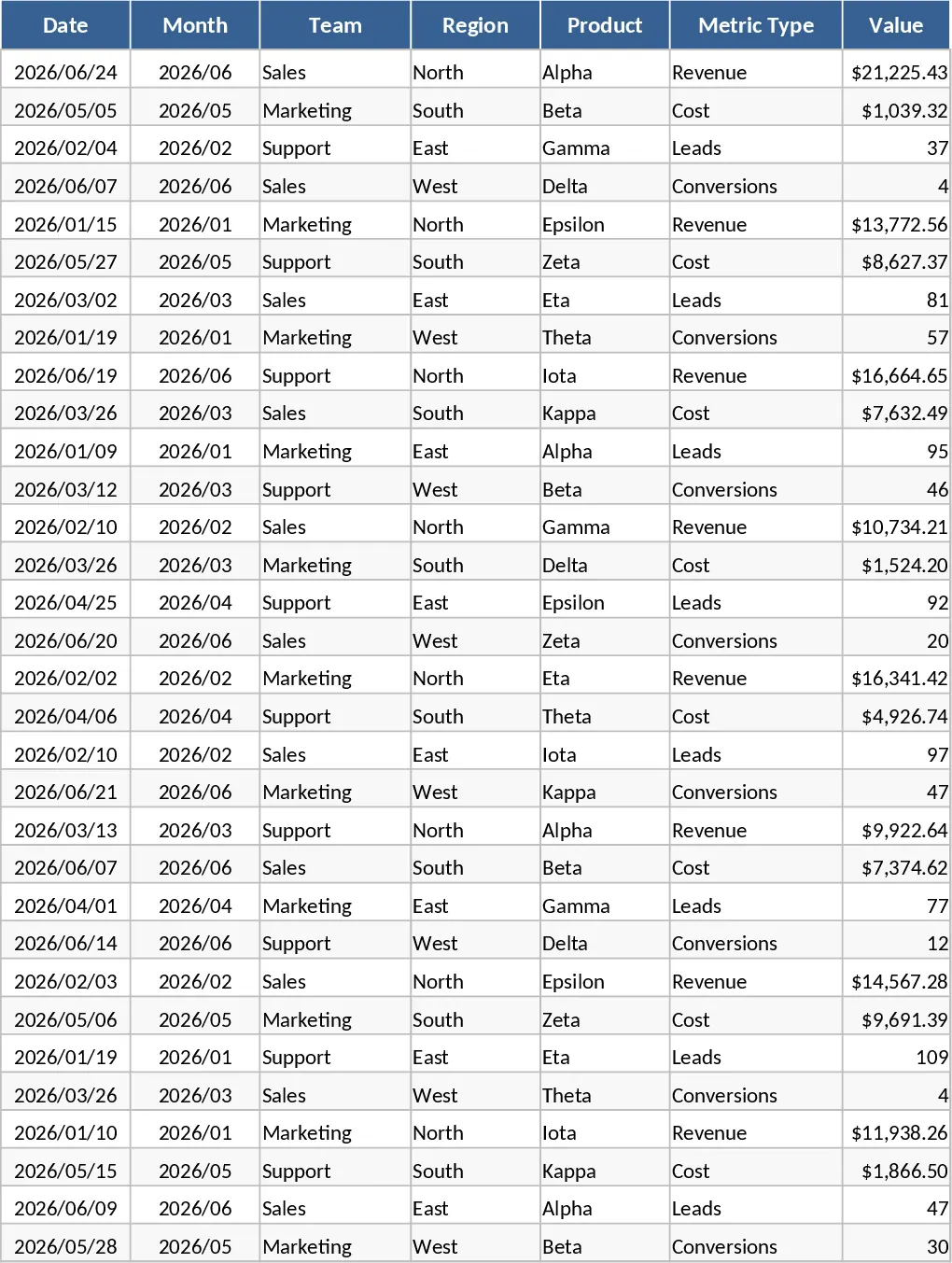
Monthly Business KPI Dashboard with Charts Template
Monitor monthly business performance across revenue, costs, and conversions with interactive charts and slicers to optimize growth.