Lightweight Sales Leads & Follow‑Up CRM with Task Status Template
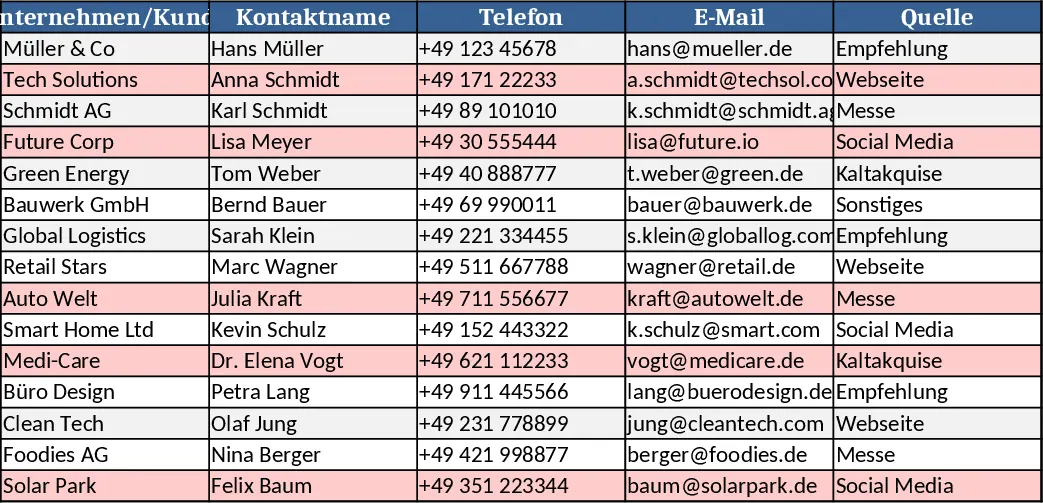
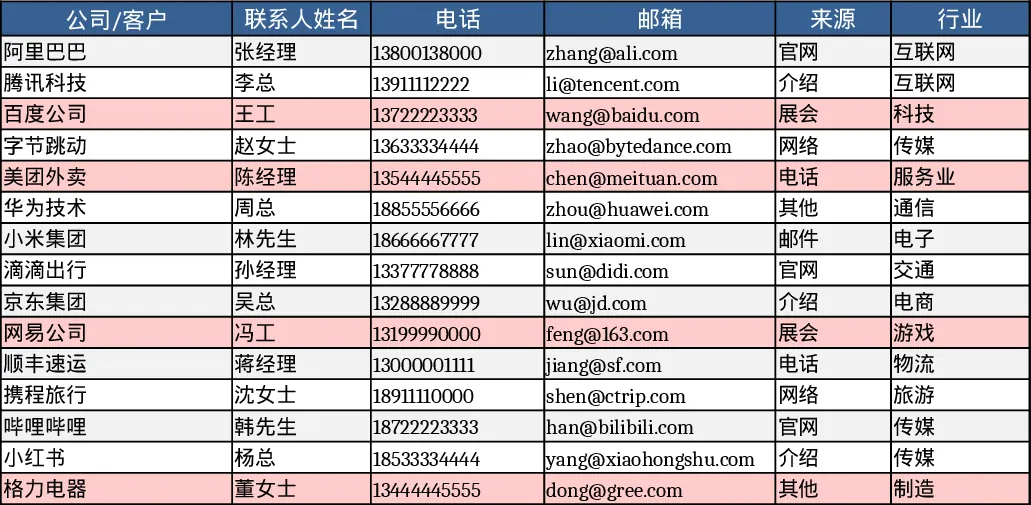
This Excel template gives you a compact, two‑sheet CRM that lets you capture every new prospect and instantly see how your pipeline is performing. The Leads sheet is a structured table where you enter each prospect’s company, contact name, phone, email, source (chosen from a dropdown), industry, and current phase – from "Lead" through "Won" or "Lost". Additional columns let you set an expected deal value, assign a win probability (0‑100 %), record the expected close date, and pick the responsible sales rep from a predefined list. Dates for the last contact and the next planned action are captured, and a free‑form notes field lets you keep context. Conditional formatting highlights any lead that hasn’t been touched in the past 14 days, drawing immediate attention to stale opportunities.
The second sheet, Funnel & Activity, aggregates the raw data into a clear dashboard. It shows the count and total value of leads at each phase, giving you a quick snapshot of where opportunities sit. A monthly summary reports new leads added, deals won, and the win‑rate for the current month. Below that, a dynamically generated list flags “Stagnating Leads” – any record where the last contact is older than 14 days and the phase is still open. This helps you prioritize outreach before prospects slip away.
Designed for small sales teams, freelancers, or anyone who needs a simple yet powerful way to manage leads without investing in a full‑scale CRM, the workbook solves the common pain of scattered spreadsheets and missed follow‑ups. By centralising contact details, status, and next actions, you reduce the time spent hunting for information and gain a visual overview of pipeline health. The built‑in probability and value fields also let you forecast revenue more accurately, supporting better planning and reporting.
How to use
- Open the workbook and start filling the Leads sheet with your prospect data; use the dropdowns for Source, Phase, and Owner to keep entries consistent.
- Update the "Last Contact" and "Next Action" dates after each interaction; the template will automatically flag overdue leads.
- Switch to the Funnel & Activity sheet to see real‑time counts, values, and the monthly performance snapshot.
- Review the "Stagnating Leads" list each morning and schedule outreach for any highlighted records.
Expected benefits include faster lead triage, clearer visibility into pipeline stages, and fewer missed follow‑ups, letting you focus more on selling and less on manual data wrangling.
Similar Templates Recommendation
Lightweight Sales Leads & Follow‑up CRM with Dashboard Template
Track, manage, and visualize sales leads and follow‑up actions in a simple two‑sheet Excel CRM, with stage summaries and activity metrics.
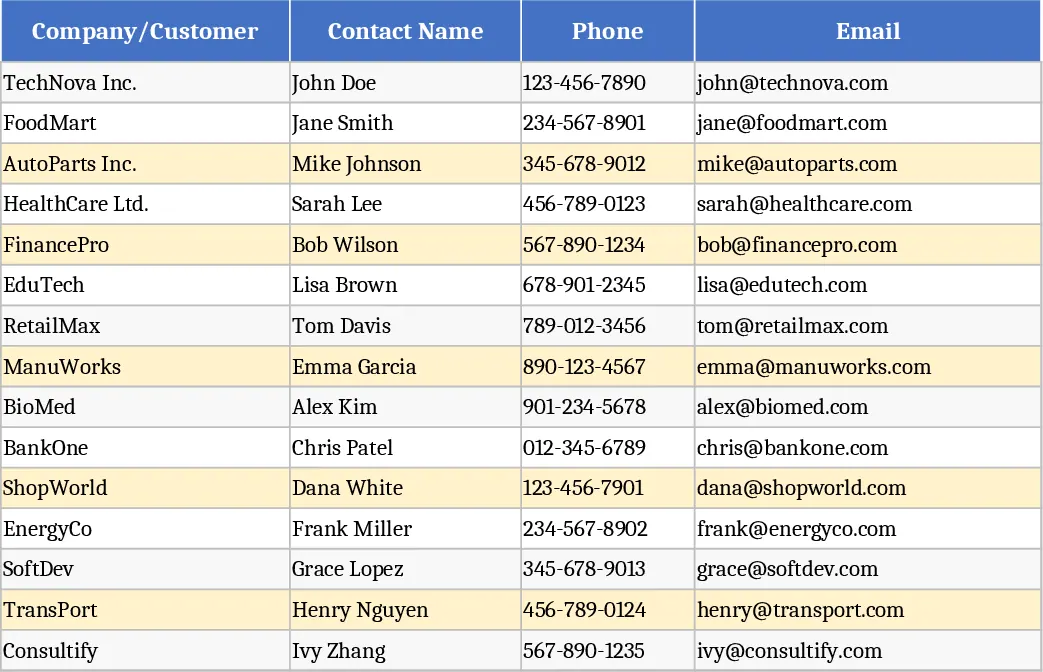
Sales Leads and Follow‑up CRM Lite Template
A lightweight Excel CRM with a Leads sheet and a Funnel & Activity dashboard to track prospects, stages, values and follow‑up actions.
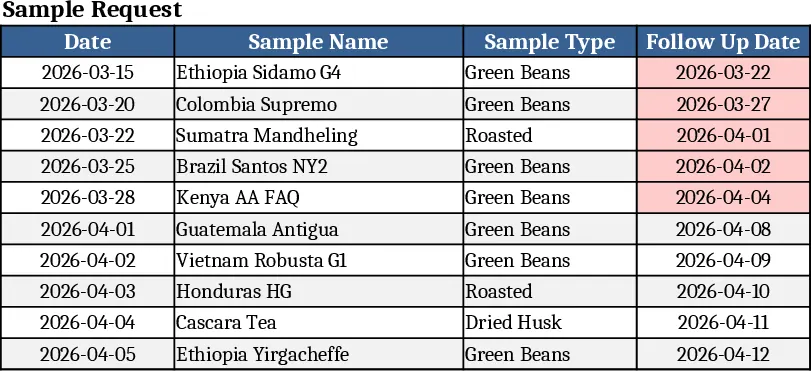
Green Coffee Sales CRM Tracker Template
A ready‑made sales CRM for green coffee traders to log customers, contacts, sample shipments and interaction history with instant dashboards.