Lightweight Sales Leads & Follow‑up CRM with Dashboard Template
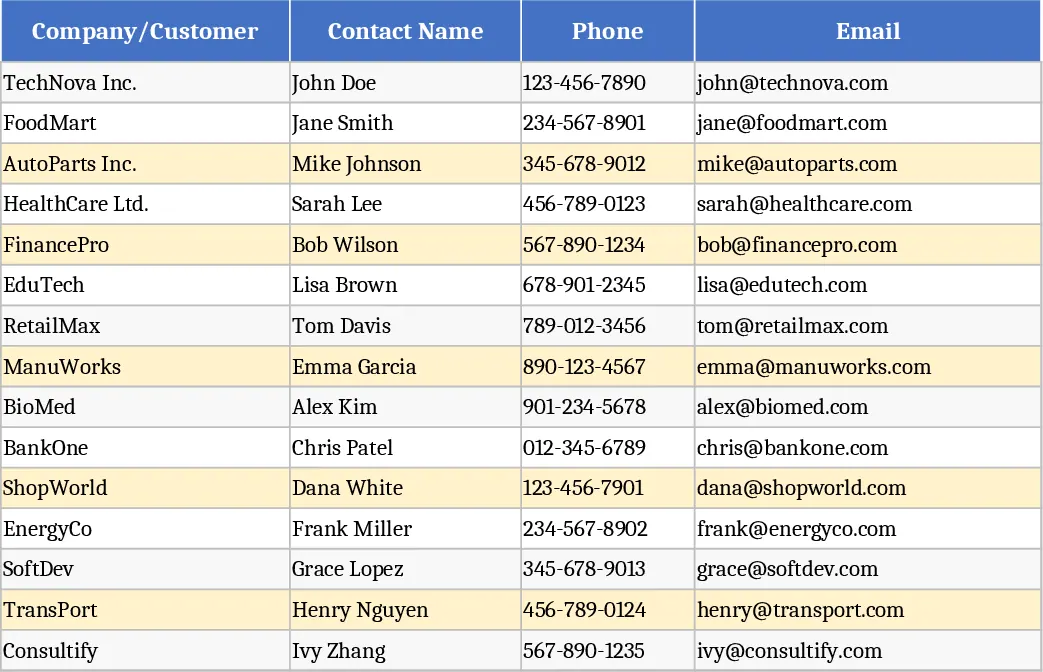
This lightweight Sales Leads & Follow‑up CRM template is built on two clear worksheets that let you capture every prospect detail and instantly see how your pipeline is performing.
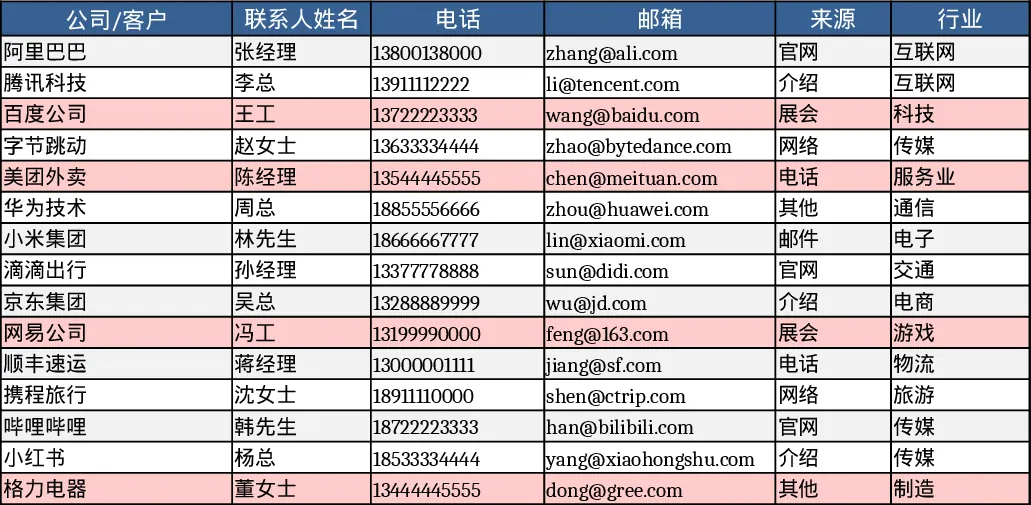
Leads Sheet – A single table holds all lead information: Company/Customer, Contact Name, Phone, Email, Source (dropdown), Industry, Stage (Lead, Contacted, Qualified, Proposal, Negotiation, Won, Lost), Expected Value, Probability %, Expected Close Date, Owner (dropdown), Last Contact Date, Next Action, Next Action Date, and free‑form Notes. Dropdowns keep data consistent, while conditional formatting flags any lead that hasn’t been contacted in the past 14 days, turning the row a warning colour so you never let a prospect slip through the cracks. The sheet comes pre‑populated with 15 realistic sample leads to illustrate how each column should be used.
Funnel & Activity Sheet – This dashboard pulls data from the Leads sheet and aggregates it by Stage, showing both count and total expected value for each step of the sales funnel. Monthly metrics calculate new leads added, deals won, and win‑rate percentages, giving you a quick health check of your sales effort. A dedicated “Stale Leads” table automatically lists any lead older than 14 days without recent contact (excluding Won or Lost), so you can prioritize outreach. All calculations update instantly as you edit the Leads sheet.
The template solves the common problem of scattered lead information and missed follow‑ups. By centralising data in one Excel file, sales reps and managers can spend less time hunting for details and more time engaging prospects. The visual funnel and activity summary provide instant insight into pipeline velocity, helping you forecast revenue and allocate resources effectively. It’s ideal for small‑to‑medium sales teams, startup founders, or any business that needs a quick, cost‑free CRM without the overhead of a full‑scale software platform.
How to use
- Open the Leads sheet and enter each prospect’s details, selecting the appropriate Source and Owner from the dropdown lists. Adjust the Stage as the relationship progresses.
- Record the date of your last contact and plan the next action, filling in Next Action and Next Action Date for each lead.
- Switch to the Funnel & Activity sheet to watch the counts, values, and monthly KPIs update automatically. Review the Stale Leads table to identify prospects that need immediate attention.
- Periodically refresh the dropdown lists (Source, Owner, Stage) if your team adds new categories or personnel.
Expected benefits – By using this template you’ll reduce manual tracking effort, avoid forgotten follow‑ups, and gain a clear, real‑time view of your sales pipeline, ultimately helping you close more deals with less administrative hassle.
Similar Templates Recommendation
Lightweight Sales Leads & Follow‑Up CRM with Task Status Template
Track, prioritize, and follow up sales leads with a lightweight CRM workbook that visualizes funnel stages and activity metrics.
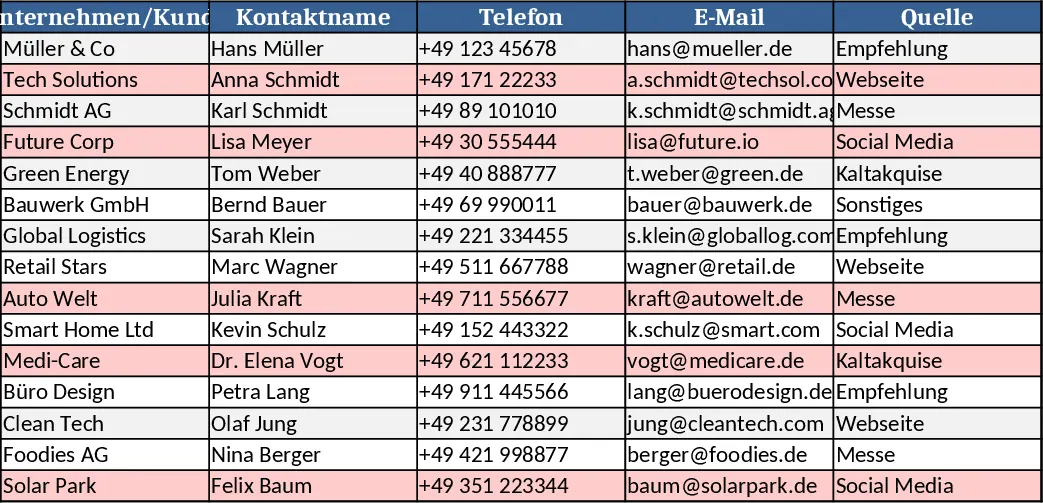
Sales Leads and Follow‑up CRM Lite Template
A lightweight Excel CRM with a Leads sheet and a Funnel & Activity dashboard to track prospects, stages, values and follow‑up actions.