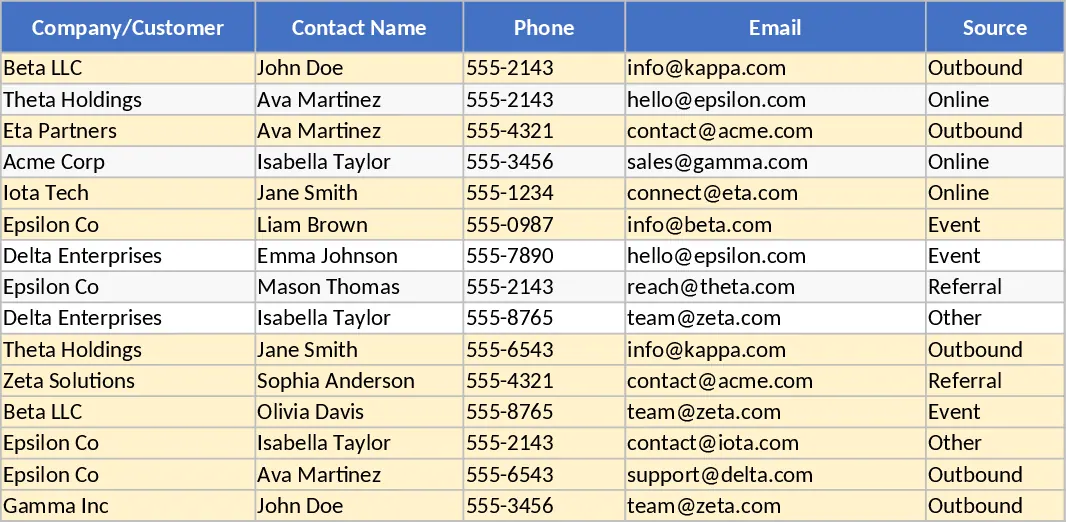
Sales Leads and Follow‑up CRM Lite Template
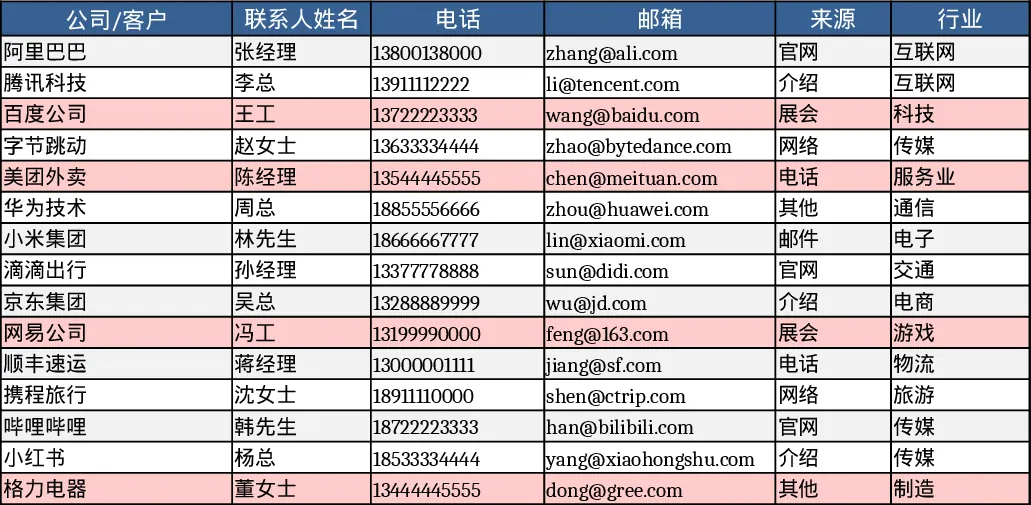
The template consists of two worksheets. The first sheet, Leads, captures every prospect with fields such as Company/Client, Contact Name, Phone, Email, Source (drop‑down), Industry, Stage (Lead/Contacted/Validated/Proposal/Negotiation/Won/Lost – drop‑down), Expected Value, Probability %, Expected Close Date, Owner (drop‑down), Last Contact Date, Next Action, Next Action Date, and Notes. Data validation keeps probability between 0 and 100 and highlights any lead that has not been contacted for more than 14 days. The second sheet, Funnel & Activity, automatically aggregates the lead data by stage, showing count and total expected value per stage. It also calculates monthly KPIs – New Leads, Won Deals, and Win Rate – and lists “Stagnant Leads” where the last contact is older than 14 days and the stage is not Won or Lost. The file ships with 15 sample leads to illustrate the layout and formulas.
This lightweight CRM solves the common pain of scattered notes and manual pipeline calculations. Sales representatives can instantly see where each prospect sits in the funnel, how much revenue is expected, and which contacts need a follow‑up today. Managers get a real‑time snapshot of team performance without building complex dashboards, enabling quick coaching and forecasting. By flagging stale leads, the template forces timely outreach, reducing the risk of opportunities slipping through the cracks. It is ideal for small to medium sales teams, freelancers, or anyone who prefers Excel over dedicated CRM software but still wants structured lead management and basic analytics.
How to use
- Open the Leads sheet and replace the 15 sample rows with your own prospects, selecting Source, Stage, and Owner from the provided drop‑downs.
- Enter the numeric values for Expected Value and Probability; the sheet will automatically compute the weighted forecast.
- Update Last Contact Date and Next Action fields after each interaction; the conditional formatting will turn any lead overdue (≥14 days) red.
- Switch to Funnel & Activity to view the automatically refreshed counts, amounts, monthly KPIs, and the Stagnant Leads list.
Expected benefits: streamlined daily lead tracking, faster pipeline visibility, and fewer missed follow‑ups, saving time on manual reporting and data entry.
Similar Templates Recommendation
Lightweight Sales Leads & Follow‑up CRM with Dashboard Template
Track, manage, and visualize sales leads and follow‑up actions in a simple two‑sheet Excel CRM, with stage summaries and activity metrics.
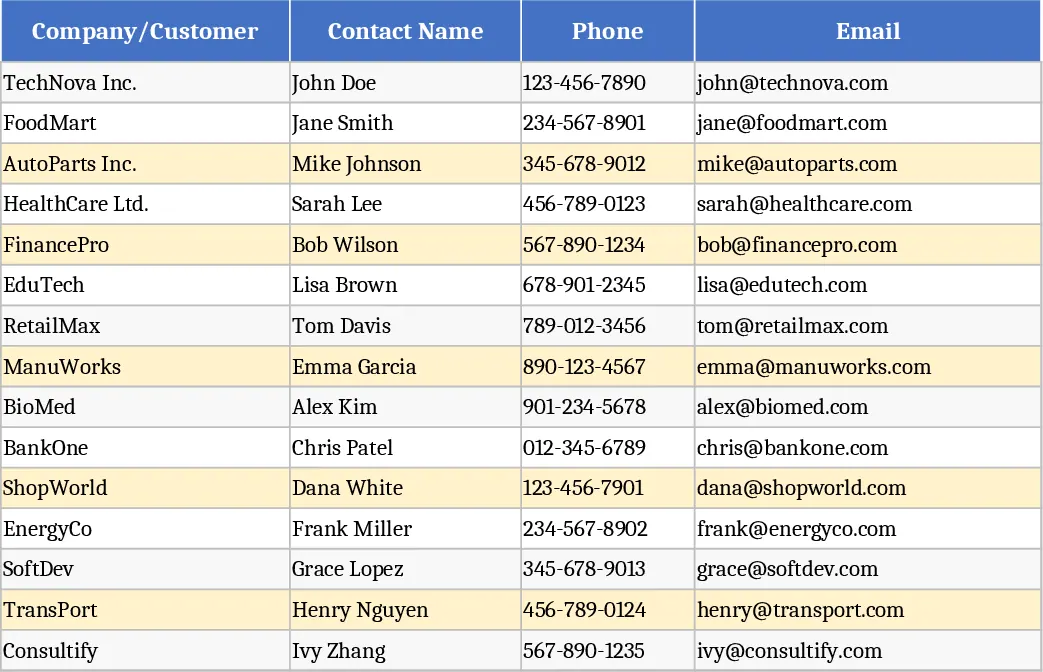
Lightweight Sales Leads & Follow‑Up CRM with Task Status Template
Track, prioritize, and follow up sales leads with a lightweight CRM workbook that visualizes funnel stages and activity metrics.
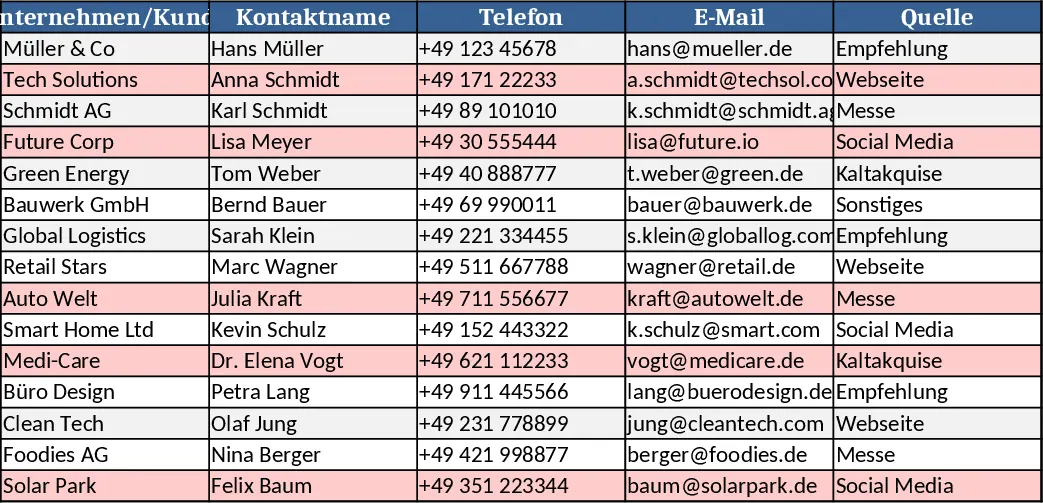
Lightweight Sales CRM and Lead Follow-up with Dashboard Template
Manage your sales pipeline and track lead interactions with automated funnel metrics and follow-up alerts for stale prospects.