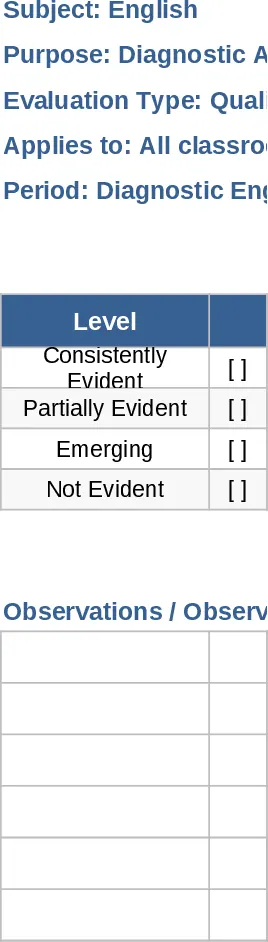
10-Student Attendance Tracking Template
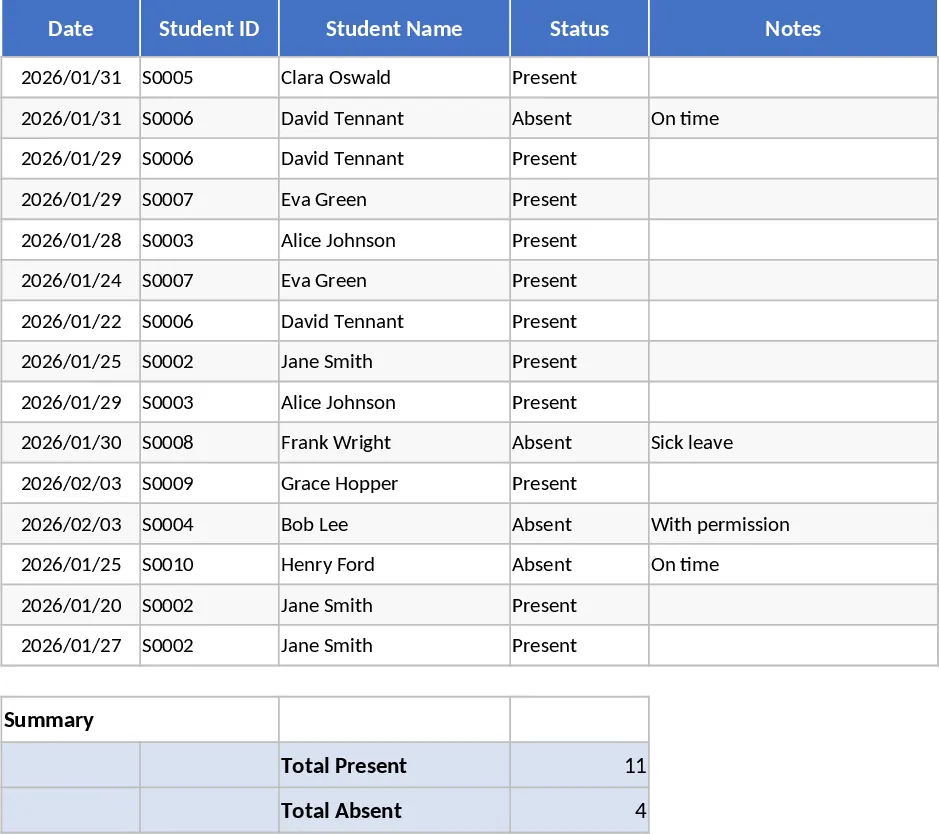
Managing a small classroom, a specialized tutoring group, or an extracurricular club requires precision without the complexity of enterprise-level school management software. This Attendance Records template provides a clean, organized, and highly functional structure specifically scaled for 10 students, making it the perfect tool for educators who value simplicity and accuracy in their daily routines. The template is built around a central tracking sheet where you can input student names and manage a chronological log of their presence. It utilizes a grid layout that mirrors a traditional paper register but enhances it with digital automation and clear visual indicators. The core fields include student names, dates, and status indicators, often supported by color-coded cells that make the sheet easy to read at a glance.
The primary benefit of this template lies in its ability to eliminate the tedious task of manual tallying. For many teachers, the end of a semester involves hours of counting marks in a physical book to calculate attendance percentages. This Excel tool solves that problem by providing real-time summaries. As you mark a student as present or absent, the template instantly updates their individual statistics. This is incredibly useful for identifying attendance trends; you can quickly spot students who are frequently late or those whose absences are beginning to impact their academic progress. Having this data readily available allows for more informed and timely interventions, such as reaching out to parents or adjusting lesson plans to accommodate students who have missed key sessions.
This template is ideal for private tutors, music teachers, sports coaches, or primary school teachers handling small breakout groups. In these scenarios, maintaining a professional record is essential for both accountability and reporting. The template includes specific fields for student names and a range of attendance statuses—typically including Present, Absent, Late, and Excused. These options are accessible via convenient dropdown menus, ensuring that the data remains consistent and easy to analyze. Whether you are tracking a weekly workshop or a daily intensive course, this digital register ensures your records are always professional and up-to-date.
How to use this template:
- Customize the student list by entering the names of your 10 students in the designated setup column at the start of the term.
- For each class session, locate the corresponding date column and use the dropdown menus to select the attendance status for each student.
- Review the summary section to see the automatically calculated totals for each category, such as total days present or attendance percentage.
By transitioning from paper-based logs to this automated Excel format, you can expect to save significant administrative time each week. The effort required to maintain accurate records is greatly reduced, and the resulting data is much more organized and accessible. This template ensures that your focus remains on delivering high-quality education, while the administrative details are handled with efficiency and professional clarity.
Similar Templates Recommendation
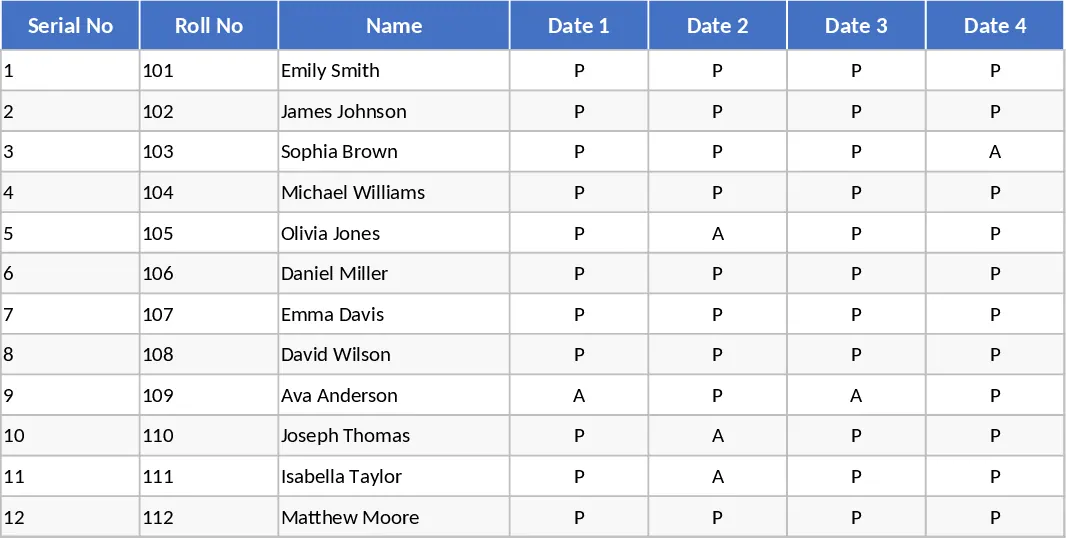
Attendance and Grade Sheet by Roll Number Template
Manage student attendance and academic scores efficiently with this integrated serial roll template designed for teachers and educators.
Student Attendance Tracker with Absence Reasons Template
Monitor daily attendance for small groups and document specific reasons for absences to identify patterns and improve student engagement.
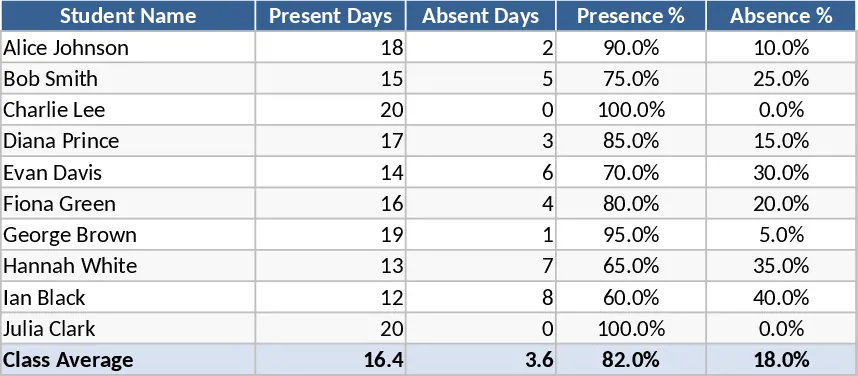
Academic Planner and Grade Tracker Template
Manage student performance, attendance, and curriculum planning in one comprehensive dashboard to improve academic outcomes and organization.