Student Attendance Tracker with Absence Reasons Template
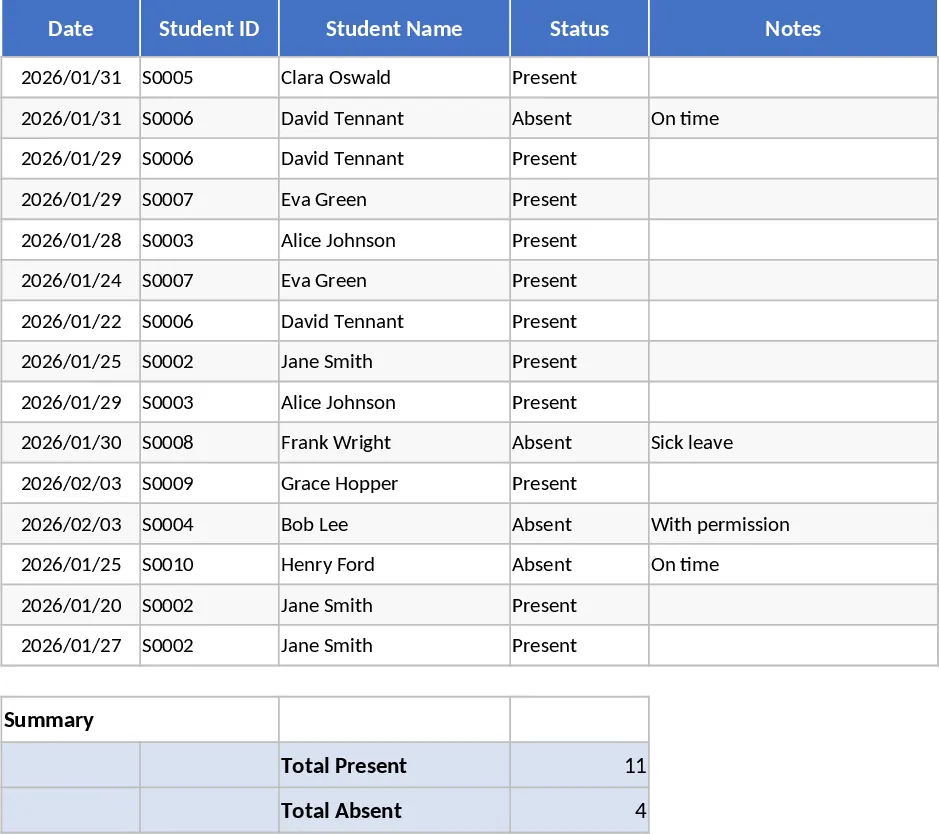
This specialized attendance tracker is designed specifically for educators, private tutors, and small-scale program coordinators who manage groups of up to 10 students. The template provides a structured environment to log daily presence, tardiness, and absences with high precision. The core of the template consists of a main tracking sheet where student names are listed alongside a calendar view. Each entry allows for quick status updates, while a dedicated column for absence reasons ensures that you are not just tracking numbers, but also the context behind every missed day. Whether it is a medical appointment, a family emergency, or an unexcused absence, having this information centralized helps in creating a more holistic view of student behavior and well-being. The template includes fields for the date, student ID, and a notes section for additional observations, while the dropdown menus are customizable to adapt to your specific institutional requirements.
In a busy educational setting, keeping track of why a student is missing can often be overlooked in the rush of the day. This template solves that problem by providing a simple, intuitive interface that encourages consistent documentation. It is an essential tool for those who need to maintain high standards of accountability, such as in specialized workshops, after-school programs, or homeschooling pods. By using this record, you can easily identify if a particular student is developing a pattern of absence on specific days or if there are recurring health issues that need to be addressed with parents. This level of detail is invaluable during parent-teacher conferences or when reporting to educational boards, as it provides a factual basis for discussions regarding student progress and participation.
The template is built to be flexible yet robust, featuring automated summary sections that aggregate data to show total days present, total absences, and attendance percentages for each individual. This eliminates the need for manual calculations at the end of the month, reducing the risk of human error and saving you valuable administrative time. The visual layout is clean and professional, making it easy to print or share as a digital report if needed. By maintaining these records, you foster a more organized learning environment where student participation is valued and monitored closely, ensuring that every student remains on track for success through proactive communication with families.
How to use:
- Start by entering the names of your 10 students in the designated roster section to automatically update the tracking rows for the entire period.
- For each school day, select the appropriate attendance code such as Present, Absent, or Tardy from the dropdown menu for each student.
- If a student is absent, type the specific reason in the adjacent reasons column to maintain a detailed qualitative record for future reference.
- Check the summary dashboard at the end of the week or month to see automatically calculated attendance rates and identify any students who may need additional support.
Expected benefits: This tool helps you maintain professional documentation with minimal effort, ensuring you spend less time on paperwork and more time focusing on your students' educational needs.
Similar Templates Recommendation
Qualitative Student Evaluation and Achievement Indicator Template
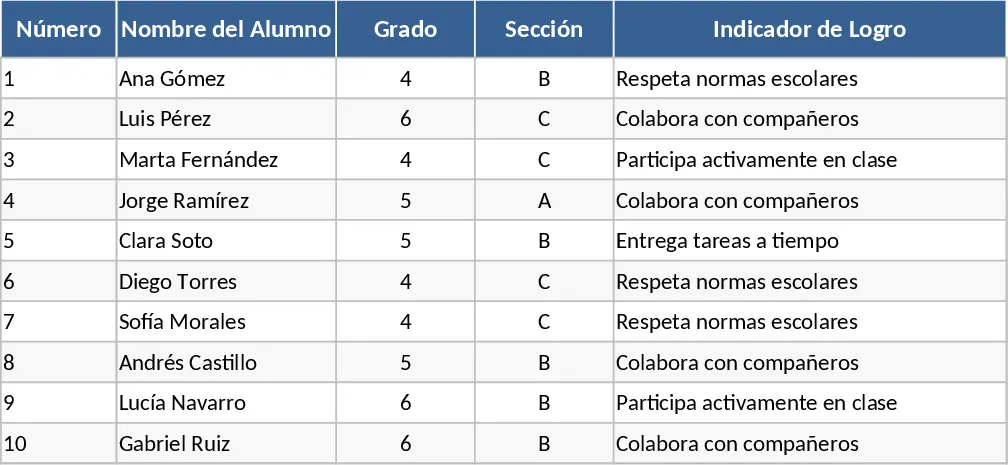
Manage student performance with qualitative grades and achievement indicators designed to meet official educational evaluation standards.
10-Student Attendance Tracking Template
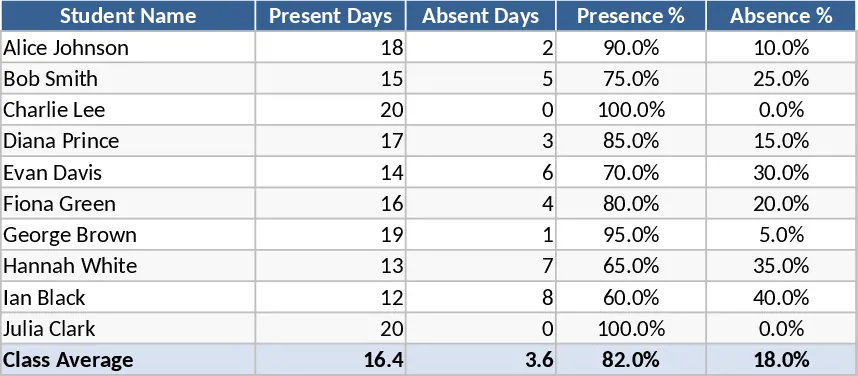
Track daily attendance for a small group of students with automated summaries to monitor presence, absences, and tardiness throughout the term.
Monthly Student Attendance Tracking Template
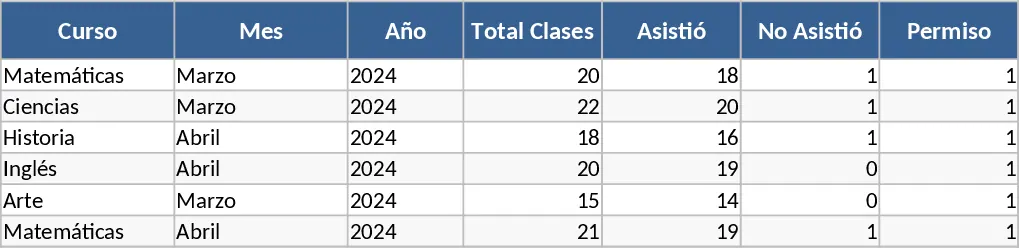
Track student attendance monthly with custom status options like present, absent, or excused to simplify classroom management.