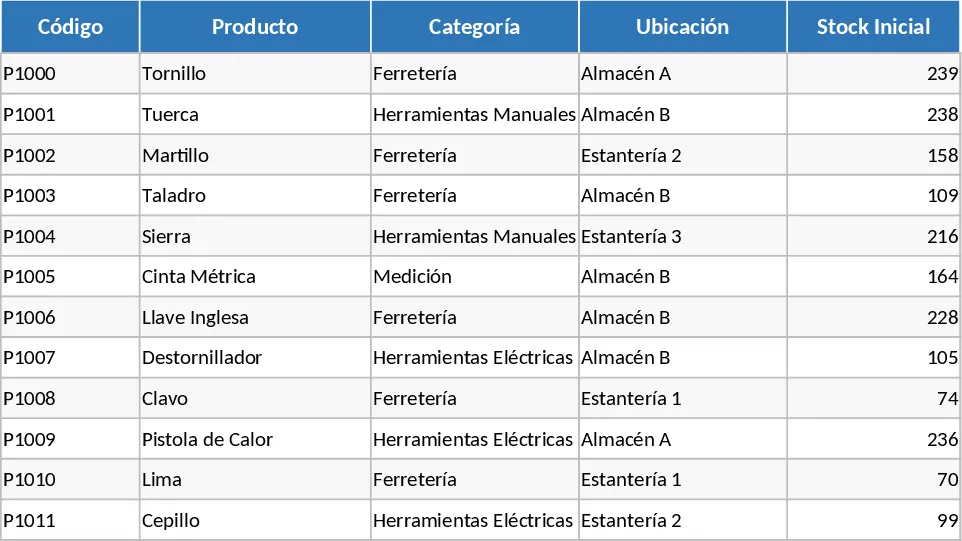
Inventory Management and Stock Tracking with Low-Stock Alerts Template
Managing inventory effectively is the backbone of any successful retail or manufacturing business. This Excel-based Inventory Management system is designed to streamline your warehouse operations by providing a structured environment to track every item from the moment it enters your facility until it reaches the customer. By centralizing your data, you gain better visibility into your supply chain, allowing for data-driven decisions regarding purchasing and sales strategies. This tool is ideal for small business owners, warehouse managers, and logistics coordinators who need a reliable, offline solution for inventory control without the complexity of expensive ERP software.
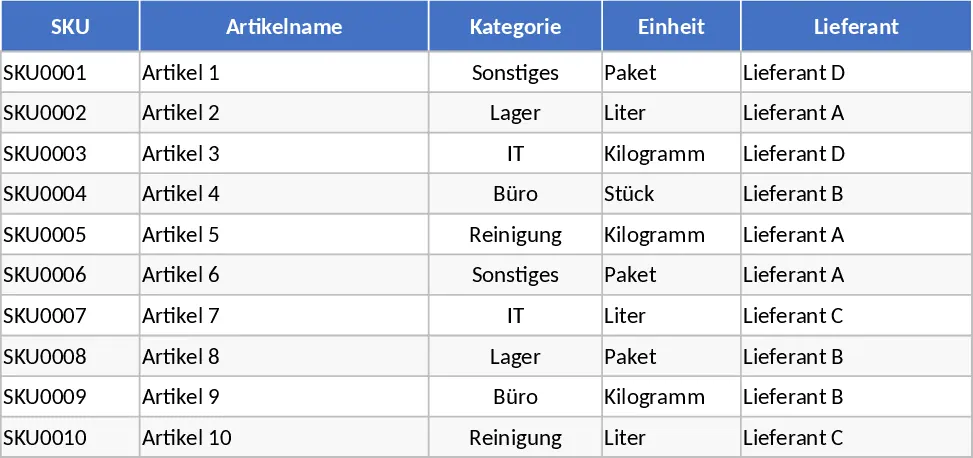
The template is divided into three functional areas. The Item Master sheet is where you define your product portfolio. Here, you can input unique SKUs, categorize items for better filtering, and set specific reorder levels. This sheet also tracks financial data like purchase and sales prices, giving you a quick reference for your margins. You can also utilize the Notes section to keep track of specific storage requirements or supplier lead times. The Unit column ensures that you are tracking items in the correct measurement, whether it is pieces, kilograms, or boxes.
The Stock Movements sheet is the operational heart of the template. It uses dropdown menus to ensure data consistency, allowing you to log IN movements for new stock, OUT movements for sales, and ADJUST entries for corrections or damages. Each entry includes a reference number and the name of the person who processed the movement, ensuring accountability. The Reference No. field is particularly useful for linking movements to specific invoices or shipping manifests, making it easier to reconcile your physical stock with your financial records during audits. It solves the common problem of ghost inventory by encouraging a disciplined logging process.
The real power of this template lies in the Inventory Overview sheet. This dashboard-style view automatically pulls data from the other sheets to calculate your current stock on hand. It factors in the opening balance, total additions, and total subtractions to give you a live count. Most importantly, it features a built-in reorder warning system using conditional formatting. If an item stock level drops to or below the threshold you set in the Item Master, the template will flag it for reordering, preventing lost sales due to stockouts and helping you maintain a lean inventory.
How to Use
- Initialize your inventory: Start by filling out the Item Master sheet with your current product list. Be sure to set a realistic reorder level for each SKU to trigger the automated alerts.
- Log daily activity: Use the Stock Movements sheet to record every transaction. Select the SKU from the dropdown, choose the movement type (IN/OUT/ADJUST), and enter the quantity.
- Review and restock: Regularly check the Inventory Overview sheet. Look for the Reorder status in the warning column to identify which items need to be purchased from your suppliers.
Expected benefits: Enhanced accuracy in stock tracking and significant time savings by eliminating manual inventory counts and calculations.
Similar Templates Recommendation
Comprehensive Inventory Management and Stock Tracking Template
Manage your inventory with automated stock tracking, movement logs, and reorder alerts to ensure optimal stock levels and streamlined operations.
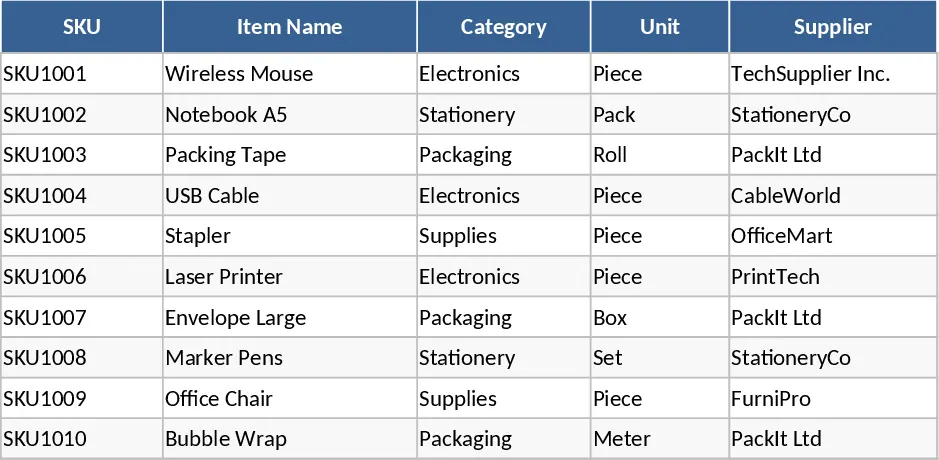
Inventory Management and Stock Tracking with Professional Layout Template
Track inventory levels, log stock movements, and receive automatic reorder alerts to maintain optimal stock levels and prevent shortages.
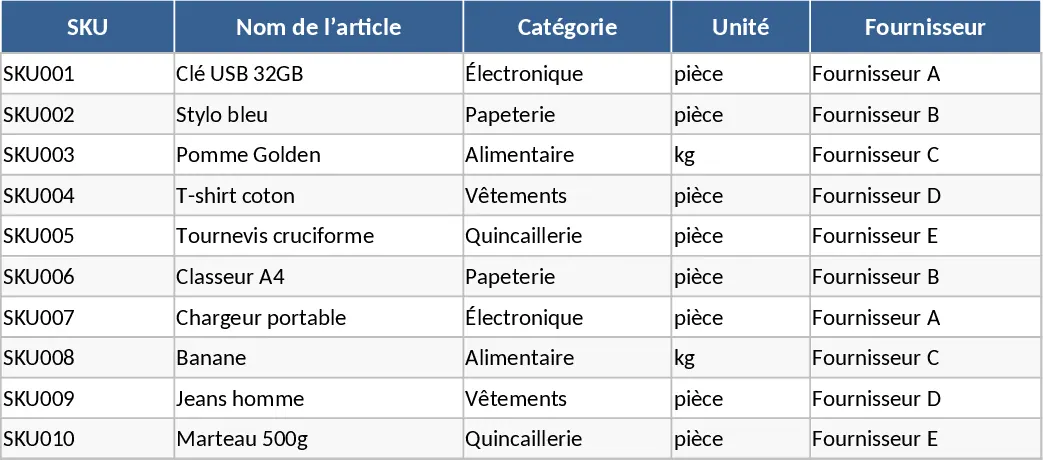
Inventory Management with Category Breakdown Template
Track stock levels, monitor product movements, and manage reorder points to ensure your business always has the right amount of inventory on hand.