Inventory Management and Stock Tracking with Professional Layout Template
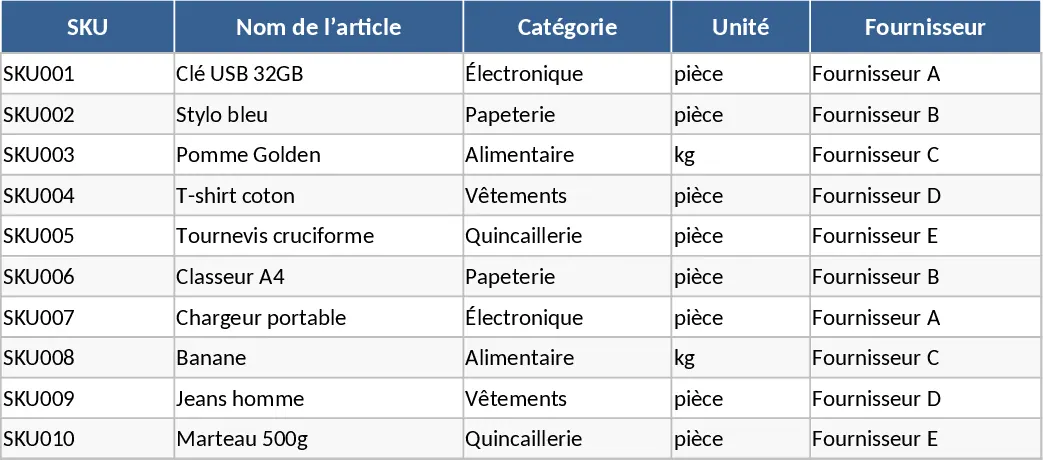
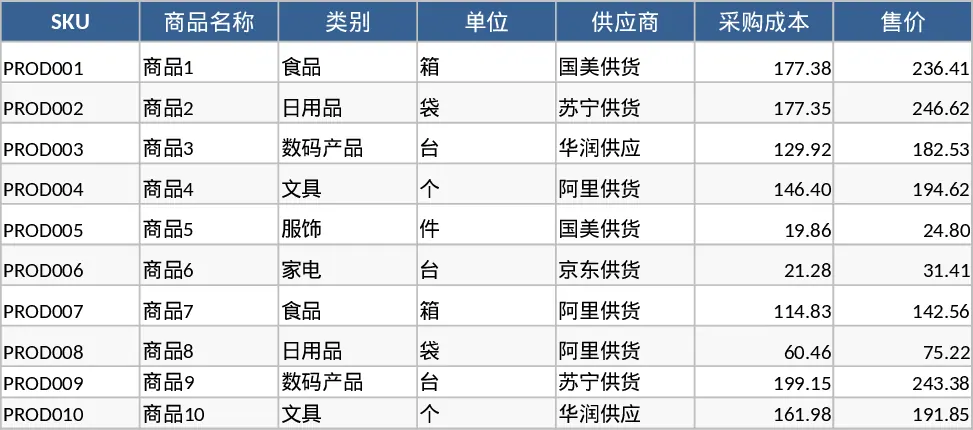
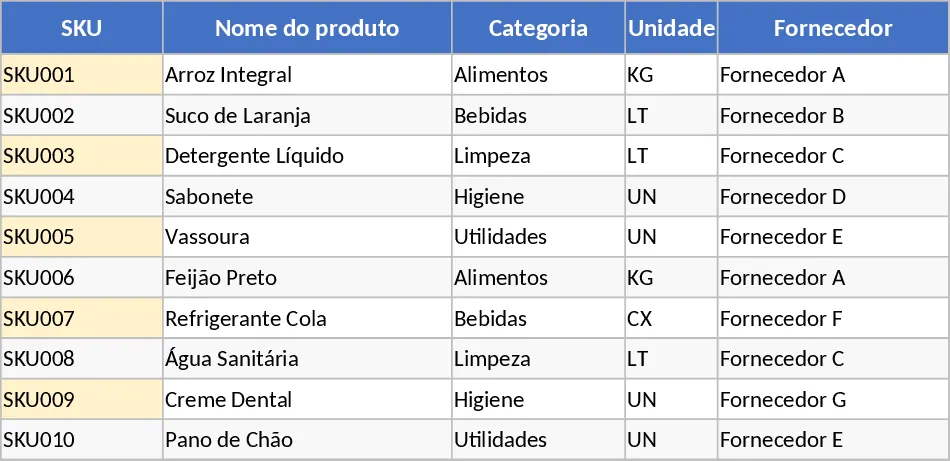
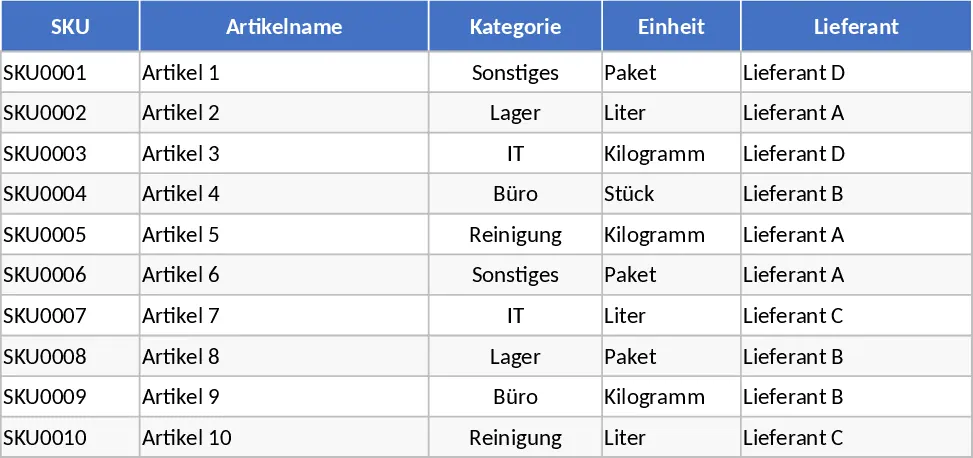
Managing inventory effectively is the backbone of any successful retail or distribution business. This Inventory Management template is designed to transform how you track your goods, moving away from manual lists into a structured, automated system. The template is organized into three specialized sheets that work together to provide a 360-degree view of your stock levels. The Item Master Data sheet serves as your central database, where you define SKU codes, product names, categories, and financial details like purchase costs and selling prices. This sheet also allows you to set a specific reorder point for every item, which is the critical threshold that triggers a restock notification. By centralizing your supplier information and unit costs here, you create a single source of truth for your entire catalog.
The Movement Log is the engine of the template, designed for daily data entry. Here, you can record every single transaction, whether it is a new shipment arriving from a supplier, a customer purchase, or a manual adjustment due to damage or returns. The log includes columns for Date, SKU selection via dropdown, Movement Type, Quantity, and Reference Numbers. By using standardized dropdown menus for SKUs and movement types, the template maintains high data integrity and prevents common entry errors. This granular tracking allows you to see exactly when and why stock levels changed, providing a clear audit trail for your operations and helping you identify patterns in stock depletion or seasonal demand.
For business owners and warehouse managers, the Stock Summary sheet is the most valuable output. It automatically aggregates all data from the movement log to show you the current stock available for every SKU. It calculates the total quantity of items received, sold, and adjusted to give you a real-time balance. The most powerful feature is the automated alert system: when your available stock hits or falls below the reorder point you set earlier, the template uses conditional formatting to highlight the item and display a Restock alert. This proactive approach helps you avoid the twin traps of overstocking, which ties up your cash, and understocking, which leads to lost revenue and frustrated customers.
This tool is ideal for small business owners, e-commerce sellers, and logistics coordinators who need a professional yet accessible way to manage their supply chain. It simplifies the complex task of inventory reconciliation and provides the data needed to make informed purchasing decisions. By using this template, you can move from reactive firefighting to proactive management, ensuring that your most popular products are always on the shelf and ready for your customers. The structure is flexible enough to handle various product types while remaining simple enough for team members to update without extensive training.
How to use:
- Start by filling out the Item Master Data sheet with your product list, ensuring each SKU is unique and setting a realistic reorder point for each item.
- Every time stock enters or leaves your facility, record the transaction in the Movement Log by selecting the SKU from the dropdown and entering the quantity.
- Regularly check the Stock Summary sheet to monitor your Stock Available column and look for any highlighted alerts in the Reorder column.
- Use the summarized data to generate purchase orders for suppliers or to identify slow-moving items that might need a price adjustment or promotion.
Expected benefits: This template significantly reduces the time required for manual inventory counts and helps prevent stockouts, leading to improved customer satisfaction and more efficient use of working capital.
Similar Templates Recommendation
Inventory Management and Stock Tracking with Charts Template
Track product levels, log stock movements, and receive automatic reorder alerts to maintain optimal inventory balance.
Inventory Management and Stock Tracking with Low-Stock Alerts Template
Manage item master data and track stock movements with automated inventory calculations and reorder alerts to optimize your warehouse operations.
Automated Inventory Management and Stock Tracking with Category Breakdown Template
Manage product master data and track stock movements with automated summaries and restock alerts to optimize your inventory levels.