Automated Inventory Management and Stock Tracking with Category Breakdown Template
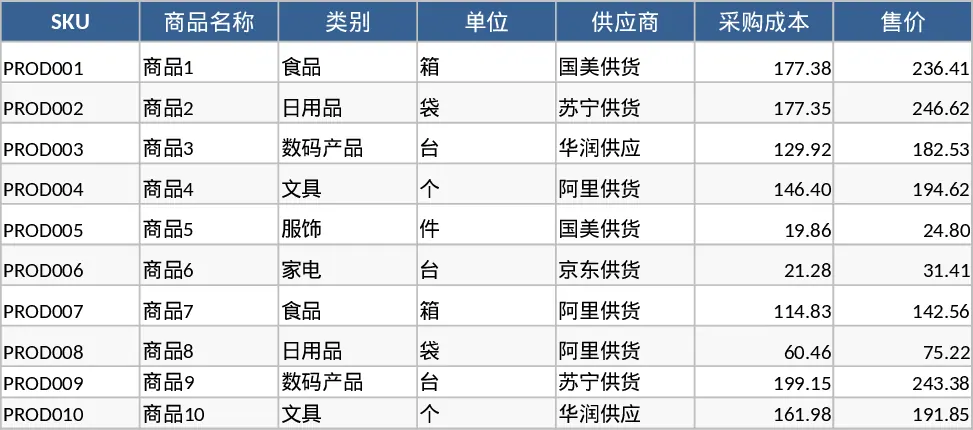
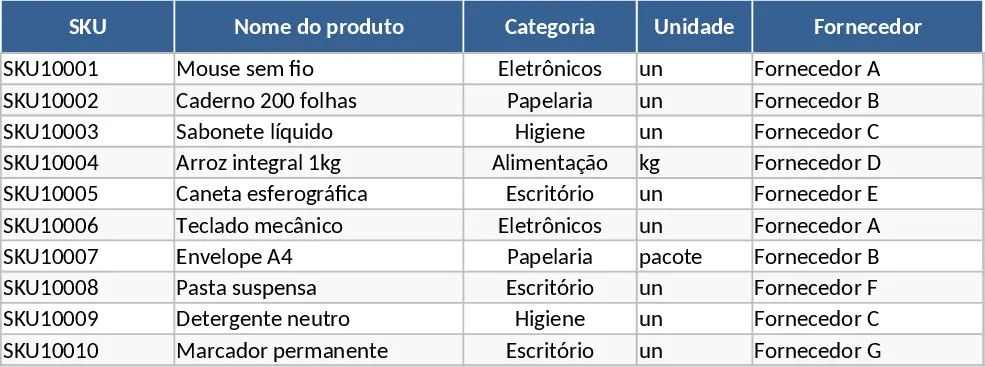
This comprehensive Inventory Management template provides a robust framework for tracking stock levels across three integrated sheets. The Product Master Data sheet serves as your central database, capturing essential details like SKUs, supplier info, and reorder points. The Inventory Transactions sheet allows you to log every movement—whether it is a new shipment, a sale, or a manual adjustment—using convenient dropdown menus to ensure data consistency. Finally, the Inventory Summary sheet automatically calculates your current stock levels and highlights items that need restocking, giving you a clear overview of your warehouse status at a glance.
This tool is ideal for small business owners, retail managers, or warehouse supervisors who need to move away from messy paper logs or basic lists. By centralizing your data, you eliminate the risk of manual calculation errors and gain immediate insights into your most popular items and potential shortages. It helps you maintain the perfect balance of stock, ensuring you never miss a sale due to stockouts while avoiding the costs of overstocking. The template includes sample data for 10 SKUs and 20 transactions to help you understand the logic immediately.
To get started, follow these steps:
- Navigate to the Product Master Data sheet and enter your unique SKUs along with their costs, prices, and reorder thresholds.
- Use the Inventory Transactions sheet to record daily stock movements by selecting the SKU from the dropdown and entering the quantity and movement type.
- Monitor the Inventory Summary sheet to see real-time stock levels and check the Restock Alert column for items that have fallen below your set threshold.
Expected benefits: Significant time saved on manual calculations and improved inventory accuracy with automated restock notifications.
Similar Templates Recommendation
Inventory Management and Stock Tracking with Professional Layout Template
Track inventory levels, log stock movements, and receive automatic reorder alerts to maintain optimal stock levels and prevent shortages.
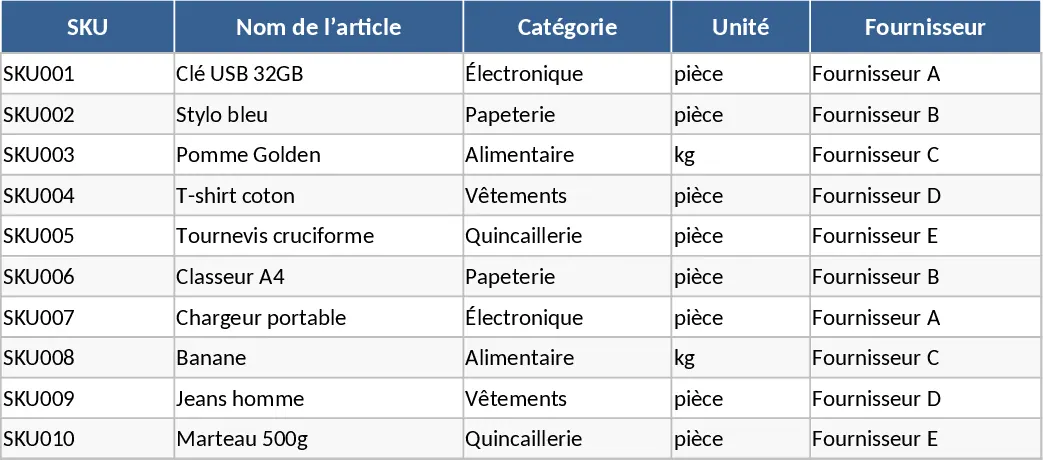
Inventory Management and Stock Tracking with Charts Template
Track product levels, log stock movements, and receive automatic reorder alerts to maintain optimal inventory balance.
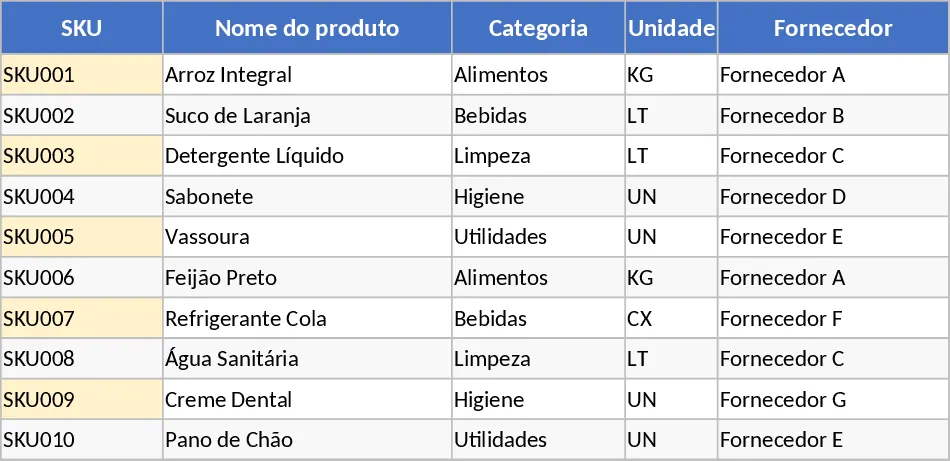
Inventory Management and Stock Tracking with Data Validation Template
Track product levels, log stock movements, and monitor reorder alerts with this integrated inventory management system.