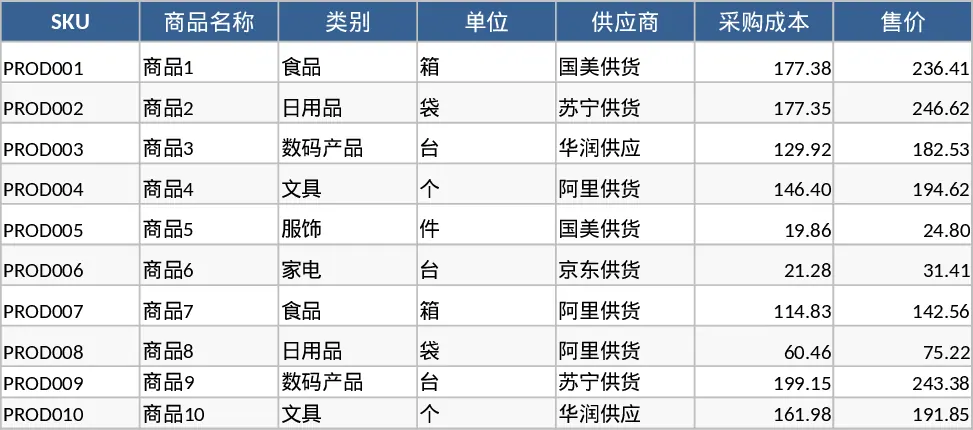
Inventory Management and Stock Tracking with Charts Template
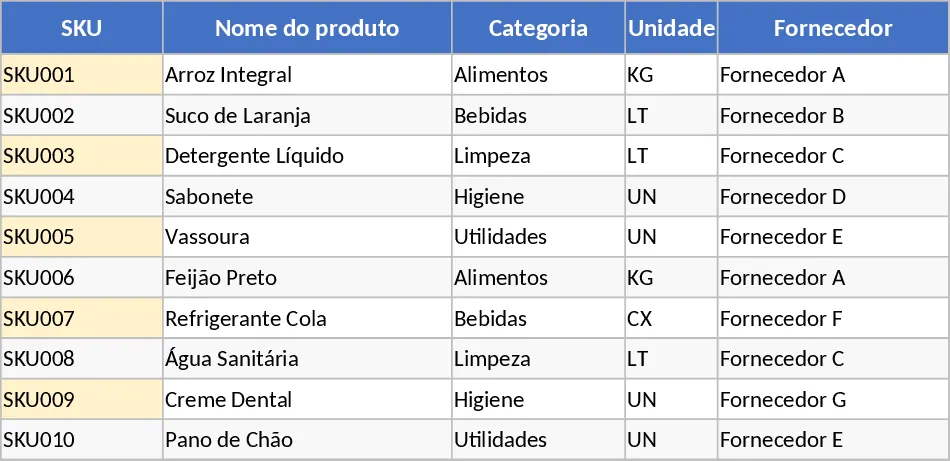
This integrated inventory management system provides a robust framework for tracking physical goods from arrival to sale. The template is organized into three core sections: a Product Master Data sheet for cataloging items with unique SKUs and reorder points; a Movement Log for recording daily ins, outs, and adjustments; and a dynamic Stock Summary that calculates real-time balances. By centralizing your data, you eliminate the guesswork involved in manual counting and ensure that your procurement team knows exactly when to restock.
The template is particularly useful for small to medium-sized businesses, retail shops, and warehouse supervisors who need to maintain tight control over their assets. It helps prevent stockouts by using conditional formatting to highlight items that have fallen below their safety levels. Whether you are managing a small boutique or a busy distribution center, this tool simplifies the workflow of logging transactions and auditing stock levels, providing a clear audit trail of who moved what and when.
How to use:
- Start by filling out the Product Master Data sheet with your current SKUs, categories, and specific reorder points.
- Every time stock enters or leaves your facility, record the transaction in the Movement Log, selecting the SKU from the dropdown menu to ensure data integrity.
- Check the Stock Summary sheet regularly to view your current inventory levels and identify items marked for replenishment.
Expected benefits: This template reduces the risk of human error in stock calculations and saves significant time during weekly inventory reviews.
Similar Templates Recommendation
Inventory Management with Sample Data Template
Efficiently track inventory levels, log stock movements, and receive automatic reorder alerts to maintain optimal supply chain efficiency.
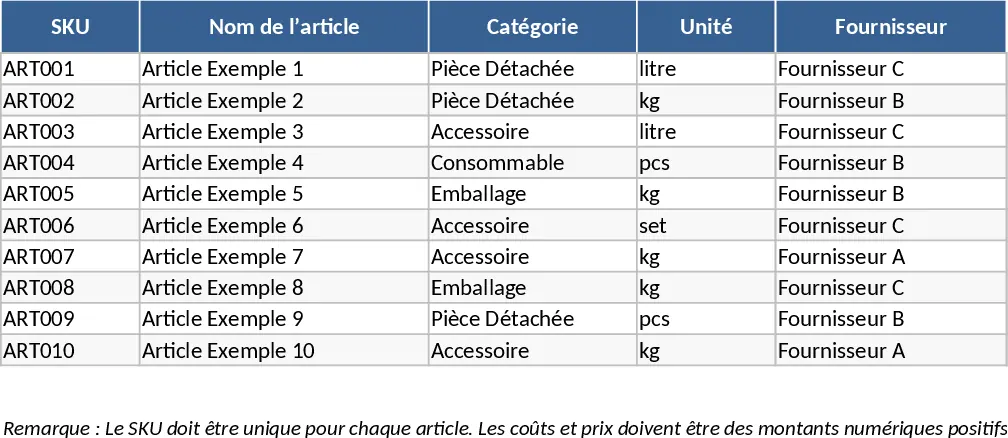
Inventory Management and Stock Tracking with Professional Layout Template
Track inventory levels, log stock movements, and receive automatic reorder alerts to maintain optimal stock levels and prevent shortages.
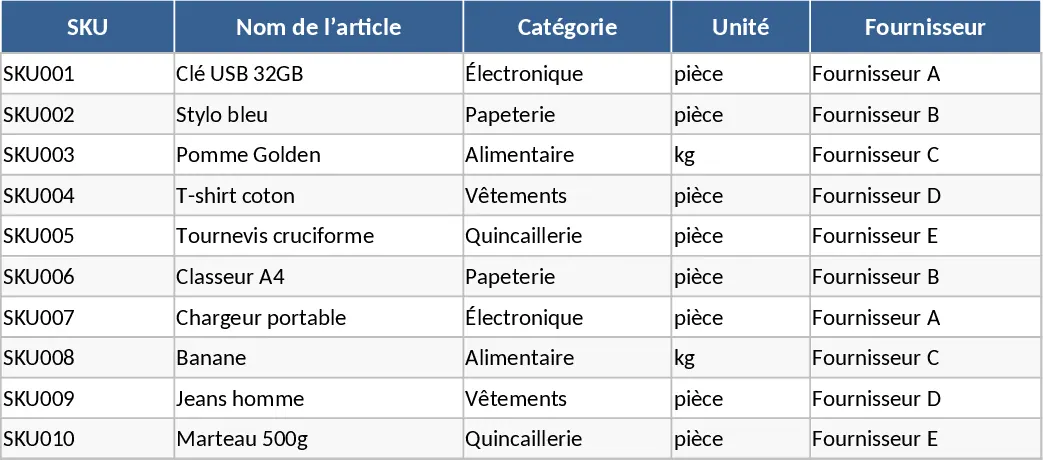
Automated Inventory Management and Stock Tracking with Category Breakdown Template
Manage product master data and track stock movements with automated summaries and restock alerts to optimize your inventory levels.