Inventory Management and Stock Tracking with Data Validation Template
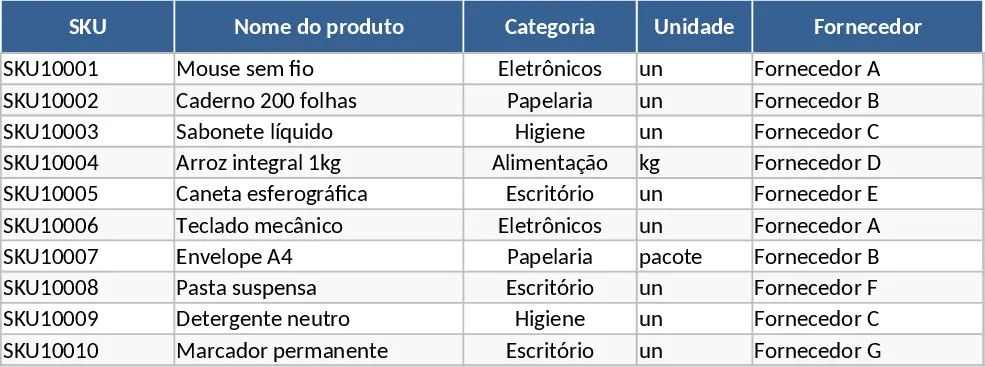
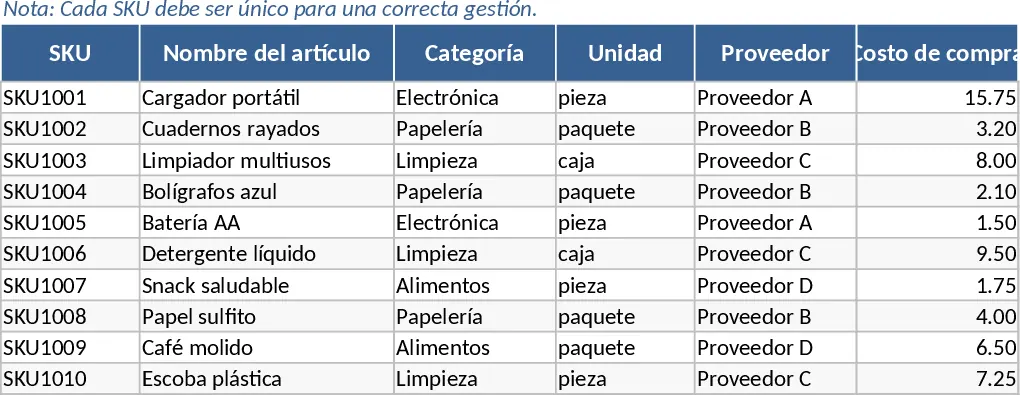
This comprehensive Inventory Management template provides a robust framework for tracking product levels across your entire business. It features three interconnected sheets designed to streamline your warehouse operations: a Product Master Data sheet for cataloging items, a Movement Log for recording daily transactions, and an automated Inventory Summary for real-time visibility. By centralizing your SKU details, supplier information, and pricing in one place, you eliminate the chaos of scattered spreadsheets and manual tallying.
The template is particularly useful for small to medium-sized retailers, e-commerce sellers, or warehouse managers who need to maintain optimal stock levels without over-investing in capital. It solves the common problem of stockouts by using a built-in reorder point system. When your current stock falls below a predefined threshold, the system automatically flags the item for replenishment, ensuring you never miss a sale due to missing inventory. The master data section also allows you to track purchase costs and sales prices, giving you a clear view of your inventory value.
With the integrated Movement Log, every entry, exit, or adjustment is documented with a timestamp and responsible party, creating a clear audit trail. The Summary sheet then aggregates this data using automated formulas to show you exactly what you have on hand, including initial stock, total inflows, outflows, and adjustments. This level of detail helps in identifying fast-moving products and managing supplier relationships more effectively by knowing exactly when and what to order.
How to use:
- Start by filling out the Master Data sheet with your unique SKUs, product names, and specific reorder points for each item to establish your catalog.
- Record every stock change in the Movement Log sheet, selecting the SKU from the dropdown menu and specifying the type of movement such as Entry, Exit, or Adjustment.
- Monitor the Inventory Summary sheet regularly to view your current stock levels and check the replenishment column for items marked for reordering.
Expected benefits: This template significantly reduces the time spent on manual inventory counts and helps prevent costly overstocking or stockout scenarios through automated alerts.
Similar Templates Recommendation
Automated Inventory Management and Stock Tracking with Sample Data Template
Efficiently track stock levels, manage product master data, and monitor transaction history with automated reorder alerts to prevent stockouts.
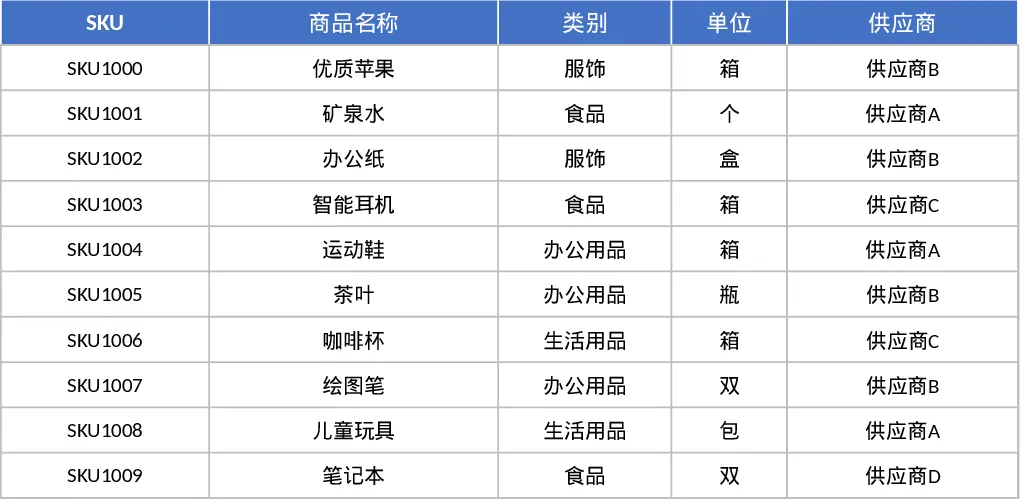
Inventory Management and Stock Tracking with Dashboard Template
Efficiently track stock levels, record item movements, and monitor reorder alerts to maintain optimal inventory balance for your business.
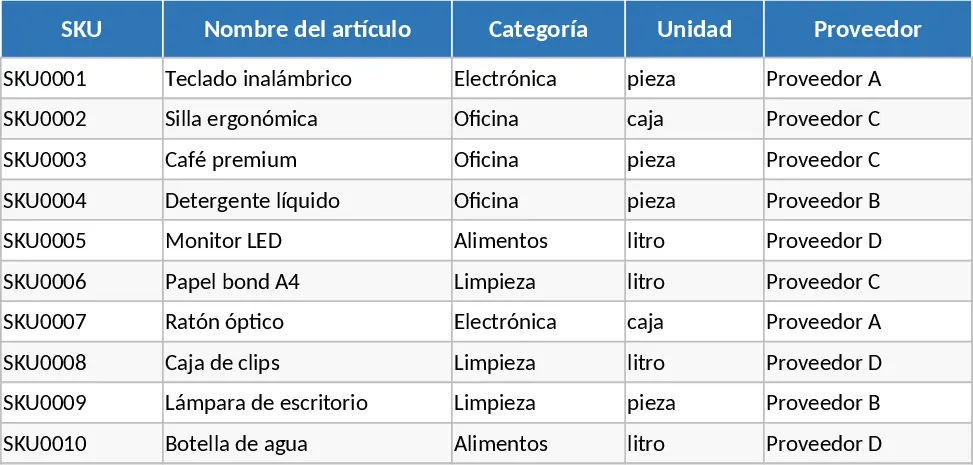
Inventory Management and Stock Tracking with Automation Template
Efficiently track stock levels, manage item movements, and receive automatic reorder alerts to maintain optimal inventory balance for your business.