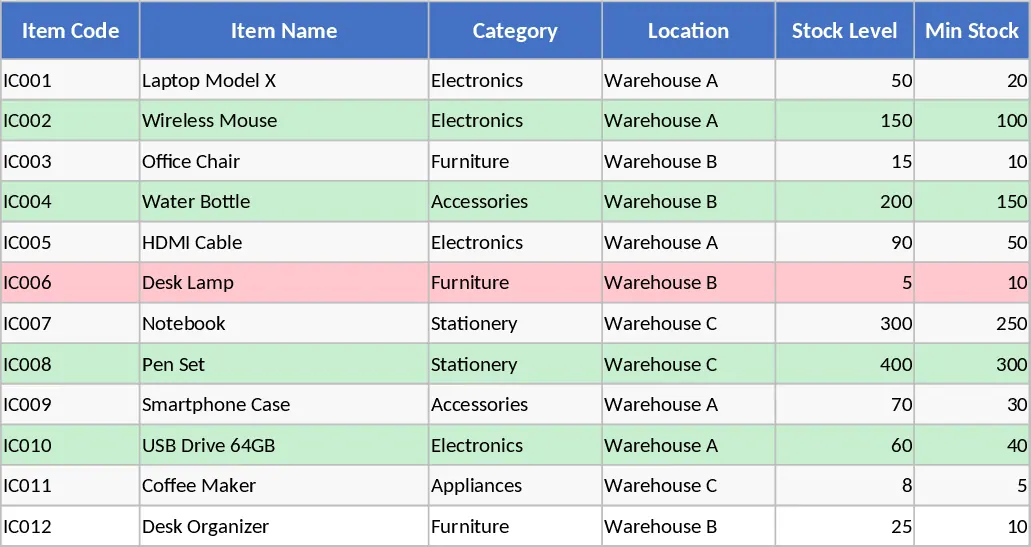
Inventory Management and Stock Tracking with Automation Template
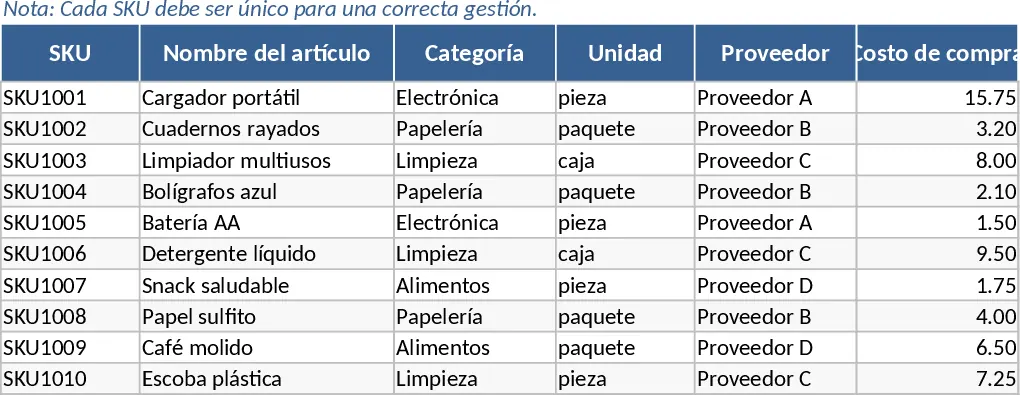
This comprehensive Inventory Management template provides a structured environment to oversee your entire stock lifecycle across three integrated sheets. The Item Master serves as your central database where you define unique SKUs, categories, and critical reorder points. The Movement Log captures every transaction—whether it is a new shipment arrival, a customer sale, or a manual adjustment—ensuring a complete audit trail of your physical goods. Finally, the Inventory Summary automatically aggregates this data to provide real-time visibility into current stock levels and highlights items that need restocking.
By centralizing your inventory data, you eliminate the guesswork associated with manual counts and fragmented spreadsheets. This tool is particularly beneficial for small to medium-sized businesses, retail shops, or warehouse supervisors who need to prevent stockouts while avoiding over-investment in excess inventory. It streamlines the daily workflow by linking purchasing costs and selling prices directly to your stock movements, allowing for better financial oversight alongside physical tracking. The template helps you manage SKU-specific details, supplier information, and movement history with built-in data validation to ensure accuracy. The automated reorder alert system acts as a proactive assistant, flagging items the moment they dip below your predefined safety levels. This ensures your operations remain fluid and your customers never face unexpected delays due to missing items.
How to use:
- Start in the Item Master sheet by entering your unique SKUs, item names, and setting a specific Reorder Point for each product to define your safety stock levels.
- Record every stock change in the Movement Log by selecting the SKU from the dropdown menu and choosing the movement type such as Entry, Exit, or Adjustment.
- Monitor the Inventory Summary sheet to view your live stock levels and look for the Reorder alert to identify which items need to be purchased immediately.
Expected benefits: This template significantly reduces the time spent on manual stock reconciliation and helps prevent lost sales by ensuring your most popular items are always available.
Similar Templates Recommendation
Inventory Management and Stock Tracking with Dashboard Template
Efficiently track stock levels, record item movements, and monitor reorder alerts to maintain optimal inventory balance for your business.
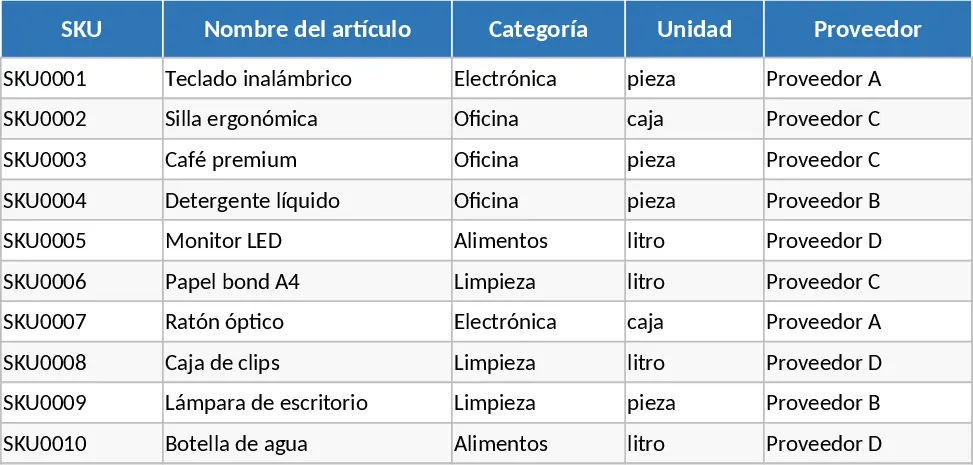
Inventory Management and Stock Tracking with Supplier Tracking Template
Track stock levels, manage SKU details, and monitor inventory movements with automated reorder alerts to prevent stockouts.
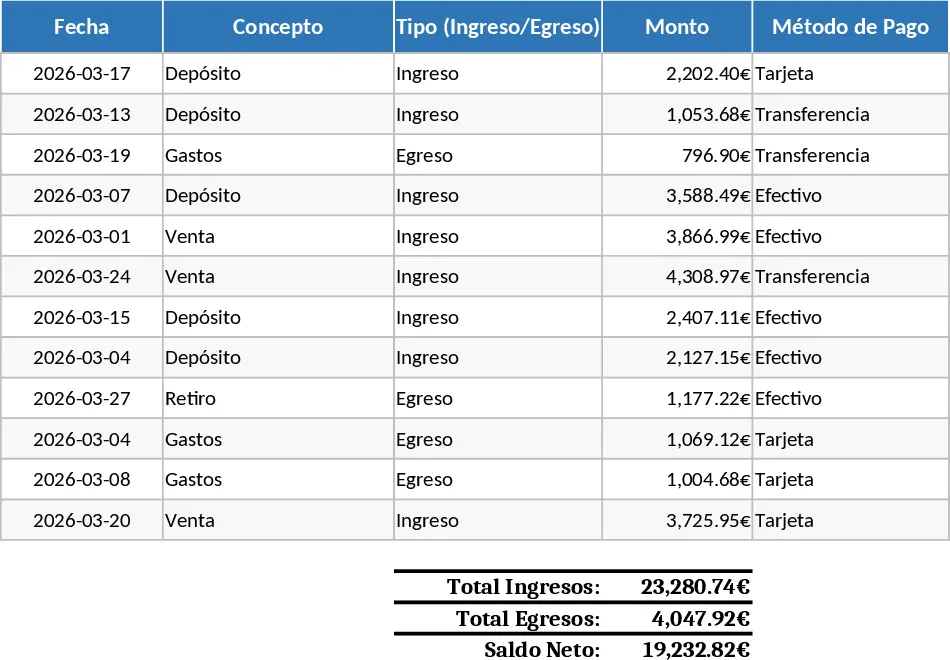
Automated Inventory Management and Stock Tracking with Conditional Formatting Template
Efficiently manage stock levels, track movements, and monitor reorder alerts across multiple SKUs to optimize your inventory control.