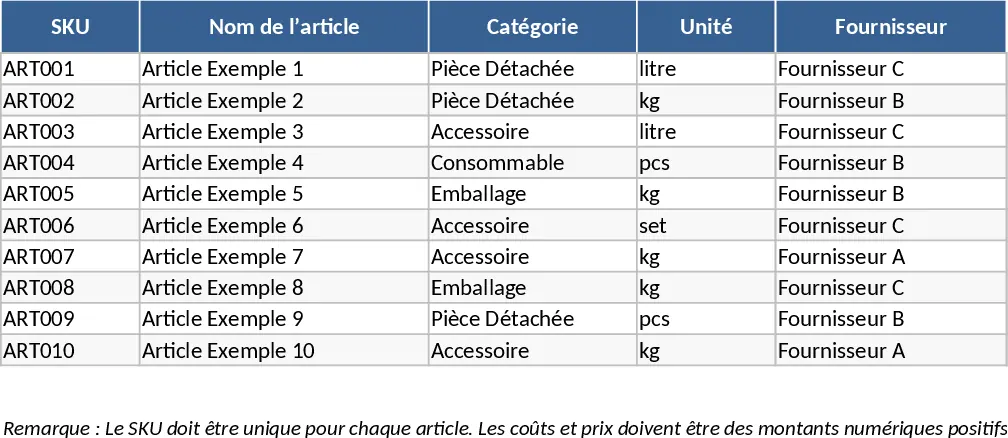
Automated Inventory Management and Stock Tracking with Conditional Formatting Template
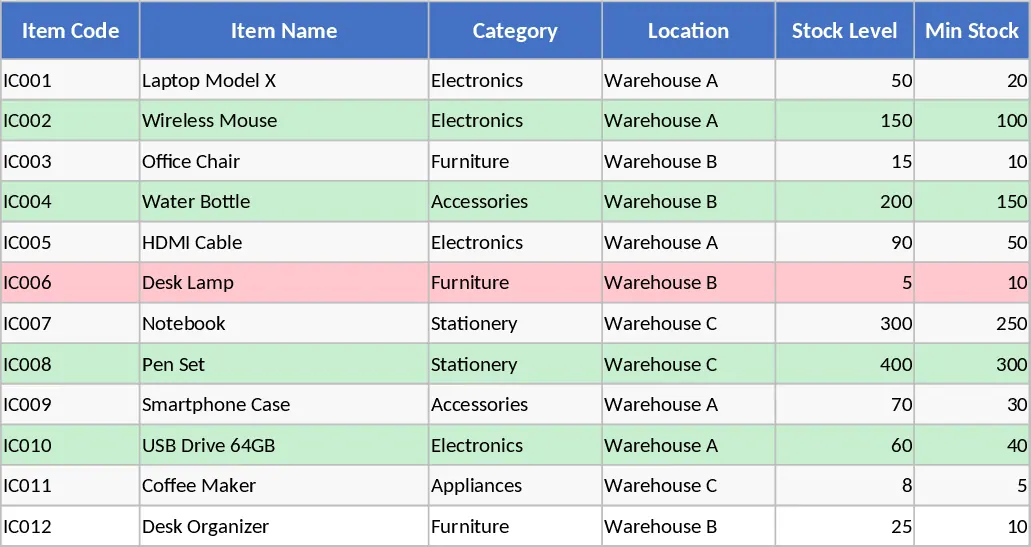
This Inventory Management Excel Template provides a robust framework for businesses to maintain precise control over their physical goods. By centralizing product data and movement history, it eliminates the guesswork often associated with manual stocktaking. The template is structured into three integrated sheets: an Items Master for core product details, a Stock Movements log for daily transactions, and a Stock Summary that automatically calculates current balances and highlights items needing replenishment.
For small business owners, warehouse supervisors, or retail managers, this tool solves the common problem of fragmented data. Instead of searching through invoices or physical shelves, you can see exactly what is on hand, what has been sold, and what needs to be reordered. The inclusion of reorder points ensures you never run out of critical stock, while the movement history provides a clear audit trail for every item entering or leaving your facility. This visibility is essential for maintaining healthy cash flow and ensuring customer satisfaction through consistent product availability.
The Items Master sheet allows you to categorize products and link them to specific suppliers and pricing, while the Stock Movements sheet uses dropdown menus to ensure data consistency. The automated Stock Summary sheet acts as your command center, using conditional formatting to flag low-stock items instantly. This streamlined approach reduces the risk of human error and saves hours of manual calculation every week. Whether you are managing a small e-commerce shop or a busy stockroom, this template scales with your needs by providing a clear, data-driven view of your inventory health.
To get started, first navigate to the Items Master sheet and input your unique SKUs, item names, and reorder points. Next, record any initial stock or new shipments in the Stock Movements sheet by selecting the SKU from the dropdown and choosing the IN movement type. As sales occur or adjustments are needed, continue logging these entries in the same sheet using the OUT or ADJUST types. Finally, visit the Stock Summary sheet to view your real-time on-hand quantities and check for any Reorder alerts triggered by your predefined thresholds.
Expected benefits: Significant reduction in manual data entry errors and improved stock availability through automated reorder alerts.
Similar Templates Recommendation
Comprehensive Inventory Management and Stock Tracking Template
Manage your inventory with automated stock tracking, movement logs, and reorder alerts to ensure optimal stock levels and streamlined operations.
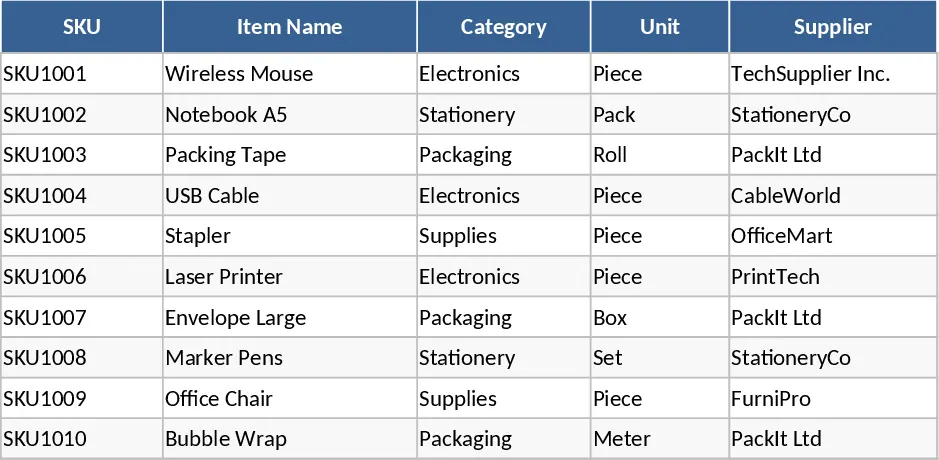
Inventory Management and Stock Tracking with Automation Template
Efficiently track stock levels, manage item movements, and receive automatic reorder alerts to maintain optimal inventory balance for your business.
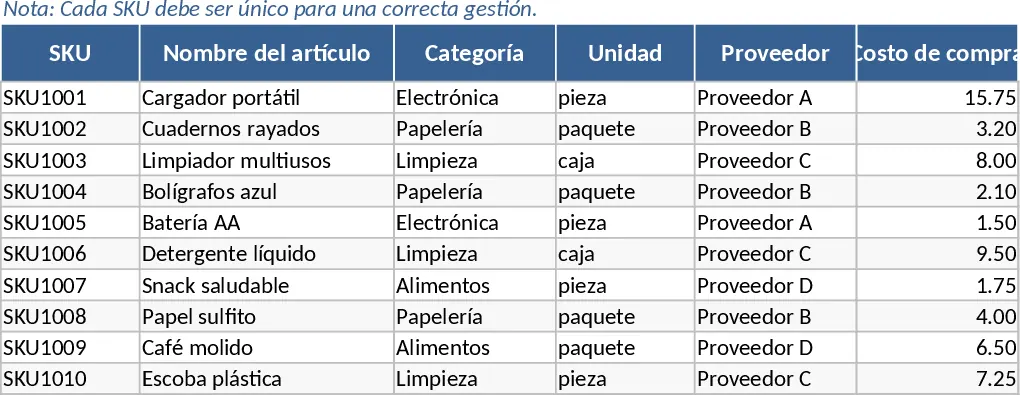
Inventory Management with Sample Data Template
Efficiently track inventory levels, log stock movements, and receive automatic reorder alerts to maintain optimal supply chain efficiency.