Comprehensive Inventory Management and Stock Tracking Template
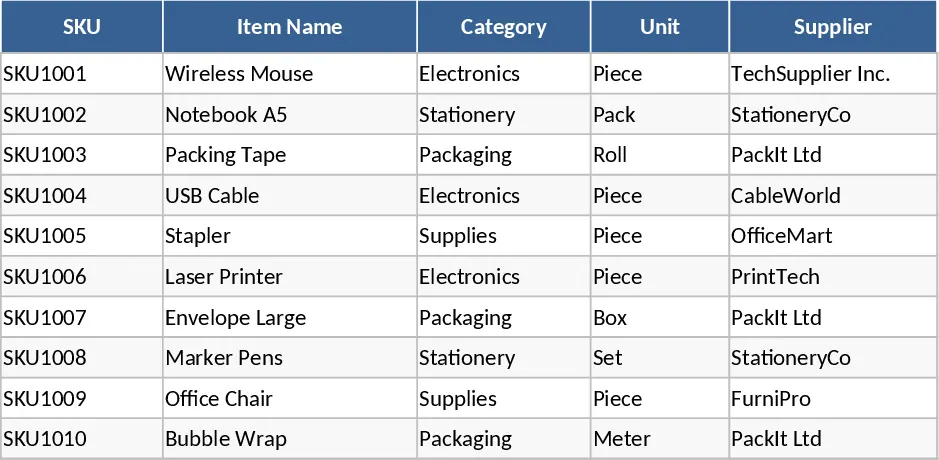
Maintaining an accurate count of your products is the backbone of any successful retail or distribution business. This Inventory Management Excel Template is designed to simplify that process by providing a structured, automated environment for tracking every item in your warehouse. The template is built around three core components: the Items Master, the Stock Movements log, and the Stock Summary dashboard. The Items Master serves as your central database where you record essential product information, including unique SKUs, supplier details, and financial metrics like purchase costs and selling prices. By establishing reorder points here, you set the foundation for automated alerts that keep your business running smoothly.
The Stock Movements sheet is where the daily work happens. It functions as a comprehensive ledger for all inventory activity, whether you are receiving new shipments, fulfilling customer orders, or making manual adjustments after a physical count. Each entry captures the date, SKU, movement type, and quantity, ensuring that you have a complete historical record of how your stock has changed over time. This level of detail is invaluable for identifying trends, investigating discrepancies, and managing supplier relationships. The use of dropdown menus for SKUs and movement types ensures data consistency and prevents the common errors associated with manual data entry.
The real power of this template lies in the Stock Summary sheet. This sheet automatically pulls data from your master list and movement logs to calculate your current on-hand inventory in real-time. It accounts for your opening quantities and applies every IN, OUT, and ADJUST movement to give you a precise figure of what is currently on your shelves. Most importantly, it features a conditional formatting system that triggers a Reorder Alert whenever an item's stock level falls below its predefined threshold. This proactive approach allows you to restock items before they run out, maintaining high service levels for your customers and preventing lost sales.
This template is particularly useful for small to medium-sized businesses, e-commerce sellers, and warehouse managers who need a professional inventory system without the complexity of expensive software. It solves the problem of blind spots in your supply chain by providing immediate visibility into stock value and availability. By using this tool, you can optimize your cash flow—avoiding the trap of tying up too much capital in slow-moving stock while ensuring your best-sellers are always available.
How to use:
- Setup your catalog: Navigate to the Items Master sheet and input your product list. Ensure each SKU is unique and define a Reorder Point for every item based on your lead times and sales velocity.
- Log daily activity: Every time stock enters or leaves your facility, record the transaction in the Stock Movements sheet. Select the SKU from the dropdown menu and specify if the movement is an IN, OUT, or ADJUST.
- Review and restock: Regularly check the Stock Summary sheet. Look for the Reorder Alert status to identify which items need to be purchased from your suppliers to maintain healthy stock levels.
Expected benefits: You can expect to save hours each week on manual stock checks and significantly reduce the risk of stockouts through automated monitoring.
Similar Templates Recommendation
Automated Inventory Management and Stock Tracking with Conditional Formatting Template
Efficiently manage stock levels, track movements, and monitor reorder alerts across multiple SKUs to optimize your inventory control.
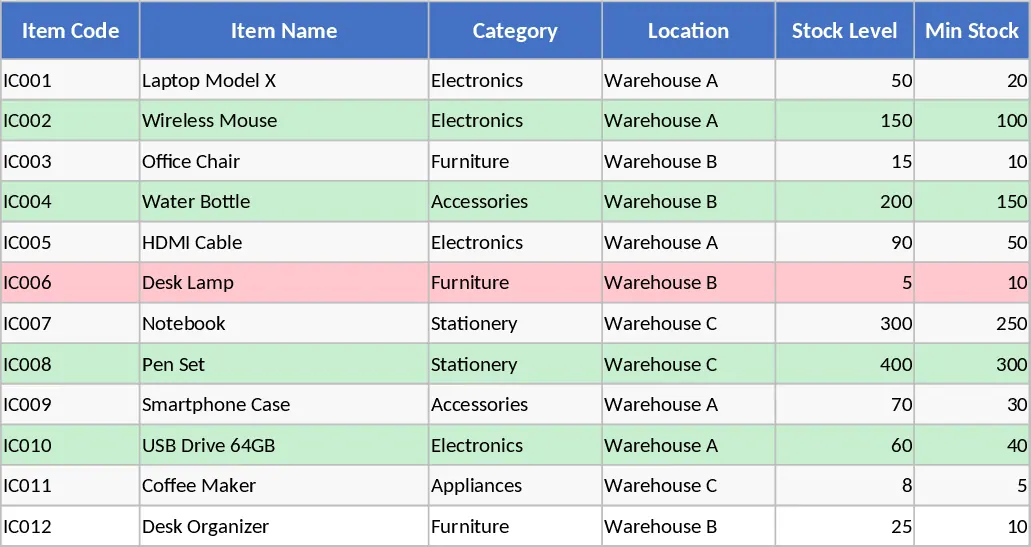
Inventory Management and Stock Tracking with Low-Stock Alerts Template
Manage item master data and track stock movements with automated inventory calculations and reorder alerts to optimize your warehouse operations.
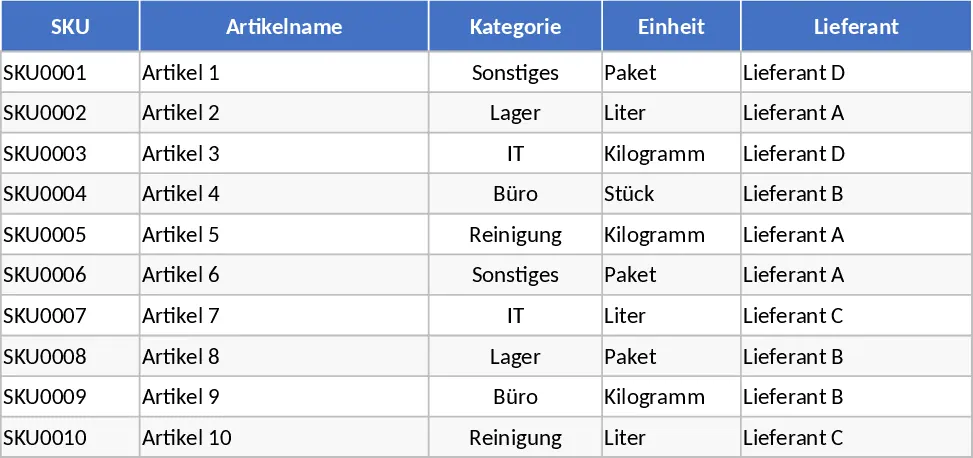
Inventory Management and Stock Tracking with Supplier Tracking Template
Track stock levels, manage SKU details, and monitor inventory movements with automated reorder alerts to prevent stockouts.