Automated Inventory Management and Stock Tracking with Sample Data Template
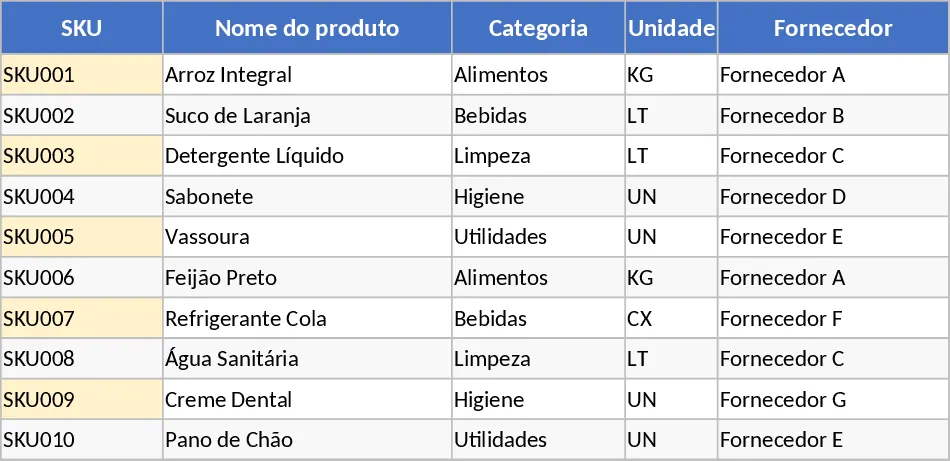
Managing inventory is the heartbeat of any product-based business, and having a reliable system is the difference between seamless growth and operational chaos. This Inventory Management template provides a structured yet flexible framework to move away from messy notebooks or fragmented spreadsheets. It centralizes your product information, tracks every movement from arrival to sale, and provides a bird's-eye view of your current stock health in real-time. By organizing your data into three specialized sheets, the template ensures that your records remain clean, searchable, and actionable.
The template is built around three core pillars designed for maximum data integrity. The Product Master Data sheet acts as your single source of truth, where you define unique SKUs, categories, suppliers, and critical reorder points. This sheet ensures that every item in your warehouse has a clear identity and a defined cost and price structure. The Inventory Transactions sheet serves as your daily ledger; it utilizes dropdown menus linked directly to your master data to prevent typing errors. Here, you can record every stock-in, stock-out, or manual adjustment, ensuring a complete audit trail of who handled the goods and why. Finally, the Inventory Summary sheet does the heavy lifting. It automatically aggregates all transaction data to calculate your current stock levels and highlights items that have fallen below your safety threshold.
For many small to medium enterprises, the biggest challenge isn't just knowing what you have, but knowing when you are about to run out. By setting specific reorder points for each SKU, the template automatically flags items that need attention with a visual alert. This prevents the dreaded out-of-stock scenario that leads to lost sales and frustrated customers. It also helps in financial tracking by maintaining a record of purchase costs and selling prices, giving you a clearer picture of your inventory's total value and potential profit margins. This tool is ideal for retail shop owners, e-commerce sellers, and warehouse supervisors who need a professional system without the complexity or cost of high-end ERP software. Whether you are managing electronics, apparel, or office supplies, the customizable categories and units make it adaptable to almost any industry.
How to use:
- Start by populating the Product Master Data sheet with your unique SKUs, descriptions, and reorder thresholds. Ensure each SKU is unique to maintain data accuracy.
- Whenever stock arrives, is sold, or needs adjustment due to damage, enter a new row in the Inventory Transactions sheet. Select the SKU from the dropdown menu and enter the quantity.
- Regularly visit the Inventory Summary sheet to monitor your current stock levels. Look for the Reorder status highlighted in the alert column to identify which products need to be purchased immediately.
By automating the calculation of current stock levels and providing instant visual feedback on stock health, you can expect to significantly reduce the time spent on manual audits and minimize human error. This streamlined workflow allows you to focus more on strategic purchasing and growing your business while maintaining full control over your physical assets.
Similar Templates Recommendation
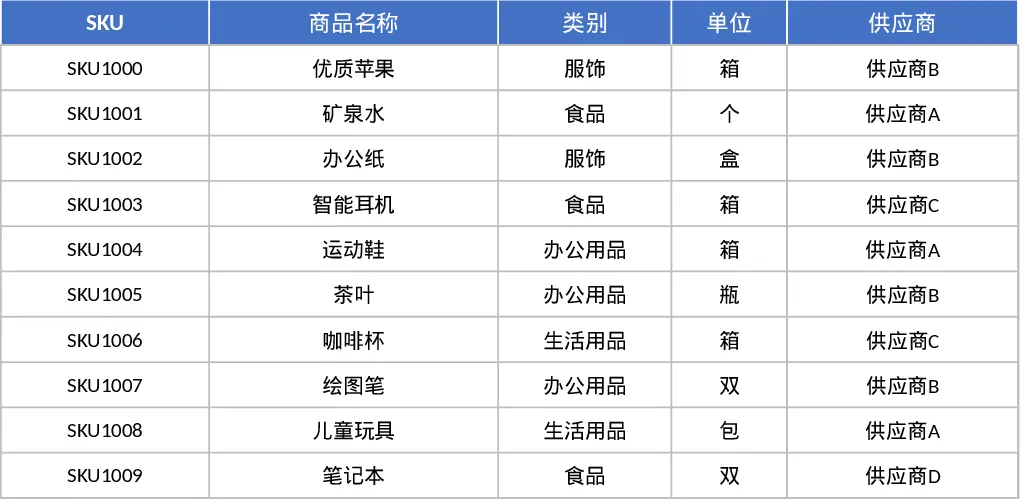
Inventory Management and Stock Tracking with Data Validation Template
Track product levels, log stock movements, and monitor reorder alerts with this integrated inventory management system.
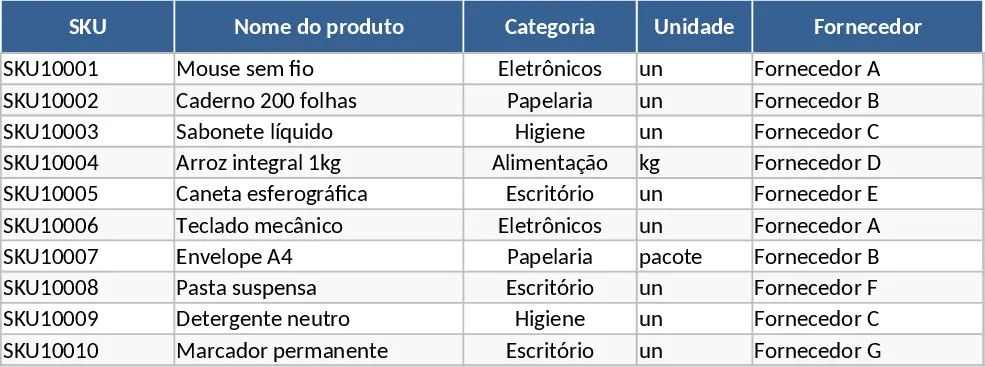
Inventory Management and Stock Tracking with Dashboard Template
Efficiently track stock levels, record item movements, and monitor reorder alerts to maintain optimal inventory balance for your business.
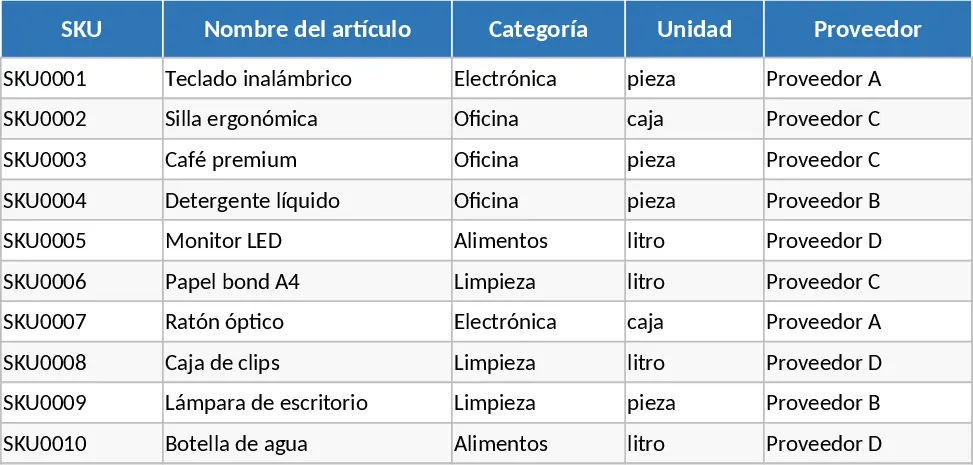
Inventory Management and Stock Tracking with Charts Template
Track product levels, log stock movements, and receive automatic reorder alerts to maintain optimal inventory balance.