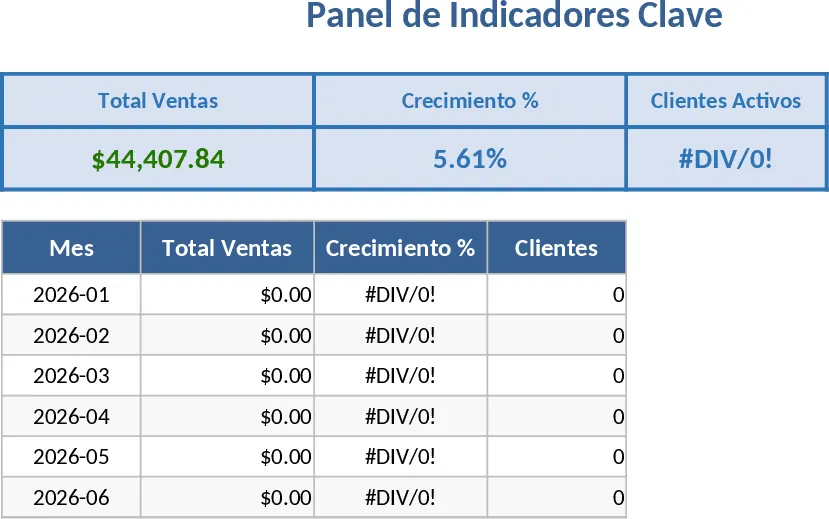
Data Visualization and Chart Creator Template
This comprehensive data visualization template is designed to bridge the gap between raw numbers and meaningful insights. It features a structured data entry sheet where you can input various metrics—ranging from monthly revenue to project completion rates—and automatically generates a suite of professional charts. The template includes dynamic sections for bar graphs, line charts, and pie charts, all linked to centralized tables with built-in dropdown menus for easy filtering. Whether you are tracking seasonal trends or comparing departmental performance, the summary dashboard provides a high-level overview that is ready for any boardroom presentation.
Managing data can often feel overwhelming when it is trapped in endless rows and columns. This tool solves that problem by providing a plug-and-play framework for visual storytelling. It is particularly beneficial for business analysts, marketing managers, and project leads who need to communicate complex information quickly and clearly. By using this template, you eliminate the need to manually adjust axes, legends, or color schemes every time your data updates. It streamlines your daily workflow by centralizing your reporting process, ensuring that your visuals are always accurate and up-to-date. It is the perfect companion for monthly reviews, client presentations, or internal performance tracking.
To get started, simply navigate to the Data Input tab and paste your existing records into the formatted table. Once your data is in place, use the Chart Selector to choose the visual style that best represents your findings, such as a trend line for growth or a Pareto chart for problem-solving. You can then refine the output by adjusting the date ranges or categories in the filter section. The final result is a polished, professional graphic that can be easily copied into PowerPoint or shared as a PDF report.
Expected benefits: This template significantly reduces the time spent on manual chart creation and formatting, allowing you to focus on analyzing the results rather than wrestling with spreadsheet settings.
Similar Templates Recommendation
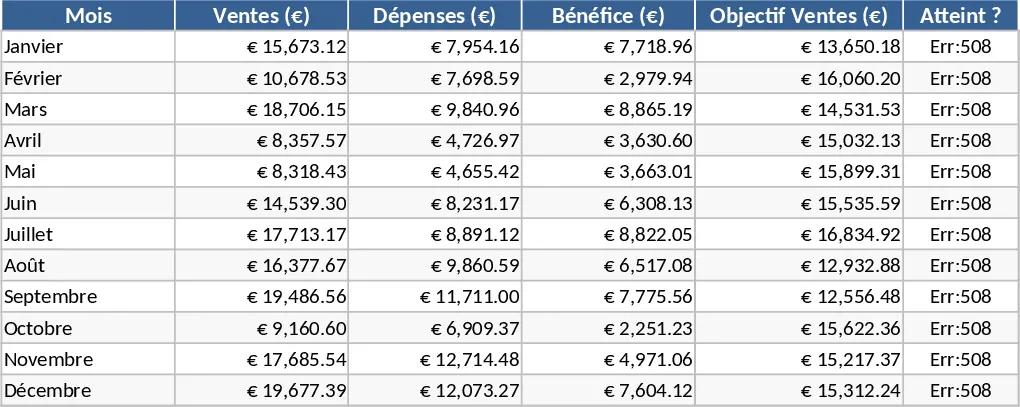
Professional Business Dashboard with Weekly Trends Template
Visualize your key performance indicators and business metrics in one centralized view to make data-driven decisions with ease.
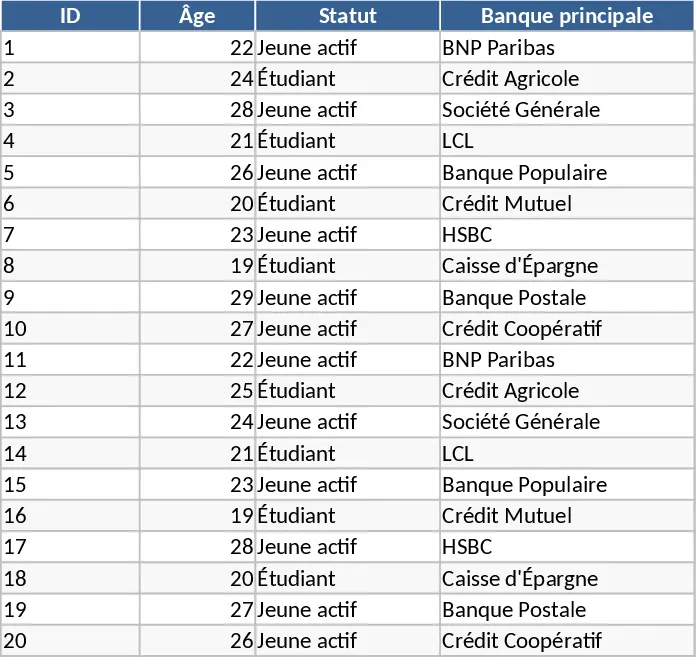
Spreadsheet Data Analysis Template
Analyze your custom datasets to uncover trends, visualize key metrics, and generate actionable business insights through automated summaries.
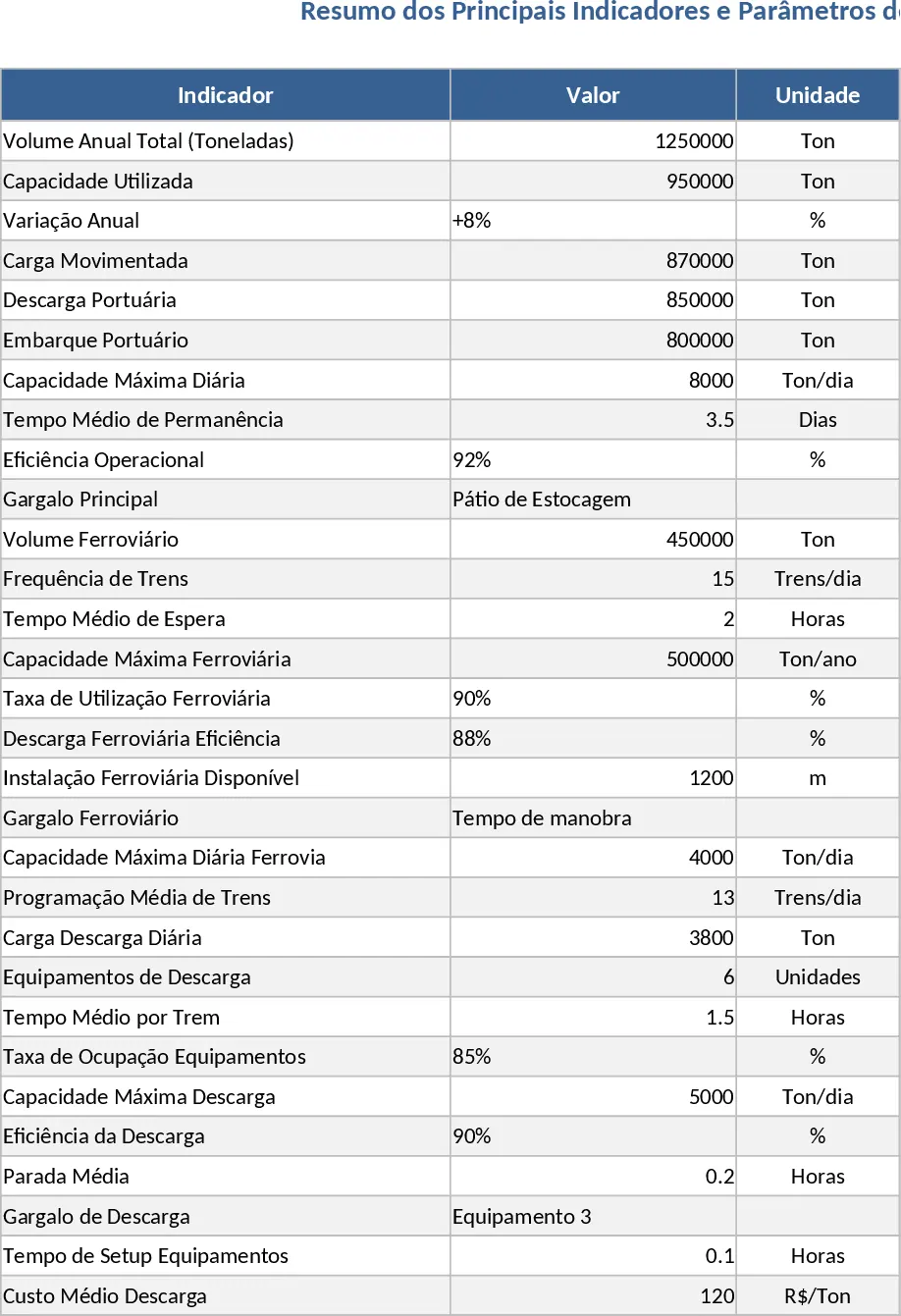
Professional Data Visualization Dashboard Template
Transform raw data into actionable insights with this professional dashboard featuring dynamic charts and automated KPI tracking for any business metric.