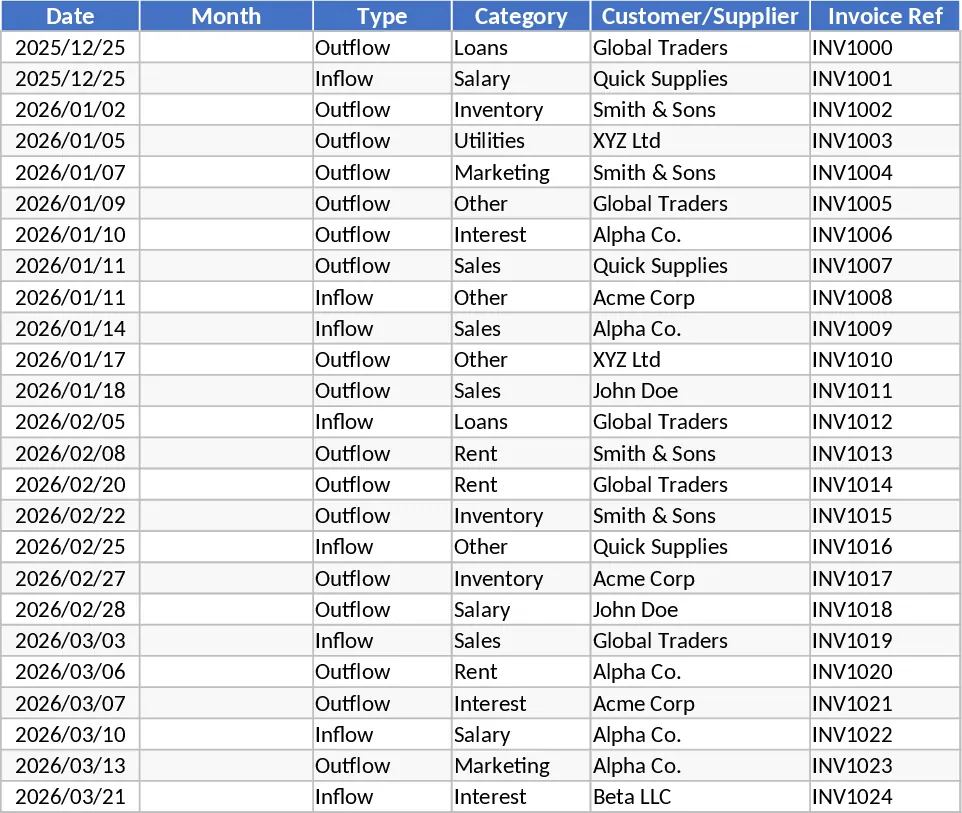
Business Expense Tracker with VAT and Project Reporting Template
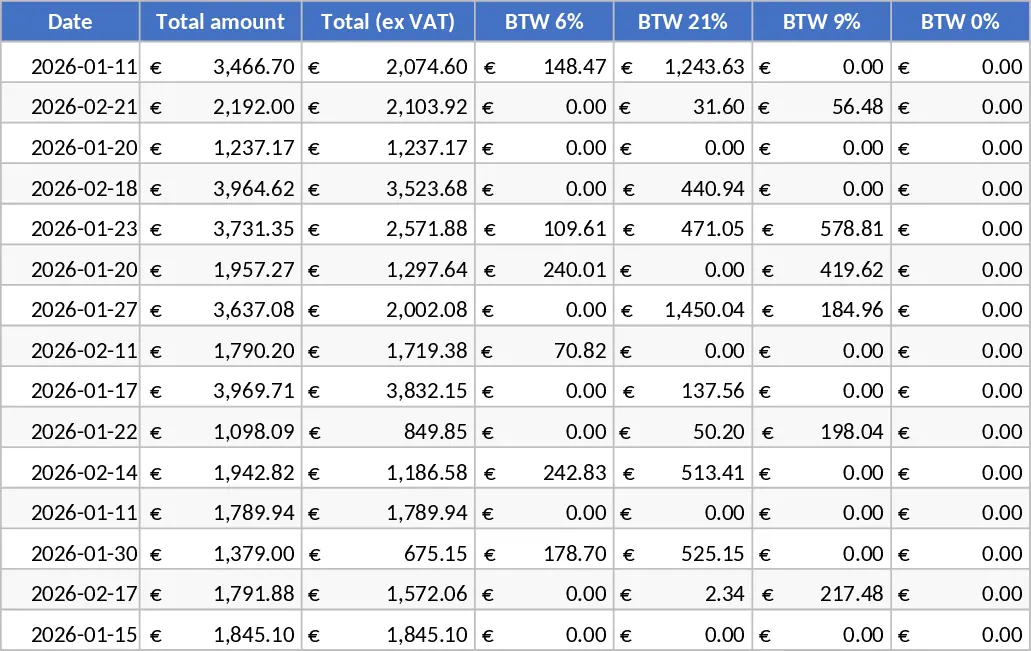
Managing business finances requires more than just a list of costs; it requires a systematic approach to tax compliance and budget oversight. This Excel Expense Tracker with VAT Breakdown and Dashboard is a professional-grade solution for businesses that need to maintain meticulous records of their expenditures. The template is built around a primary data entry ledger that includes essential fields such as transaction dates, total amounts, and a comprehensive breakdown of VAT rates including 0%, 6%, 9%, and 21%. It also accommodates specialized tax scenarios like tax-exempt purchases and reversed charges, ensuring that your records are ready for official tax filings and audits. The structure of the template is designed for high-volume data entry while maintaining organization. Each entry allows you to specify the cost type, payment method, and supplier, providing a 360-degree view of where your money is going. Furthermore, the inclusion of project-specific tracking means you can see exactly how much is being spent on individual initiatives, making it easier to calculate ROI and manage client-related expenses. Fields for payment status and due dates help you stay on top of your accounts payable, preventing late fees and maintaining healthy relationships with your vendors.
For business owners, the most valuable component is the automated Dashboard. This sheet serves as your financial command center, extracting data to provide monthly, project-wise, and company-wide insights. Instead of manually sorting through rows of data, you can use the dashboard to visualize your total yearly spending and identify patterns in your overhead. This level of detail is crucial for identifying areas where you can cut costs or where investments are yielding the best results. It transforms raw data into actionable intelligence, helping you plan for future growth with confidence. This tool is particularly helpful for small to medium-sized enterprises (SMEs), freelancers, and project managers who need a reliable way to track costs without the complexity of expensive ERP systems. It is used daily to log receipts, weekly to review project budgets, and monthly to reconcile accounts and prepare for tax submissions. By centralizing all financial data in one place, it ensures consistency and transparency across your organization.
How to use:
- Input your daily transactions into the main Expense sheet, filling out the date, total amount, and selecting the appropriate VAT rate from the provided columns to ensure accurate tax calculations.
- Use the dropdown menus to categorize each expense by cost type, supplier, and project, and enter the payment status to keep your cash flow records current.
- Once your data is entered, go to the Dashboard sheet where the pivot tables and charts will automatically aggregate your information by month and project.
- Use the slicers or filters on the dashboard to view specific timeframes or project categories, allowing you to generate custom reports for meetings or tax reviews.
Expected benefits: You can expect to save hours of manual calculation time each month and gain a much clearer understanding of your project-based profitability and tax liabilities.
Similar Templates Recommendation
Automated Dental Practice and Personal Finance Dashboard Template
Track personal and professional finances with automated bank imports, smart categorization, and comprehensive profit and loss dashboards.
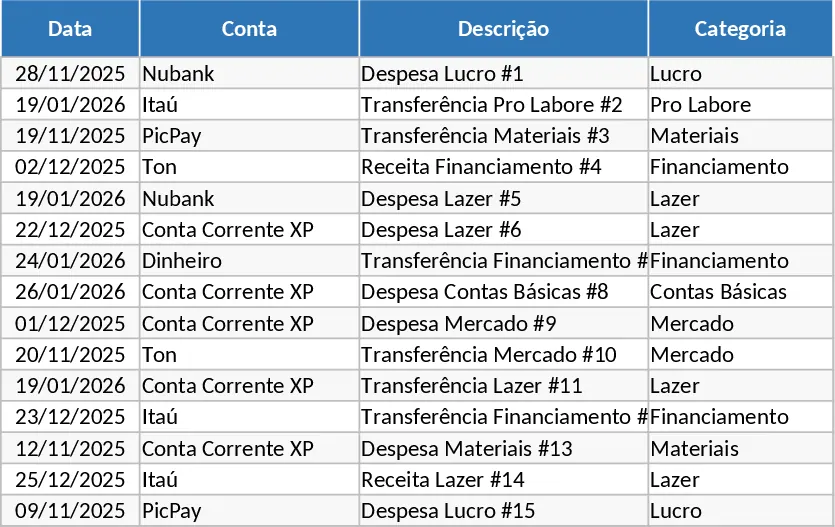
Automated Personal and Professional Financial Management for Dentists Template
Automate mixed personal and professional finances with smart bank statement imports, auto-categorization, and detailed P&L dashboards.
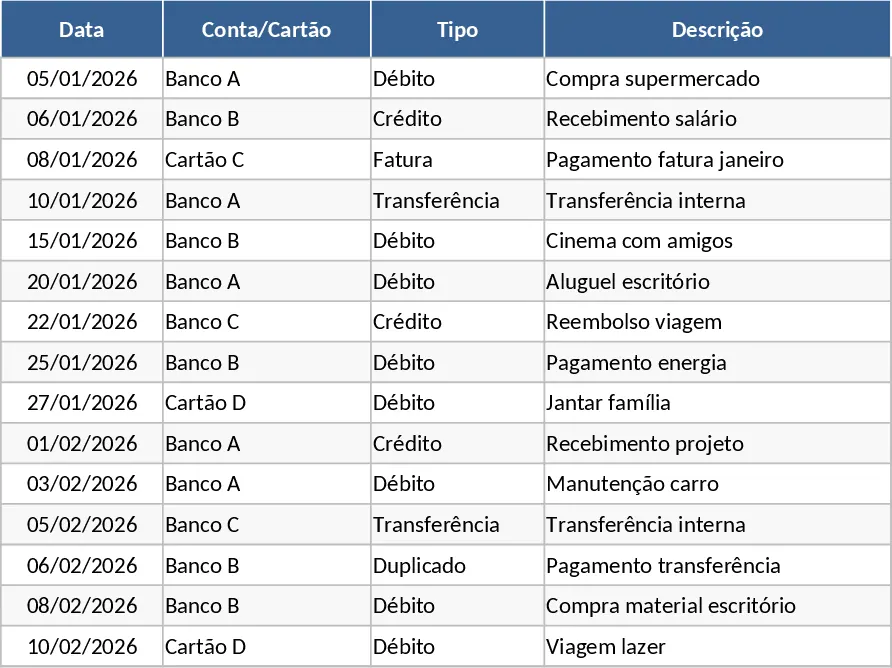
Small Business Cash Flow Tracker and Dashboard with Expense Analysis Template
Manage daily income and expenses, monitor monthly net cash flow, and visualize financial health with an automated dashboard for small businesses.