Automated Dental Practice and Personal Finance Dashboard Template
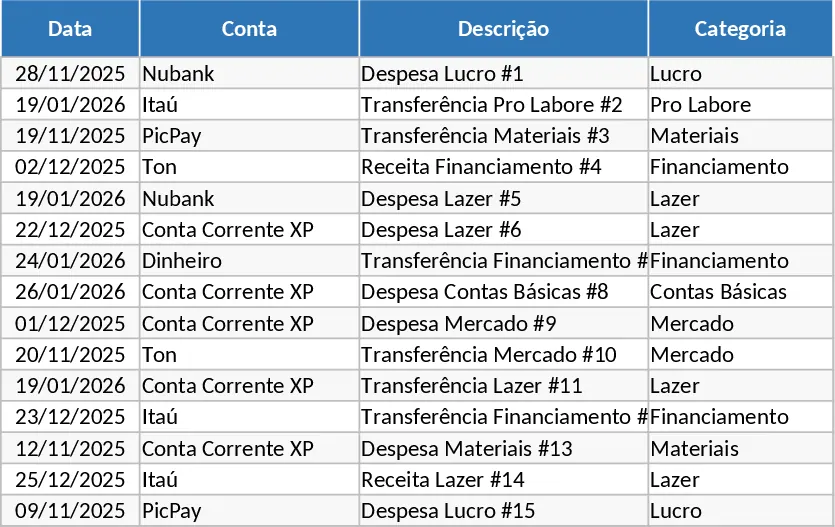
This comprehensive financial management system is specifically designed for professionals who need to bridge the gap between their business operations and personal life. Whether you are a dentist managing a specialized clinic or a freelancer handling multiple bank accounts like XP, Nubank, Itaú, and Stone, this template centralizes your data into a single source of truth. It features a robust import engine that handles bank statements and credit card invoices, automatically distinguishing between professional expenses like clinical supplies and personal costs like leisure or groceries. By merging these two worlds into one interface, you eliminate the confusion of mixed accounts and gain total control over your net worth.
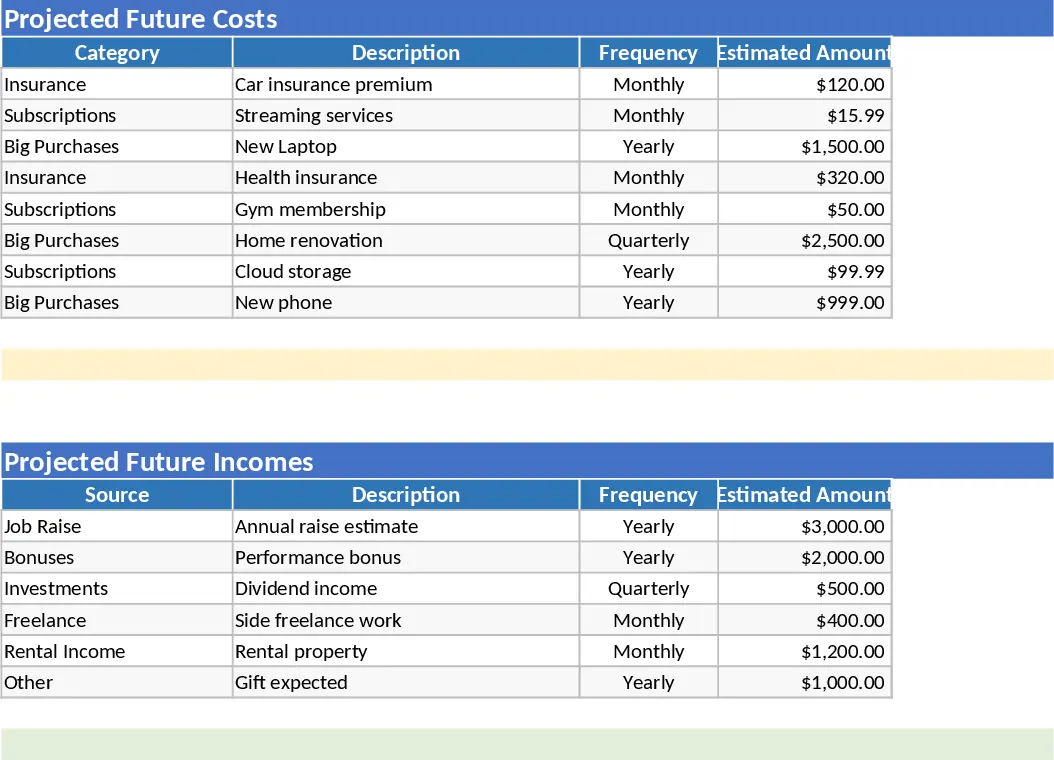
The template is organized into intuitive sections: a Data Import hub, a Categorization Engine, and a suite of Visual Dashboards. You will find dedicated spaces for your monthly P&L (DRE), a financial calendar to track upcoming obligations, and a projection tool to forecast future cash flow. The system is built to recognize internal transfers between your own accounts, preventing the common mistake of double-counting income when you move money from a business account to a personal one. Dropdown menus allow for quick adjustments, while the automated logic handles the heavy lifting of sorting transactions by type, origin, and tax relevance. You can monitor your accumulated balance across all platforms, including physical cash, in real-time.
For a healthcare professional or small business owner, understanding the exact margin of your services and calculating a fair pro-labore is often a challenge. This tool solves that by providing a clear breakdown of business profitability versus personal lifestyle costs. It helps you identify where your money is going, whether you are overspending on materials or if your professional income is sufficient to cover your long-term financial goals. The creative dashboards offer a high-level view of your financial health, making it easy to spot trends, seasonal dips, or growth opportunities without needing to be an accounting expert.
How to use:
- Configure your custom categories and link your specific bank accounts in the Settings tab to initialize the automation logic.
- Export your bank statements or credit card invoices as CSV or Excel files and paste them into the Import sheet; the template will automatically flag transfers and suggest categories based on your history.
- Navigate to the Monthly Dashboard to review your profit margins and pro-labore, then check the Annual Summary to see your total wealth growth and financial projections.
By using this automated system, you can expect to significantly reduce the time spent on manual data entry and reconciliation. It provides the peace of mind that comes with knowing exactly how much you are earning and spending, allowing you to focus more on your patients and professional practice while the spreadsheet handles the numbers.
Similar Templates Recommendation
Automated Personal and Professional Financial Management for Dentists Template
Automate mixed personal and professional finances with smart bank statement imports, auto-categorization, and detailed P&L dashboards.
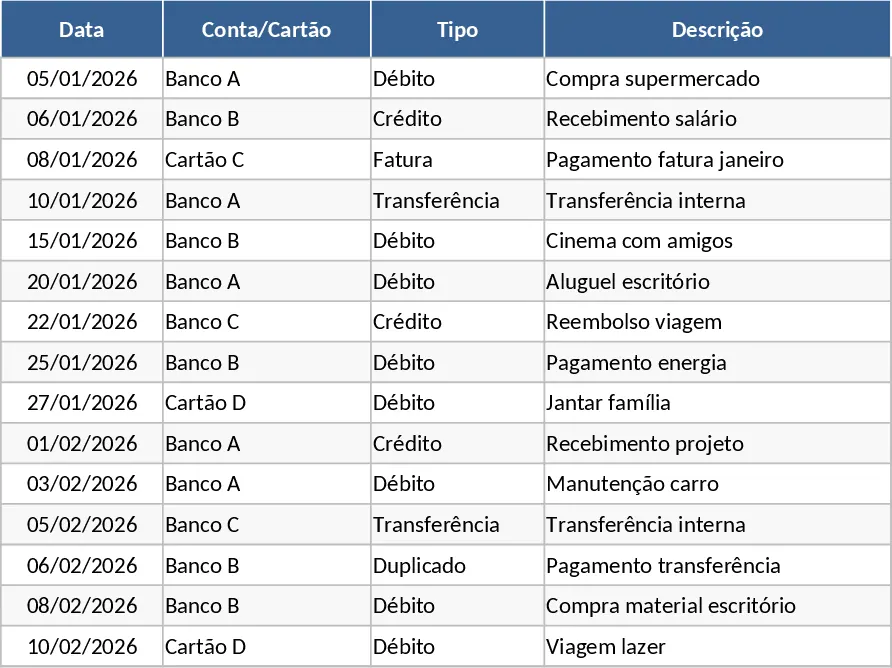
Personal Monthly Budget and Expense Tracker with Transaction Log and Cash Flow Template
Take control of your personal finances by tracking daily expenses against monthly budget goals with automated summaries and visual dashboards.
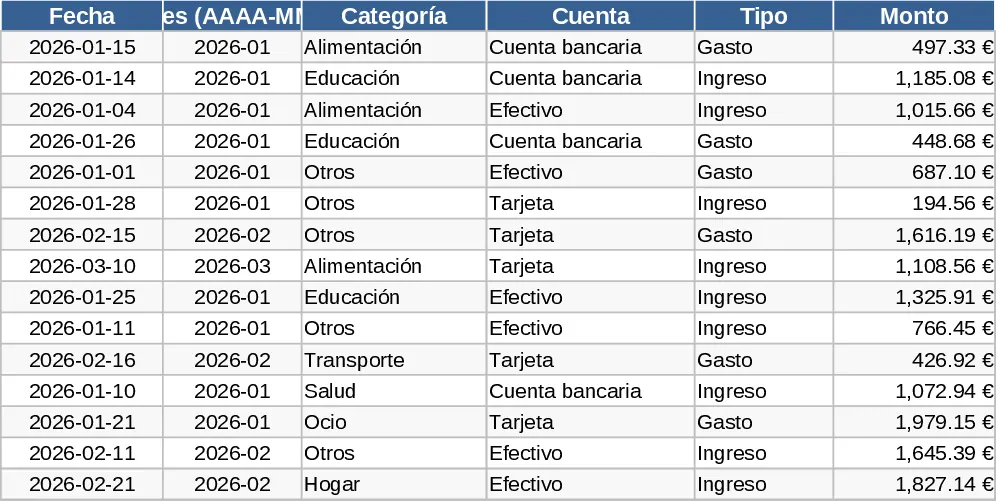
Comprehensive Multi-Tab Personal Budget and Expense Tracker Template
Take control of your money with this automated multi-tab workbook featuring transaction logs, category breakdowns, and a visual dashboard.