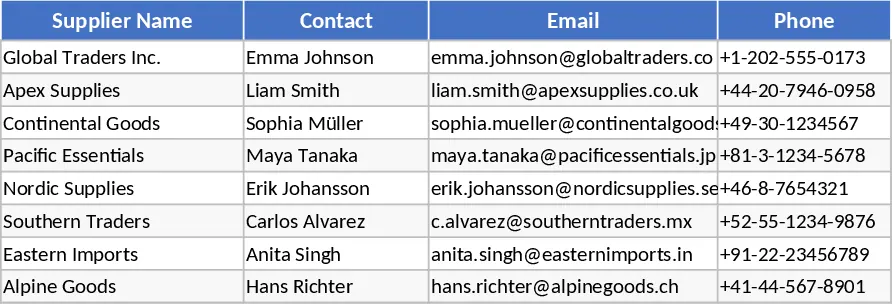
Purchase Order Management Workbook with Samples Template
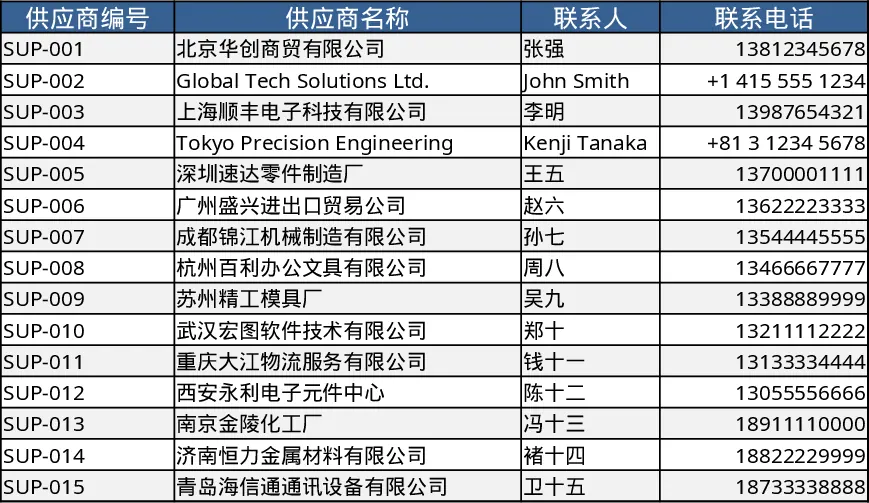
This Excel template streamlines the entire purchase‑order (PO) lifecycle. It contains four interconnected worksheets: Suppliers, where you store vendor names, contact details, payment terms and a drop‑down list for quick selection; PO Header, where each order’s reference number, date, supplier, currency and approval status are entered; PO Details, a line‑item table that captures product codes, descriptions, quantities, unit prices, tax rates and calculates line totals automatically; and Summary, a pivot‑style dashboard that aggregates spend by supplier, month, category and highlights overdue orders. Sample data for five complete POs and their line items are pre‑filled, so you can see the calculations and formatting in action.
The template solves common pain points such as scattered PO information, manual calculations, and lack of visibility into spend patterns. By centralising supplier data and linking header and detail rows through PO numbers, users get instant totals, tax calculations and a clear overview of outstanding commitments. This reduces errors, speeds up approval cycles and provides finance or procurement teams with reliable data for budgeting and vendor performance reviews.
Ideal for procurement officers, purchasing assistants, small‑business owners and finance analysts who need a low‑cost, no‑software‑installation solution for tracking purchase orders. Whether you’re processing a handful of orders each month or managing a growing supplier base, the template adapts to your volume and can be expanded with additional columns or custom drop‑downs.
How to use
- Open the workbook and start by filling the Suppliers sheet with your vendor details; use the drop‑down to keep names consistent.
- In the PO Header sheet, create a new row for each purchase order, selecting the supplier from the list and entering dates, currency and status.
- Switch to PO Details and add line items for the PO number you just created; quantities and unit prices will auto‑calculate line totals and feed the summary.
- Review the Summary sheet to see total spend per supplier, pending orders and any alerts for overdue deliveries.
Expected benefits include faster PO entry, automatic financial calculations and a consolidated view of purchasing activity, freeing up time for strategic sourcing rather than manual spreadsheet juggling.
Similar Templates Recommendation
Professional Supplier Order PDF Print Template
Create a professional supplier order template in Excel that prints cleanly to PDF, ready for sending to vendors.

Purchase Request Template
Streamline your procurement process by tracking item details, quantities, and approval status in a professional purchase request form.
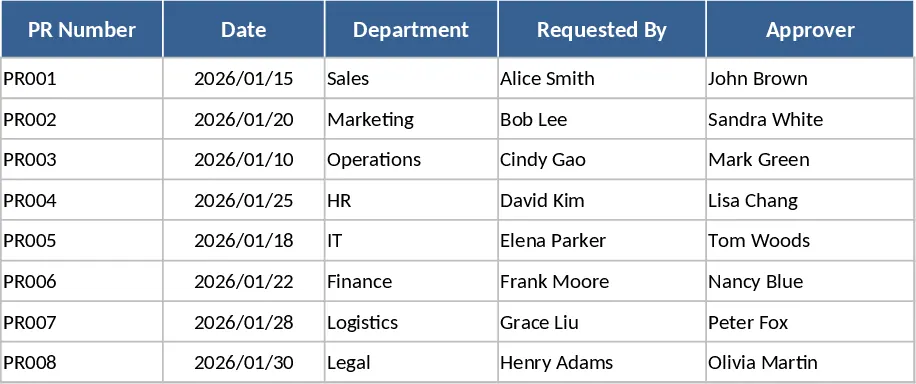
Purchase Order Management and Tracking with Sample Data Template
Streamline your procurement process by tracking supplier details, purchase order statuses, and inventory delivery progress in one centralized system.