Small Business Expense Tracker Template
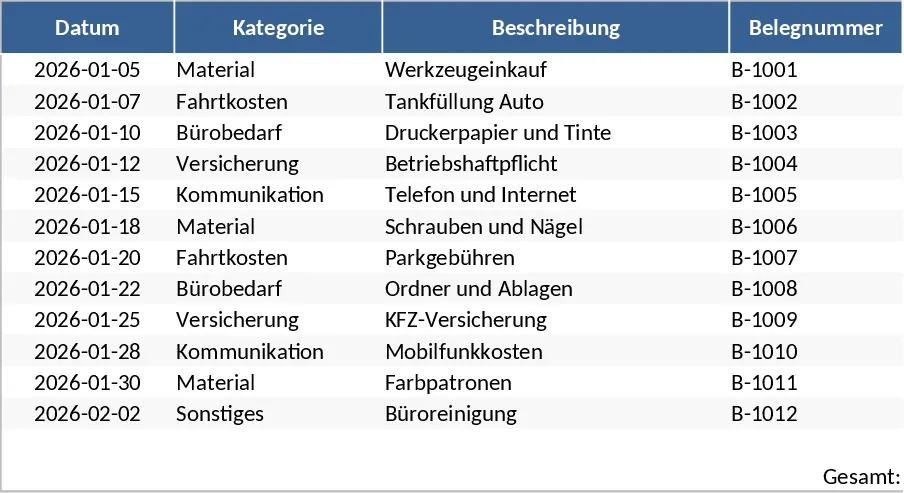
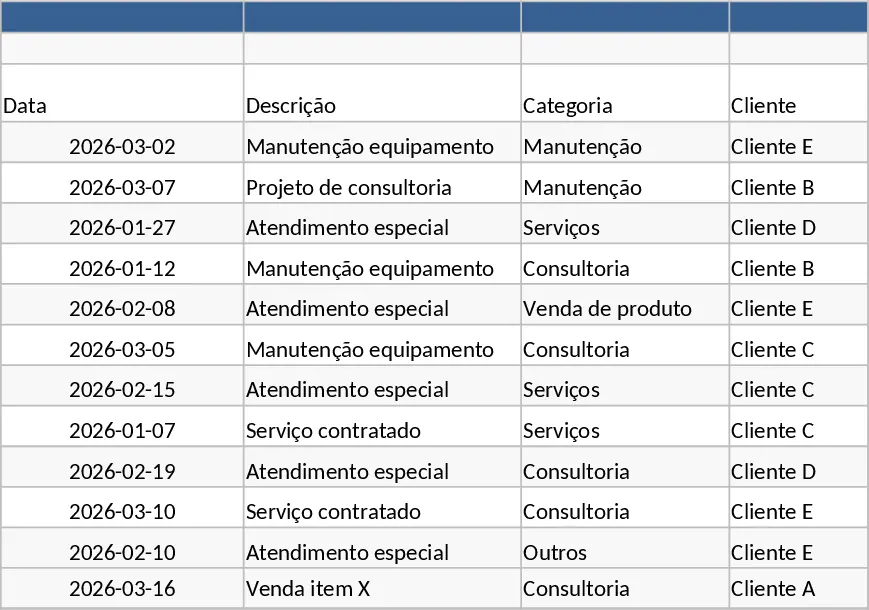
Managing the financial health of a small business or freelance operation starts with meticulous record-keeping. This automated expense tracking template is designed to replace messy spreadsheets and paper receipts with a streamlined, professional system. The core of the template is a comprehensive transaction ledger where you can record every business-related purchase. It includes dedicated columns for the transaction date, vendor name, a brief description of the item or service, the gross amount, and the applicable tax rate. By centralizing this information, you create a reliable audit trail that is essential for both internal management and external tax reporting.
One of the primary benefits of this template is its ability to categorize spending automatically. Instead of manually sorting through entries, you can use pre-defined dropdown menus to label expenses as office supplies, travel, marketing, or utilities. This categorization is not just for organization; it feeds directly into a dynamic summary dashboard. This dashboard provides a high-level view of your financial outflows, allowing you to see exactly where your capital is being allocated each month. For a small business owner, this level of insight is crucial for maintaining a healthy cash flow and making informed decisions about future investments or necessary budget cuts. The ledger also includes specific fields for payment methods—such as credit card, bank transfer, or cash—which helps in reconciling your bank statements at the end of the month. You can also track the status of each expense, marking them as Paid or Pending to keep a close eye on your accounts payable.
The template is particularly useful for sole proprietors and small business owners who handle their own bookkeeping. It bridges the gap between simple lists and complex accounting software, offering the automation you need without a steep learning curve. By using this tool, you can ensure that no deductible expense is overlooked, which can lead to significant savings during tax season. The structure is flexible enough to accommodate various business models, whether you are a consultant tracking travel costs or a local shop owner monitoring inventory and supply expenses. Beyond simple tracking, the template serves as a strategic planning tool. By reviewing your historical spending patterns in the automated charts, you can forecast future expenses and set more accurate budgets for the coming quarters. This proactive approach to finance helps small businesses avoid common pitfalls like overspending in non-essential categories or failing to set aside enough funds for recurring annual costs.
How to use:
- Open the template and navigate to the Categories tab to define your specific business expense types and tax percentages to match your local regulations.
- In the Expense Log sheet, input your transactions as they occur, selecting the category from the dropdown to ensure the automated formulas can process the data.
- Check the Monthly Summary sheet to see your spending broken down by month and category; the totals are calculated instantly as you add new rows.
- At the end of the year, use the Annual Overview to get a complete picture of your business costs, which can be directly used for your tax declarations.
Expected benefits: This template saves hours of manual data aggregation and reduces the risk of mathematical errors in your financial reporting.
Similar Templates Recommendation
Small Business Daily Finance and Inventory Management Template
Manage daily income, track expenses, monitor inventory, and view automated monthly profit summaries to streamline your small business finances.
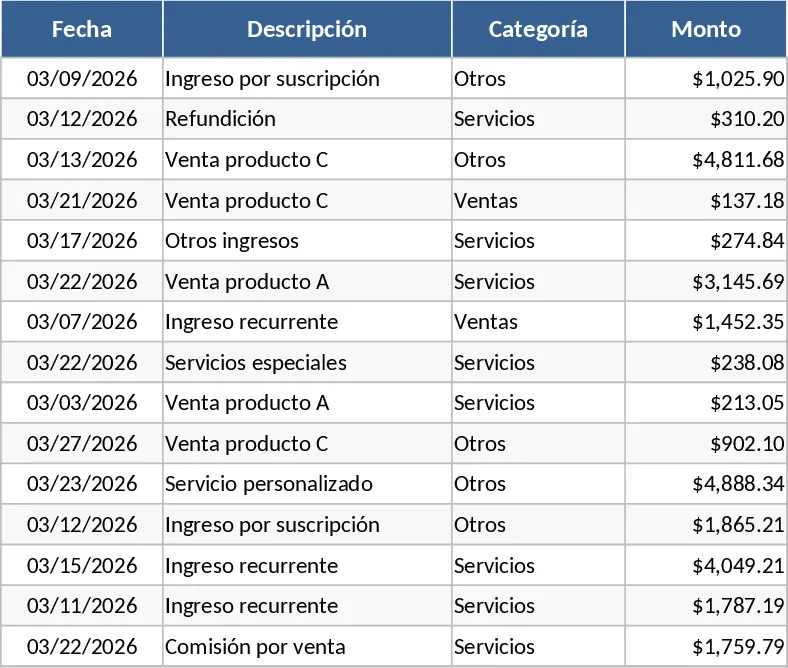
Monthly Income and Snack Expense Tracker Template
Efficiently track monthly income and expenses for your snack business to monitor profitability and manage inventory costs in one place.
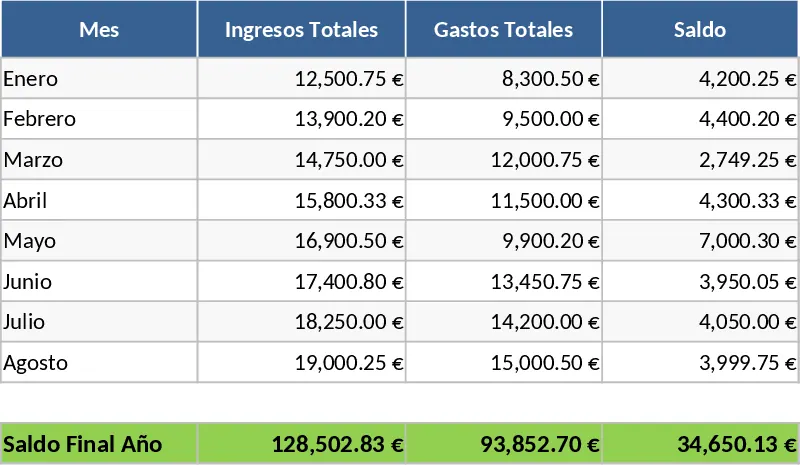
Advanced Business Cash Flow and Financial Management Template
Manage your business finances with a professional dashboard, automated cash flow tracking, and 6-month projections to ensure liquidity.