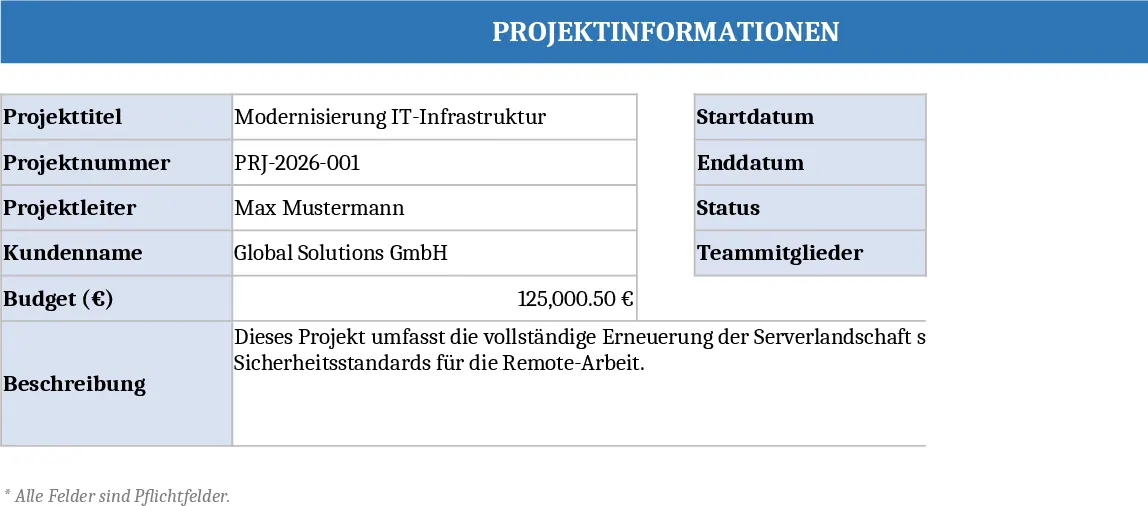
Task Completion Tracker Template
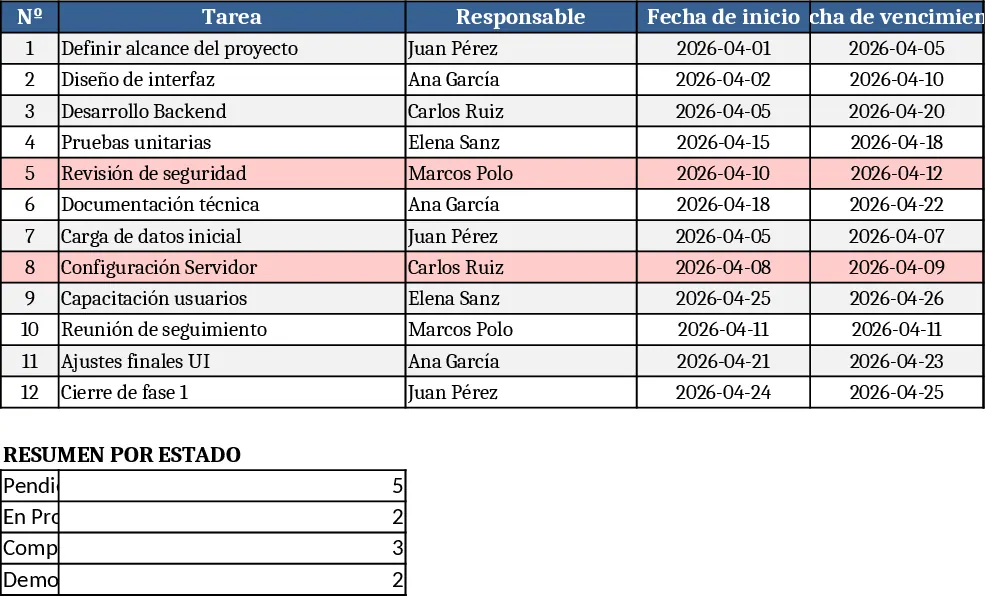
This template is built as a multi‑sheet workbook that lets you capture every piece of work you need to follow up on and instantly see how it is progressing. The Data Input sheet is a simple table where you list each item, assign an owner, set a due date, and add any relevant notes. A Status column uses a dropdown with options such as Not Started, In Progress, Completed and On Hold so you can update the current state with a single click. All entries feed into the Dashboard sheet, which automatically calculates completion percentages, highlights overdue items, and creates easy‑to‑read charts and progress bars for each owner or milestone.
The workbook solves the common problem of scattered notes, email threads, and ad‑hoc spreadsheets that make it hard to know whether work is actually moving forward. By centralising everything in one place, you get a real‑time snapshot of project health, can spot bottlenecks before they become crises, and reduce the need for status‑meeting emails. It is especially useful for small‑to‑medium teams, freelancers, or any professional who needs to keep a clear eye on deliverables without investing in complex software.
Anyone who manages work—project managers, team leads, department heads, or even solo entrepreneurs—will find this template valuable. It helps you track tasks, milestones, and deliverables, while also providing a quick way to see who is on track, who needs assistance, and which deadlines are at risk. The visual summary on the Dashboard makes it easy to share progress with stakeholders in a single, polished view.
How to use
- Open the Data Input sheet and fill in each row with the task name, responsible person, start and due dates, and any notes. Choose the appropriate status from the dropdown.
- Switch to the Status sheet (or stay on the same sheet) and update the status column as work progresses. The template will automatically recalculate percentages.
- Go to the Dashboard sheet to see updated charts, progress bars, and a list of overdue items. Use the filters to focus on a specific owner or time period.
- Periodically review the overdue list and adjust dates or re‑assign owners as needed; the changes instantly reflect across the workbook.
Expected benefits include a noticeable reduction in time spent gathering updates, clearer accountability, and a more organized way to keep projects on schedule, all without the overhead of dedicated project‑management software.