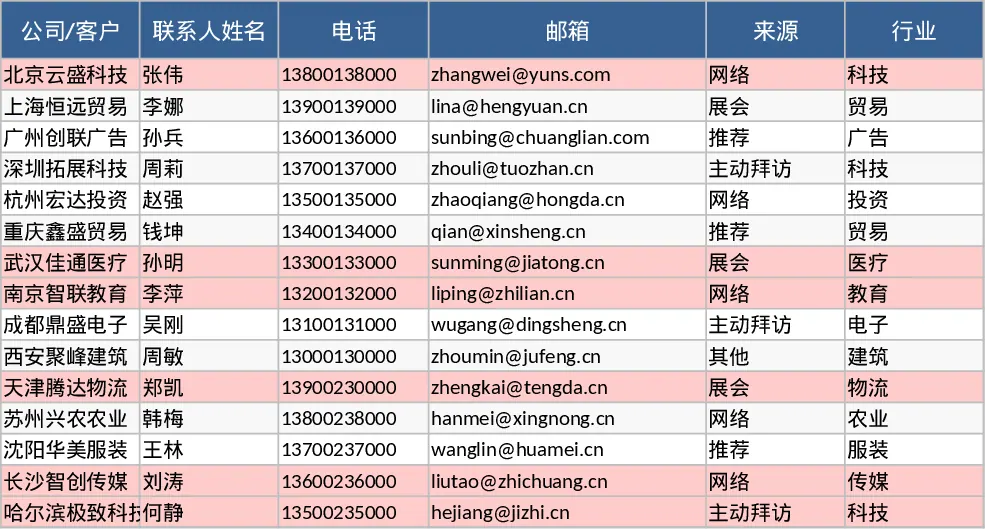
Lightweight Sales Lead and Follow-up CRM with CRM Pipeline Template
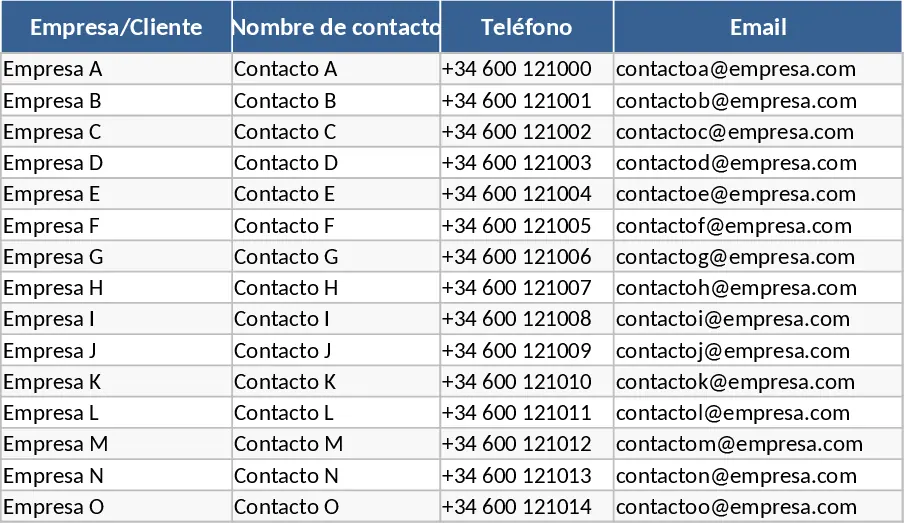
This lightweight CRM template is designed to bridge the gap between messy notes and complex, expensive software. It provides a structured environment to organize your sales pipeline, ensuring no prospect falls through the cracks. The template is divided into two functional areas: a detailed Lead Tracker and a high-level Funnel Dashboard. The Lead Tracker sheet allows you to log essential contact information, categorize leads by industry and source, and assign specific owners. With built-in dropdown menus for stages—ranging from initial Lead to Won or Lost—you can precisely map where each deal stands. Key financial metrics like expected value and probability percentages help you forecast potential revenue with ease.
For sales professionals and small business owners, this tool is invaluable for maintaining momentum. It specifically addresses the common issue of stale leads by using conditional formatting to highlight any prospect who hasn't been contacted in over 14 days. This visual cue prompts immediate action, helping you prioritize your daily outreach. The Funnel & Activity sheet transforms your raw data into actionable insights, displaying the total count and value of deals at every stage of the journey. You can quickly assess your performance for the current month, tracking new leads acquired and calculating your success rate based on won deals.
Whether you are a freelancer managing a handful of high-value clients or a small team coordinating multiple accounts, this template simplifies your workflow. It eliminates the guesswork of what to do next by providing dedicated columns for Next Action and Next Action Date, keeping your schedule organized and your sales process predictable. By centralizing your communication history and deal status, you can focus more on closing sales and less on administrative data entry.
How to use:
- Start by entering your current prospects into the Leads sheet, filling out contact details and selecting the appropriate stage and source from the dropdown lists.
- Update the Last Contact and Next Action columns after every interaction to ensure your data remains current and the stale lead alerts stay accurate.
- Navigate to the Funnel & Activity sheet to review your pipeline health, check your monthly win rate, and identify which leads require immediate follow-up from the automated stale leads list.
Expected benefits: This template significantly reduces the time spent on manual reporting and helps increase conversion rates by ensuring consistent follow-up with every prospect.
Similar Templates Recommendation
Sales Lead Tracker and CRM Dashboard Template
Track sales leads from initial contact to closing with this lightweight CRM featuring automated funnel metrics and follow-up reminders.
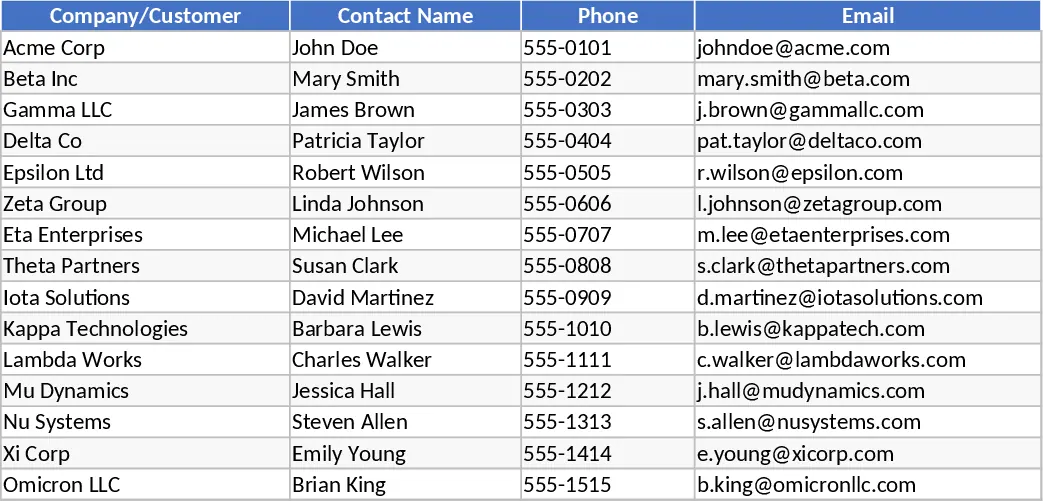
Lightweight Sales CRM and Lead Follow-up with Contact Log Template
Track sales leads from initial contact to closing while monitoring pipeline health and identifying stagnant deals for timely follow-ups.
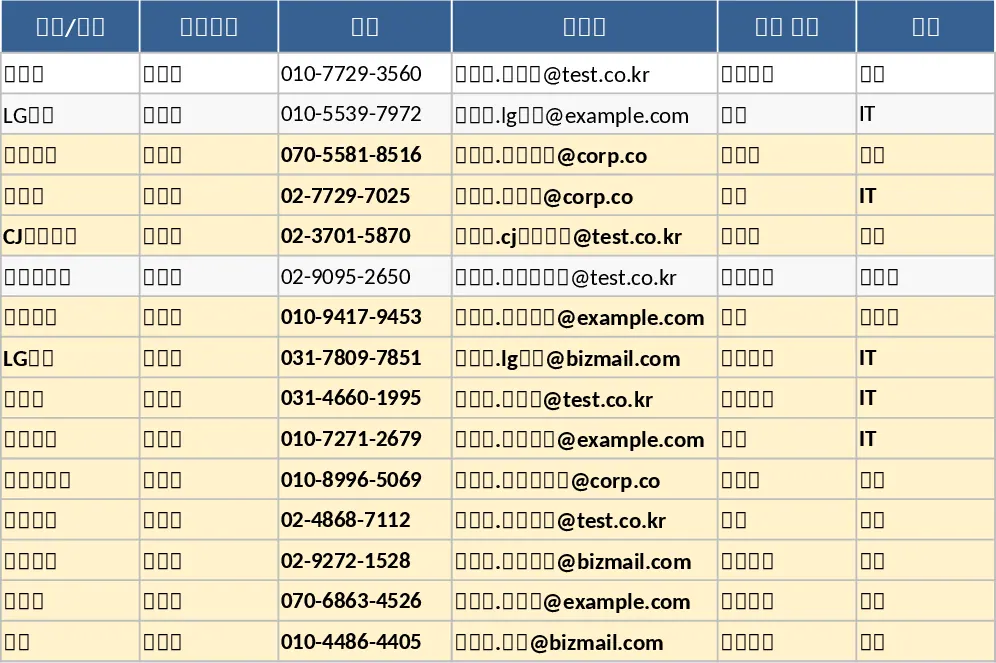
Sales Lead Tracking and Follow-up CRM Template
Track sales leads from initial contact to closing with automated follow-up alerts and a visual funnel to monitor your pipeline performance.