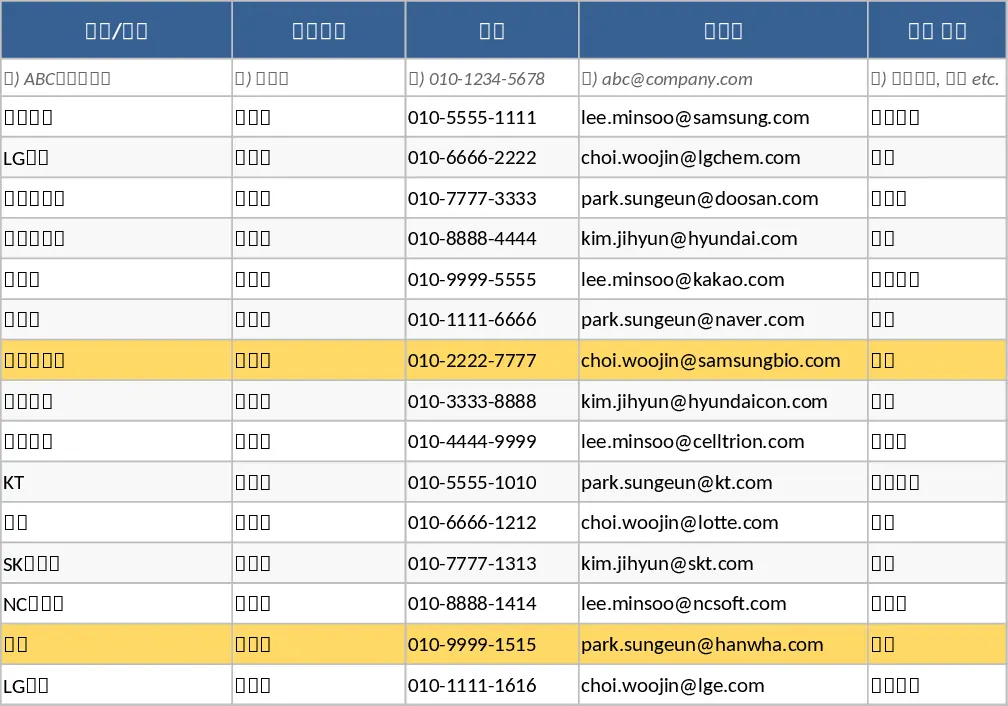
Sales Lead Tracking and Follow-up CRM Template
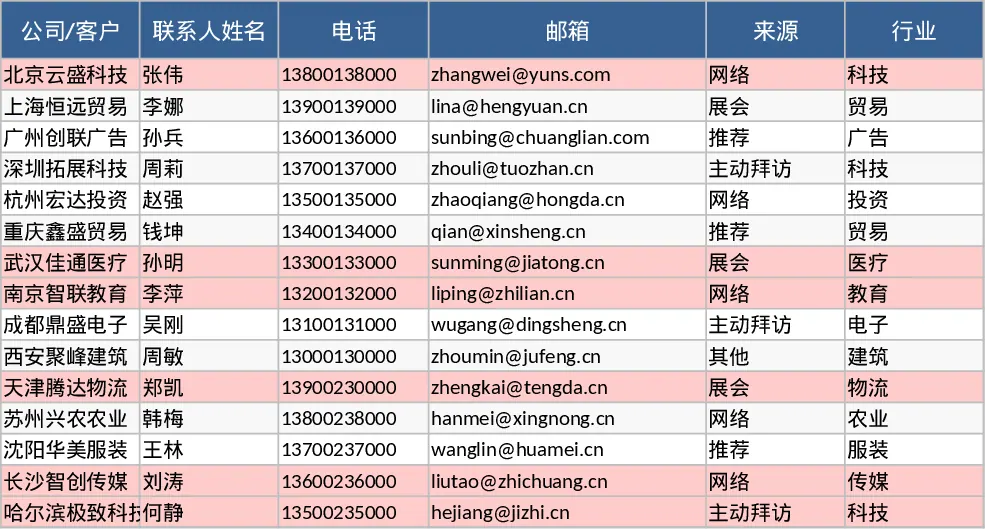
This lightweight CRM template provides a streamlined solution for managing your sales pipeline without the complexity of enterprise software. It is designed to help you organize every prospect interaction from the first touchpoint to the final handshake. The template is structured around two primary sheets: a comprehensive Lead Tracker and a dynamic Funnel & Activity Dashboard. In the Lead Tracker, you can capture vital data points such as company names, contact details, and lead sources. The inclusion of dropdown menus for sales stages—ranging from Lead and Contacted to Proposal and Won—ensures data consistency and makes it easy to filter your view based on where a deal stands.
Beyond basic contact management, this tool focuses on actionable insights. You can assign probability percentages to each deal and set estimated closing dates, allowing for more realistic revenue forecasting. The template also features built-in conditional formatting that automatically highlights leads that haven't been contacted within the last 14 days. This visual cue acts as an immediate reminder to follow up, preventing potential revenue from slipping away due to inactivity. It is an ideal solution for small business owners, independent sales reps, or growing startups who need a professional way to manage their customer relationships without a steep learning curve.
The Funnel and Activities sheet serves as your command center. It aggregates your raw lead data into meaningful statistics, showing you exactly how many deals are sitting in each stage and the total monetary value they represent. You can monitor your performance for the current month by viewing the number of new leads generated, the total number of won deals, and your overall win rate percentage. Additionally, a dedicated section lists all stagnant leads—those that have exceeded the 14-day contact threshold—so you can prioritize your outreach efforts effectively. This helps in identifying bottlenecks in your sales process, such as leads getting stuck in the proposal or negotiation phases.
How to use this template:
- Start by customizing the dropdown lists for Lead Sources and Owners in the data validation settings to match your specific business needs.
- Enter your current prospects into the Leads sheet, ensuring you fill out the Stage, Estimated Value, and Probability fields for each entry.
- Update the Last Contact Date and Next Action fields every time you interact with a lead to keep the tracking data current and clear the stagnant alerts.
- Review the Funnel and Activities sheet weekly to check your conversion metrics and identify which stagnant leads require immediate attention.
By using this template, you can expect to save significant time on manual reporting and reduce the mental load of remembering follow-up dates. It provides a clear, visual roadmap of your sales journey, helping you stay organized, proactive, and focused on hitting your targets with minimal administrative effort.
Similar Templates Recommendation
Lightweight Sales CRM and Lead Follow-up with Contact Log Template
Track sales leads from initial contact to closing while monitoring pipeline health and identifying stagnant deals for timely follow-ups.
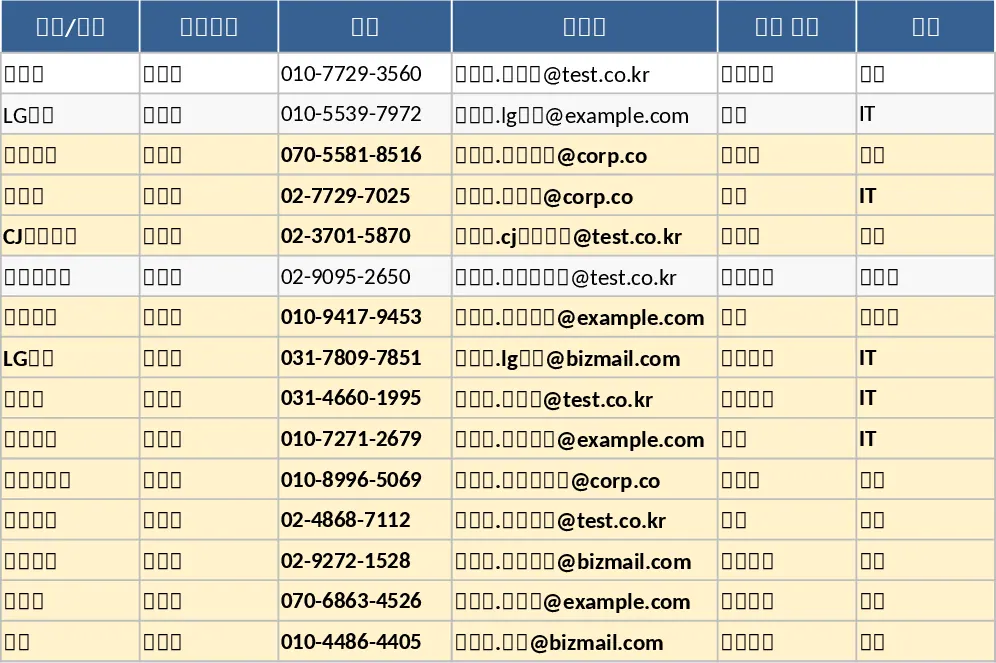
Lightweight Sales Lead and Follow-up CRM with CRM Pipeline Template
Manage your sales pipeline and track lead interactions with this lightweight CRM featuring automated funnel metrics and stale lead alerts.
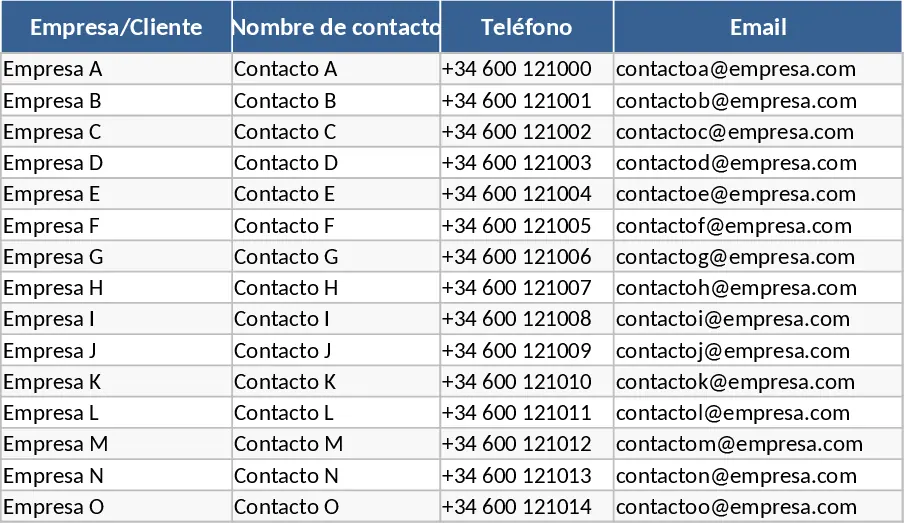
Lightweight Sales Lead and Follow-up CRM with Task Status Template
Manage your sales pipeline and follow-up activities with this lightweight CRM to track leads, deal stages, and stagnant opportunities effectively.