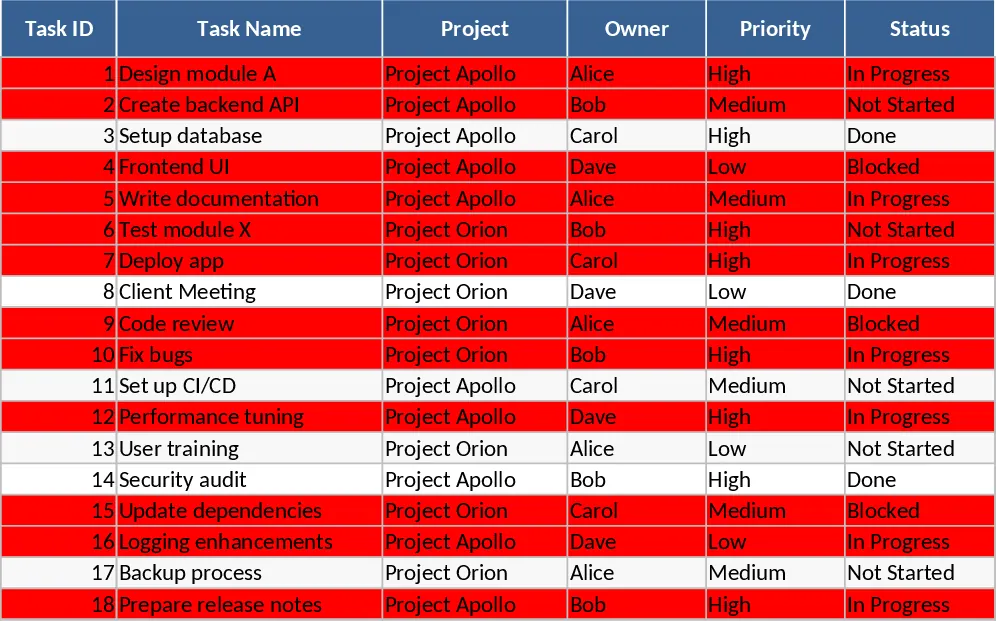
Project Task Tracker and Overview Template
This Excel template provides a practical two‑sheet solution for managing project tasks from start to finish. The Tasks sheet lists each work item with columns for ID, name, project, responsible person (chosen from a dropdown), priority, status, start and due dates, estimated and actual hours, dependencies, and free‑form notes. Dropdowns enforce consistent priority (High, Medium, Low) and status (Not Started, In Progress, Blocked, Completed) entries, while the due‑date column is mandatory. Conditional formatting flags any overdue task—where the due date is earlier than today and the status is not "Completed"—by turning the row red, giving you an instant visual cue.
The Project Overview sheet aggregates the raw data into clear summary tables. One table groups tasks by responsible person, showing total tasks, completed tasks, completion percentage, and count of overdue items. A second table summarizes by status, letting you see at a glance how many tasks are pending, in progress, blocked, or finished. Below these summaries, a dynamic list pulls all overdue tasks with key fields, so you can quickly prioritize remediation. Sample data for 18 tasks across two projects is pre‑filled to illustrate the layout and formulas.
Ideal for project managers, team leads, and anyone coordinating multiple work streams, this tracker solves the common pain of scattered task information and manual status reporting. By centralising task details, you reduce the time spent hunting for updates, avoid duplicate entries, and gain instant insight into workload distribution and bottlenecks. The template also helps you monitor resource allocation through estimated vs. actual hours, enabling better planning for future sprints.
How to use
- Open the workbook and replace the sample tasks with your own, filling each column; select responsible persons and priority/status from the provided dropdowns.
- Adjust the start and due dates; the overdue highlighting will update automatically.
- Review the Project Overview sheet to see updated totals, completion rates, and any overdue items.
- Use the summary tables to assign follow‑up actions or re‑balance workloads.
Expected benefits include faster status reviews, clearer visibility into project health, and reduced effort in manual reporting.
Similar Templates Recommendation
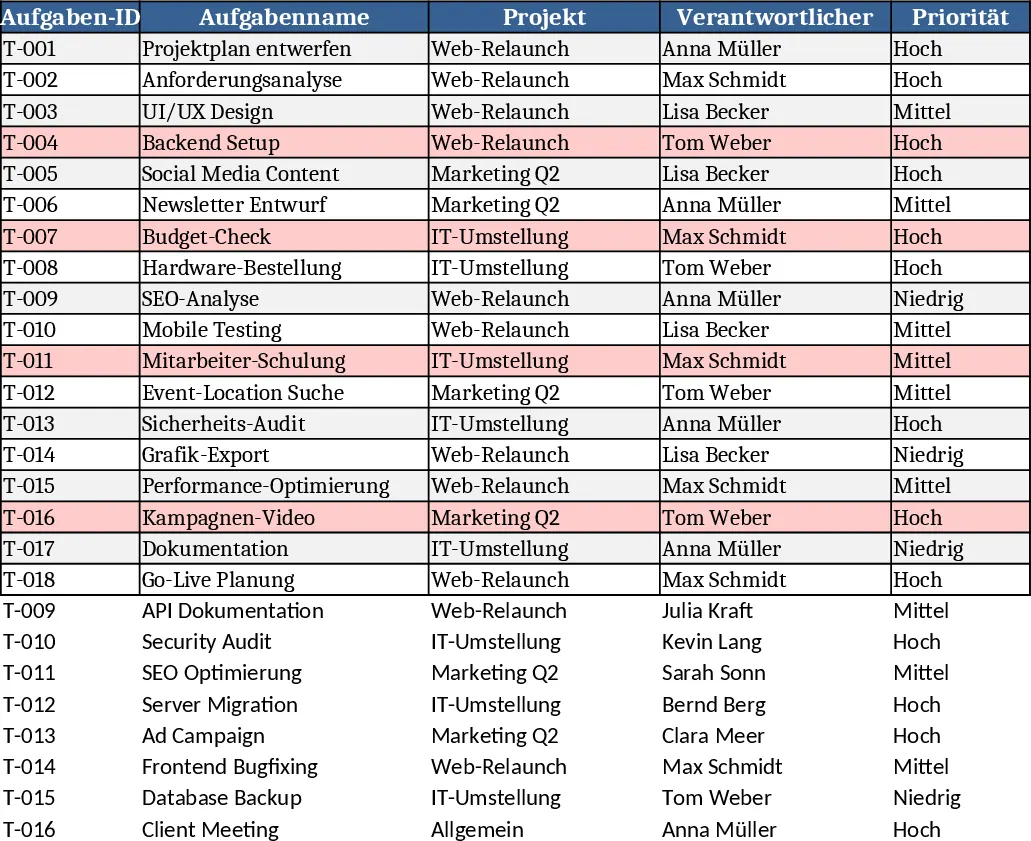
Project Task Tracker & Overview with Task Status Template
Track, prioritize, and monitor project tasks across multiple projects, with status, deadlines, and workload summaries per assignee.
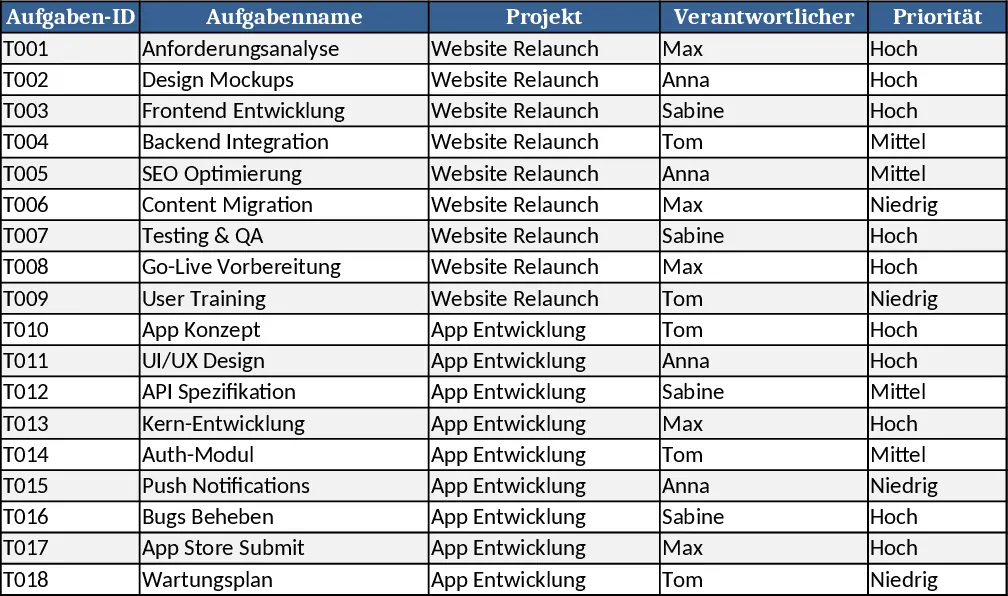
Project Task Tracker & Overview with Dashboard Template
Track tasks across multiple projects with status, priority, assignee dropdowns, and view per‑person and per‑status summaries plus a delayed‑tasks list.
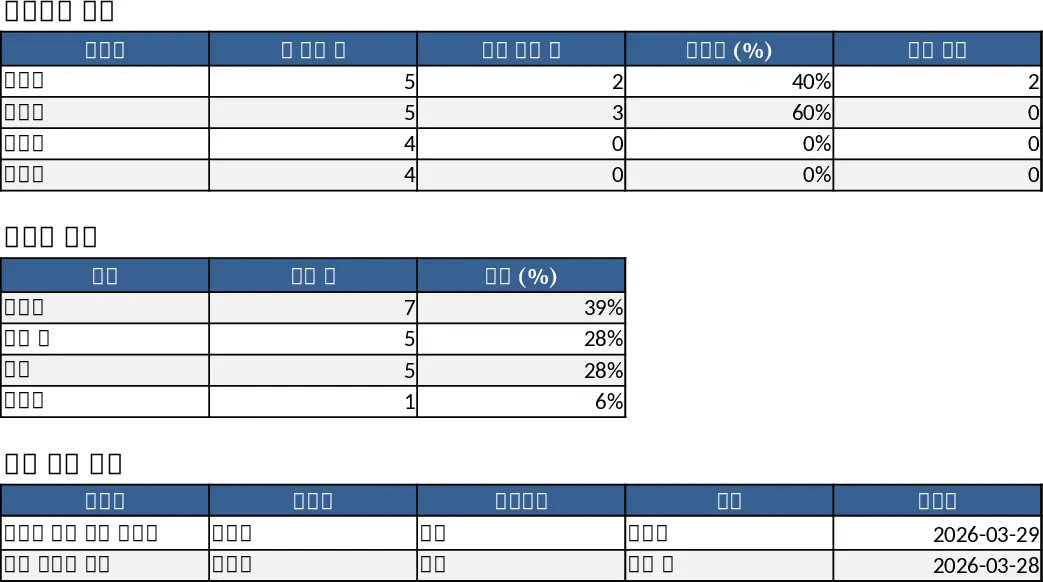
Project Task Tracker with Overview Dashboard and Project Timeline Template
Manage project timelines and team workloads with a comprehensive task tracker featuring automated status summaries and overdue task alerts.