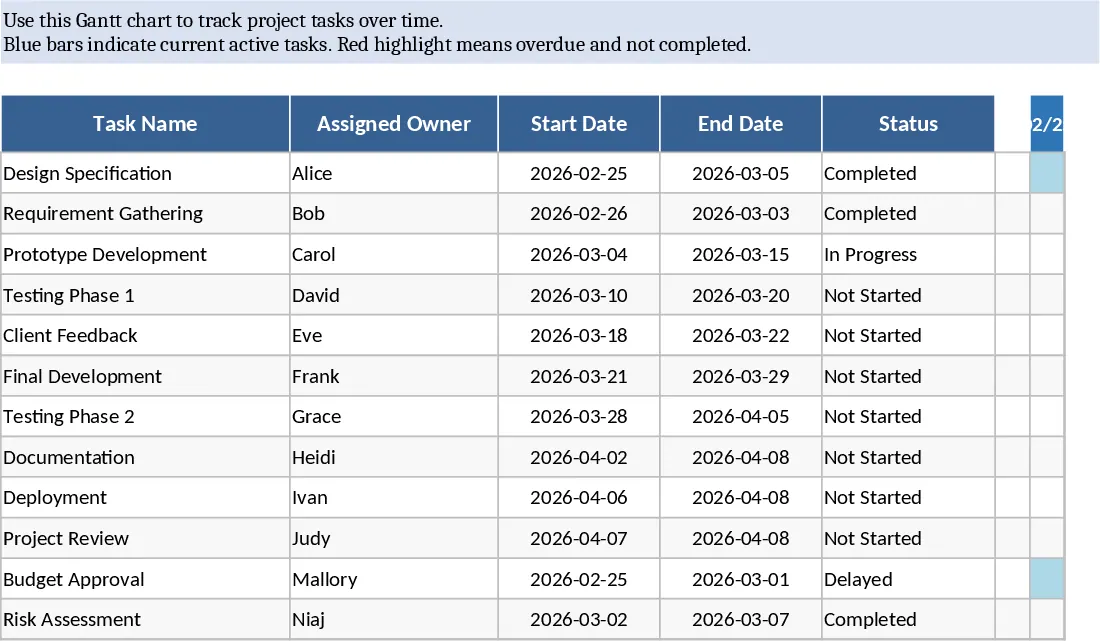
Gantt Chart Project Planner and Timeline Template
This comprehensive Gantt Chart Project Plan template provides a structured environment to manage complex projects from inception to completion. The core of the template is the Tasks sheet, where you define task names, assign owners, and set specific start and end dates. Built-in logic automatically calculates durations and ensures date consistency, while dropdown menus for status and percentage completion allow for real-time progress updates. You can also flag key milestones and link dependencies to ensure the project sequence remains logical and transparent.
The Timeline sheet transforms your data into a visual roadmap. Using dynamic conditional formatting, it generates a daily or weekly calendar view that highlights task durations and marks milestones clearly. This visualization is essential for identifying overlapping tasks or resource gaps at a glance. Complementing this is the Summary dashboard, which aggregates your data into high-level metrics. It calculates the overall project completion weighted by task duration and provides a focused list of critical or late tasks, ensuring you never miss a deadline.
This tool is ideal for project managers, team leads, and operations coordinators who need a professional yet accessible way to communicate project status to stakeholders. Whether you are launching a new product, managing a marketing campaign, or overseeing an internal audit, this template simplifies the coordination of multiple moving parts. By centralizing task management and visualization, it reduces the need for manual status reports and helps keep the entire team aligned on goals and timelines.
How to use:
- Start by entering your project tasks in the Tasks sheet, including owners and dates; the duration will calculate automatically.
- Update the status and completion percentages as work progresses to keep the data current.
- Switch to the Timeline sheet to review the visual Gantt chart and ensure your schedule is realistic.
- Use the Summary sheet to monitor overall health and identify any tasks that require immediate attention.
Expected benefits: Significant time saved on manual chart creation and improved clarity on project deadlines and dependencies.
Similar Templates Recommendation
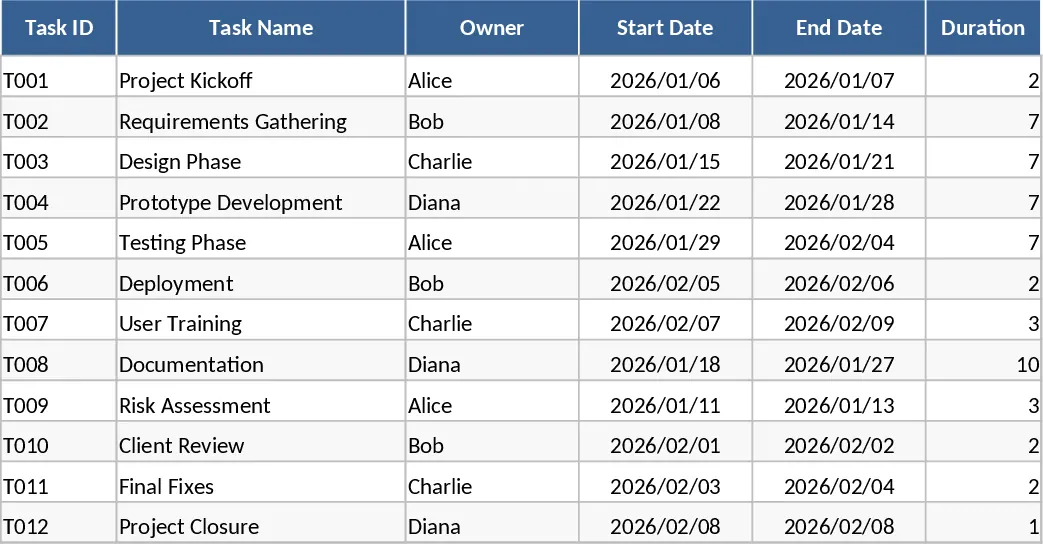
Gantt Chart Project Planning with Dashboard Template
Plan and track project timelines with an automated Gantt chart, task dependencies, and a summary dashboard for real-time progress monitoring.
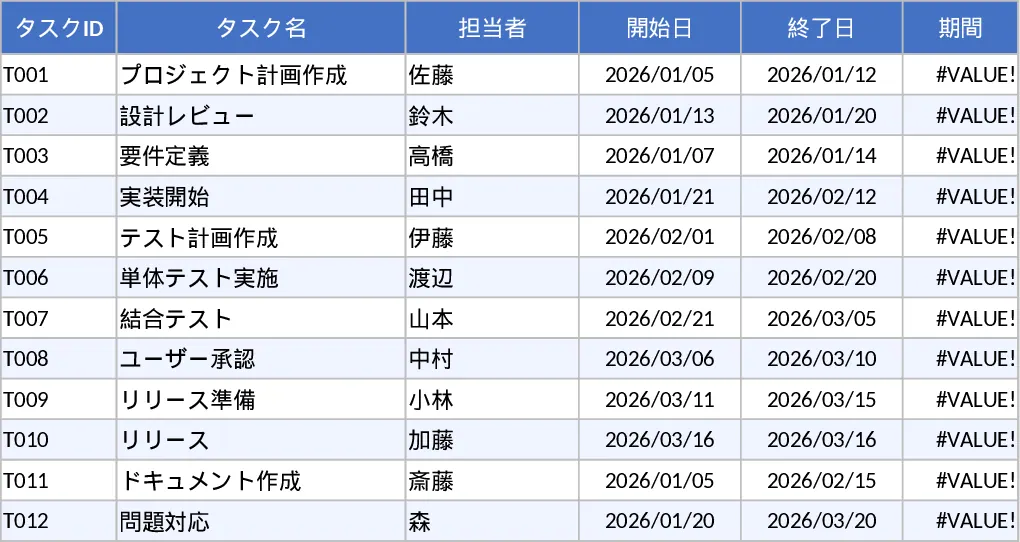
Automated Gantt Chart Project Plan and Timeline Template
Plan and track project timelines with an automated Gantt chart, task dependencies, and a summary dashboard for real-time progress monitoring.
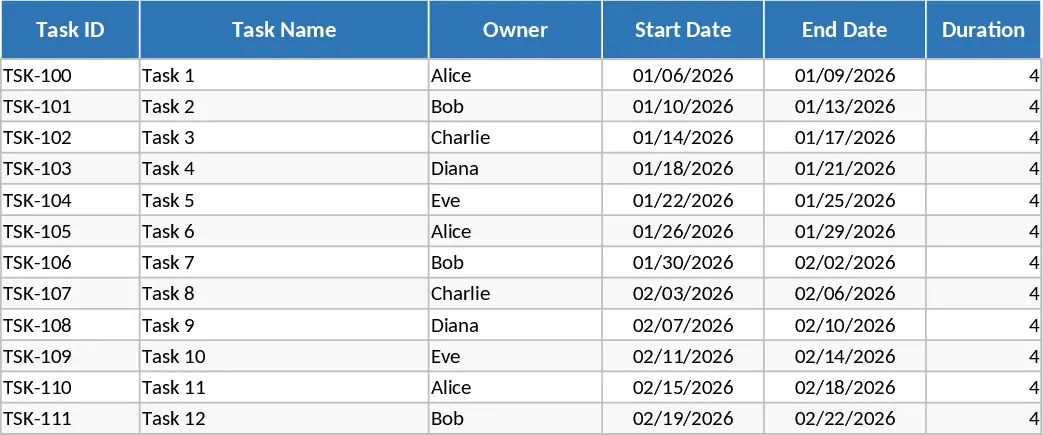
Automated Gantt Chart Project Plan with Overdue Alerts Template
Manage project timelines effectively with this automated Gantt chart featuring task tracking, owner assignments, and instant overdue alerts.