Gantt Chart Project Planning with Dashboard Template
Managing a project requires more than just a to-do list; it demands a clear visualization of how tasks interlock over time. This Excel Project Planning Template provides a professional-grade solution for tracking progress through a dynamic Gantt chart and a comprehensive summary dashboard. By centralizing your task management, timeline visualization, and status reporting into one interconnected file, you eliminate the need for manual updates across multiple documents and ensure that your team stays aligned on every deadline.
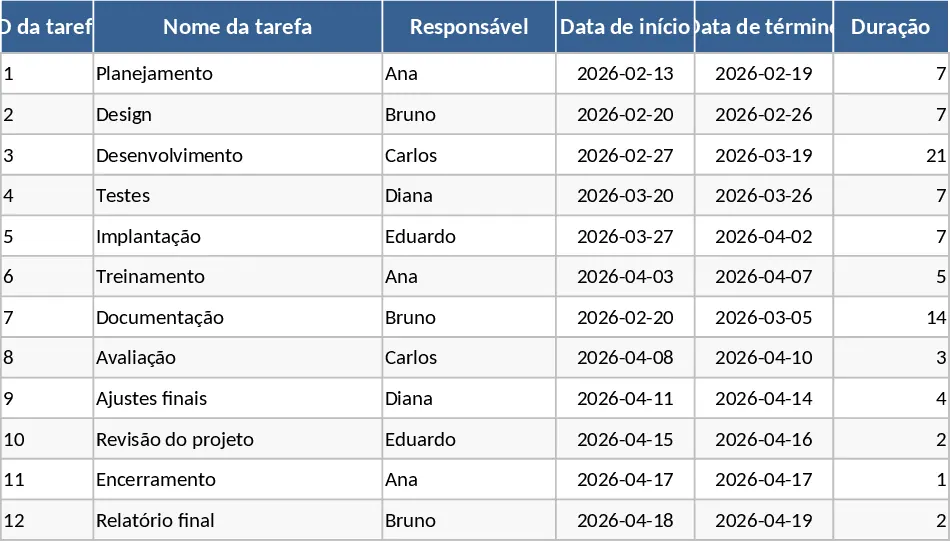
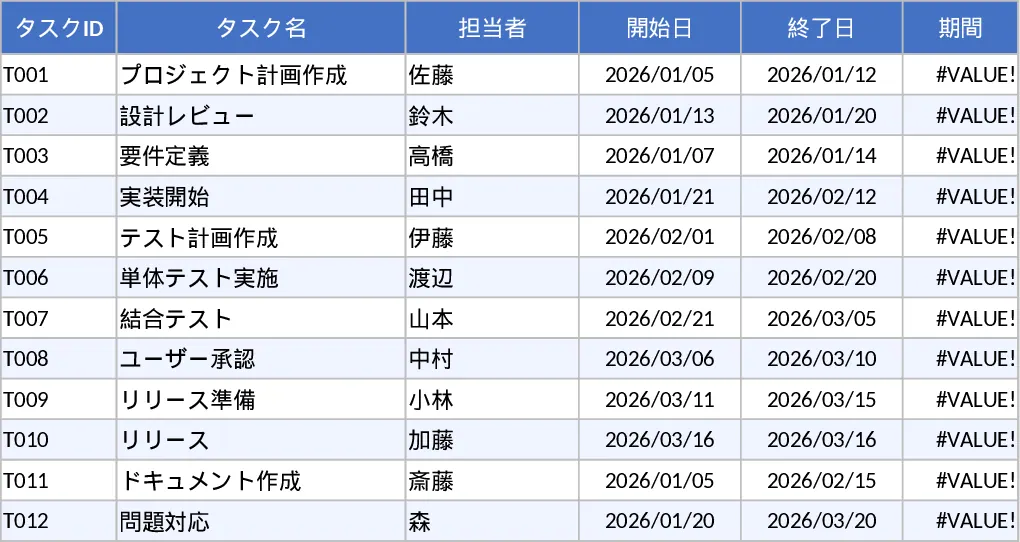
The template is organized into three specialized sheets designed to handle the complexities of modern project workflows. The Task Management sheet serves as your primary data entry point. Here, you define task names, assign owners, and set start and end dates. The system automatically calculates the duration for each entry and includes built-in validation to ensure end dates never precede start dates. With dedicated columns for dependencies and milestones, you can map out the logical flow of your project and highlight critical checkpoints that cannot be missed. This structured approach helps prevent the common pitfalls of scheduling errors and forgotten deadlines.
The Timeline sheet transforms your raw data into a visual roadmap. Using sophisticated conditional formatting, it generates a calendar view where Gantt bars represent the lifespan of each task. Milestones are clearly marked with distinct markers, allowing you to see at a glance if your project is hitting its key targets. This visual representation is essential for identifying scheduling conflicts, resource over-allocation, and overlapping tasks before they become critical issues. It provides a clear, shareable view that is perfect for team meetings and stakeholder presentations.
To keep leadership informed, the Summary sheet offers a high-level overview of project health. It features a status breakdown (Not Started, In Progress, Completed) and calculates an overall completion rate weighted by task duration. This ensures that a long-term phase carries more weight in your progress report than a minor task, providing a more accurate reflection of actual work completed. It also automatically surfaces delayed tasks and high-priority items, allowing you to focus your attention exactly where it is needed most to keep the project moving forward.
This tool is perfect for project managers, department heads, and small business owners who need to manage 8-12 week projects or recurring operational cycles. Whether you are launching a marketing campaign, overseeing a small construction job, or managing a software development sprint, this template provides the structure needed to stay on track without the overhead of complex software.
How to use:
- Start in the Task sheet by listing your project activities and assigning team members. Input your planned start and end dates; the duration and validation checks will trigger automatically.
- Use the dropdown menus to update the Status and % Complete as the project moves forward. Mark key deliverables as Milestones to see them highlighted on the chart.
- Switch to the Timeline sheet to review the visual Gantt chart. The bars and markers will update automatically based on the dates and milestone flags you entered in the first sheet.
- Visit the Summary sheet periodically to review the weighted completion percentage and identify any tasks that are falling behind schedule for immediate intervention.
Expected benefits: By using this template, you can expect to significantly reduce the time spent on manual reporting and timeline adjustments. The automated calculations and visual feedback loops help ensure that your project stays on schedule and that every team member understands their specific responsibilities and deadlines.
Similar Templates Recommendation
Automated Gantt Chart Project Plan and Timeline Template
Plan and track project timelines with an automated Gantt chart, task dependencies, and a summary dashboard for real-time progress monitoring.
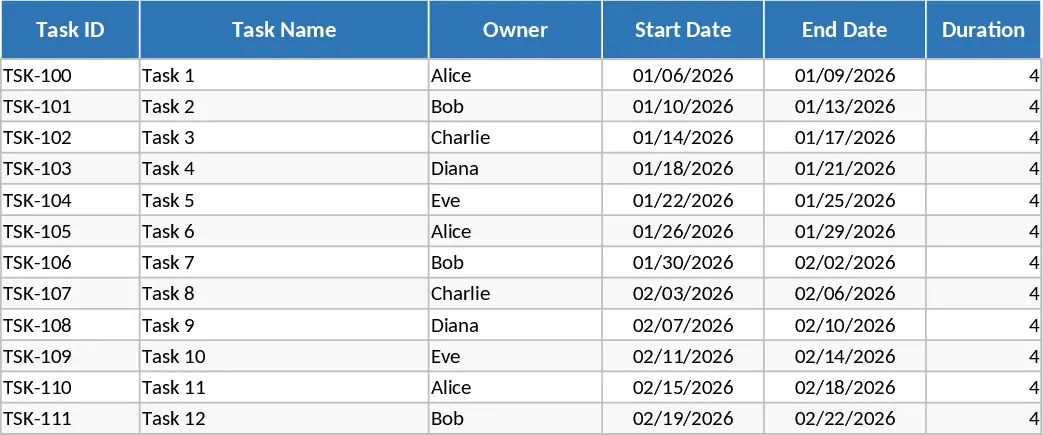
Gantt Chart Project Planner and Timeline Template
Track project timelines, manage task dependencies, and visualize progress with an automated Gantt chart and summary dashboard.
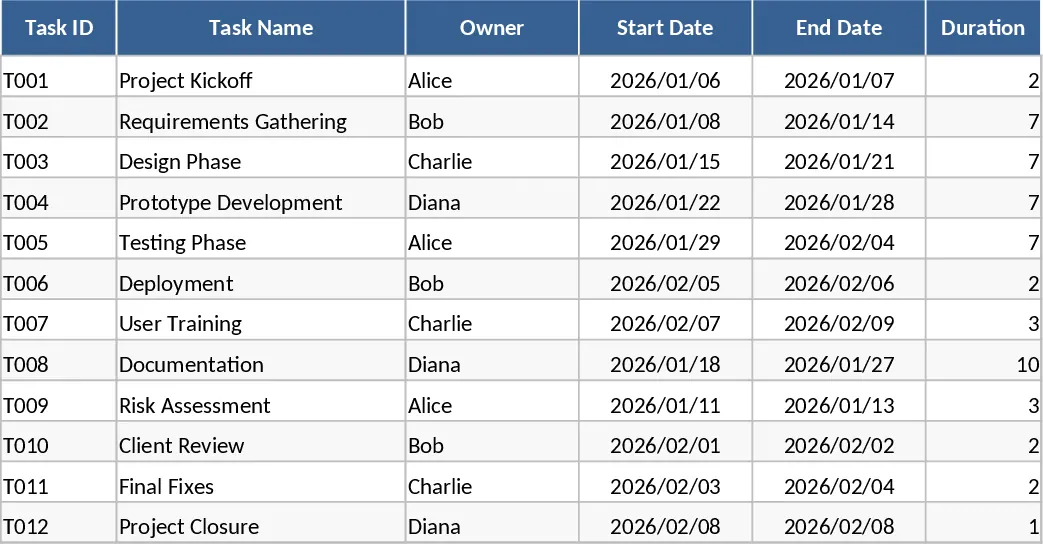
Project Plan with Gantt Chart and Summary Dashboard Template
Manage project timelines effectively using an automated Gantt chart to track task dependencies, milestones, and overall completion status.