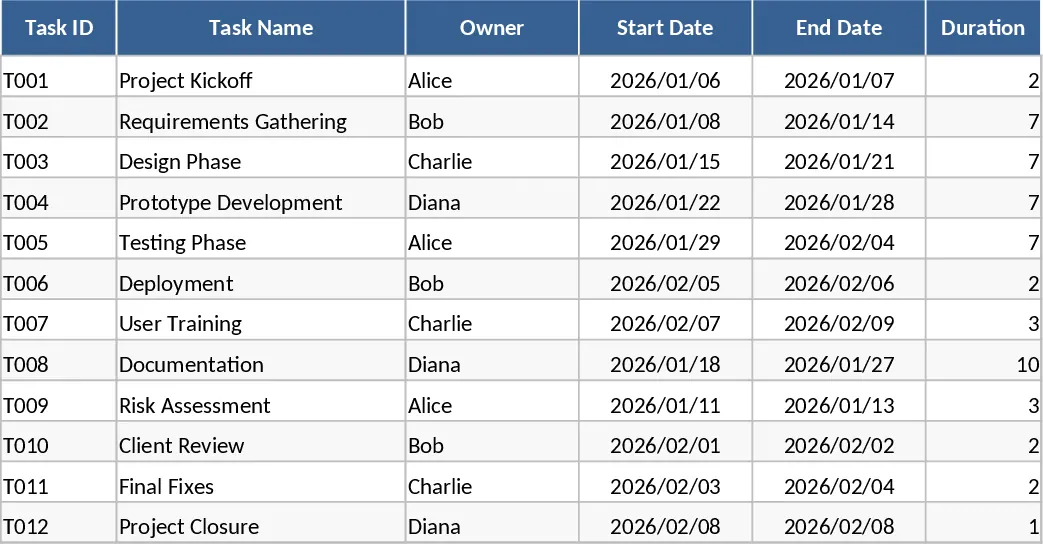
Automated Gantt Chart Project Plan and Timeline Template
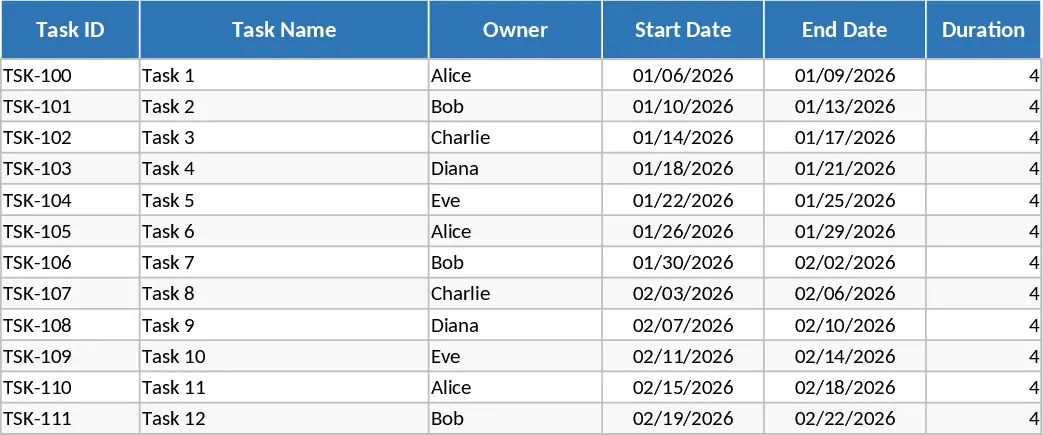
Managing complex projects requires more than just a list of to-dos; it requires a clear vision of how tasks overlap and where the critical path lies. This Excel Gantt Chart Project Plan Template provides a structured environment to organize your workflow from inception to completion. By integrating task management with a dynamic visual timeline, you can move away from static spreadsheets and toward a living document that reflects the true state of your project. This template is designed to handle everything from small team assignments to multi-month initiatives, ensuring that every stakeholder knows exactly what is happening and when.
The template is organized into three specialized sheets that work in harmony. The Tasks sheet serves as your primary data entry hub. Here, you define task names, assign owners, and set start and end dates. It includes built-in logic to calculate durations automatically and ensures data integrity by validating that end dates never precede start dates. You can also mark specific items as milestones or link them via dependencies to see how delays might ripple through your schedule. The Timeline sheet transforms this data into a professional Gantt chart using conditional formatting. It allows you to see daily or weekly progress at a glance, with milestones clearly marked to highlight key achievements. Finally, the Summary sheet aggregates your data into actionable insights, showing you the overall completion percentage weighted by task duration and highlighting tasks that are falling behind or are currently critical.
This tool is ideal for project managers, department heads, and small business owners who need a robust scheduling solution without the complexity of high-end enterprise software. Whether you are launching a marketing campaign, overseeing a construction phase, or managing a software development sprint, this template helps you stay on top of every moving part. It eliminates the guesswork of project status by providing a single source of truth for the entire team. By using the owner and status fields, you can quickly filter views to see individual workloads or identify which phases of the project are nearing completion.
How to use:
- Start by navigating to the Tasks sheet and entering your project phases and individual tasks. Assign owners and input your planned start and end dates; the duration will calculate itself automatically. Use the dropdown menus to set the status and percentage complete as work progresses.
- Define dependencies by noting which Task IDs must be completed before others begin, and mark key deliverables as milestones by selecting Yes in the Milestone column.
- Head to the Timeline sheet to view your visual schedule. The Gantt bars will populate automatically based on your task data. You can adjust the start date of the view to focus on specific project windows.
- Check the Summary sheet regularly to monitor the overall health of the project. This sheet provides a high-level count of tasks by status and lists any late tasks that require immediate intervention.
Expected benefits: This template significantly reduces the time spent manually drawing charts and calculating progress, allowing you to focus on execution rather than administration. It provides a professional visual output that is ready for stakeholder meetings or internal reviews with minimal effort.
Similar Templates Recommendation
Gantt Chart Project Planning with Dashboard Template
Plan and track project timelines with an automated Gantt chart, task dependencies, and a summary dashboard for real-time progress monitoring.
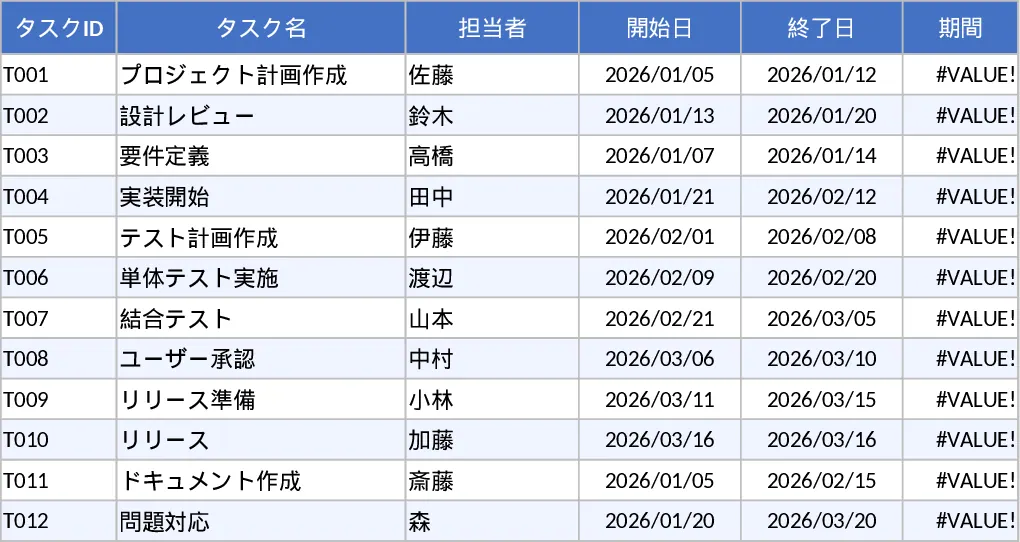
Gantt Chart Project Plan Template
Plan and track project progress with an automated Gantt chart, task dependencies, milestones, and a comprehensive summary dashboard.
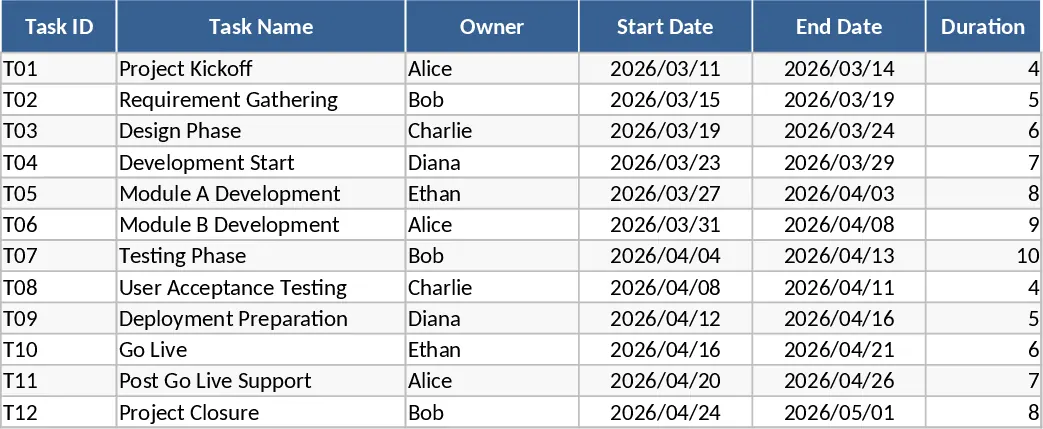
Gantt Chart Project Planner and Timeline Template
Track project timelines, manage task dependencies, and visualize progress with an automated Gantt chart and summary dashboard.