Small Business Cash Flow Tracker with Transaction Log Template
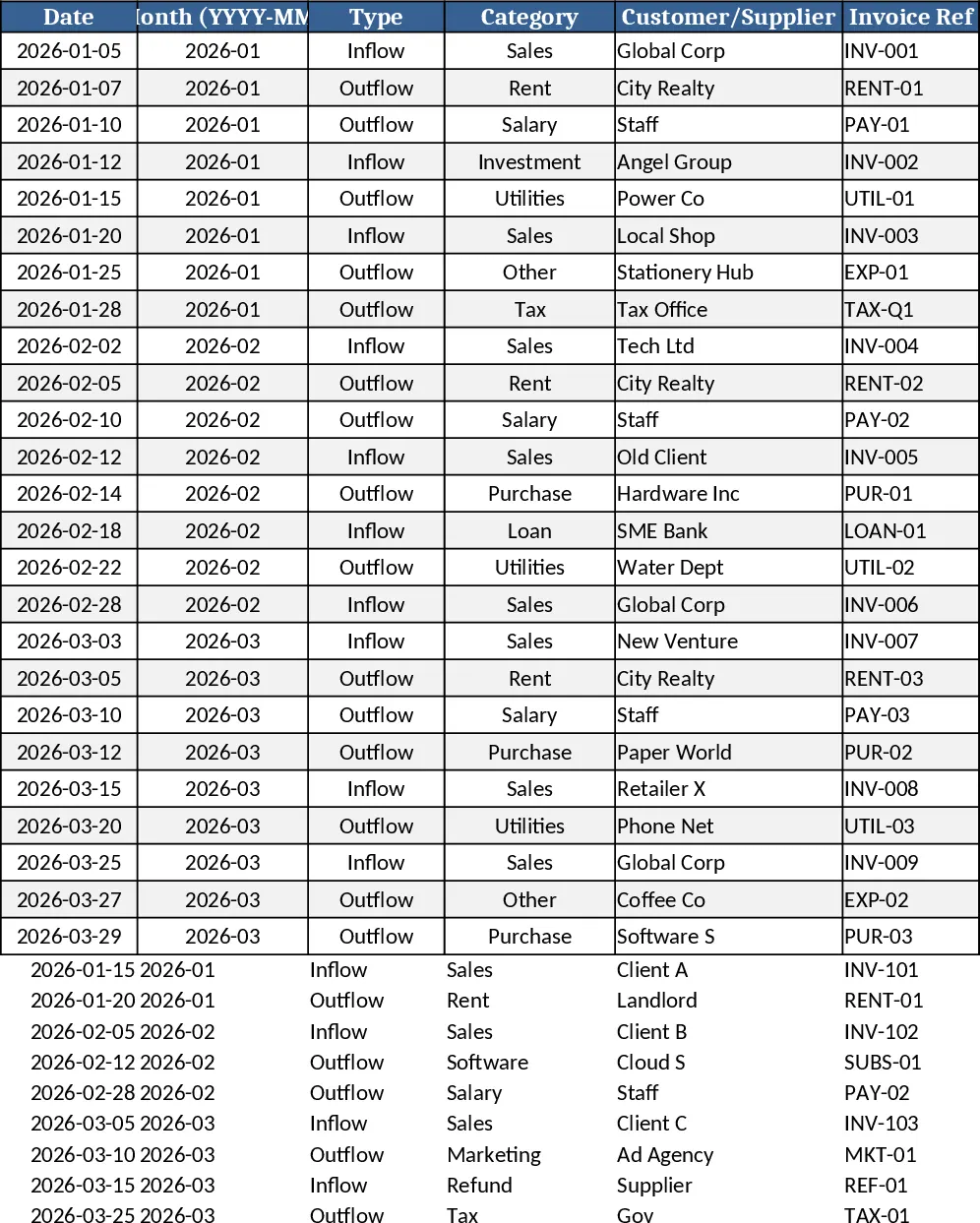
The Small Business Cash Flow Tracker is a three‑sheet Excel workbook designed to give owners a clear, real‑time picture of money moving in and out of the business. Cash Transactions is the data‑entry sheet where you log every payment, receipt, or adjustment. Columns include Date, automatically‑derived Month (YYYY‑MM), Type (Inflow/Outflow dropdown), Category dropdown, Customer/Supplier, Invoice Ref, Payment Method, Amount (must be positive), Tax, and Notes. The sheet validates the amount and fills the Month field based on the Date, ensuring consistent period grouping.
The Monthly Summary sheet aggregates the raw data by month. It calculates Total Inflows, Total Outflows, Net Cash Flow (Inflow minus Outflow), and the Ending Cash Balance, which rolls forward from the previous month’s ending balance. This rolling balance lets you see how cash accumulates or depletes over time without manual calculations.
The Cash Flow Dashboard turns the numbers into visual insights. A line chart shows the Net Cash Flow trend month‑by‑month, a bar chart breaks down cash movement by Category, and two ranked bar charts highlight the top customers contributing inflows and the top suppliers consuming outflows. Sample data for 25 transactions across three months is pre‑filled, so you can see the full workflow immediately.
This template is ideal for small‑business owners, freelancers, and accountants who need a simple yet powerful way to monitor liquidity, avoid cash shortages, and make informed spending decisions. By centralising every cash event in one place, it eliminates scattered spreadsheets, reduces manual reconciliation, and provides a single source of truth for budgeting and forecasting.
How to use
- Open the workbook and go to the Cash Transactions sheet. Enter each transaction on a new row, selecting Inflow or Outflow, choosing a Category, and filling the required fields; the Month column updates automatically.
- Switch to Monthly Summary – the formulas will instantly pull totals, calculate net cash flow, and update the running ending balance for each month.
- Open the Cash Flow Dashboard to view the updated charts; they refresh automatically as you add or edit transactions.
- (Optional) Replace the sample data with your own historical transactions to generate accurate trend analysis.
Expected benefits: you’ll spend less time reconciling cash records, gain quicker visibility into cash health, and make smarter financial decisions with minimal effort.
Similar Templates Recommendation
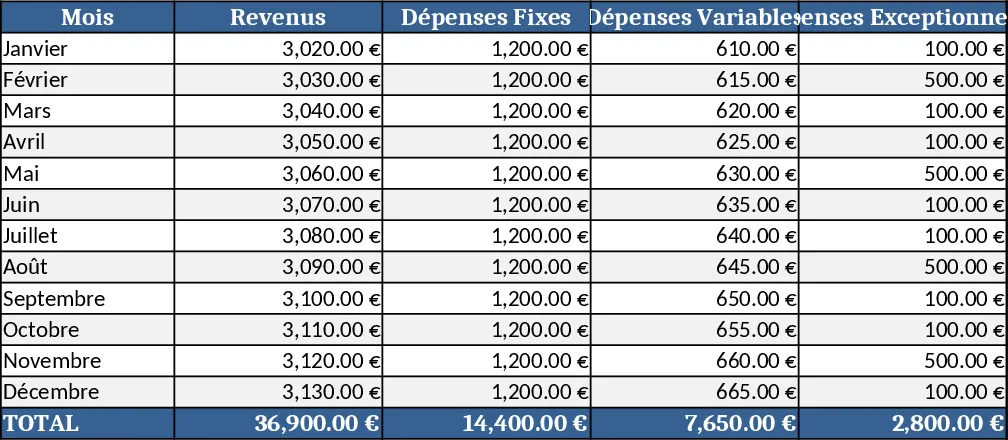
Personal Monthly Budget & Expense Tracker with Top Merchants Template
Track monthly income and expenses, compare against budgets, and visualize spending with charts in a ready‑to‑use Excel workbook.
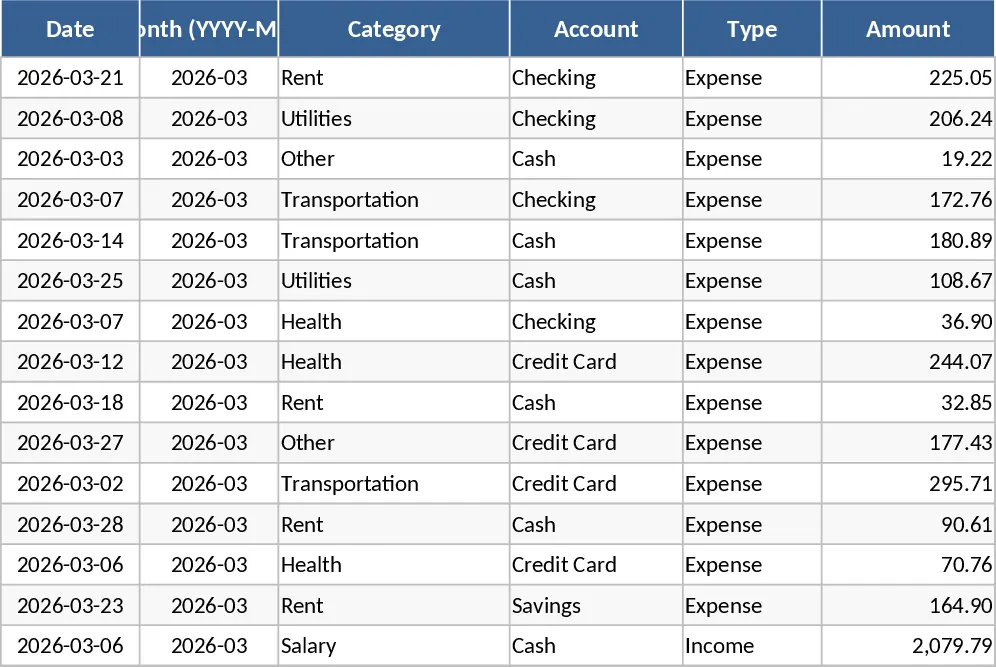
Personal Account Management Dashboard Template
Track income, expenses, savings and monthly balances with an interactive dashboard and automatic monthly statements.
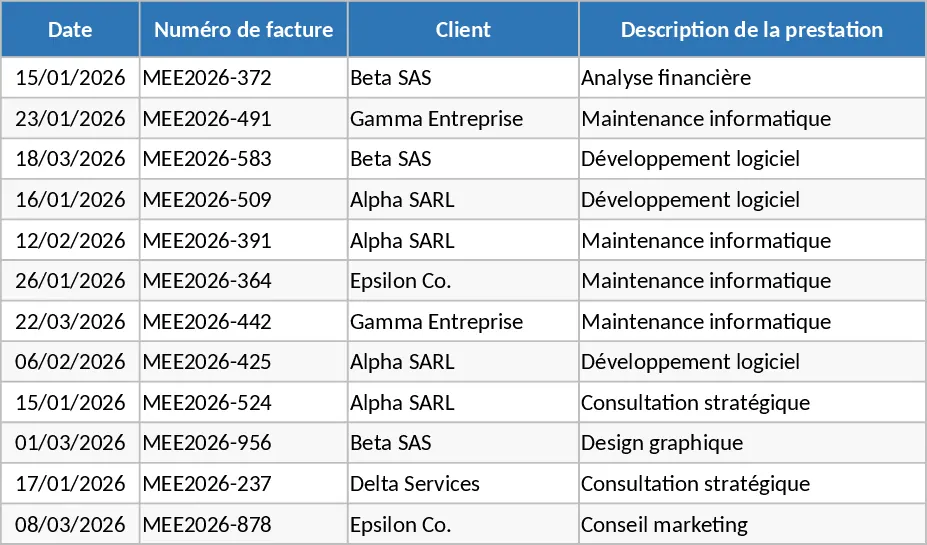
Micro-Entrepreneur Turnover and Invoice Tracker Template
Track your micro-entrepreneur revenue, monitor payment statuses, and view automatic summaries of billed versus received amounts easily.