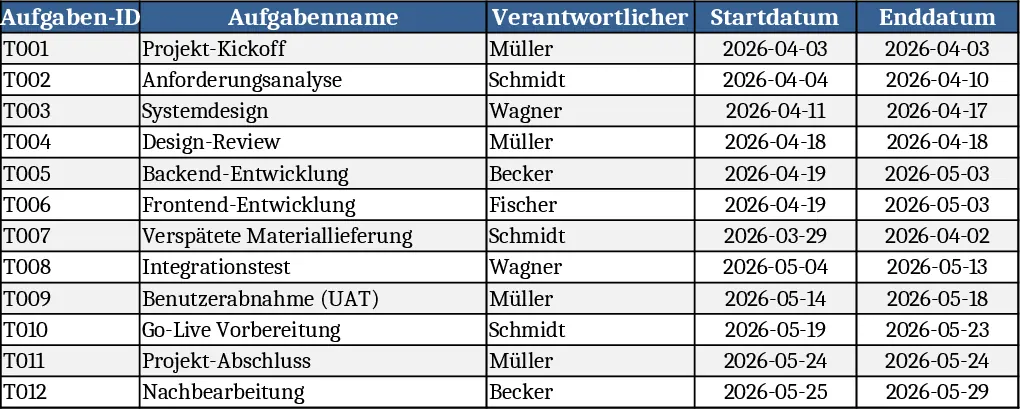
Simple Timeline Builder Template
This template is built around a clean, multi‑sheet workbook that turns a simple task list into a full‑featured project timeline. The Task List sheet captures each activity’s name, owner, start date, end date, estimated duration and status, with dropdowns for status (Not Started, In Progress, Completed). A Dependencies column lets you link tasks that must follow one another, while the Resources column records who is responsible. The Timeline sheet automatically converts those dates into a visual Gantt‑style chart, highlighting overlapping work, critical paths and upcoming milestones. A Summary page aggregates key metrics – total project length, percentage completed, overdue items – and presents them in easy‑to‑read charts.
The template solves the common headache of manually aligning dates and tracking progress across multiple activities. By automating date calculations and visualising the schedule, it reduces the risk of missed deadlines, improves communication among team members, and gives managers a quick snapshot of overall health. It’s especially handy for product launches, event planning, construction phases, or any initiative that requires coordinated timing.
Ideal for project managers, team leads, event coordinators, and anyone who needs to keep a tight grip on when work should happen. Whether you’re running a small internal project or a larger cross‑functional program, the template scales to handle dozens of tasks while staying easy to navigate.
How to use
- Open the workbook and go to the Task List sheet. Enter each task’s name, assign an owner, and pick start/end dates from the calendar picker.
- In the Dependencies column, type the ID of any preceding task (e.g., "Task 3") to create a logical sequence.
- Choose the appropriate status from the dropdown; the template will automatically colour‑code rows.
- Switch to the Timeline sheet to see the Gantt chart update in real time, and check the Summary page for overall progress indicators.
Expected benefits include faster schedule creation, fewer manual errors, and clearer visibility into project timelines, helping teams stay on track with less effort.
Similar Templates Recommendation
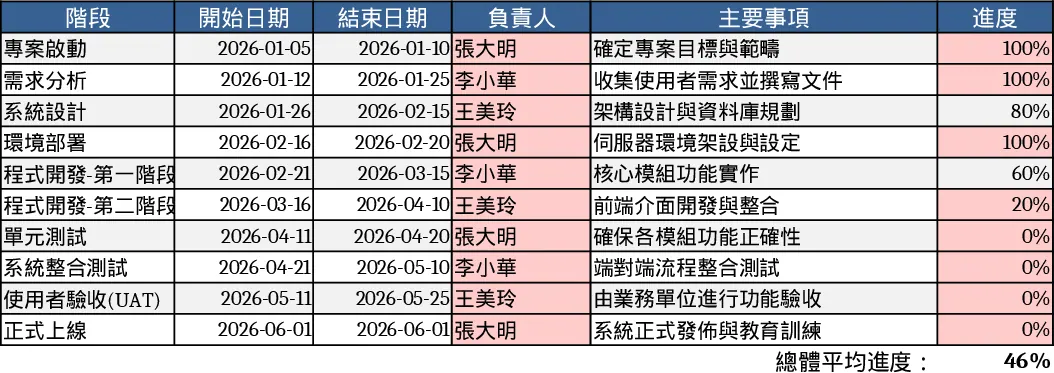
6-Month Software Development Gantt Chart with Progress Tracking Template
Plan and monitor your 6-month software development lifecycle with visual Gantt bars, task-level progress tracking, and phase-based milestones.
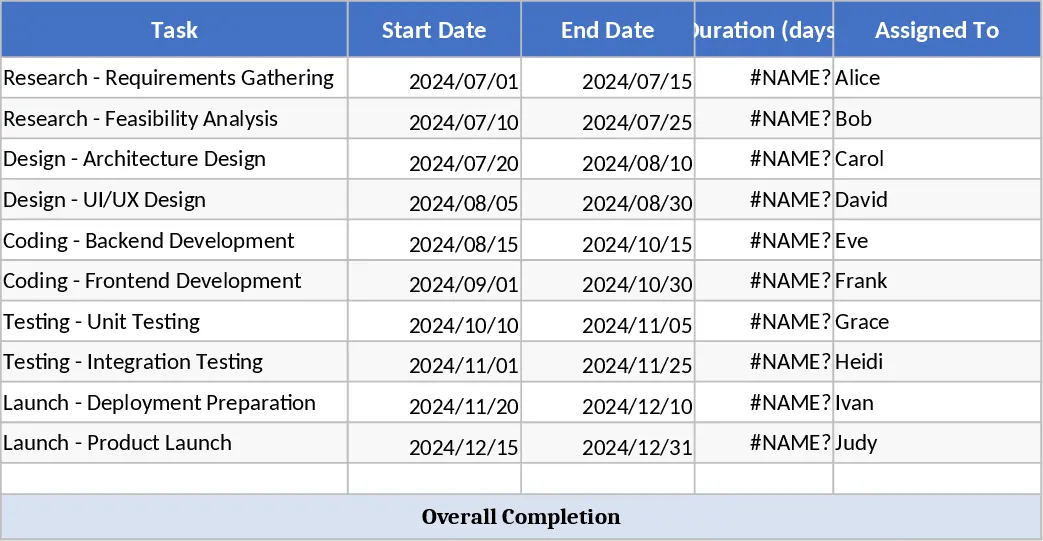
All-in-One Project Management Template
A comprehensive Excel template to plan, detail, execute, track and monitor all your projects step by step.
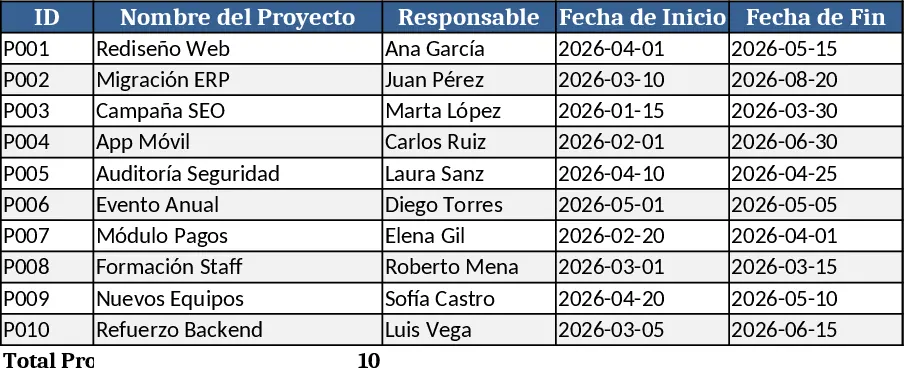
Project Gantt Chart Planner Template
A ready‑to‑use Excel Gantt chart template with task list, timeline view and summary dashboard for tracking project progress.