All‑In‑One Restaurant Management Excel Template
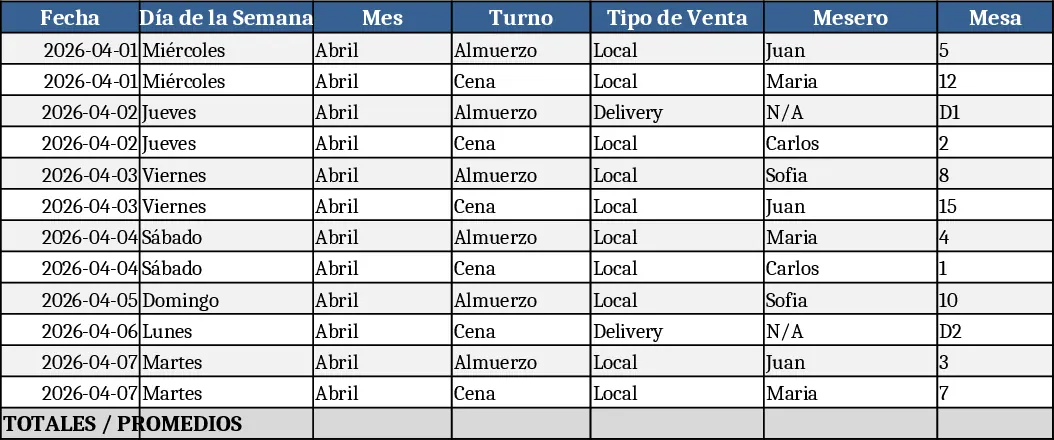
The Complete Restaurant Excel System is a single workbook that brings together every critical metric a food‑service business needs. It is divided into eleven clearly labeled sheets: Daily Sales, P&L Statement, Costed Recipes, Inventory Log, Purchases & Suppliers, Payroll & Hours, Menu Engineering, Cash Flow, Sales Forecast, Delivery Performance, and Scheduling. Each sheet contains pre‑built tables, drop‑down lists for menu items or supplier names, and automatic calculations that roll up into summary dashboards. The Daily Sales sheet captures each transaction, calculates average ticket size and highlights strong or weak days. The Costed Recipes sheet lets you input ingredient quantities and prices, instantly showing the cost per plate, which feeds into the Menu Engineering sheet to reveal the most profitable dishes.
This template solves the common chaos of juggling separate spreadsheets, paper logs, and manual calculations. By centralising data, you can instantly see where revenue is coming from, which items erode margins, and how labor costs fluctuate. The result is faster, data‑driven decisions: you can adjust menu prices, negotiate better supplier terms, optimise staff schedules, and plan cash reserves without digging through multiple files. It is especially valuable for independent restaurant owners, managers, and chefs who need a low‑cost, customizable solution that scales from a single‑location eatery to a small chain.
The system helps you track and manage daily revenue, ingredient usage, stock levels, purchase orders, employee hours, and cash flow. It also produces actionable outputs such as a profit‑and‑loss summary, a break‑even analysis, a profitability ranking of menu items, and a cash‑position forecast. With the Delivery Performance sheet you can compare orders from platforms like Uber Eats against net profit, ensuring that high order volumes don’t hide hidden losses.
How to use
- Open the workbook and fill the "Setup" tab with your restaurant name, tax rate, and default currency. This populates dropdowns across all sheets.
- Enter daily sales in the "Daily Sales" sheet, selecting the menu item from the list; the sheet automatically updates ticket averages and feeds the P&L.
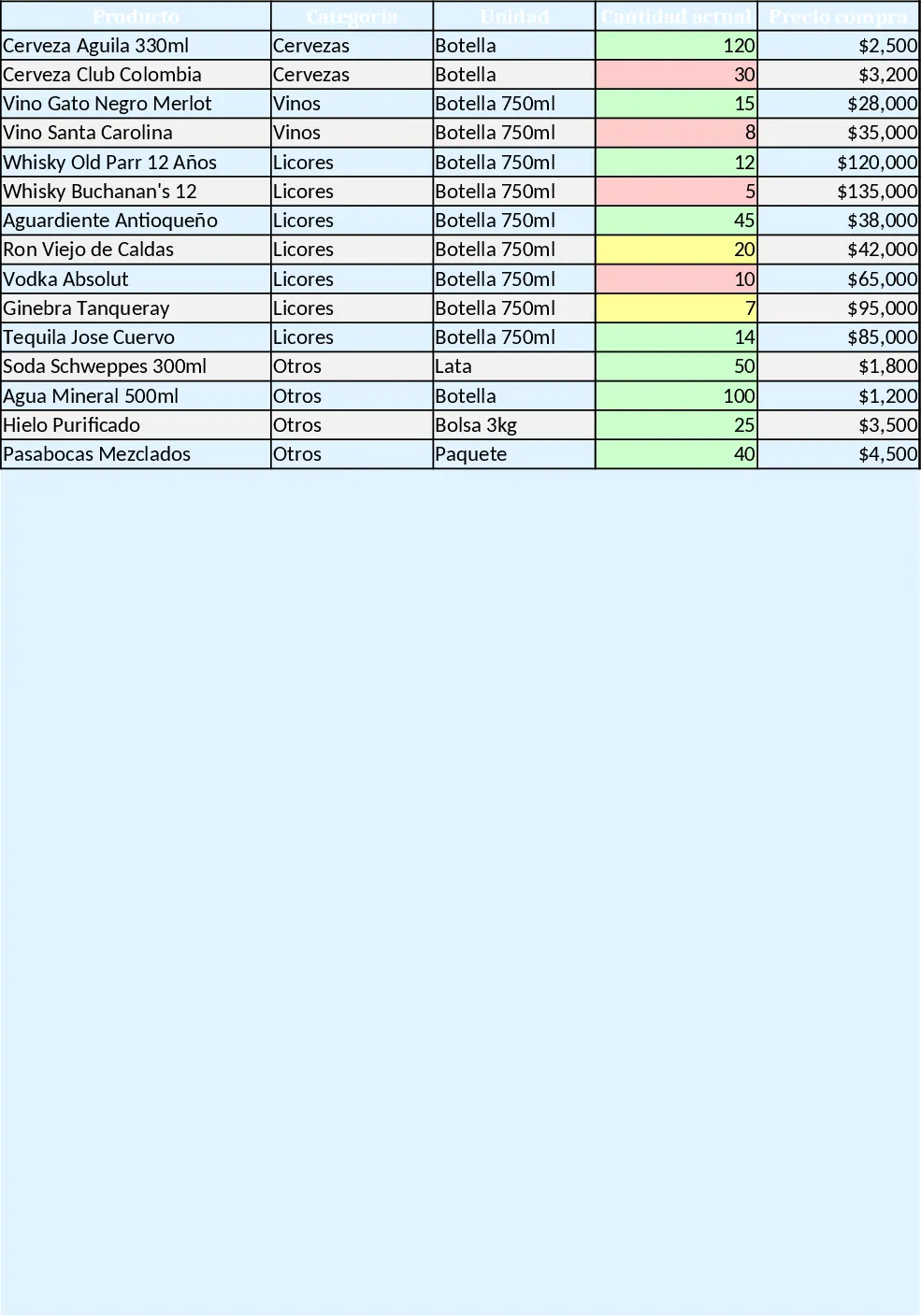
- Record each ingredient receipt in the "Inventory Log" and link it to the corresponding recipe in "Costed Recipes"; the system will calculate real‑time food cost percentages.
- Update employee hours in the "Scheduling" sheet; payroll totals flow into the "Payroll & Hours" sheet and then into the overall profit calculation.
Expected benefits: By consolidating all restaurant data into one automated workbook, you save hours of manual entry, reduce errors, and gain a clear picture of profitability, helping you make smarter, faster decisions.
Similar Templates Recommendation
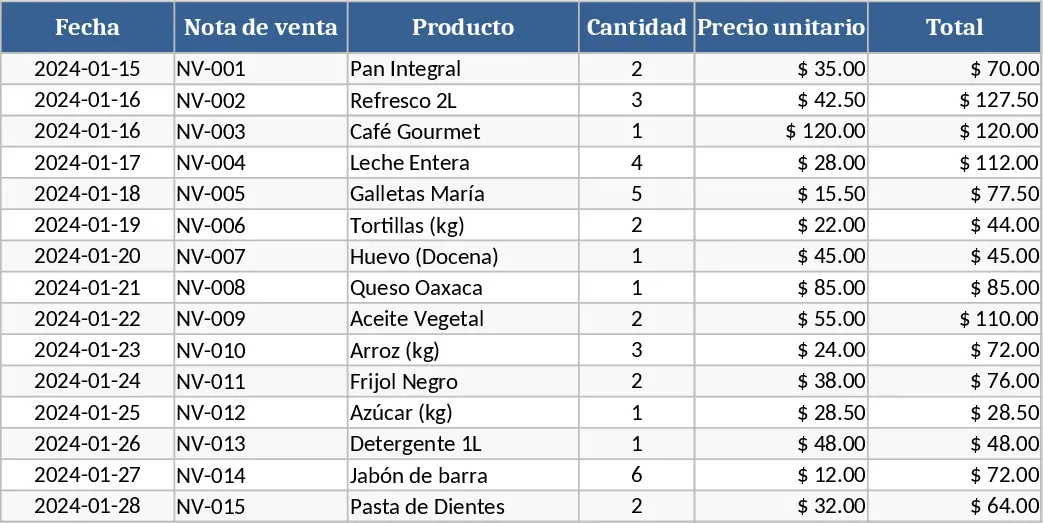
Professional Point of Sale Template
A ready‑to‑use POS template to record sales, manage inventory, track customers and generate daily revenue reports.
Workbook Design Guide Template
A ready‑to‑use Excel workbook that tracks inventory, purchases, sales, daily cash flow and visual dashboards for a small liquor bar.