Personal Monthly Budget & Expense Tracker with Category Budgets Template
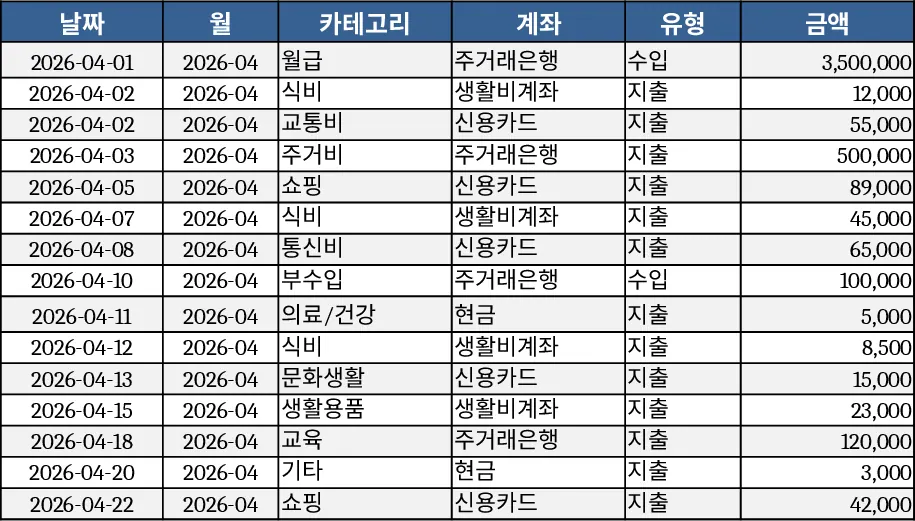
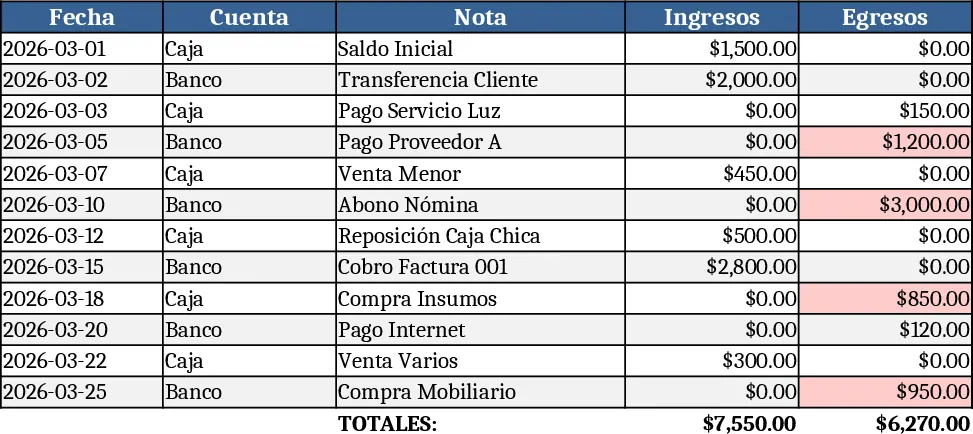
This three‑sheet Excel workbook lets you record every transaction, compare actual spending against a monthly budget, and see the results on a visual dashboard. The Transaction Log sheet captures each entry with columns for Date, Month (auto‑filled), Category, Account, Type (Income/Expense), Amount, Merchant/Recipient, Payment Method and Notes. Drop‑down lists keep categories, accounts, types and payment methods consistent, while data validation forces the Date field to be mandatory and the Amount to be greater than zero. The Month column pulls the year‑month (YYYY‑MM) directly from the Date, so you never have to type it manually.
On the Budget Plan sheet, rows represent your spending categories and columns show the budgeted amount, the actual expense pulled from the Transaction Log, the variance, and a flag that turns red when you exceed the budget. Simple SUMIFS formulas calculate the actual expense per category and month, while a conditional‑format rule highlights any over‑budget cell with the word “Over”. Adding a new category is as easy as typing it into the Category column – the drop‑down on the Transaction Log updates automatically.
The Dashboard sheet turns raw numbers into insight. It displays total income, total expenses and net savings for the selected month, a pie chart that breaks down spending by category, a line chart that shows weekly expense trends, and a table of the top‑10 merchants where you spend the most. All charts refresh automatically when you add new rows to the Transaction Log.
How to use
- Enter each purchase or income item on the Transaction Log sheet, selecting the appropriate category, account and payment method from the drop‑downs. The Month column fills in automatically.
- Go to the Budget Plan sheet and set your desired budget for each category and month. The sheet will instantly calculate actual spend and highlight any overruns.
- Switch to the Dashboard to see a snapshot of your financial health: total figures, visual breakdowns, and the biggest expense sources.
- Adjust budgets or add new categories anytime; the formulas and charts adapt without extra work.
Expected benefits: you’ll spend less time reconciling receipts, get a clear picture of where your money goes each month, and catch overspending early, making personal finance management smoother and more transparent.
Similar Templates Recommendation
Monthly Budget Planner Template
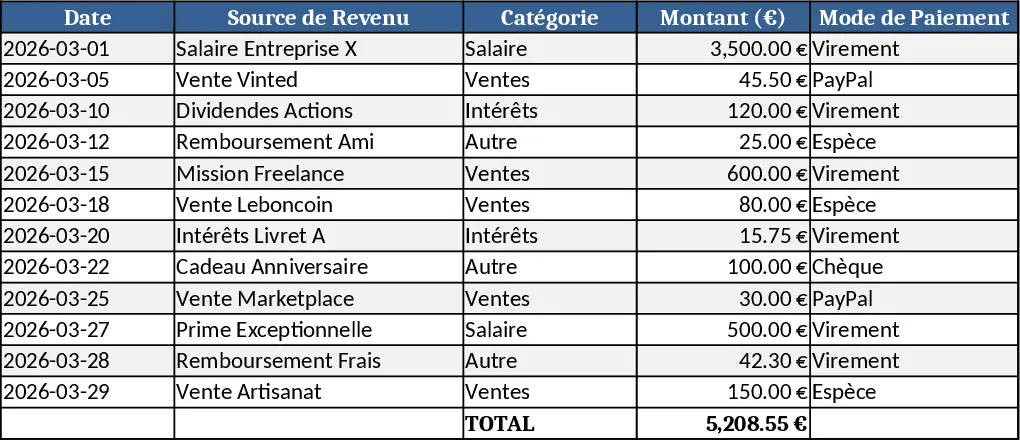
Track and manage your monthly income and expenses, compare actual spending to your planned budget, and see visual cash‑flow summaries.
Personal Monthly Budget & Expense Tracker with Budget vs Actual Template
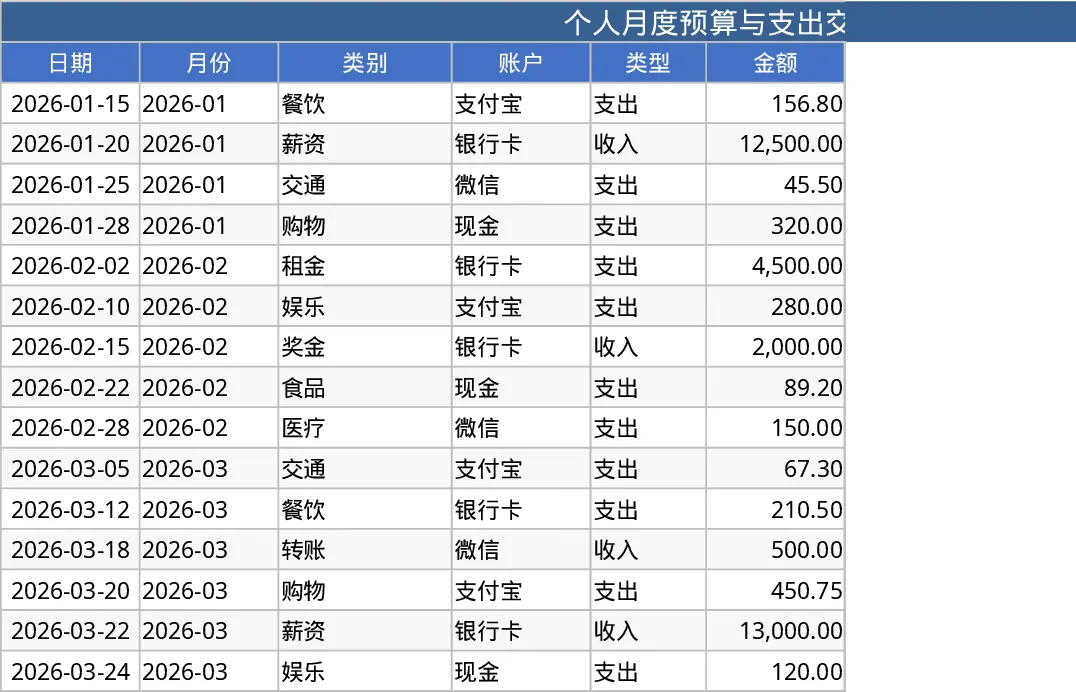
Track monthly personal income and expenses, compare against budgets, and view visual dashboards for savings insights.
Personal Monthly Budget & Expense Tracker with Net Savings Template
A ready‑to‑use Excel workbook that logs daily transactions, compares them to a monthly budget, and visualises income, spending and savings.