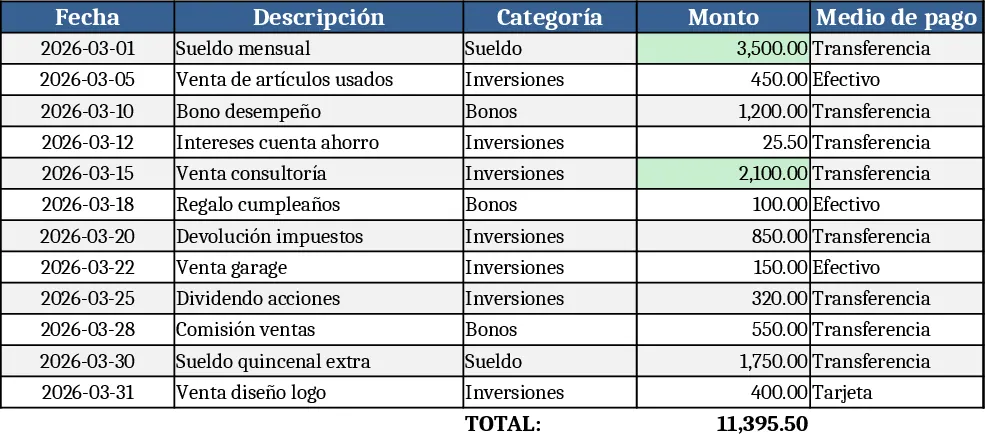
Monthly Budget Planner Template
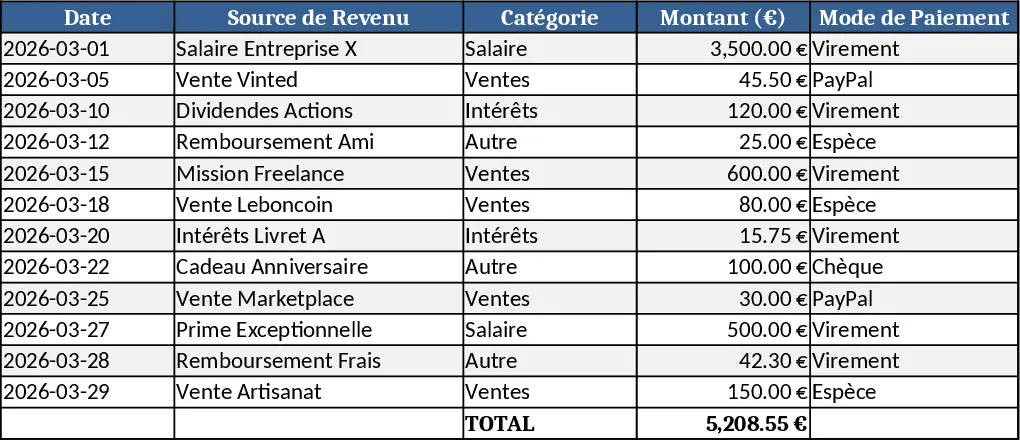
This Monthly Budget template is a compact workbook designed to give you a clear picture of your personal finances each month. It contains three main sheets: Input, Summary, and Charts. In the Input sheet you list every source of income and each expense category (housing, food, transport, entertainment, etc.) using simple tables with drop‑down lists for recurring items. The Summary sheet automatically aggregates totals, calculates the variance between planned and actual amounts, and shows key metrics such as net cash flow, savings rate, and percentage of budget used per category. The Charts sheet turns those numbers into easy‑to‑read bar and pie charts, letting you spot overspending at a glance.
The template solves the common headache of scattered receipts and manual calculations. By centralising all data in one place, it eliminates duplicate entry, reduces errors, and provides instant insight into where your money goes. You can quickly adjust planned amounts and see the impact on your overall balance, helping you stay on track with financial goals like building an emergency fund or paying down debt. It’s especially useful for anyone who wants to gain control over monthly cash flow without complex accounting software.
Ideal users are individuals, couples, or small‑business owners who need a straightforward way to monitor household or simple business finances. Whether you’re planning a tight budget, tracking variable freelance income, or just trying to cut unnecessary expenses, this template adapts to your needs with customizable categories and flexible date ranges.
How to use
- Open the workbook and go to the Input sheet. Enter your expected income in the "Planned Income" table and list each expense under the appropriate category, selecting recurring items from the drop‑down where needed.
- As the month progresses, update the "Actual Income" and "Actual Expenses" columns with real figures from your bank statements or receipts.
- Switch to the Summary sheet to view automatically calculated totals, variances, and key ratios. Adjust any planned numbers if you need to re‑budget.
- Visit the Charts sheet to see visual representations of your spending patterns; use these charts to discuss finances with a partner or advisor.
Expected benefits: By automating calculations and visualising data, you’ll spend far less time reconciling numbers and more time making informed financial decisions, ultimately helping you save money and reduce budgeting stress.
Similar Templates Recommendation
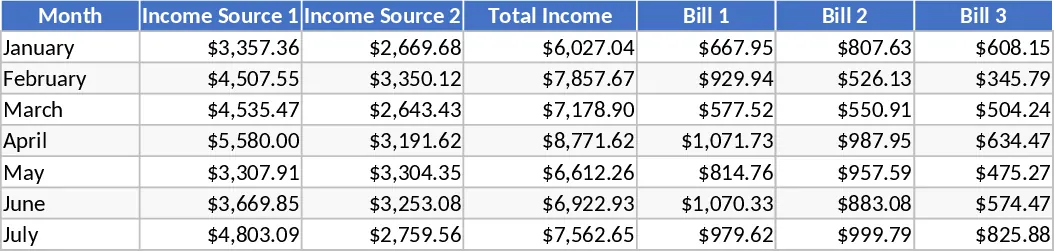
Monthly Budget with Weekly Spending and Savings Breakdown Template
Manage your monthly finances by breaking down three income streams and eleven expense categories into manageable weekly spending and saving targets.
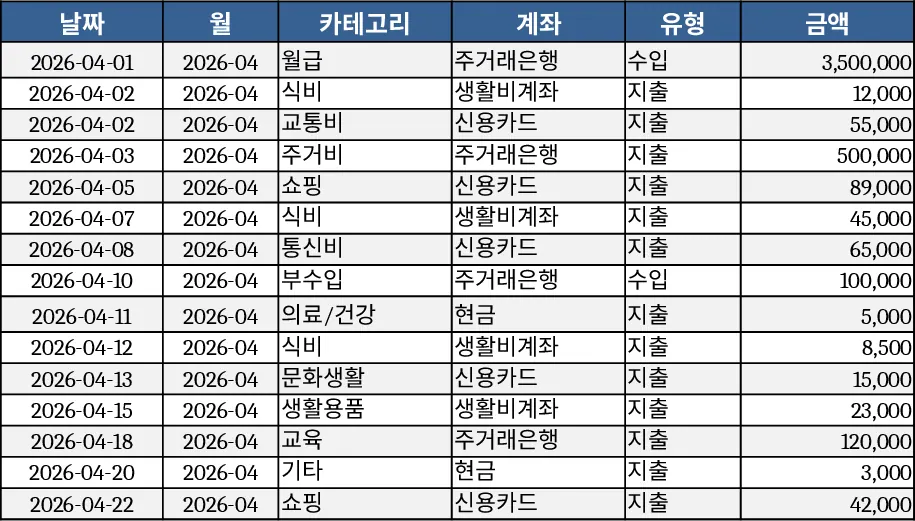
Personal Monthly Budget & Expense Tracker with Category Budgets Template
Track monthly personal income and expenses, set budgets per category, and view summary charts in a three‑sheet Excel template.
Personal Cash Flow Tracker Template
Track, analyze, and forecast your personal cash flow with an easy-to-use spreadsheet that visualizes income, expenses, and savings.