Light Sales Leads & Follow‑Up CRM Template
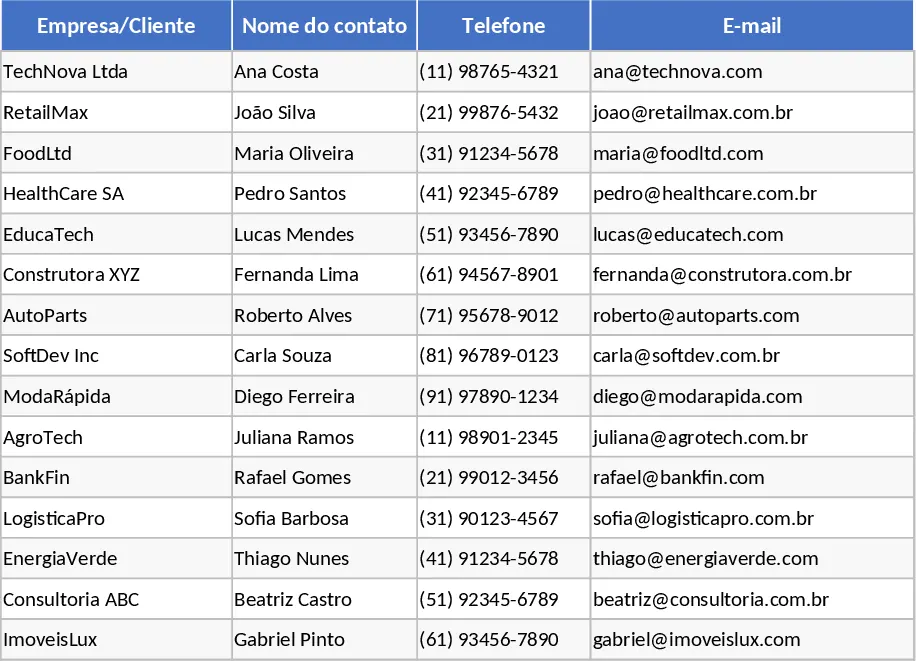
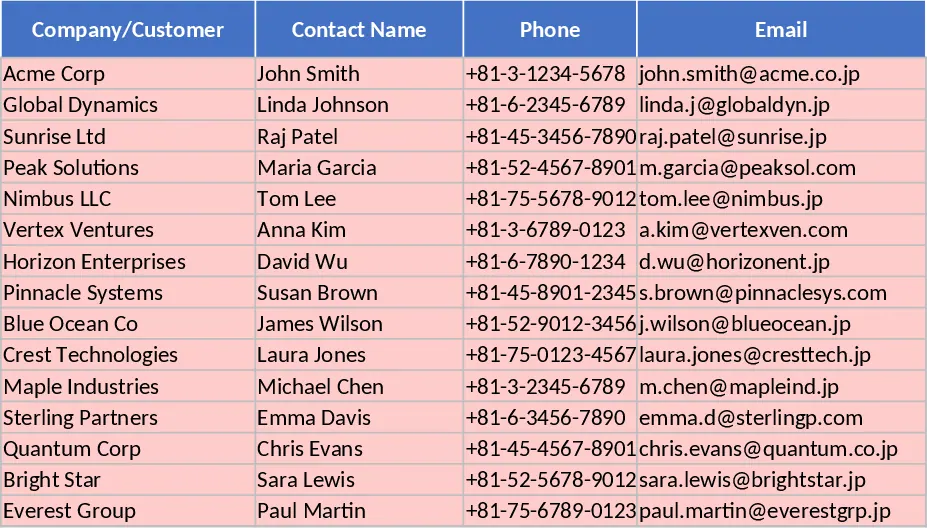
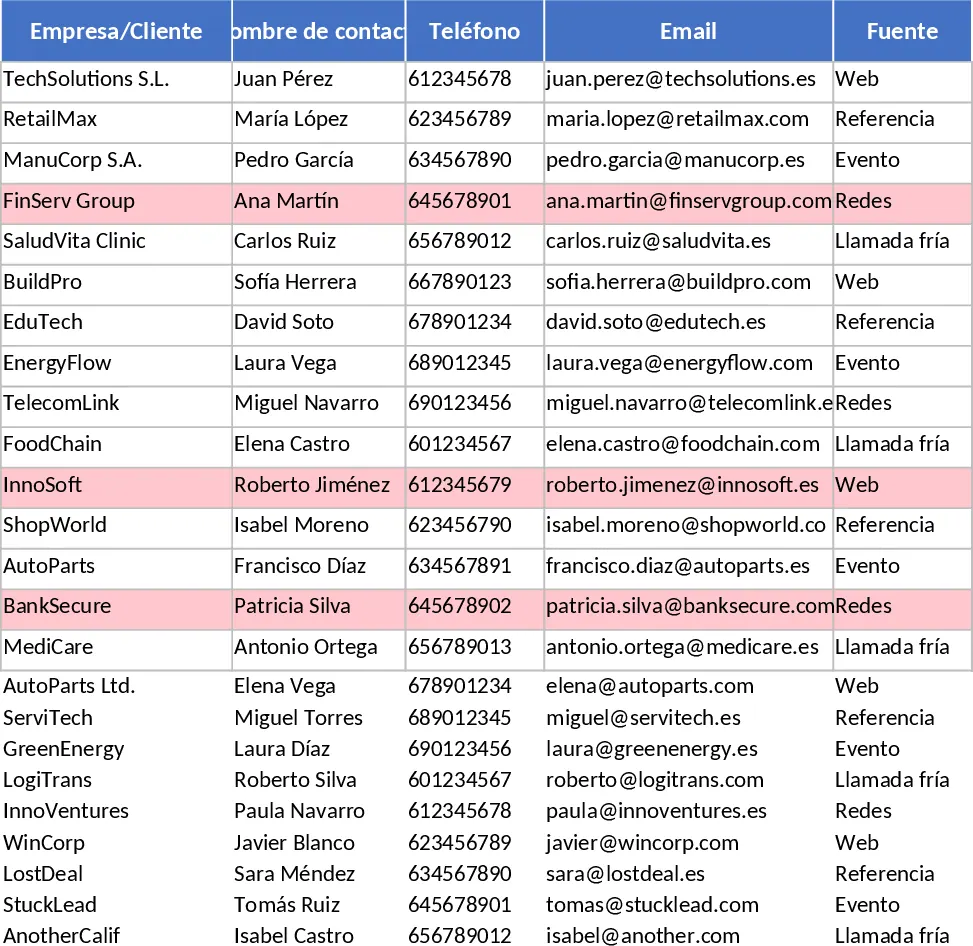
This Excel template gives you a compact yet powerful CRM built around two worksheets – Leads and Funnel & Activity. The Leads sheet holds every prospect you’re working with, with columns for company, contact name, phone, email, source (chosen from a drop‑down list), industry, current stage (Lead, Contacted, Qualified, Proposal, Negotiation, Won, Lost), expected deal value, win probability, estimated close date, owner (drop‑down), last contact date, next action, next action date, and free‑form notes. Conditional formatting highlights any lead that hasn’t been touched in the past 14 days, letting you spot at‑risk opportunities instantly. The second sheet aggregates the data: it counts leads and sums expected values per stage, shows month‑to‑date new leads, won deals, and win‑rate, and automatically generates a “Stagnant Leads” list where the last contact is older than 14 days and the stage isn’t Won or Lost. Sample data for 15 leads is pre‑filled so you can see the layout in action right away.
The template solves the common problem of scattered lead information and missing visibility into pipeline health. By centralising contact details, stage progression, and probability in one place, you eliminate the need for multiple spreadsheets or manual notes. The built‑in funnel view turns raw rows into a clear snapshot of where each opportunity sits, how much revenue is expected at each step, and which prospects need immediate follow‑up. Monthly KPI cells give you quick insight into new lead generation, conversion success, and overall win‑rate without extra calculations. This saves you time hunting for data and reduces the risk of overlooking stale leads that could slip through the cracks.
It’s ideal for sales representatives, team leaders, and small‑business owners who manage a modest number of prospects and need a quick, no‑code solution. Whether you’re running a startup, a boutique agency, or a regional sales office, the template fits any scenario where you want to keep a tidy lead register, monitor funnel performance, and act on overdue contacts. No complex CRM software is required; everything runs in a familiar Excel environment, making onboarding fast for anyone who already uses spreadsheets.
With this template you can continuously track the full lifecycle of each lead: from the moment a prospect is entered, through each qualification stage, to the final outcome. The probability field lets you weight expected revenue, giving a realistic forecast that updates automatically as stages change. The date fields drive the “Stagnant Leads” alert and help you schedule follow‑ups, while the owner drop‑down assigns responsibility and clarifies accountability. The funnel summary sheet turns these details into actionable metrics – total leads per stage, total potential value, monthly new‑lead count, deals closed, and win‑rate – all refreshed with a single data refresh.
How to use
- Open the workbook and replace the sample rows in the Leads sheet with your own prospects, filling every column; use the drop‑downs for Source, Stage, and Owner to keep data consistent.
- Update the Last Contact Date and Next Action Date whenever you call or email a prospect; the conditional formatting will automatically flag any lead that goes 14 days without activity.
- Switch to the Funnel & Activity sheet to see live counts, summed expected values, and the month‑to‑date KPI box. The “Stagnant Leads” table will populate automatically based on the dates you entered.
- Periodically review the funnel chart and KPI numbers to adjust your outreach strategy, re‑assign owners, or prioritize high‑probability deals.
Expected benefits include noticeably faster lead triage, clearer pipeline visibility, and fewer missed follow‑ups, all without the overhead of a full‑scale CRM system.
Similar Templates Recommendation
Light Sales Leads CRM and Tracking Template
A lightweight CRM Excel template to track leads, manage stages, forecast values, and monitor activity with built-in dashboards.
Lightweight Sales CRM and Lead Follow-up with CRM Pipeline Template
Manage your sales pipeline and track customer interactions with this lightweight CRM featuring automated funnel metrics and follow-up alerts.