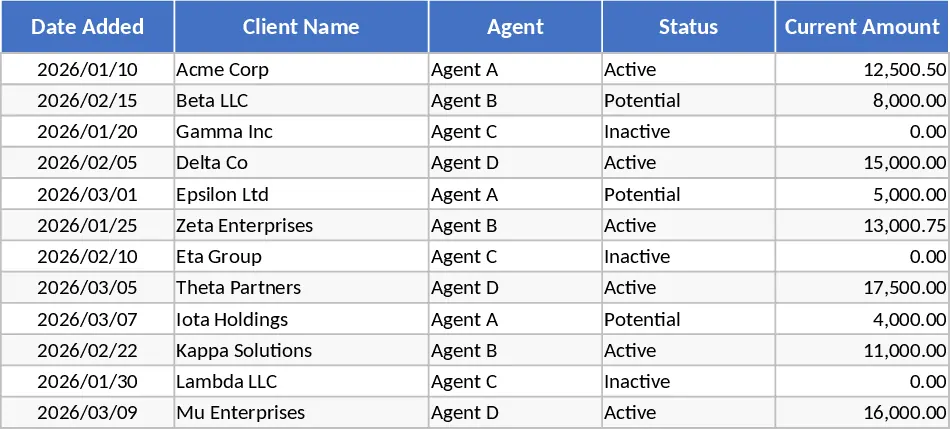
Light Sales Leads CRM and Tracking Template
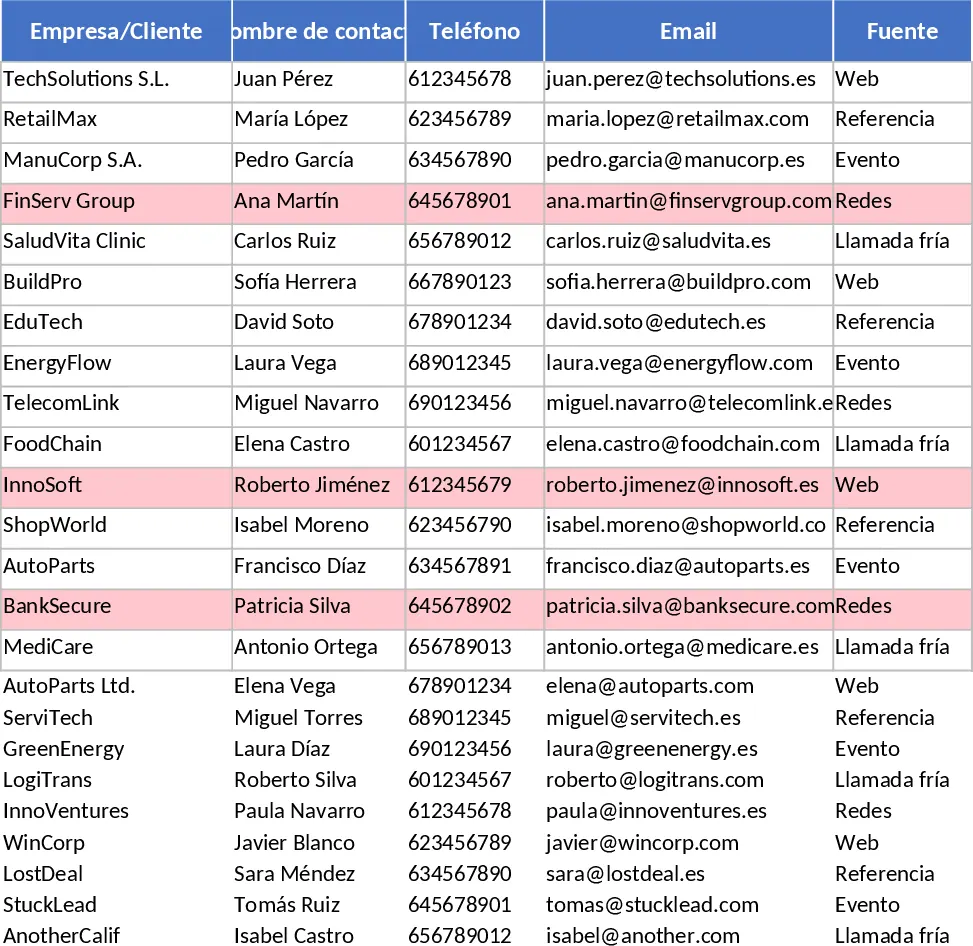
This Excel workbook gives you a compact, ready‑to‑use CRM system built around two worksheets. The Leads sheet is the data entry hub where you record every prospect: company name, contact person, phone, email, source (chosen from a dropdown), industry, current stage (Lead, Contacted, Qualified, Proposal, Negotiation, Won, Lost), expected value, win probability, estimated close date, owner (dropdown), last contact date, next action, next action date, and free‑form notes. Conditional formatting highlights any lead that hasn’t been touched in the past 14 days, letting you spot stale opportunities at a glance. The Funnel & Activity sheet aggregates the raw data into a visual snapshot of your pipeline. It shows a count and total expected value for each stage, calculates month‑to‑date metrics such as new leads added, deals won, and success rate, and automatically generates a "Stalled Leads" list where the last contact exceeds 14 days and the stage isn’t Won or Lost. Sample data for 15 leads is pre‑filled so you can see the formulas in action right away.
The template solves the common problem of scattered lead information and manual reporting. Instead of juggling notes, emails, and separate spreadsheets, you have a single place to capture every detail and instantly see the health of your sales funnel. The built‑in calculations give you quick insight into forecasted revenue, conversion ratios, and bottlenecks, helping you prioritize outreach and allocate resources more effectively. It’s especially useful for small‑to‑medium sales teams, freelancers, or startups that need a CRM without the cost or complexity of a full‑scale platform.
How to use
- Open the Leads sheet and replace the sample rows with your own prospects, selecting the appropriate source and stage from the dropdown lists. Fill in contact details, expected deal size, probability, and assign an owner.
- Update the "Last Contact Date" and "Next Action" fields each time you interact with a lead. The conditional formatting will automatically flag any lead that goes silent for more than two weeks.
- Switch to the Funnel & Activity sheet to view real‑time summaries: stage counts, total pipeline value, monthly new‑lead and win statistics, and the auto‑generated list of stalled leads.
- Use the filtered views or copy the summary tables into presentations or reports to share progress with managers or stakeholders.
Expected benefits include a noticeable reduction in time spent compiling sales reports, clearer visibility into pipeline health, and fewer missed follow‑ups thanks to the built‑in alerts. This lightweight CRM keeps your sales process organized without the overhead of a dedicated software solution.
Similar Templates Recommendation
Automated Sales Win-Rate and Contact Tracker Template
Track your sales pipeline with automated win-rate calculations and monitor the last contact date to ensure no lead goes cold.
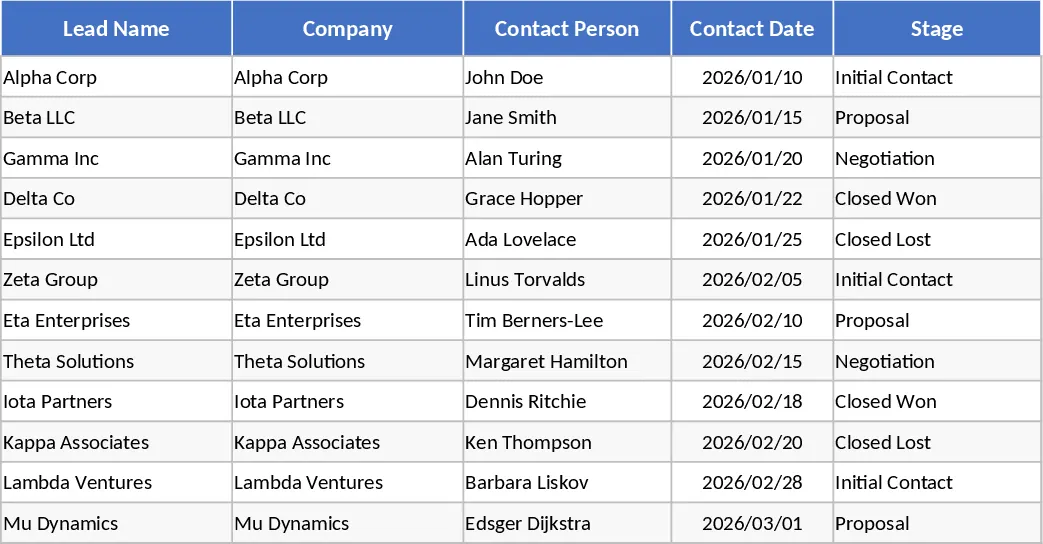
Light Sales Leads & Follow‑Up CRM Template
Track leads, stages, probabilities, and sales funnel metrics in a lightweight Excel CRM with built-in dashboards and alerts.
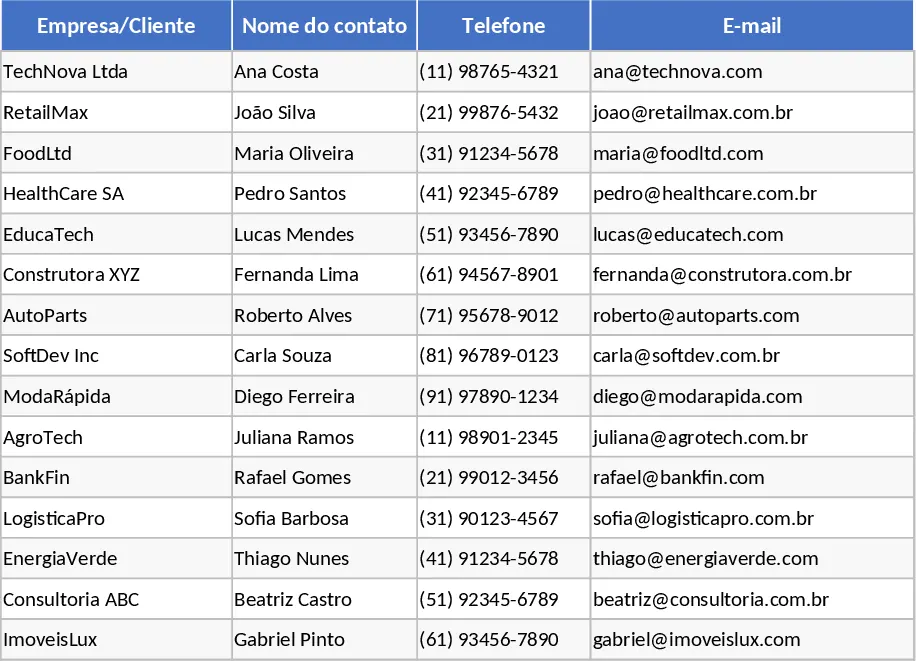
Annual Client Outreach and Sales Activity Tracker Template
Centralize client outreach and sales tracking with a master database and monthly activity logs featuring automated call status indicators.