Modern Style Dashboard Template
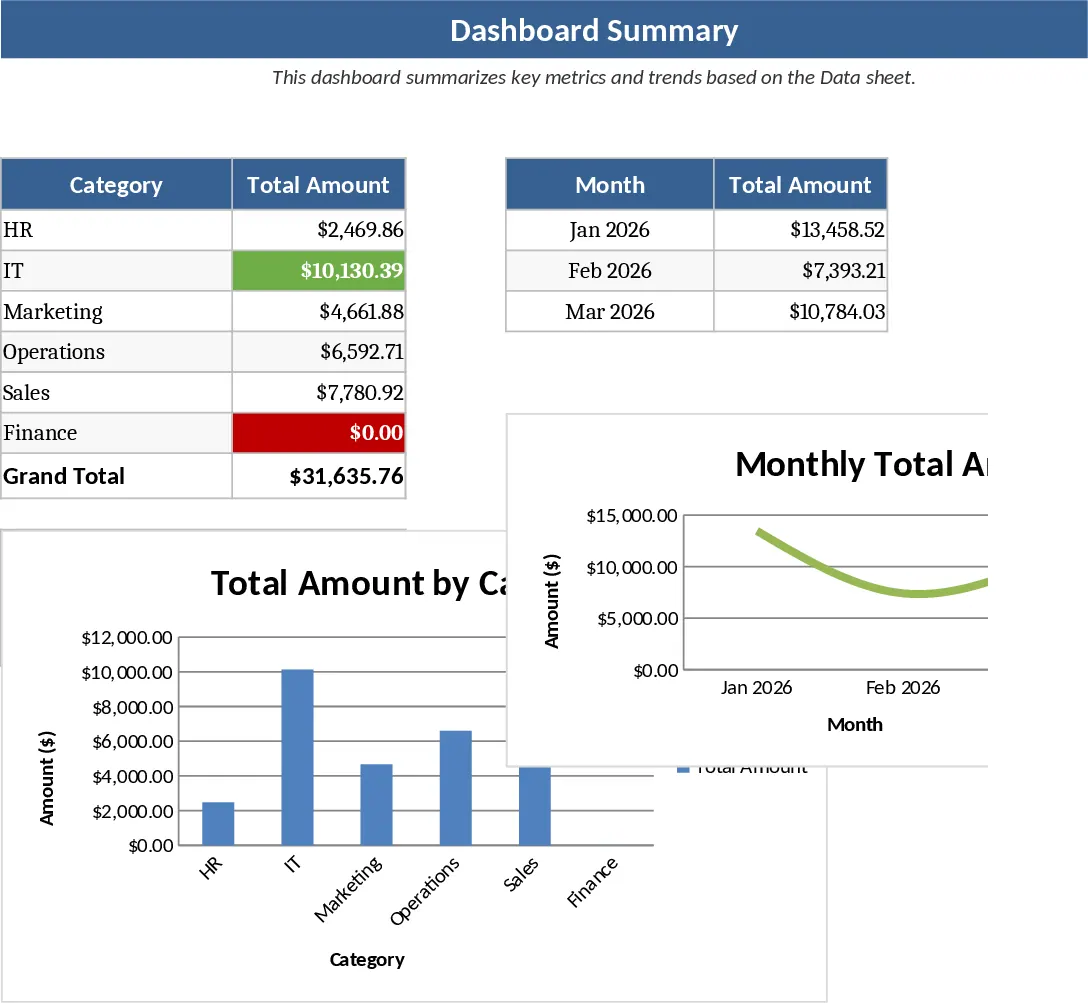
The Modern Style Dashboard template is a comprehensive solution for anyone looking to elevate their data presentation from basic tables to professional-grade visual reports. In today’s data-driven environment, the ability to quickly interpret information is a competitive advantage. This template is meticulously organized into several functional layers: a clean data entry sheet for your primary records, a hidden calculation layer that processes the math, and a stunning front-end dashboard. The dashboard itself utilizes a sophisticated color palette and modern UI elements like rounded cards, subtle shadows, and high-contrast typography to ensure your data stands out and remains easy to read.
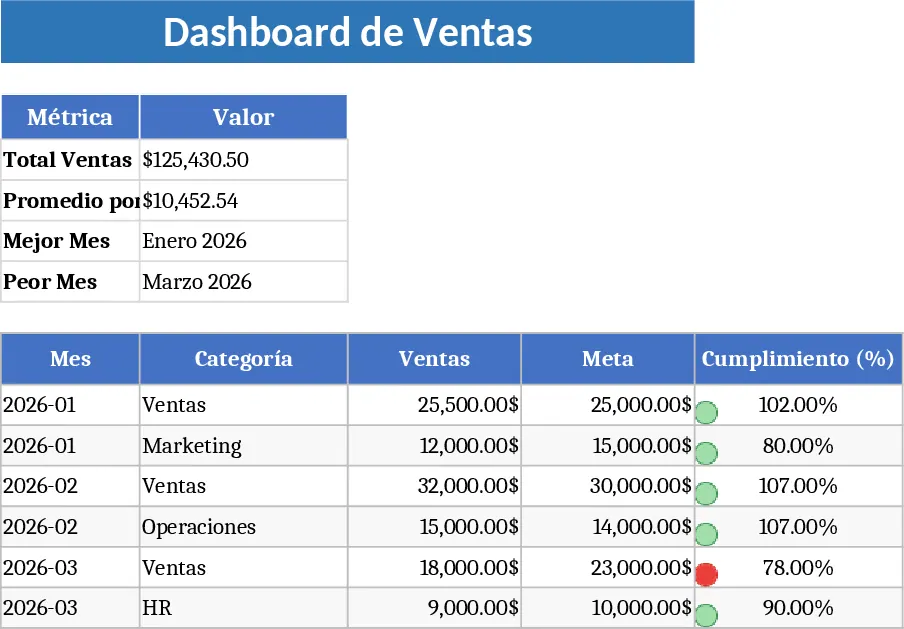
This tool is incredibly useful for solving the common problem of data fatigue. When stakeholders are presented with endless rows of numbers, key insights often get lost. This template solves that by highlighting Key Performance Indicators (KPIs) through a clear visual hierarchy. You can track everything from financial growth and sales targets to operational efficiency and project completion rates. The benefit to your daily workflow is immediate; instead of spending hours tweaking chart colors and alignment, you can simply input your data and let the template handle the aesthetics. It transforms your spreadsheet from a simple storage file into a powerful communication tool.
This template is ideal for business owners, project managers, and marketing analysts who need to communicate results clearly. It is perfect for scenarios such as weekly team syncs, client progress reports, or internal performance audits. By providing a single source of truth that is visually appealing, it fosters better alignment across your team and ensures everyone is focused on the same goals. The inclusion of interactive slicers allows users to filter data on the fly, making it a dynamic tool for live meetings where questions about specific regions, time periods, or product lines might arise.
Beyond just looking good, the template helps you manage the health of your business or project. It allows you to track trends over time, compare actual performance against set targets, and visualize the distribution of your resources. This level of clarity is essential for identifying bottlenecks in your process or spotting emerging opportunities before they pass. The structure is flexible enough to be adapted for various industries, whether you are in retail, consulting, or software development, providing a universal framework for success.
How to use this template:
- Start by clearing the sample data in the Input sheet and pasting your own data into the designated columns, ensuring that dates and formats are consistent.
- Head over to the Setup or Settings sheet to define your specific KPIs, such as monthly goals or category names, which will automatically update the dashboard labels.
- Navigate to the Dashboard tab to view your results. Use the interactive slicers or filter buttons to drill down into specific timeframes or categories for a more detailed analysis.
- If you add new data, simply go to the Data tab in the Excel ribbon and click Refresh All to ensure all charts and summary tables are perfectly synced.
By using this template, you can expect to save hours of manual design work every week. It reduces the cognitive load required to analyze complex information, leading to more confident decision-making and a more polished, professional output for your organization.
Similar Templates Recommendation
Interactive Data Dashboard with Charts Template
Visualize your key performance indicators and data trends through an intuitive dashboard featuring automated charts and summary tables.
Professional Business Dashboard with Weekly Trends Template
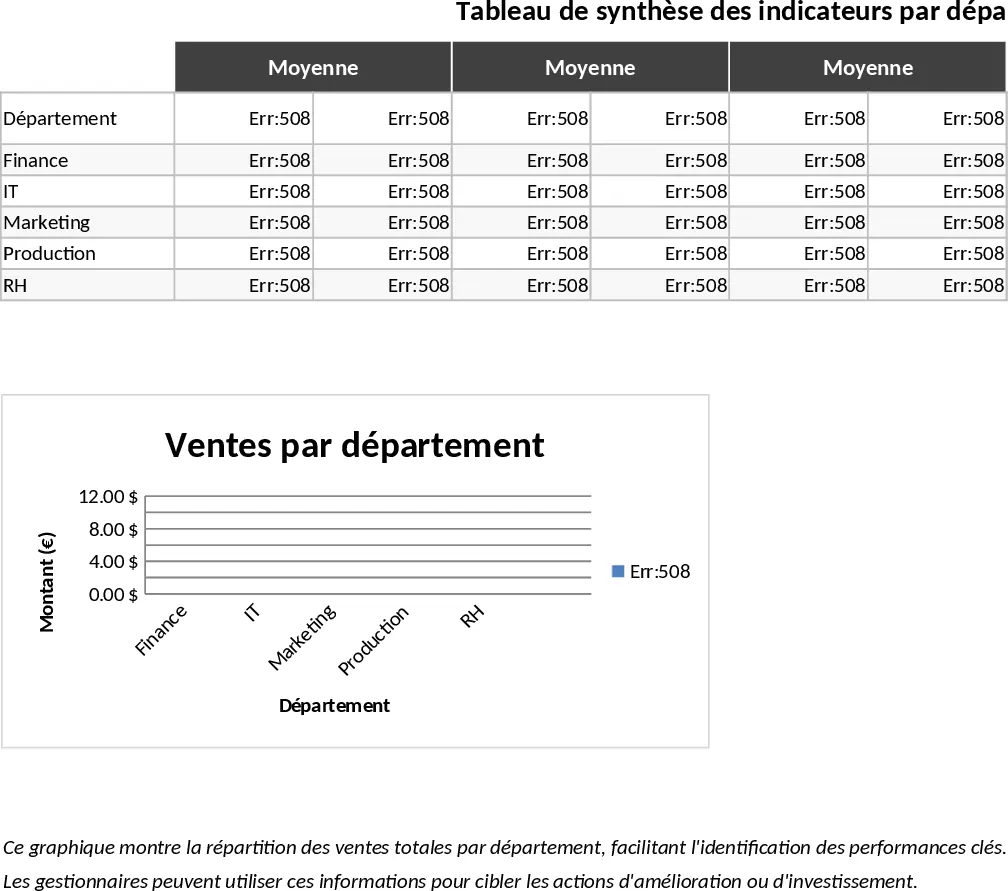
Visualize your key performance indicators and business metrics in one centralized view to make data-driven decisions with ease.
Custom Data Visualization Dashboard Template
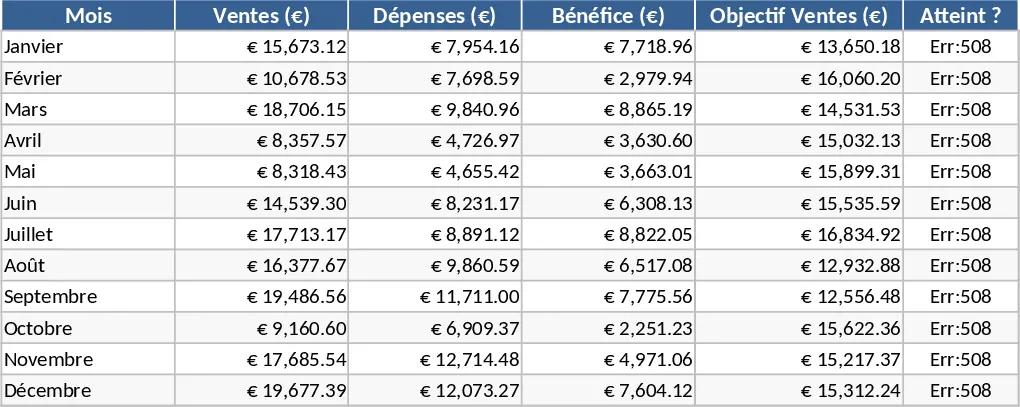
Transform your raw data into a professional visual dashboard to track key performance indicators and gain actionable insights instantly.