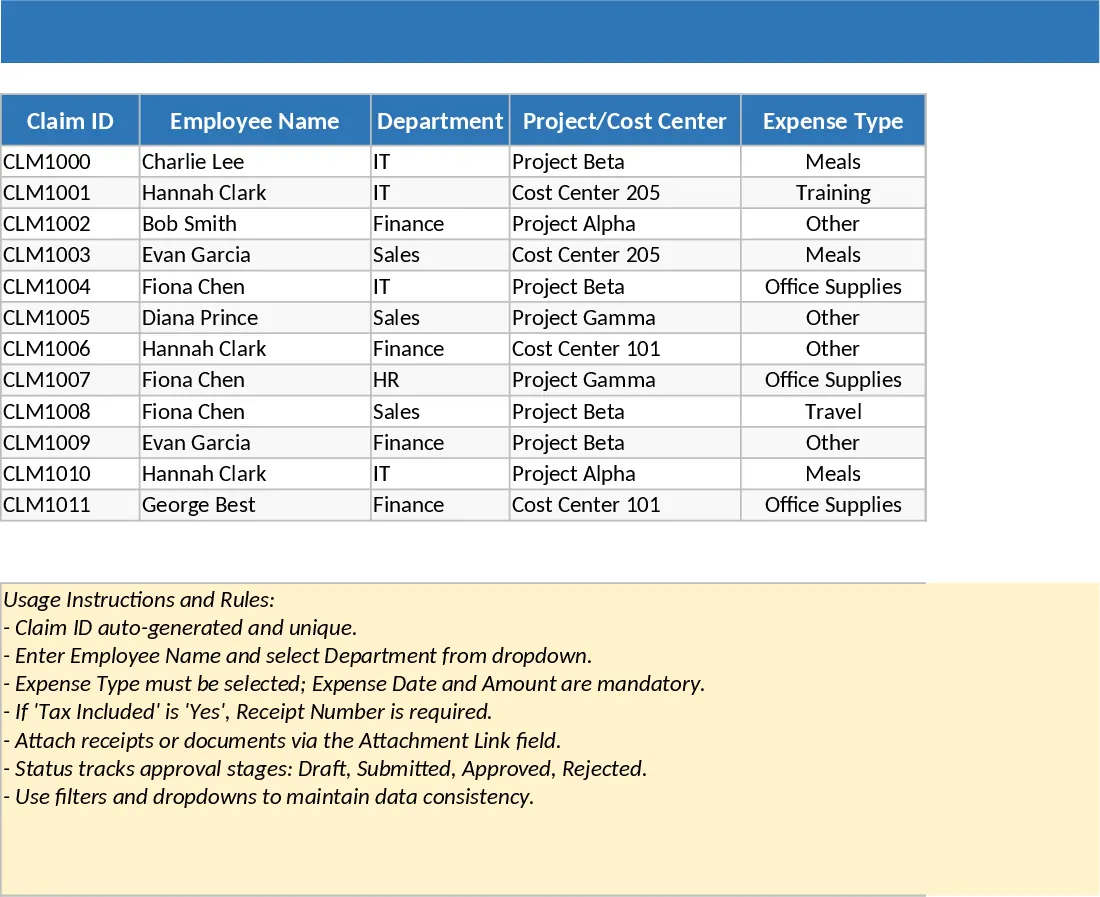
Employee Expense Reimbursement and Approval Tracker with Conditional Formatting Template
This Employee Expense Reimbursement and Approval template provides a professional and structured environment to manage corporate spending and streamline the internal claim process. It features a comprehensive data entry sheet where employees can log individual expenses, including department, project codes, and tax information. The built-in validation logic ensures that critical data like receipt numbers and dates are captured correctly, while dropdown menus for expense types and payment methods maintain data consistency across the entire organization. By centralizing all claims into a single source of truth, it eliminates the friction of scattered emails and manual paper forms.
The template is particularly effective for finance teams, HR managers, and department heads who need to maintain strict oversight on operational costs. It simplifies the transition from raw data to actionable insights, making it easier to manage budgets and ensure timely payments to staff. The integrated dashboard automatically calculates key performance indicators such as total approved amounts, approval rates, and average application values, allowing you to identify spending trends by month or department at a glance. It also includes a dedicated view for pending approvals, ensuring that no request is overlooked and that the reimbursement cycle remains efficient.
Beyond simple tracking, this tool helps you maintain financial discipline and transparency. Whether you are managing travel costs, office supplies, or client entertainment, the template provides the granularity needed for audit trails. The inclusion of attachment links and receipt verification rules ensures that your records are always compliant with internal policies. It is an ideal solution for small to medium-sized businesses looking for a robust yet flexible way to handle employee out-of-pocket expenses without investing in complex software.
How to use:
- Enter transaction details in the Expense Details sheet, selecting the appropriate Department and Expense Type from the pre-configured dropdown menus.
- Ensure the Status column is updated to Submitted once the entry is ready for review; the template will automatically flag entries requiring receipts based on the taxable status.
- Navigate to the Summary & Approval View to monitor the Approval Rate and Total Submitted amounts through the automated KPI cards.
- Filter the Pending list to review specific claims and update their status to Approved or Rejected in the main sheet to finalize the workflow.
Expected benefits: Significant reduction in manual calculation errors and a much faster reimbursement turnaround time for your team.
Similar Templates Recommendation
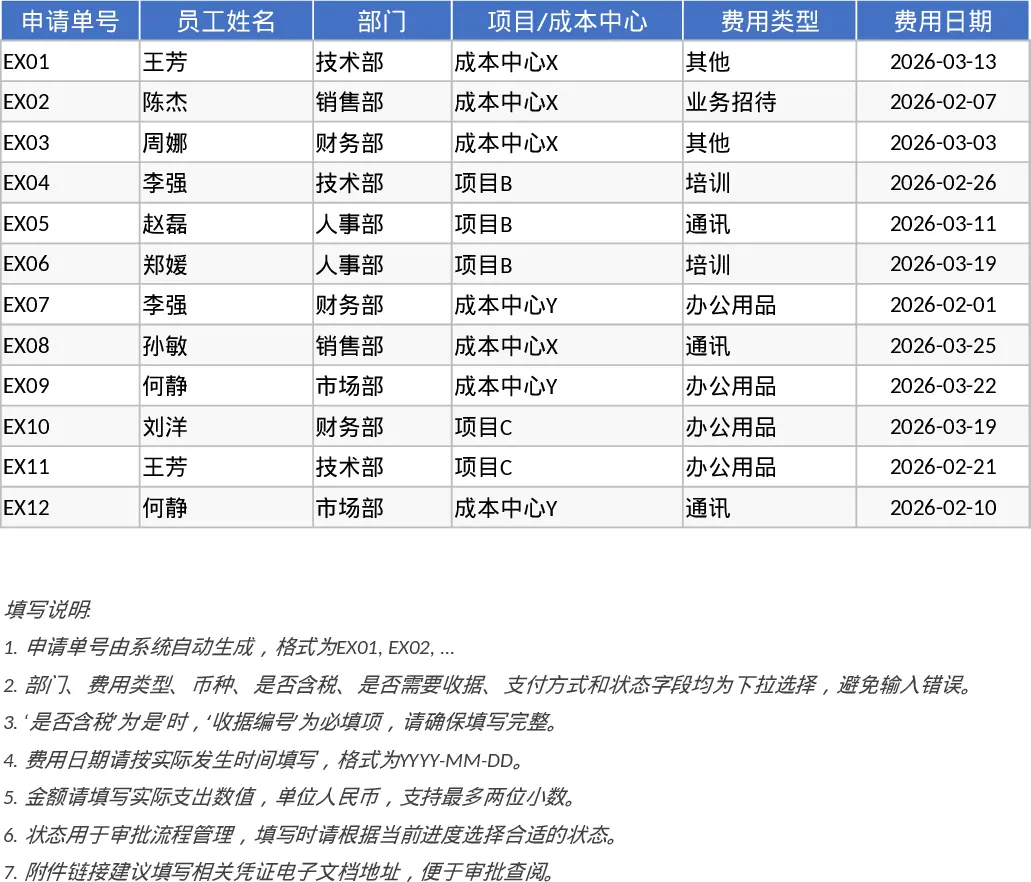
Employee Expense Reimbursement and Approval Tracker with Dashboard Template
Streamline your company reimbursement process by tracking employee expenses, managing approval statuses, and analyzing spending patterns with automated summaries.
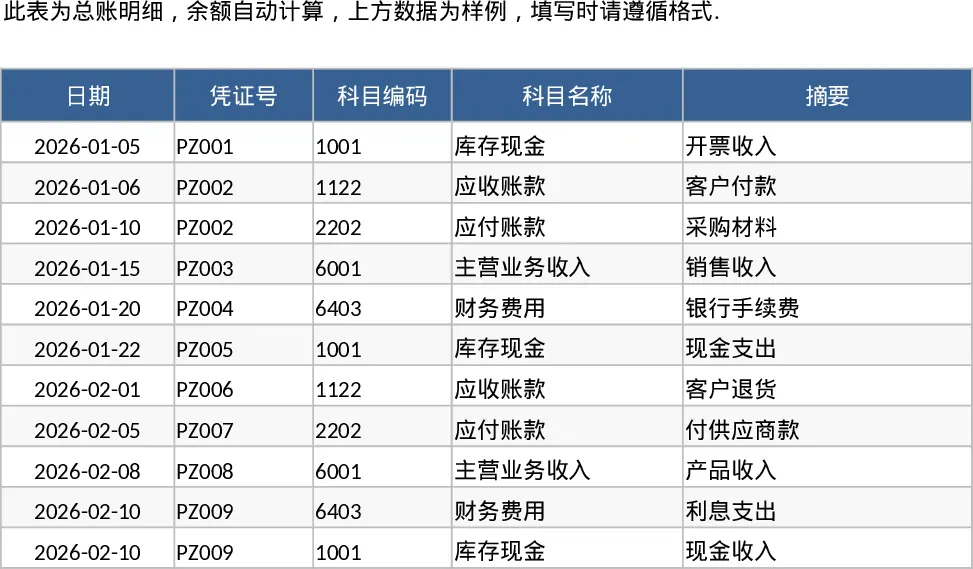
Employee Expense Reimbursement and Approval Tracker with Dashboard and Approval Workflow Template
Track employee expense claims, manage approval workflows, and monitor departmental spending with automated KPI summaries and receipt tracking.
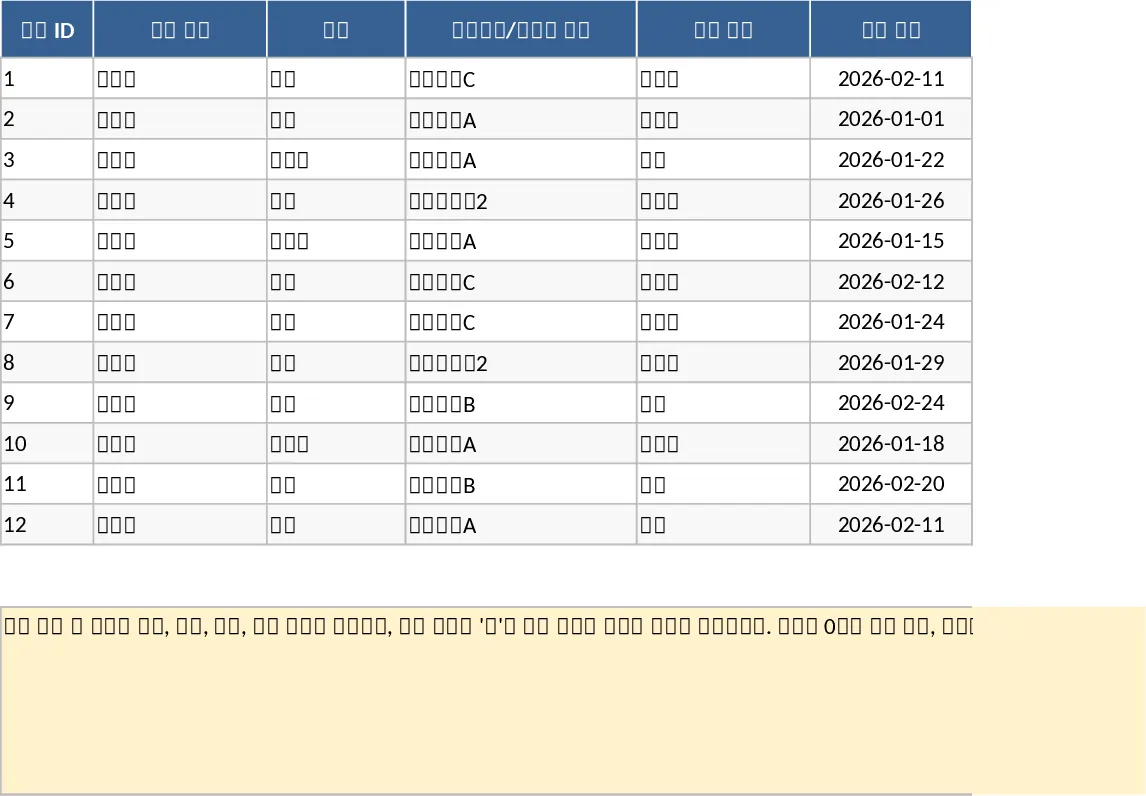
Employee Expense Reimbursement and Approval Tracker with Receipt Log Template
Track employee expense claims from submission to approval with automated summaries and KPI tracking for better budget control.