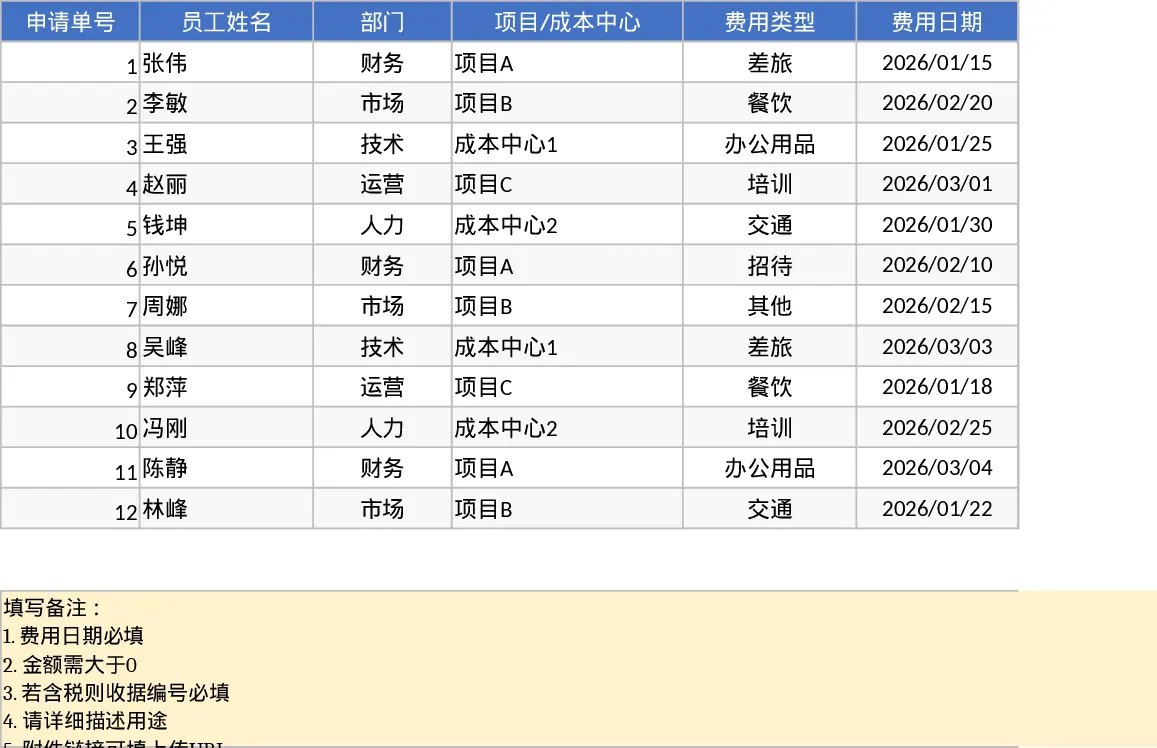
Employee Expense Reimbursement and Approval Tracker with Dashboard and Approval Workflow Template
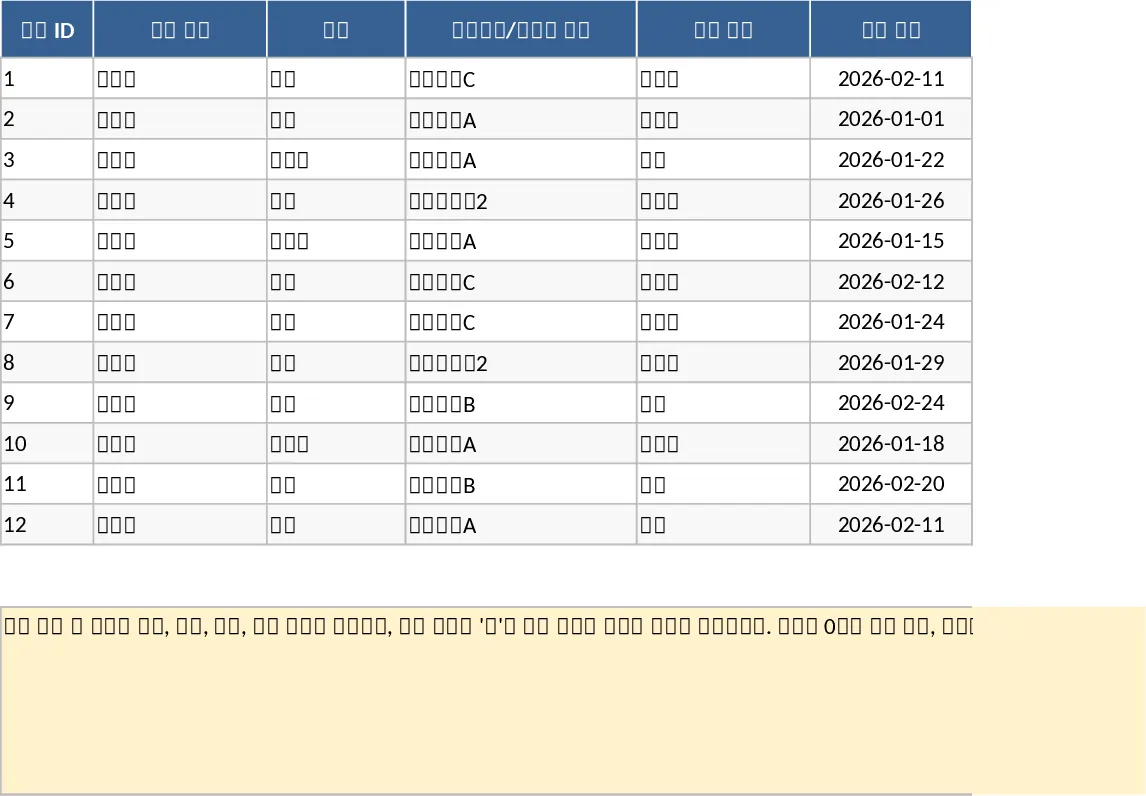
This comprehensive Employee Expense Reimbursement template is designed to simplify the often tedious process of tracking and approving business expenses. The template consists of two primary sections: a detailed Expense Log and a dynamic Summary Dashboard. The Expense Log features structured columns for claim IDs, department dropdowns, project codes, and payment methods, ensuring data consistency across the organization. It includes built-in logic to flag missing receipt numbers when tax is included, helping your finance team maintain strict compliance with accounting standards. By utilizing dropdown menus for categories like Travel, Meals, or Supplies, you ensure that every entry is categorized correctly for tax season and internal audits.
For managers and finance officers, the Summary & Approval sheet provides a high-level overview of company spending. You can instantly view key performance indicators such as total submitted claims, approval rates, and average claim amounts. The pivot-style summary allows for deep dives into spending by month, department, or individual employee, while a dedicated Pending Approval table ensures no request falls through the cracks. This tool eliminates the need for scattered emails and paper receipts, centralizing everything in one professional format. It also allows for multi-currency tracking, making it suitable for teams that operate internationally or handle diverse vendor payments.
This template is ideal for small to medium-sized businesses, HR managers, or department heads who need a reliable way to manage monthly reimbursements without investing in complex software. It helps you monitor budget adherence, identify spending trends, and speed up the payout cycle for your team. By standardizing how expenses are reported, you reduce back-and-forth communication and ensure every dollar is accounted for. The inclusion of attachment links for digital receipts makes it easy to verify claims without digging through physical folders.
How to use:
- Start by entering individual expense items in the Expense Details sheet, using the provided dropdown menus for departments, expense types, and currencies to maintain data integrity.
- Ensure all mandatory fields like dates and amounts are filled, and provide receipt numbers or attachment links where required for verification, especially for tax-inclusive items.
- Update the Status column as claims move from Draft to Submitted and eventually to Approved or Rejected to keep the workflow moving.
- Navigate to the Summary & Approval sheet to review the automated KPI cards and use the filters to focus on specific departments or pending items that require immediate attention.
Expected benefits: Significant reduction in administrative overhead, faster reimbursement cycles, and improved accuracy in financial reporting.
Similar Templates Recommendation
Employee Expense Reimbursement and Approval Tracker with Charts Template
Streamline your company expense management by tracking employee claims, managing approval workflows, and visualizing spending patterns through automated summaries.
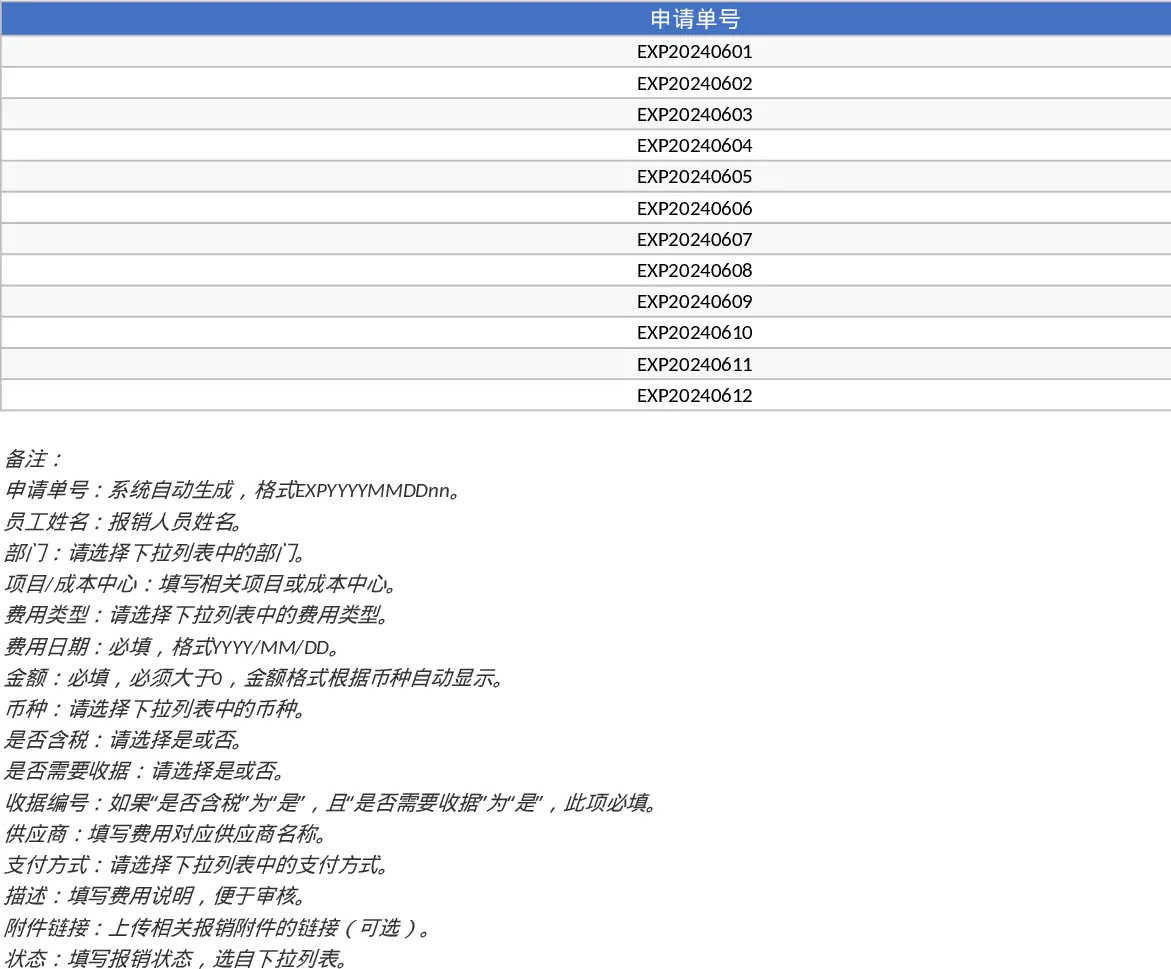
Employee Expense Reimbursement and Approval Tracker with Receipt Log Template
Track employee expense claims from submission to approval with automated summaries and KPI tracking for better budget control.
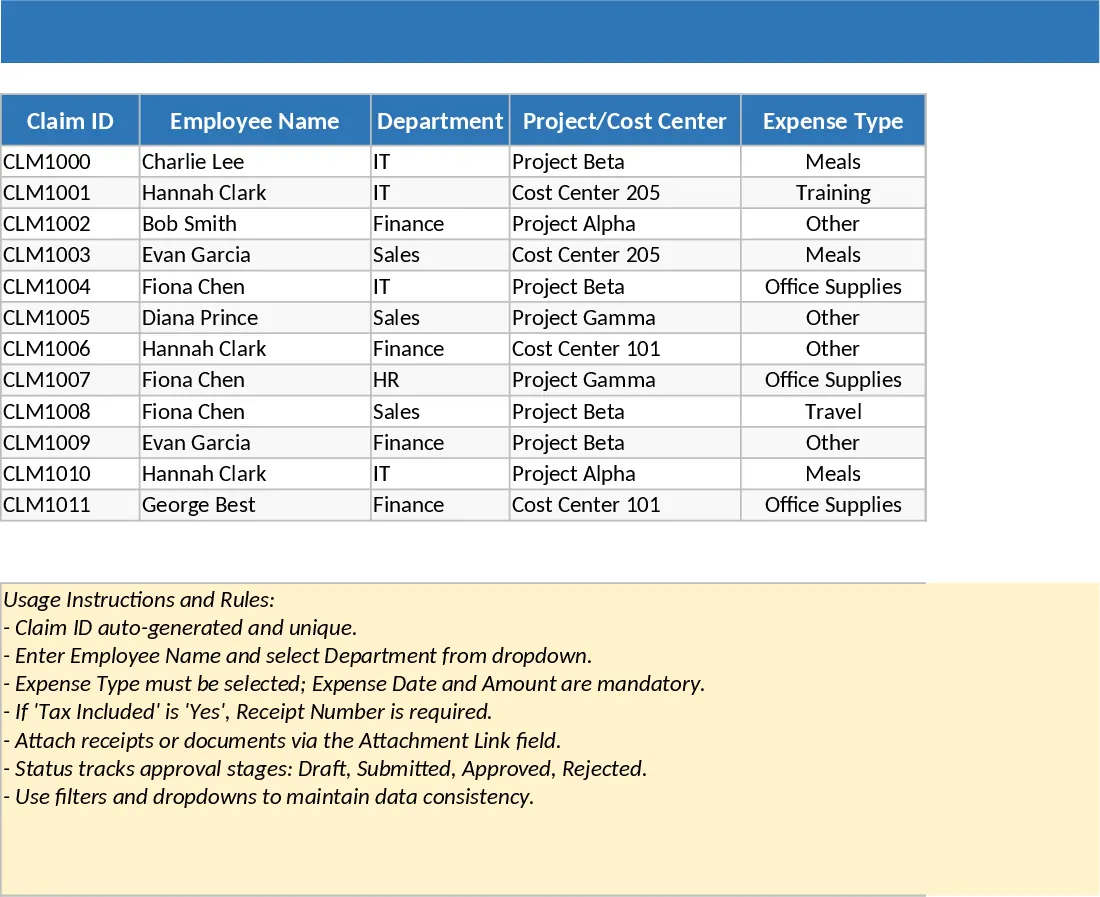
Employee Expense Reimbursement and Approval Tracker with Data Validation Template
Streamline company expense claims with this comprehensive tracker featuring automated status updates, department summaries, and approval workflows.