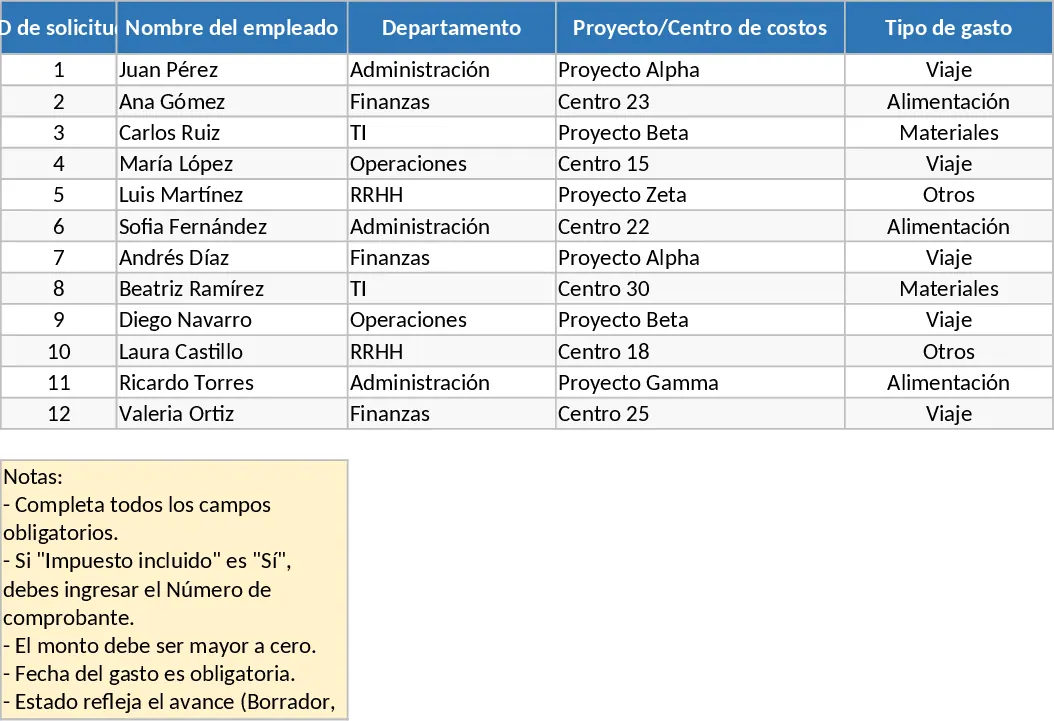
Employee Expense Reimbursement and Approval Tracker with Charts Template
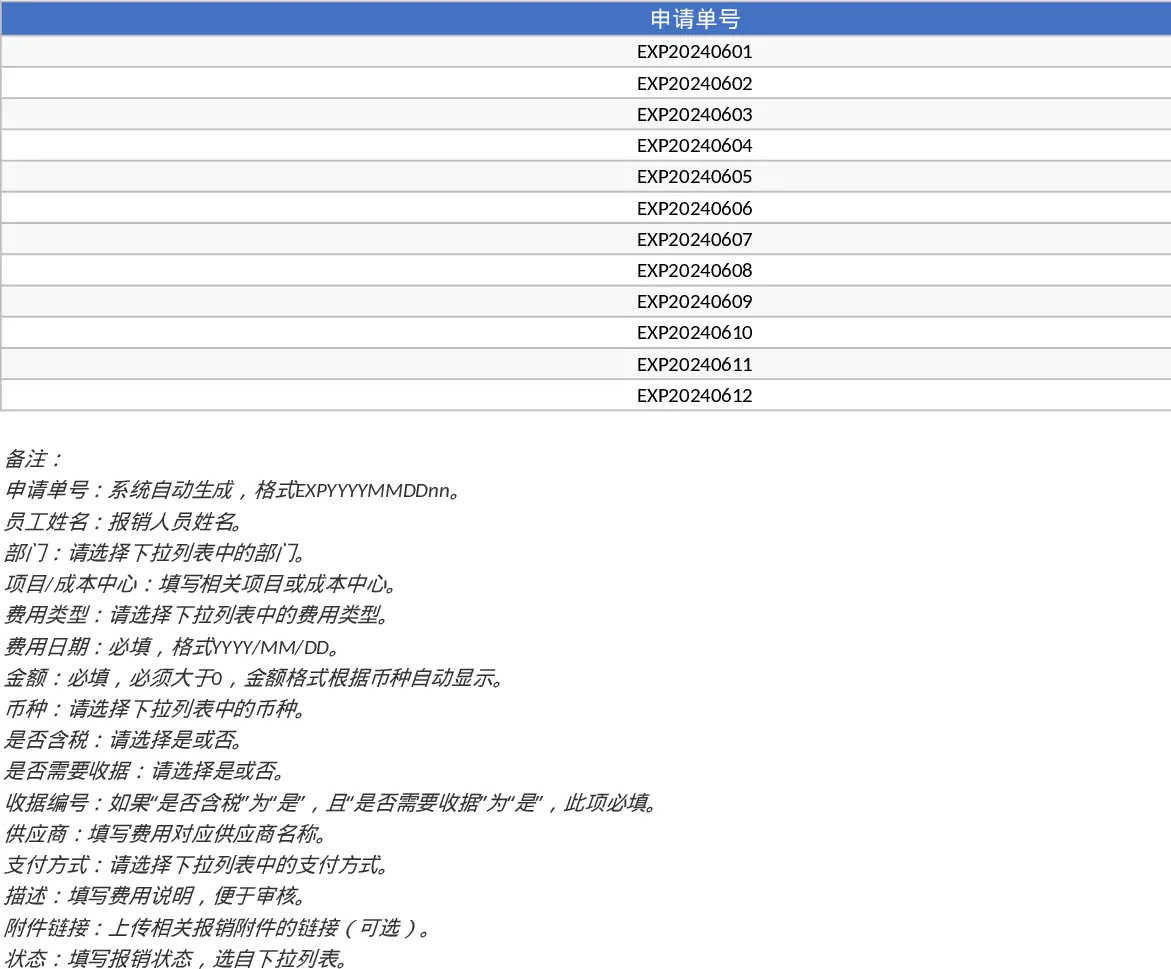
Managing business expenses can often become a chaotic process involving lost receipts and manual calculation errors. This Employee Expense Reimbursement and Approval template is designed to bring order to your financial workflows by providing a centralized system for logging, reviewing, and analyzing company spending. It serves as a bridge between individual employees and the finance department, ensuring that every dollar spent is accounted for and properly authorized.
The template is structured into two primary functional areas. The Expense Details sheet acts as a comprehensive ledger where employees enter their transaction data. It includes smart features like dropdown menus for departments, expense types, and payment methods to maintain data consistency. To ensure compliance, the sheet includes built-in logic where receipt numbers become mandatory for tax-inclusive items, and it prevents the entry of zero or negative amounts. This level of detail makes it easy to track specific projects or cost centers, providing a clear audit trail for every claim submitted. Users can also include links to digital attachments, making it a paperless solution for modern offices.
For managers and finance teams, the Summary & Approval View offers a high-level perspective of the organization's financial health. This section features dynamic KPI cards that display critical metrics such as the total amount submitted versus approved, the overall approval rate, and the average claim size. Below these metrics, pivot tables automatically organize data by month, department, and employee, allowing you to identify spending trends or budget overruns at a glance. A dedicated pending list ensures that no request is overlooked, helping you maintain a fast and efficient reimbursement cycle.
This tool is particularly useful for small to medium-sized enterprises or department heads who need a professional way to handle monthly claims without the complexity of expensive enterprise software. It helps eliminate the back-and-forth communication typically required to clarify expense details, as all necessary information is captured at the point of entry.
How to use:
- Start in the Expense Details sheet by entering the employee name and selecting the relevant department and expense type from the dropdown lists.
- Input the transaction date and amount, ensuring you fill in the receipt number if the item is marked as tax-inclusive.
- Set the status to Submitted once the entry is complete; this will automatically update the metrics in the summary dashboard.
- Managers can visit the Summary & Approval View to review pending items and change their status to Approved or Rejected, which immediately reflects in the total financial reporting.
Expected benefits: This template significantly reduces administrative time spent on manual data entry and provides immediate visibility into company-wide spending habits.
Similar Templates Recommendation
Employee Expense Reimbursement and Approval Tracker with Dashboard and Approval Workflow Template
Track employee expense claims, manage approval workflows, and monitor departmental spending with automated KPI summaries and receipt tracking.
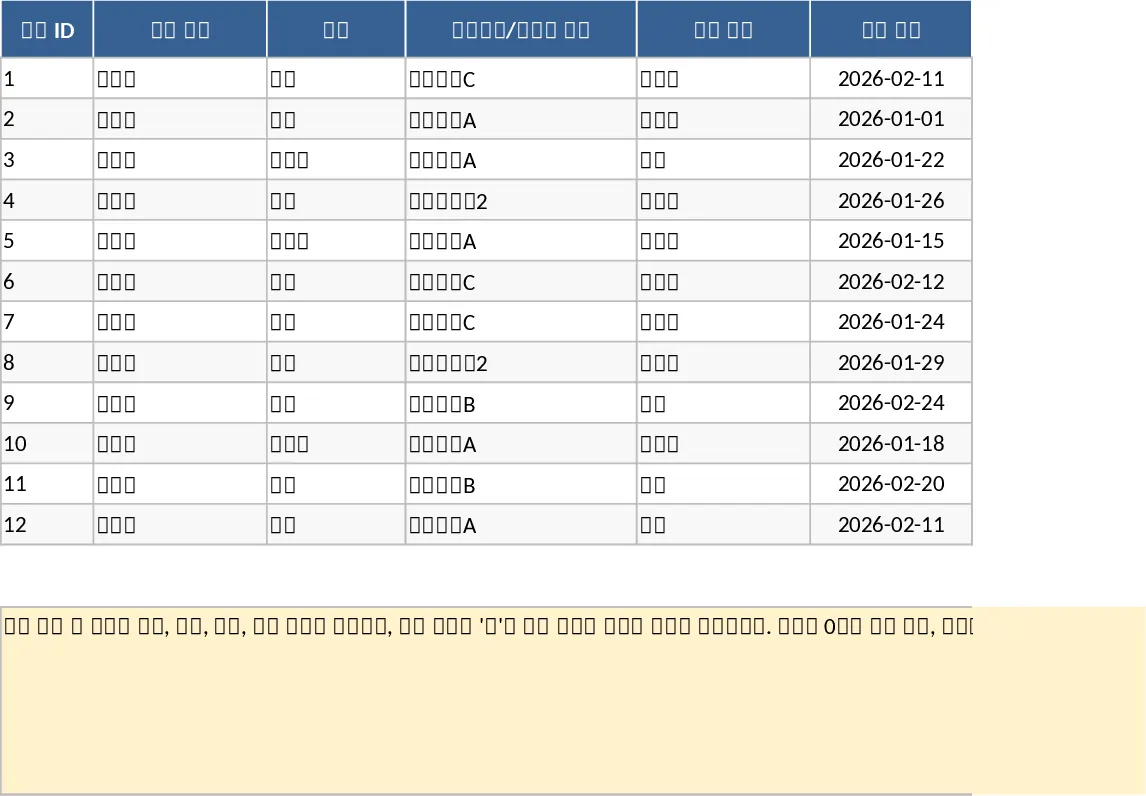
Employee Expense Reimbursement and Approval Tracker with Data Validation Template
Streamline company expense claims with this comprehensive tracker featuring automated status updates, department summaries, and approval workflows.
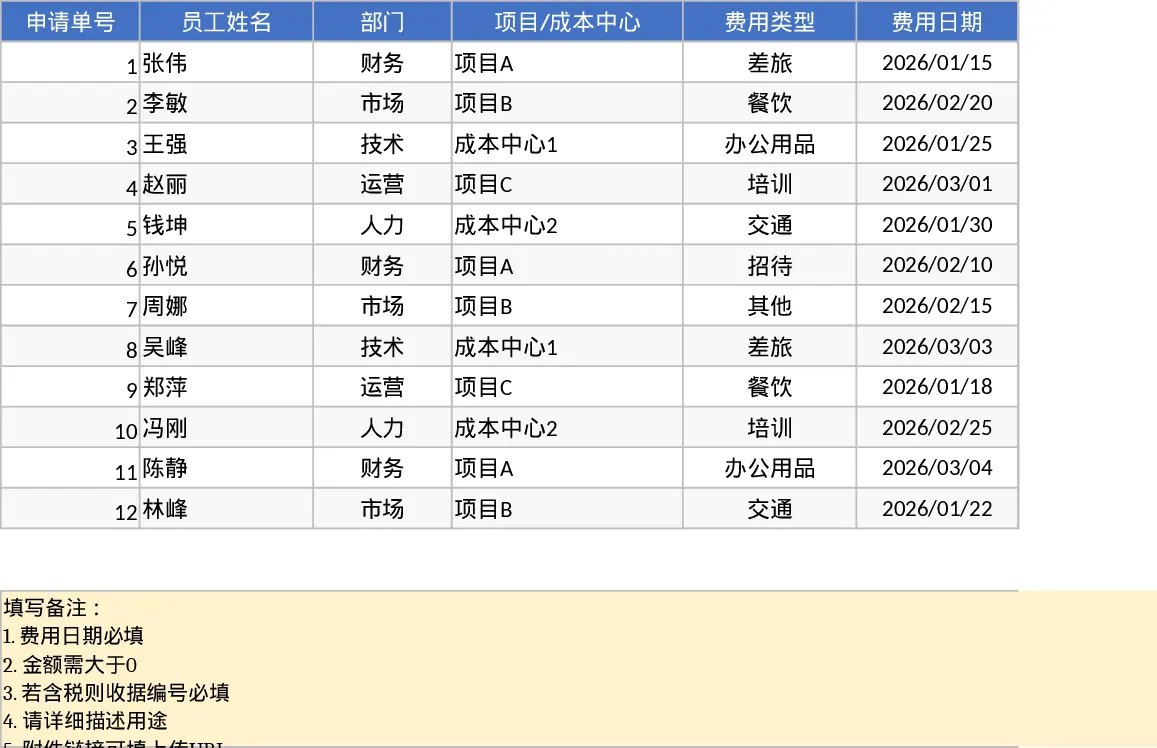
Employee Expense Reimbursement and Approval Tracker with Printable Report Template
Track employee expense claims and manage approval workflows with automated KPI summaries and detailed spending reports for better budget control.