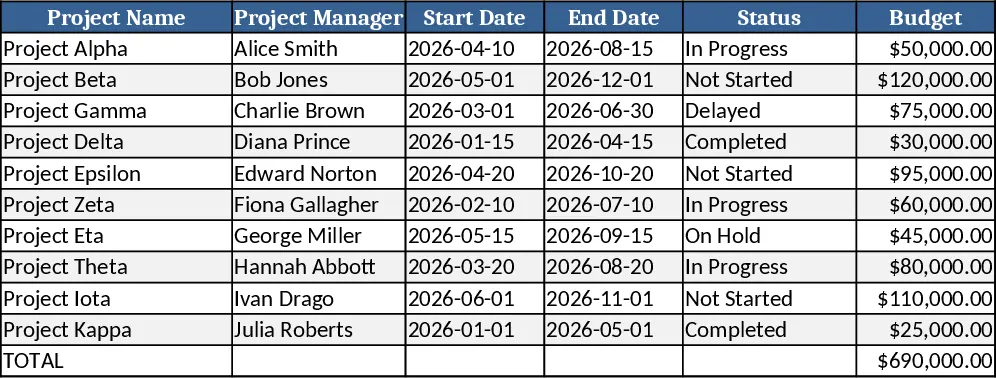
6-Month Website Launch Project Tracker Template
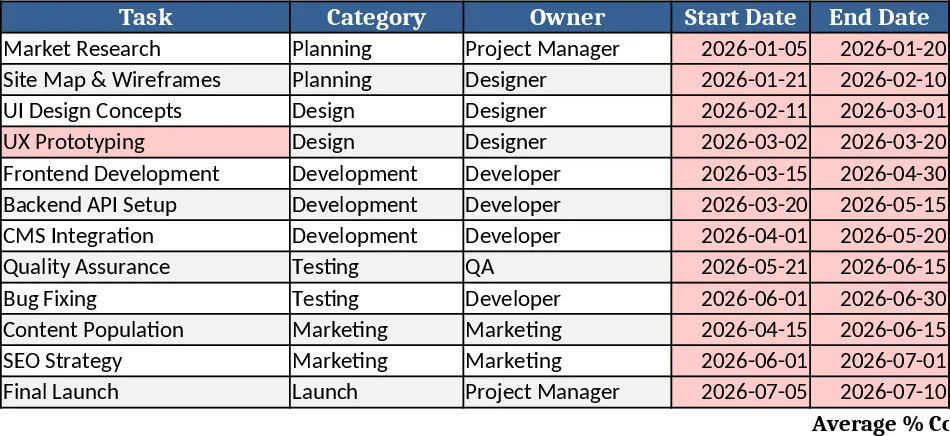
This template is built for a six‑month website launch and is organized into a single worksheet that acts as a master task list. Each row represents a task and includes columns for Task Name, Category (e.g., Design, Development, QA, Marketing), Owner, Start Date, End Date, % Complete, and a dynamic Progress Bar that fills automatically as the % Complete changes. At the top of the sheet a small summary section aggregates total tasks, overall completion percentage, and displays a high‑level progress bar, giving you an instant snapshot of the project health.
The tracker solves the common headache of scattered status updates and manual reporting. By centralizing all task details, you can instantly see which activities are on schedule, which are lagging, and who is responsible for each deliverable. The visual progress bar turns raw percentages into an easy‑to‑read visual cue, making weekly stand‑ups and stakeholder meetings smoother. It also helps you spot bottlenecks early, adjust timelines, and keep the launch on track without juggling multiple documents.
Ideal for project managers, web developers, designers, and marketing teams coordinating a website rollout, this sheet works whether you’re a solo freelancer or a cross‑functional department. Use it when you need a clear, chronological view of every launch activity—from wireframing and content creation to testing and go‑live preparation—so that everyone knows their responsibilities and deadlines.
The template tracks each task’s lifecycle, from planning through completion, and produces a concise dashboard that can be shared with executives. The % Complete column is manually updated as work progresses, instantly refreshing the progress bar and the overall completion metric. This visual feedback helps keep the team motivated and aligned, while also providing a reliable source for status reports.
How to use
- List every launch activity in the Task column and assign a Category that matches your workflow.
- Enter the Owner’s name or email, then set the Start Date and End Date for each task.
- Update the % Complete as work advances; the Progress Bar will fill automatically.
- Review the summary section at the top to see overall progress and identify any tasks that are behind schedule.
Expected benefits: reduces the time spent compiling status updates, minimizes miscommunication, and gives a clear visual cue of project health, helping the team stay focused and meet the launch deadline.
Similar Templates Recommendation
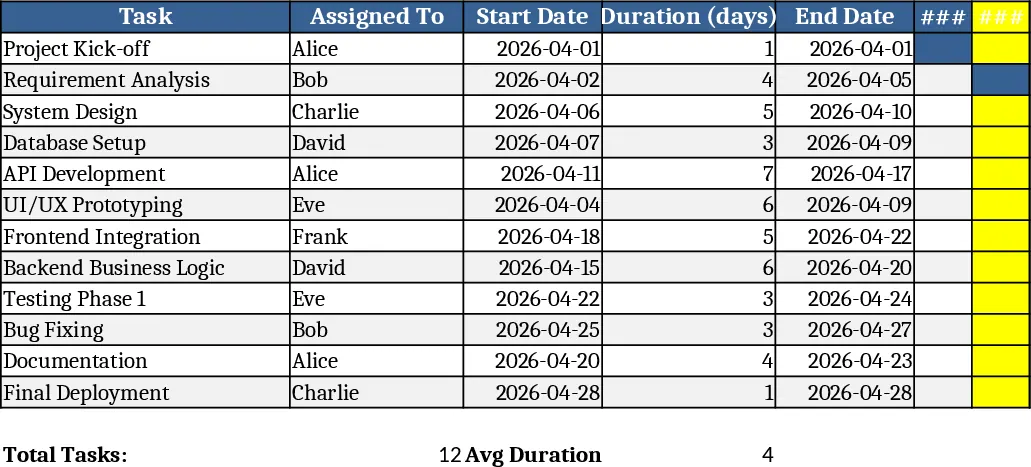
4-Week Daily Gantt Chart with Current Day Highlight Template
A 4‑week Gantt chart template with daily timeline, task assignments, start dates and durations, automatically highlighting today’s date.
Easy Professional Project Tracking Template
A simple, professional project tracking workbook with dashboard, task list, milestones, and risk register for clear, English-language reporting.