Easy Professional Project Tracking Template
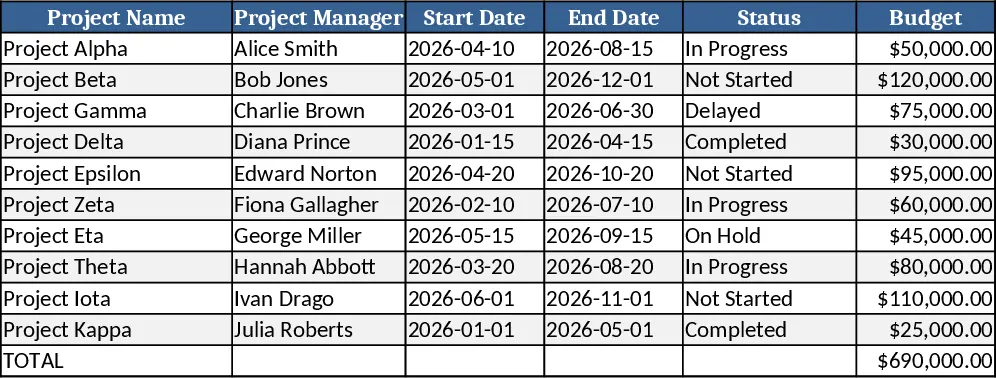
This Excel workbook is built for anyone who needs a clean, English‑language view of a project's health without complex setups. It contains five interconnected sheets: Dashboard, Task List, Milestones, Resources, and Risks. The Task List captures each work item with fields such as Task ID, Description, Owner, Start Date, End Date, Status (dropdown: Not Started, In Progress, Completed, Blocked), Priority (dropdown: Low, Medium, High), and % Complete. The Milestones sheet records key dates and deliverables, while Resources tracks who is allocated to each task and their estimated hours. The Risks sheet lets you log potential issues, impact, likelihood, and mitigation actions. All data feed into the Dashboard, which automatically generates a Gantt‑style timeline, a progress bar, upcoming deadline alerts, and a high‑level summary of completed versus pending work.
The template solves the common headache of scattered notes, email threads, and manual status reports. By centralising task details, dates, and risks, it gives you an at‑a‑glance picture of where the project stands, which items are slipping, and what resources are overloaded. This clarity reduces the need for frequent status meetings, speeds up decision‑making, and helps keep stakeholders informed with professional‑looking visuals that can be shared directly from Excel.
Designed for project managers, team leads, freelancers, and small‑to‑medium teams, the workbook works for any industry where projects have defined tasks, timelines, and resource constraints. Whether you are launching a marketing campaign, developing a software feature, or coordinating an event, the template adapts to your workflow while staying easy to maintain.
How to use
- Step 1: Open the workbook and go to the Task List sheet. Enter each task’s details, selecting Status and Priority from the dropdowns.
- Step 2: Switch to the Milestones sheet and record major deliverable dates; the Dashboard will reflect these as milestone markers.
- Step 3: Populate the Resources sheet with team members and their allocated hours; the Dashboard will show workload distribution.
- Step 4: Log any identified risks in the Risks sheet, describing impact and mitigation. All entries automatically update the Dashboard and the summary metrics.
Expected benefits: you’ll spend less time gathering updates, enjoy a clearer view of progress, and produce professional status snapshots with just a few clicks.
Similar Templates Recommendation
4-Week Daily Gantt Chart with Current Day Highlight Template
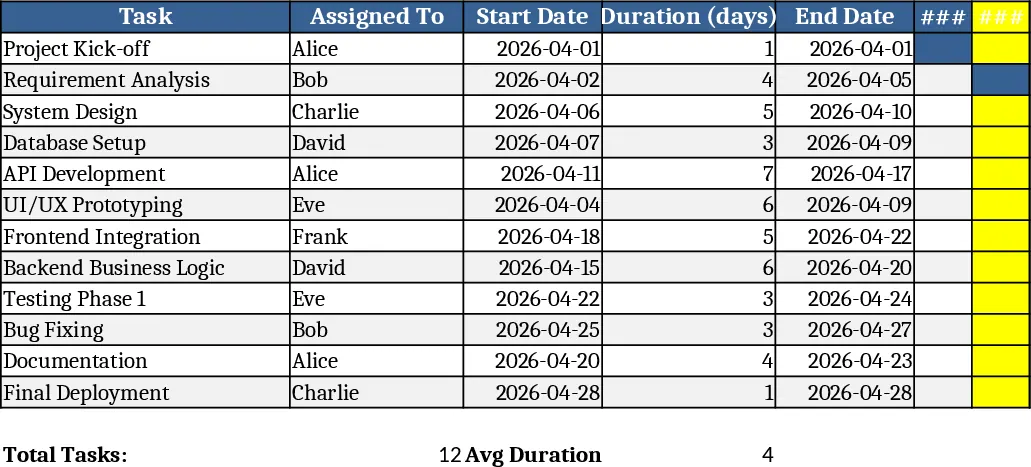
A 4‑week Gantt chart template with daily timeline, task assignments, start dates and durations, automatically highlighting today’s date.
6-Month Website Launch Project Tracker Template
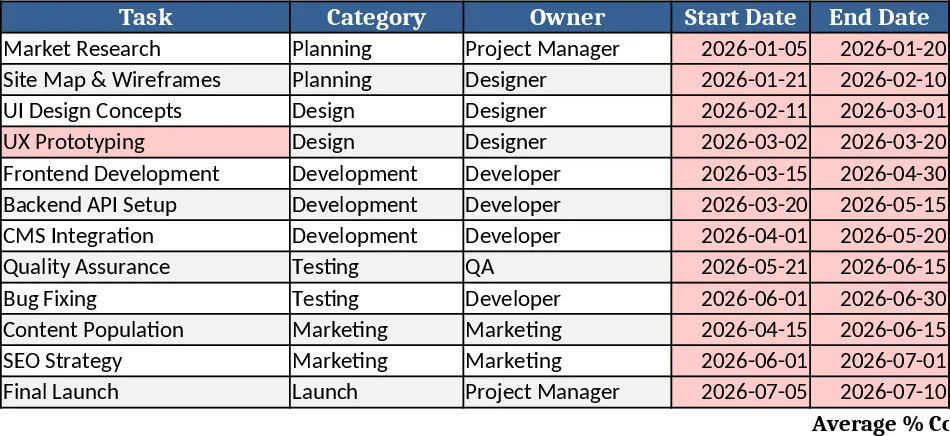
A 6‑month website launch tracker that logs tasks, owners, dates and % complete, and shows a live progress bar for quick status checks.
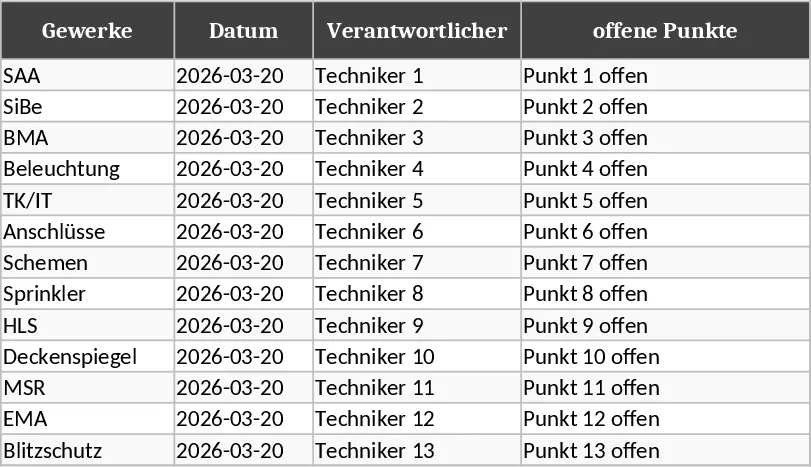
LPH1‑LPH7 Trade Tracking and Priority Management Template
Track project phases, tasks, responsibilities, and priorities across multiple workbooks with color‑coded status indicators.