Motorcycle Spare Parts Inventory and Stock Management Template
Managing a motorcycle parts warehouse requires precision, especially when dealing with hundreds of components ranging from tiny gaskets to heavy engines. This Motorcycle Spare Parts Inventory Template is designed to streamline your warehouse operations by providing a centralized system to track every nut, bolt, and tire. It eliminates the guesswork of manual counting and ensures you never run out of critical items like brake pads or spark plugs during peak repair seasons.
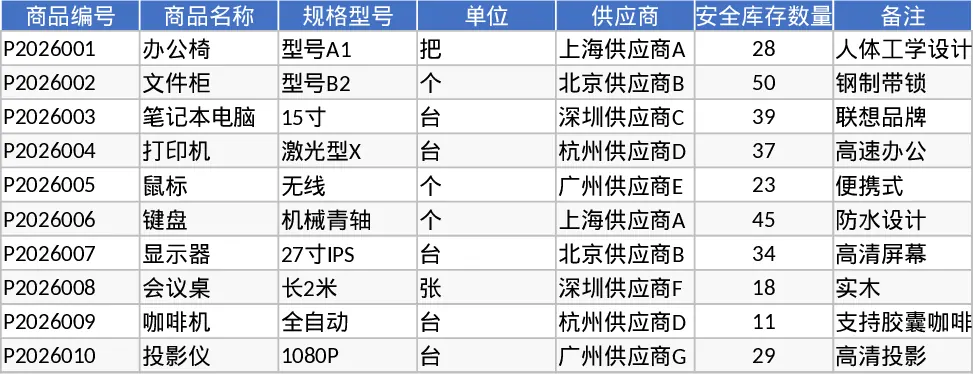
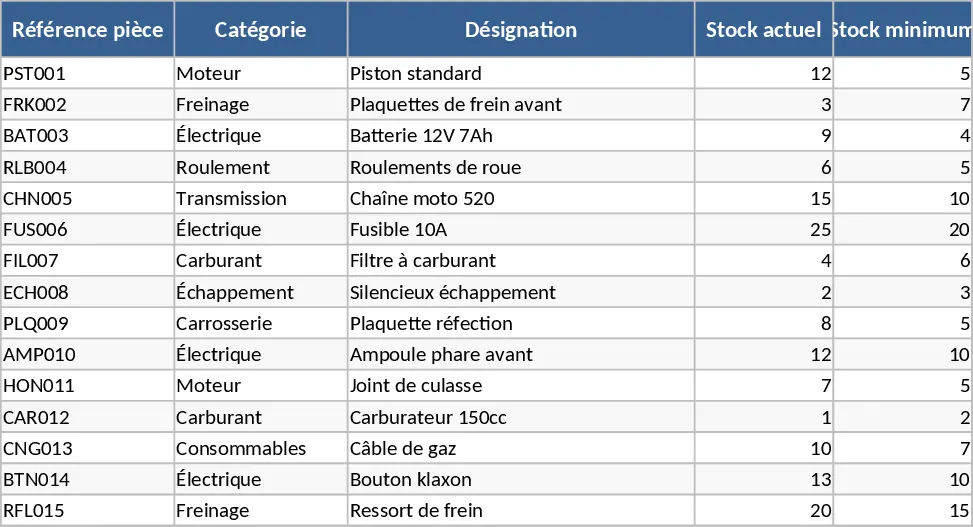
The template is structured into three main functional areas. The Master Inventory sheet allows you to categorize parts into logical groups such as Engine & Transmission, Braking, Electrical, and Bodywork. Here, you can define your SKUs, set purchase and selling prices, and establish minimum stock levels for automated alerts. The Transactions sheet is where the daily work happens; you simply log every In (restock) and Out (sale or repair use) movement. Finally, the Summary Dashboard provides a real-time overview of your total inventory value, profit margins, and a dedicated Restock List that highlights items falling below your safety threshold.
This tool is particularly beneficial for motorcycle repair shop owners, parts distributors, and warehouse managers who need to maintain high service levels while controlling costs. By tracking both purchase and sale prices, you gain immediate visibility into your profit margins per item, helping you make better pricing decisions. The automated alerts act as a digitAI Assistant, flagging low-stock items before they become a bottleneck in your workshop. Whether you are managing pistons, drive chains, or electrical regulators, this template keeps your data organized and actionable.
How to use:
- Start by populating the Master Inventory list with your current parts, assigning them to categories like Engine or Braking and setting your minimum stock alerts.
- Enter your current on-hand quantities and unit costs to establish a baseline for your warehouse value.
- Record every sale or incoming shipment in the Transactions log, ensuring you select the correct part from the dropdown menu to maintain data integrity.
- Regularly review the Dashboard to identify which parts need reordering and to monitor your overall inventory health and profitability.
Expected benefits: This template significantly reduces the time spent on manual inventory audits and helps prevent lost sales due to out-of-stock parts.
Similar Templates Recommendation
Motorcycle Spare Parts Inventory Management Template
Track motorcycle spare parts inventory, monitor stock levels with automated alerts, and manage purchase and selling prices efficiently.
Used Spare Parts Inventory Template
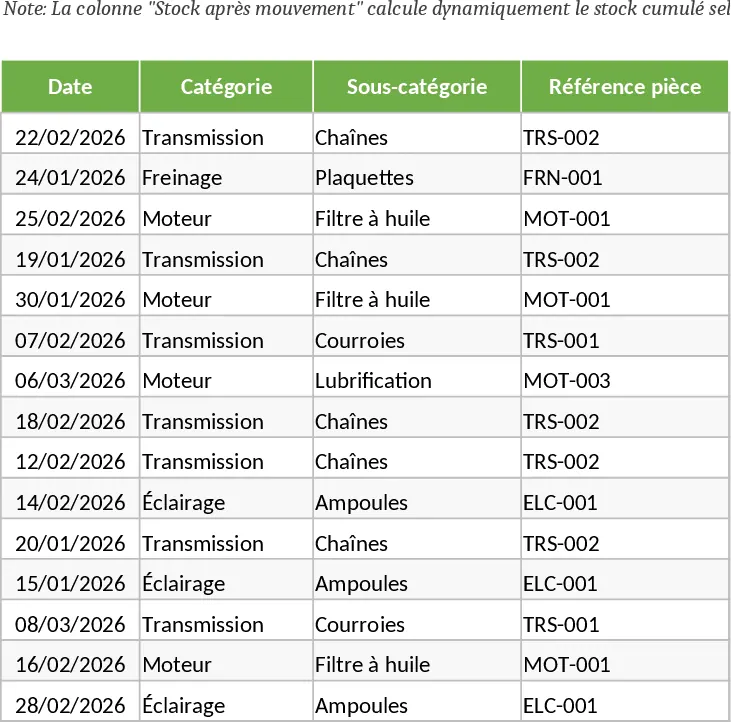
Track and manage your stock of pre-owned spare parts with detailed logs for condition, location, and quantity to optimize maintenance workflows.
Automated Warehouse Inventory Management and Safety Stock Alert Template
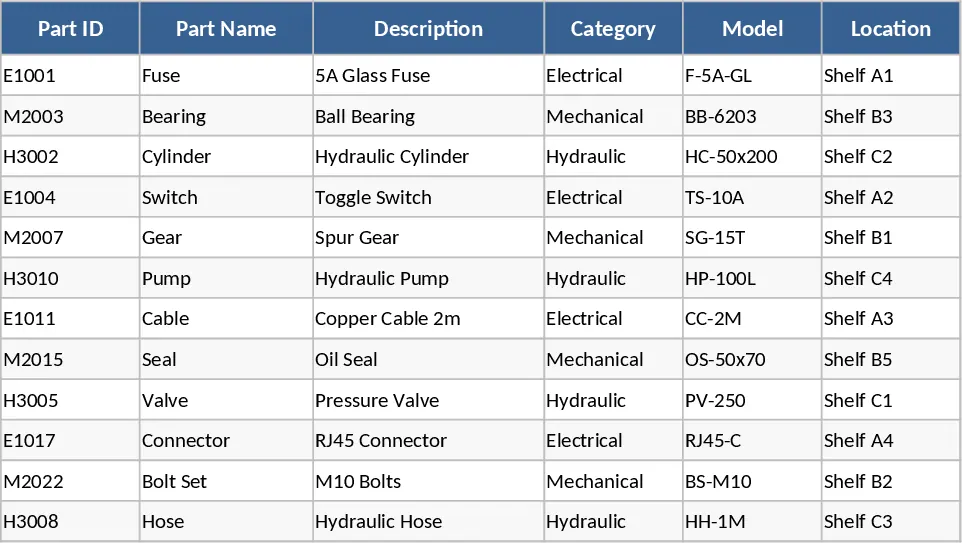
Track warehouse inventory with automated inbound and outbound logs, real-time stock summaries, and visual safety stock alerts for efficient management.