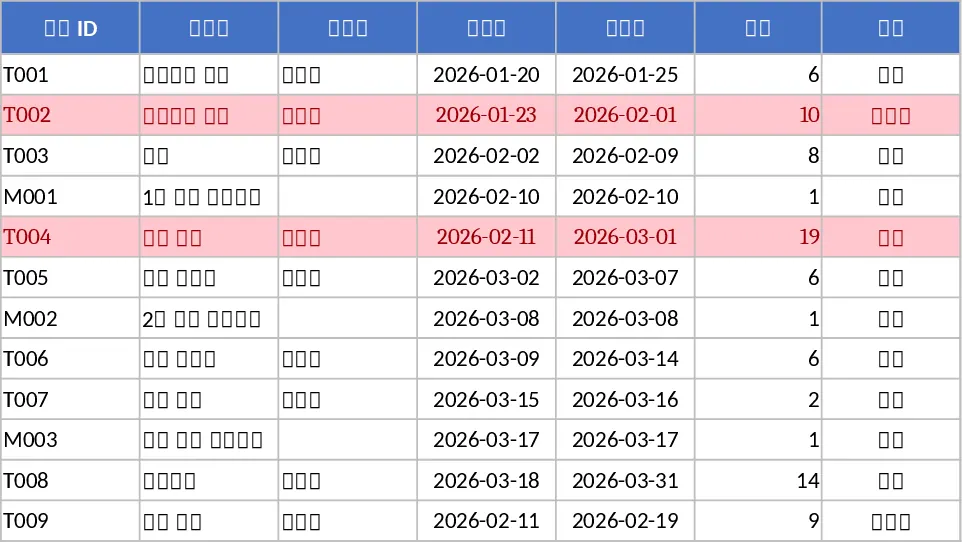
Project Management Tracker Template
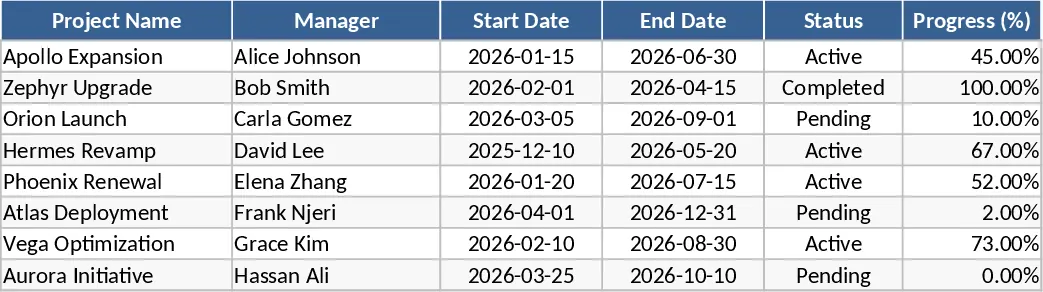
Managing complex projects requires more than just a simple to-do list; it demands a structured approach to visibility, accountability, and resource management. This Project Management Tracker serves as a comprehensive command center for your team's workflow, providing a robust framework to handle everything from minor tasks to major milestones. The template is organized into intuitive sections, featuring a main task log where you can define project phases, specific deliverables, and key milestones. With built-in dropdown menus for status tracking—such as Not Started, In Progress, On Hold, or Completed—and priority levels ranging from Low to Urgent, you can instantly identify bottlenecks before they impact your final delivery date. The layout is designed to provide both a granular view of individual tasks and a high-level summary of overall project health, ensuring that no detail is overlooked and every stakeholder stays informed.
This tool is particularly effective for project managers, department heads, and small business owners who need to coordinate multiple moving parts without the overhead of expensive or complex software. By centralizing task assignments, deadlines, and progress updates in a single, accessible Excel sheet, you eliminate the need for constant status-update meetings and fragmented email chains. It helps you maintain a clear record of who is responsible for what, fostering a culture of transparency and ensuring that every team member understands their current priorities and how their work contributes to the larger goal. Whether you are launching a new marketing campaign, managing a product development cycle, or overseeing internal operations, this tracker provides the necessary structure to stay on schedule and within scope.
The template also includes specialized fields for tracking estimated versus actual hours, allowing for better resource planning and budget management. By monitoring these metrics, you can gain insights into your team's capacity and improve the accuracy of future project timelines. The visual components, such as progress bars and color-coded status indicators, offer an immediate at-a-glance understanding of where the project stands, making it an ideal tool for presenting updates to executives or clients.
How to use:
- Begin by defining your project scope and listing all necessary tasks and sub-tasks in the primary data entry sheet.
- Assign each task to a specific team member and input the planned start and end dates to establish your baseline timeline.
- Regularly update the status, priority, and completion percentage columns as work progresses to keep the dashboard accurate.
- Review the summary view or automated charts to identify overdue tasks and reallocate resources where they are needed most.
By implementing this structured tracking system, you can expect a significant reduction in the time spent on administrative oversight and manual reporting. This streamlined approach leads to improved team alignment, fewer missed deadlines, and a more predictable, stress-free project lifecycle.
Similar Templates Recommendation
Gantt Chart Project Management and Timeline Template
Manage project timelines effectively with an automated Gantt chart, task tracking, and a summary dashboard to monitor progress and milestones.
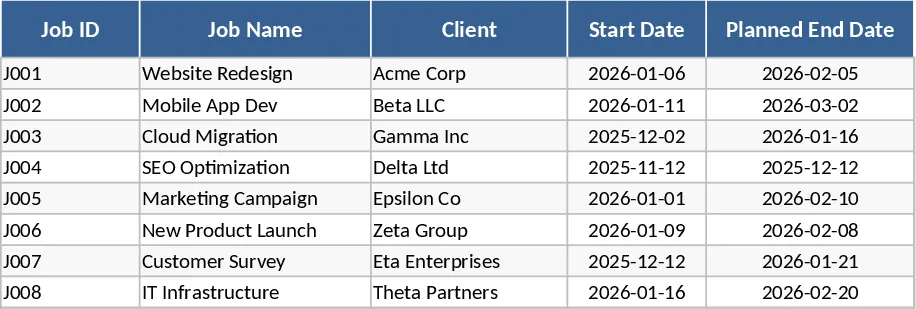
Automated Gantt Chart Project Planner Template
Track project tasks and milestones with an automated Gantt chart timeline and a summary dashboard to monitor progress and identify critical delays.
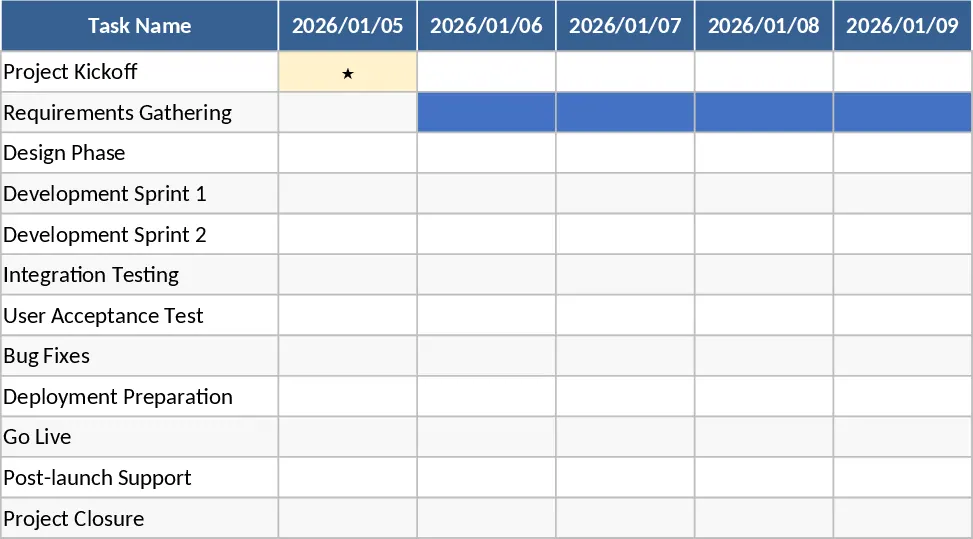
Gantt Chart Project Planning with Conditional Formatting Template
Plan and visualize your project schedule with an automated Gantt chart featuring task tracking, timeline visualization, and summary insights.