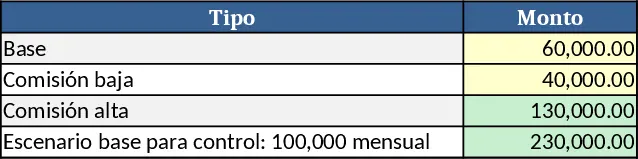
Monthly Finance Tracker with Emojis and Charts Template
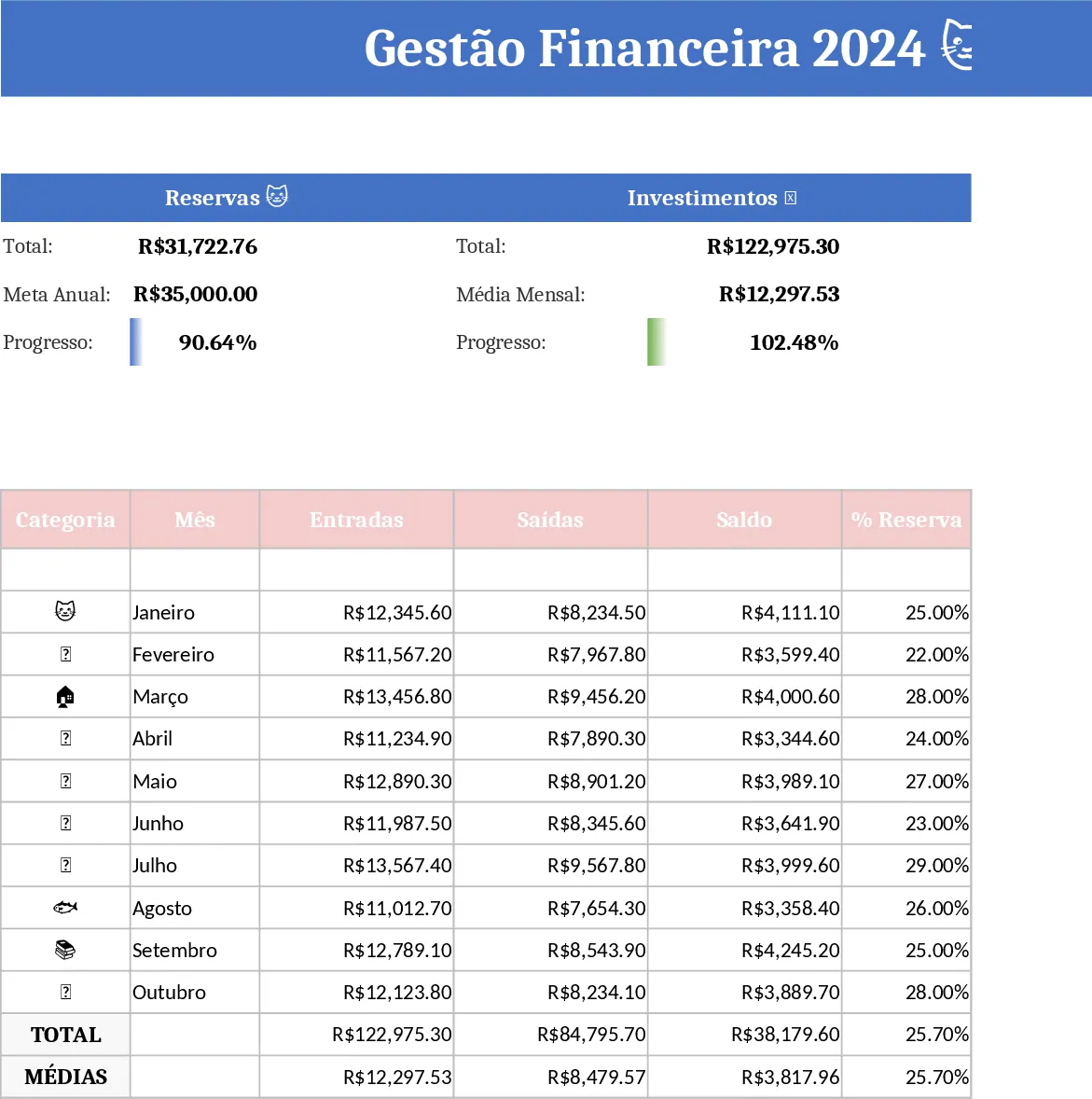
This Excel template gives you a complete financial dashboard for the entire year. Each month has its own tab where you can log every entry – income, expense, or transfer – with columns for date, description, amount, category (displayed with handy emojis), and a status checkbox to mark whether the transaction is paid or pending. A dropdown lets you classify items as fixed (rent, utilities) or variable (groceries, entertainment), and the sheet automatically totals each section.
All monthly tabs feed into a central summary sheet that rolls up the data and creates dynamic charts. You’ll see a line chart of your emergency reserve growth, a pie chart breaking down where your money goes, and a bar chart comparing investment contributions over time. These visuals turn raw numbers into instant insights, helping you spot trends and adjust your budget on the fly.
The template is perfect for anyone who wants to bring order to personal finances, freelancers managing irregular cash flow, or small‑business owners tracking operating costs. It solves the headache of scattered receipts and manual calculations by providing a single place to record, categorize, and visualize every transaction throughout the year.
With this tool you can monitor cash inflows and outflows, keep an eye on fixed obligations versus discretionary spending, and ensure your emergency fund stays on track. The emoji‑based categories make it quick to identify the purpose of each expense, while the paid/unpaid flag prevents double‑counting and highlights upcoming bills.
How to use:
- Open the workbook and select the tab for the current month.
- Enter each transaction in a new row, choosing the appropriate emoji‑category from the dropdown and marking the status as paid or unpaid.
- Switch to the "Summary" sheet to watch the charts update automatically as you add data.
- Adjust the budget targets in the settings section if you want to see projected versus actual performance.
Expected benefits: you’ll spend far less time reconciling accounts, avoid missed payments, and gain a clear visual picture of your financial health with just a few clicks.
Similar Templates Recommendation
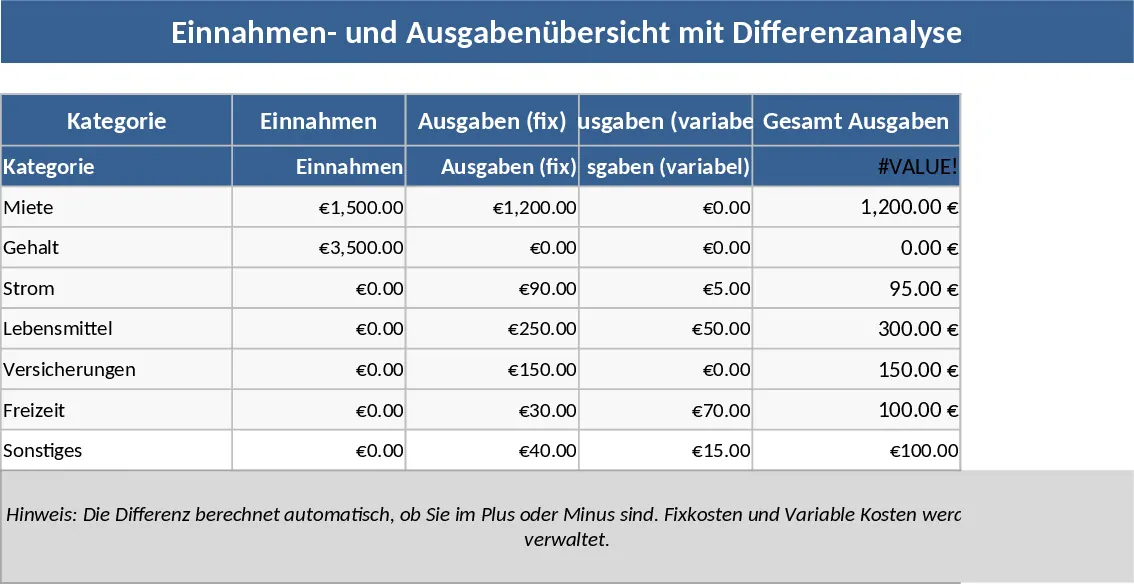
2025 Income & Expense Tracker with Fixed & Variable Costs Template
Track your 2025 income and expenses with separate fixed and variable cost sections, monthly totals, and a clear yearly summary.
Personal Financial Planning and Savings Tracker Template
A detailed personal finance planner to track income, expenses, savings and hit a 500k goal in 12 months.
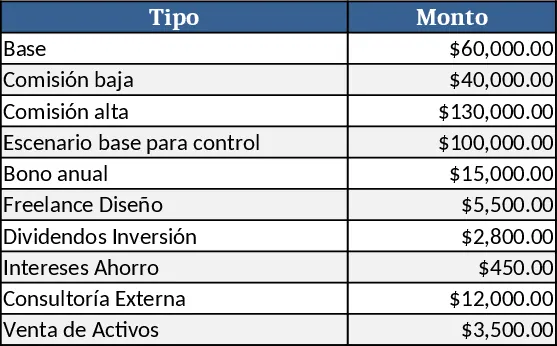
12‑Month Personal Financial Planning and Savings Tracker Template
Track income, expenses, savings and monthly targets to reach a 500,000 personal goal in 12 months.