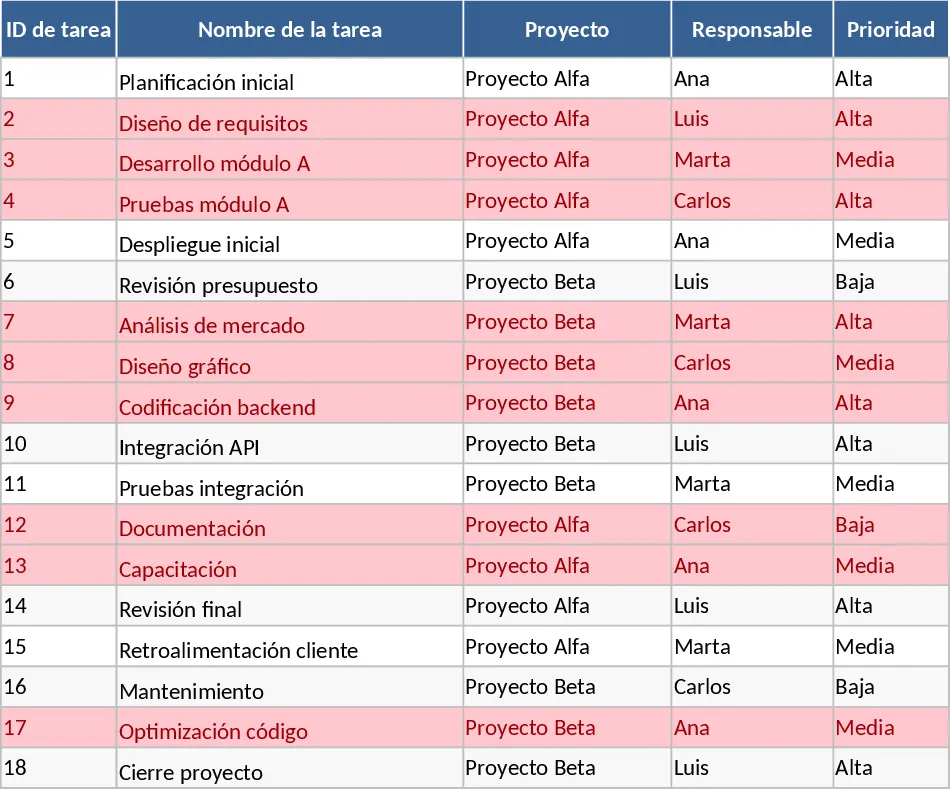
Project Task Tracker and Status Dashboard with Schedule Planner Template
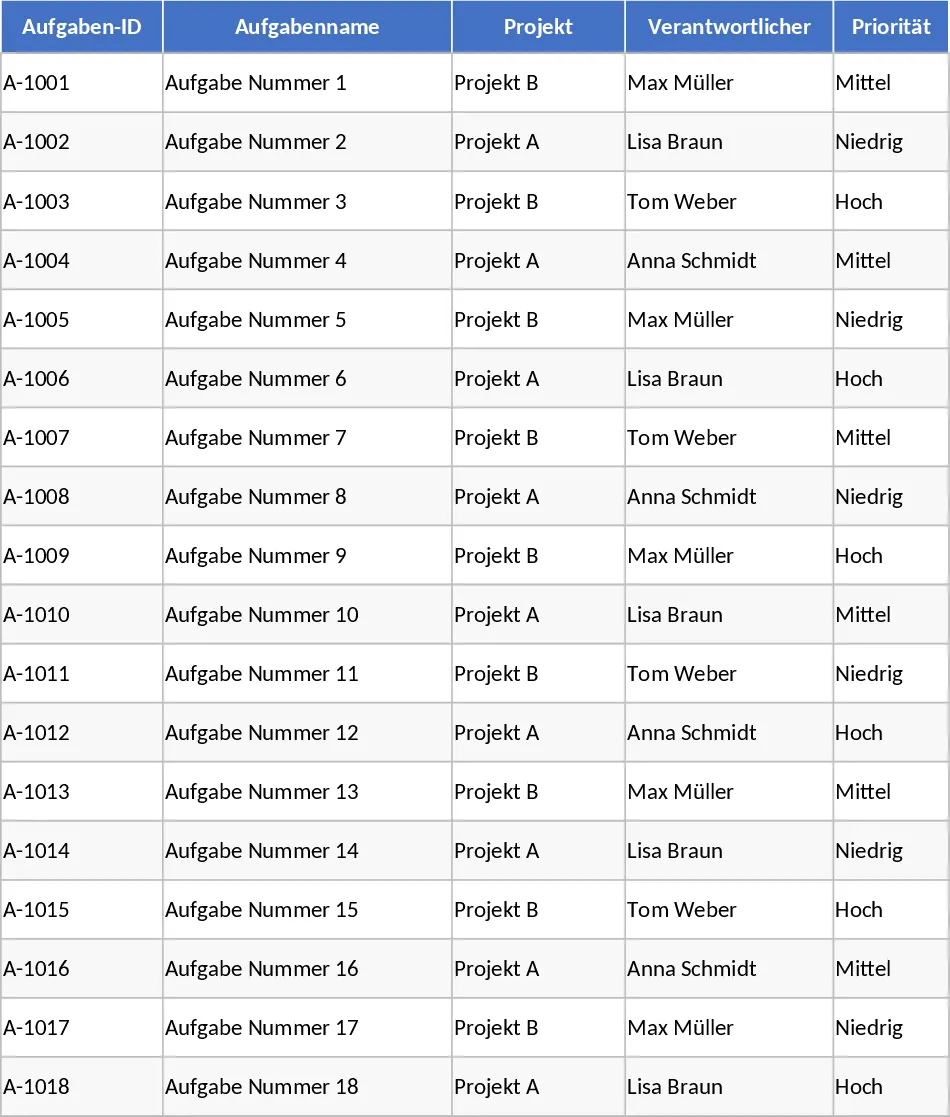
Managing multiple projects simultaneously requires a high level of organization and a clear view of every moving part. This Project Task Tracker is a robust Excel solution designed to bridge the gap between simple to-do lists and complex project management software. It provides a structured environment where you can define tasks, assign accountability, and monitor timelines with precision. The template is divided into two functional areas: a granular Task Management sheet and a high-level Dashboard for executive summaries.
The Task Management sheet is the engine of the template. It includes comprehensive columns for Task ID, Project Name, and Task Description, alongside critical tracking metrics like Start and End dates. To ensure data integrity, the template utilizes data validation for the Responsible Person, Priority (High, Medium, Low), and Status (Not Started, In Progress, Blocked, Completed) fields. One of the most powerful features is the automated alerting system; any task that has passed its due date without being marked as Completed is automatically highlighted in red. This visual cue helps you focus your attention where it is needed most, ensuring that deadlines are respected and dependencies are managed effectively.
Beyond simple tracking, the template helps you manage resources by comparing Estimated Hours against Actual Hours. This data is invaluable for future planning and understanding team capacity. Whether you are managing a small marketing campaign or a large-scale operational rollout, having these metrics at your fingertips allows for data-driven decision-making. The inclusion of a Notes and Dependencies column further ensures that all contextual information stays within the document, reducing the need for constant follow-up emails or meetings.
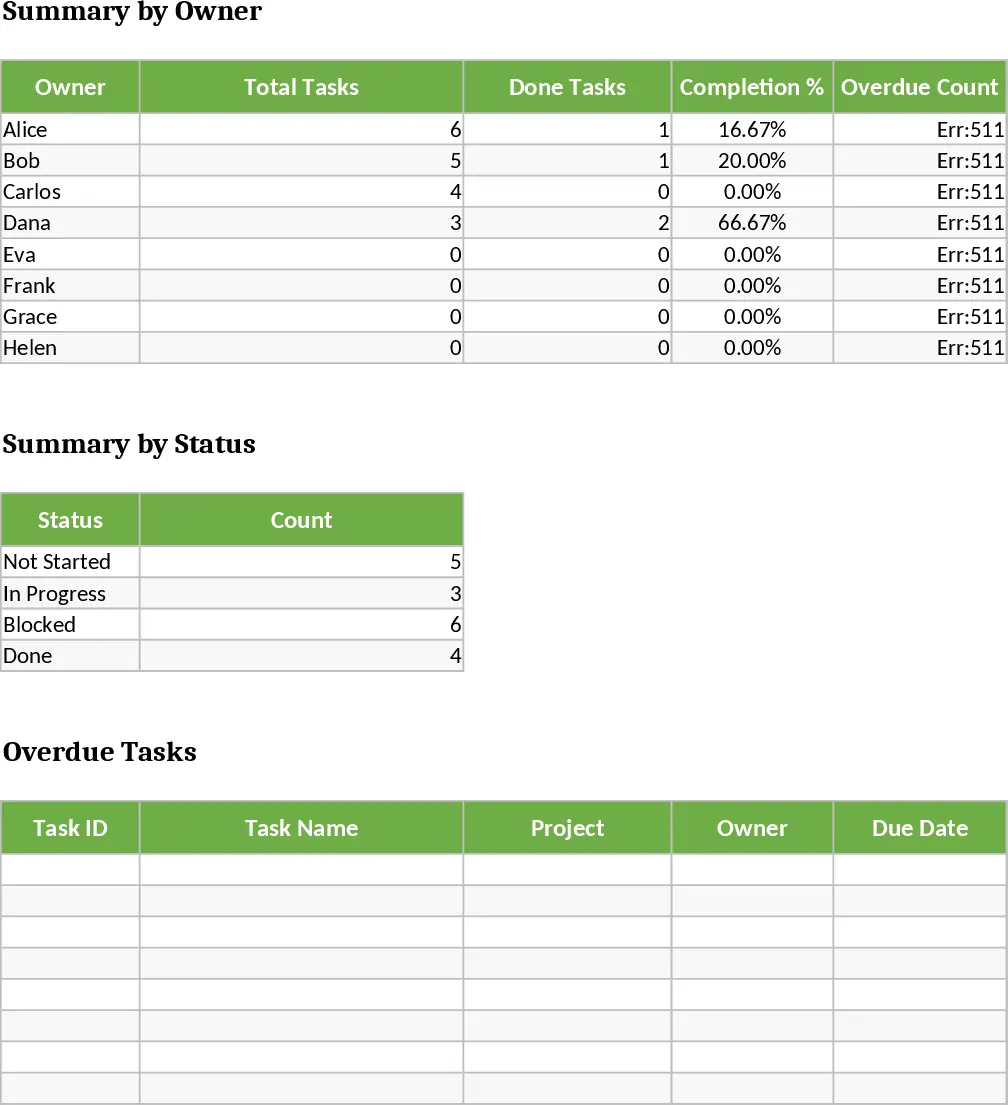
The Project Overview sheet transforms your raw data into actionable insights. It features a Summary by Owner table that calculates the total number of tasks assigned to each person, their completion percentage, and the number of overdue items they currently hold. This level of transparency encourages accountability and helps managers redistribute tasks if one team member is overloaded. Additionally, the Status Summary provides a snapshot of the entire project portfolio, showing exactly how many tasks are blocked or in progress. A specialized table at the bottom of the dashboard pulls all overdue tasks into one view, providing a clear hit list for the start of every workday.
How to use this template:
- Start by entering your project tasks into the Tasks sheet, ensuring every task has a responsible owner, a priority level, and a firm due date.
- As the project progresses, update the Status and Actual Hours columns regularly to reflect the current state of work.
- Visit the Project Overview sheet to monitor team performance and identify any tasks that are falling behind schedule via the automated summary tables.
- Use the filtered overdue task list to prioritize your daily actions and address bottlenecks immediately.
By centralizing your project data in this tracker, you can expect a significant reduction in the time spent on manual reporting and a much clearer understanding of your project trajectory. It simplifies the complex task of coordination, allowing you to focus on delivery rather than administration.
Similar Templates Recommendation
Project Task Tracker with Status Dashboard and Project Timeline Template
Track project tasks and team performance with automated status summaries, priority management, and visual alerts for overdue deadlines.
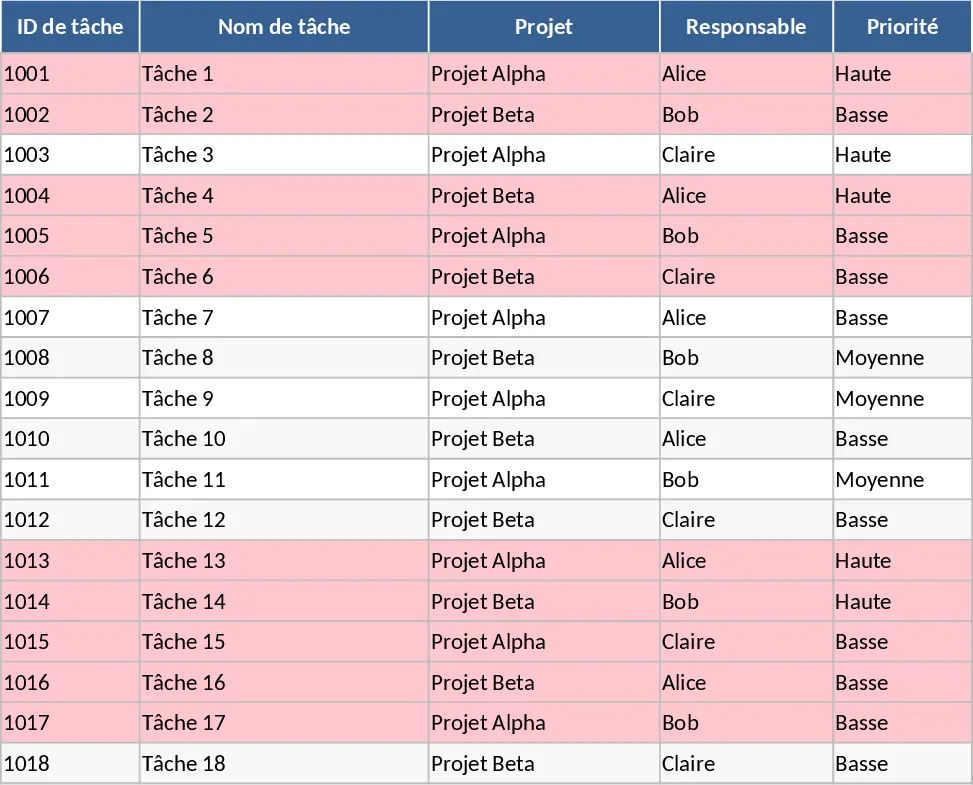
Project Task Tracker with Dashboard Overview and Task Status Template
Streamline your workflow with a comprehensive project tracker that monitors task progress, team workloads, and deadlines through an automated dashboard.
Project Task Tracker with Dashboard Overview and Project Timeline Template
Manage project timelines and team workloads with this comprehensive task tracker featuring automated status summaries and overdue task alerts.