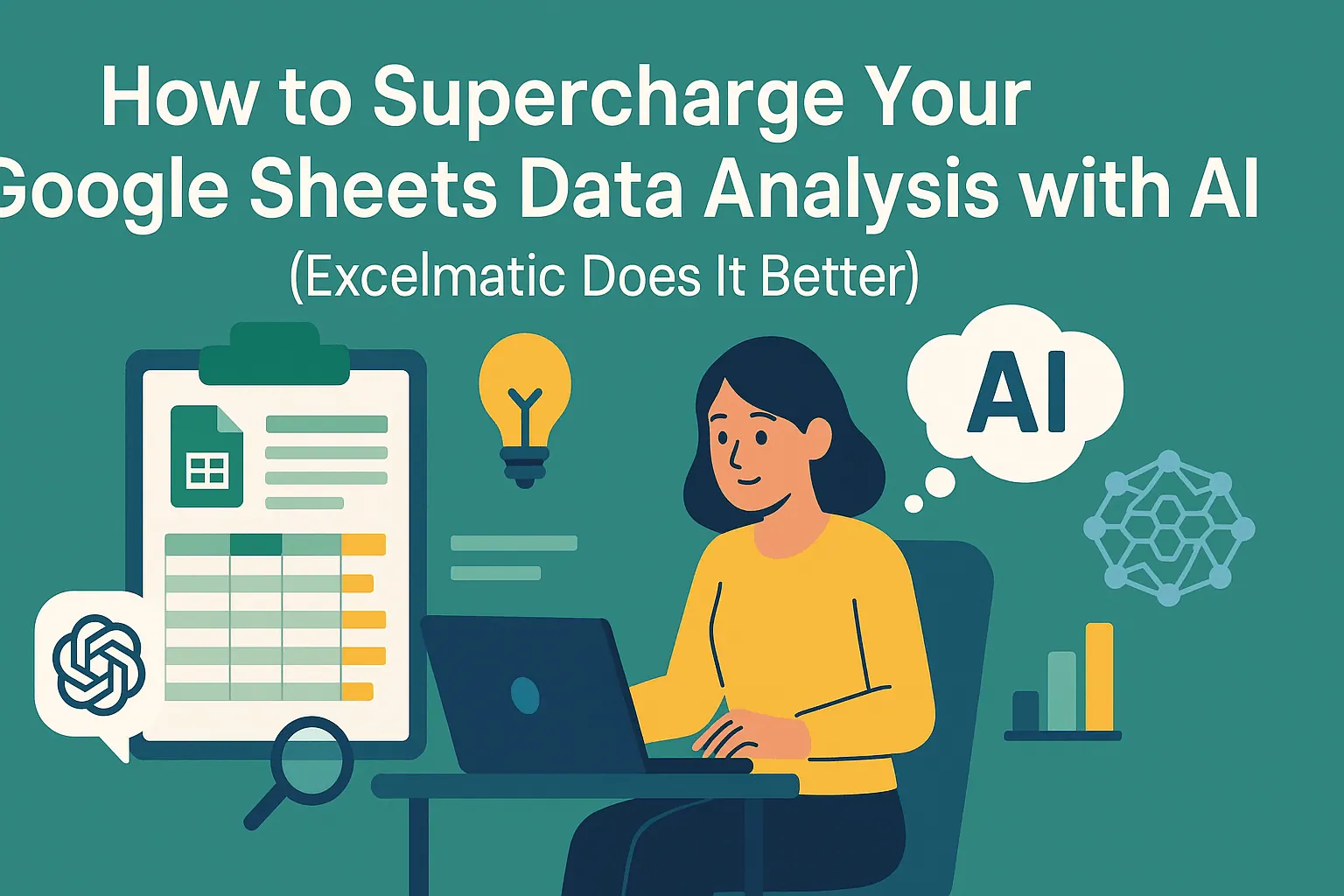
How to Supercharge Your Google Sheets Data Analysis with AI (RowSpeak Does It Better)

Data analysis doesn’t have to feel like decoding ancient hieroglyphics. While Google Sheets + ChatGPT combos are gaining traction, there’s a smarter way: RowSpeak’s AI-powered spreadsheet tools that deliver instant insights without the integration headaches. Let’s explore both approaches—and why professionals are switching to all-in-one solutions.
shouy2

The Old-School Way: ChatGPT + Google Sheets Dance

Step 1: Spreadsheet Setup
Google Sheets remains a solid starting point. Create your dataset, use basic functions like =SUM() or =AVERAGE(), then prepare for the ChatGPT tango.

Step 2: The Clunky Integration
You’ll need Zapier/API workarounds to connect ChatGPT. It’s like building a Rube Goldberg machine just to ask:
"What’s our Q3 sales trend compared to last year?"

Step 3: Question Crafting Olympics
ChatGPT needs perfectly phrased prompts. One vague question? Prepare for irrelevant answers or hallucinated numbers.

The Reality Check
This method works, but it’s slow. You’re constantly switching tabs, debugging API errors, and fact-checking AI outputs. Not exactly "delightful."


The Modern Solution: AI-Native Tools Like RowSpeak

Why stitch together tools when you can have AI built directly into your spreadsheet? Here’s how RowSpeak changes the game:

  1. Zero Setup, Instant Analysis
    No integrations needed. Upload your data and start asking questions naturally:
    "Show me monthly trends" → Done.

  1. Smarter Than Basic ChatGPT
    RowSpeak understands spreadsheet context—it won’t invent fake formulas or misread your columns.

  2. One-Click Visualizations
    From pivot tables to heatmaps, the AI suggests and creates the right charts while you sip your coffee.

  3. Team-Friendly Collaboration
    Share live dashboards where colleagues can ask their own AI questions—no more version control chaos.


Key Analysis Tasks Made Effortless

Trend Spotting
Instead of manually comparing quarters, ask: "Highlight significant changes in customer churn rate" and get annotated insights.

Anomaly Detection
RowSpeak automatically flags outliers like: "November sales dropped 40% despite holiday season—check inventory logs."

Predictive Power
Get forecasts like "Based on 2023 data, expect 15% higher Q1 demand in the Midwest region" with confidence intervals.


Why Professionals Are Switching

While ChatGPT integrations show AI’s potential, they reveal three pain points:

  • Time wasted on setup and prompt engineering
  • Risk of errors when AI misinterprets raw data
  • No unified workspace for analysis → visualization → sharing

RowSpeak solves this by embedding AI directly where you work. It’s like having a data scientist inside your spreadsheet—one that actually understands your business context.


Try the Smarter Way Today

Skip the duct-taped solutions. Explore RowSpeak’s AI spreadsheet tools to transform raw numbers into decisions faster than you can say "pivot table."

Pro tip: Our free tier lets you test AI analysis on your own datasets—no credit card required.


About the Author
As a growth lead at RowSpeak, I’ve seen hundreds of teams ditch manual analysis for AI automation. The result? Faster decisions, happier analysts, and leaders who actually understand their data.
Ditch Complex Formulas – Get Insights Instantly

No VBA or function memorization needed. Tell RowSpeak what you need in plain English, and let AI handle data processing, analysis, and chart creation

Try RowSpeak Free Now

Recommended Posts

How to Supercharge Your Google Sheets Data Analysis with AI (RowSpeak Does It Better)
Excel Operation

How to Supercharge Your Google Sheets Data Analysis with AI (RowSpeak Does It Better)

Tired of manual data crunching in Google Sheets? Learn how AI-powered tools like RowSpeak automate analysis, generate insights, and create stunning visualizations—all without leaving your spreadsheet.

Gianna
How to Supercharge Your Google Sheets Analysis with AI (RowSpeak Does It Better)
Excel Operation

How to Supercharge Your Google Sheets Analysis with AI (RowSpeak Does It Better)

Tired of manual data crunching in Google Sheets? Learn how AI tools like RowSpeak automate analysis, spot trends, and generate reports—all without complex formulas.

Gianna
How to Supercharge Your Google Sheets Data Analysis with AI (2025 Guide)
Excel Operation

How to Supercharge Your Google Sheets Data Analysis with AI (2025 Guide)

Struggling with spreadsheet data? AI can help! This guide shows you how to leverage AI in Google Sheets to automate analysis, generate insights, and create stunning visualizations - no advanced skills required.

Gianna
How to Supercharge Excel Data Analysis with AI (Using RowSpeak & ChatGPT)
Excel Operation

How to Supercharge Excel Data Analysis with AI (Using RowSpeak & ChatGPT)

Tired of staring at spreadsheets? Learn how AI-powered tools like RowSpeak and ChatGPT can automate your Excel workflows, uncover hidden trends, and create stunning visualizations—no coding required.

Gianna
How to Supercharge Your Spreadsheets with ChatGPT + RowSpeak
Excel Operation

How to Supercharge Your Spreadsheets with ChatGPT + RowSpeak

Spreadsheets don't have to be complicated. Learn how combining ChatGPT's AI capabilities with RowSpeak's advanced features can revolutionize your data analysis and reporting processes.

Gianna
How to Supercharge Excel Data Analysis with AI (RowSpeak Does It Best)
Excel Operation

How to Supercharge Excel Data Analysis with AI (RowSpeak Does It Best)

Tired of manual number crunching? AI-powered tools like RowSpeak are revolutionizing how we analyze data in Excel. Here's your step-by-step guide to working smarter, not harder.

Gianna
How to Sum Columns in Google Sheets: 5 Easy Methods for Better Data Analysis
Excel Operation

How to Sum Columns in Google Sheets: 5 Easy Methods for Better Data Analysis

Struggling with spreadsheet sums? This guide breaks down 5 simple methods to total columns in Google Sheets, with pro tips for faster analysis. See how AI tools like RowSpeak can do the math for you.

Gianna
How to Supercharge Your Excel Data Analysis with AI: Unlock Instant Insights with RowSpeak
Excel Operation

How to Supercharge Your Excel Data Analysis with AI: Unlock Instant Insights with RowSpeak

Struggling with Excel data overload? AI can help. This guide shows you how to leverage AI in Excel for smarter analysis, from cleaning messy data to predicting future trends.

Gianna